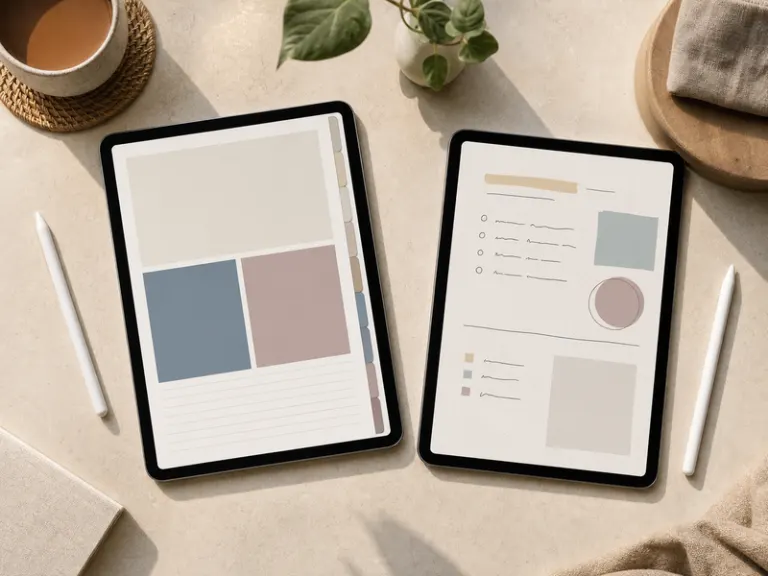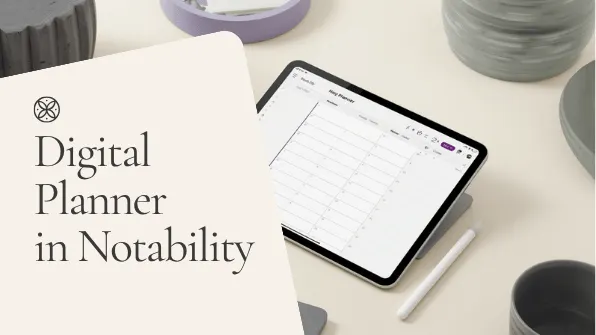


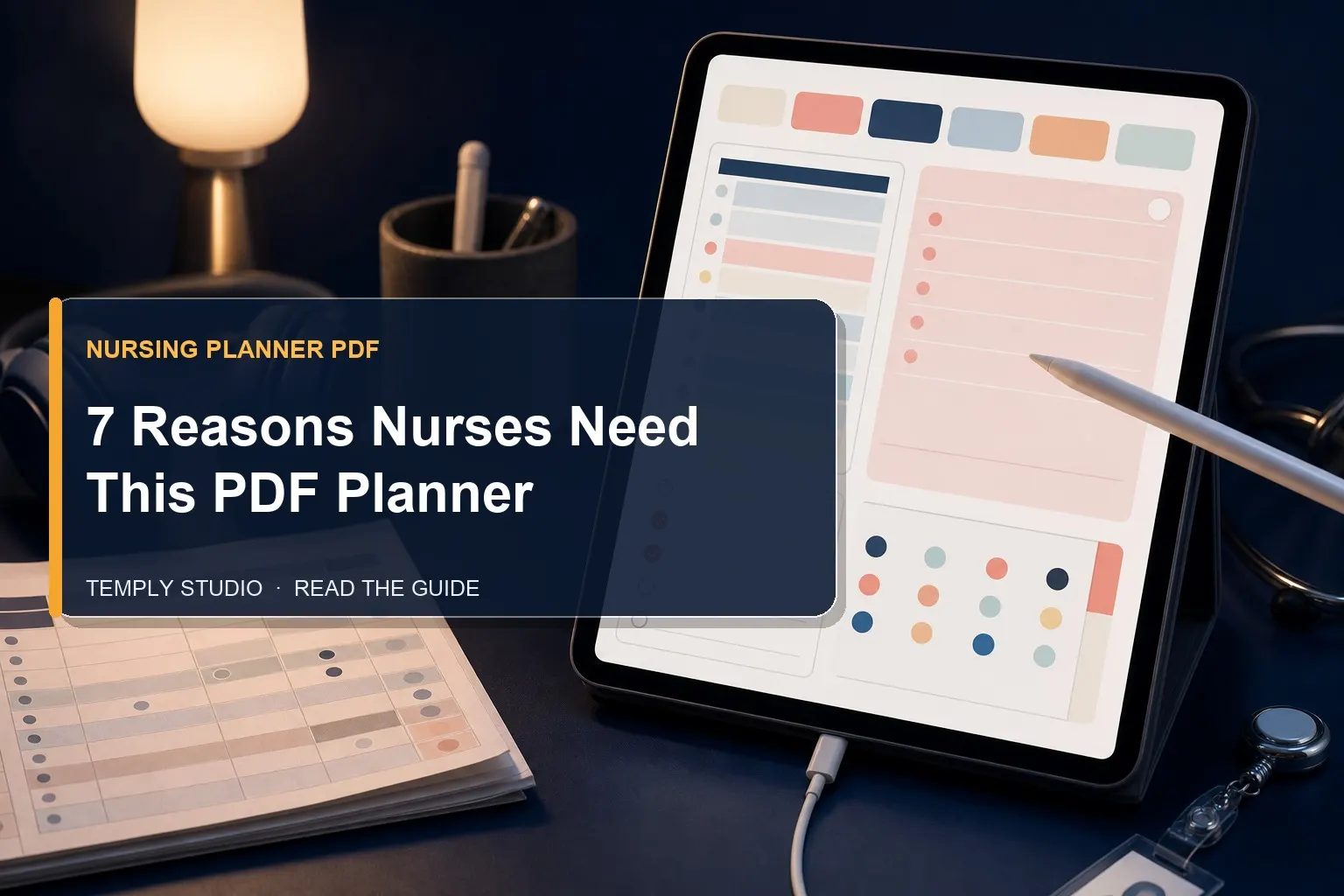
Between 12-hour shifts, rotating schedules, and the emotional weight of patient care, staying organized feels impossible. A nursing planner pdf provides the structured system you need to track shifts, manage assignments, and protect your personal time. This isn’t just another notebook — it’s a lifeline for your career and well-being.
Nurses juggle more responsibilities than most professions realize. According to the American Nurses Association, workforce management is critical for sustainable nursing practice. From clinical handoffs to continuing education credits, every detail matters. A nursing planner pdf brings all these elements into one cohesive system that works on your iPad, tablet, or printed out. Let’s explore exactly why this digital tool has become essential for modern healthcare professionals.
What Makes a Nursing Planner PDF Different from Regular Planners
Standard planners weren’t designed for rotating shifts, 12-hour days, or the complex scheduling demands of nursing. A nursing planner pdf addresses these specific needs with specialized layouts that accommodate the unique workflow of healthcare professionals.
Unlike generic daily planners that assume a 9-to-5 schedule, these templates include sections for night shifts, on-call hours, and overtime tracking. The digital format means you can duplicate pages for each week, add notes about specific patients or medications, and search through past entries instantly. This flexibility is something paper planners simply cannot match.
Shift Tracking Layouts That Actually Work
The core of any nursing planner pdf is its shift tracking capability. These layouts typically include morning, evening, and night shift columns, along with spaces for recording start and end times. Many templates also feature a monthly overview where you can color-code different shift types — blue for day shifts, purple for nights, green for days off.
This visual system helps you quickly identify patterns in your schedule. Are you working too many consecutive night shifts? Is your rotation giving you enough recovery time between shifts? A nursing planner pdf makes these patterns immediately visible, helping you advocate for better scheduling when needed.
Some advanced templates even include a “shift swap” section where you can track potential trades with colleagues. Instead of relying on memory or scattered text messages, you have a dedicated space to manage these important negotiations. This reduces the stress of last-minute schedule changes.
Patient Assignment Logs for Better Handoffs
One of the most critical aspects of nursing is the handoff between shifts. A nursing planner pdf provides structured patient assignment logs that ensure nothing falls through the cracks. These logs typically include room numbers, patient names, diagnoses, important vitals, and pending tasks.
Using a digital template means you can type or write directly onto the form during your shift. At the end of your 12 hours, you have a complete record ready for the next nurse. No more scribbling on scrap paper or trying to remember details from six hours ago. The nursing planner pdf becomes your official shift documentation tool.
Many nurses find that using these logs improves their confidence during handoffs. Instead of fumbling through memory, you present organized, legible information. This professionalism earns respect from colleagues and supervisors alike.
How a Nursing Planner PDF Improves Work-Life Balance
Nursing is notorious for blurring the lines between work and personal life. Without intentional structure, shifts bleed into days off, and burnout becomes inevitable. A nursing planner pdf creates clear boundaries by dedicating specific sections to personal planning alongside professional scheduling.
The psychological benefit of seeing your entire week laid out cannot be overstated. When you visually confirm that Friday is a day off, you can mentally disconnect from work. The nursing planner pdf reinforces that your time outside the hospital is just as important as your time inside it.
Many templates include habit trackers, gratitude logs, and meal planning sections specifically designed for nurses. These features encourage self-care and healthy routines despite irregular schedules. Instead of letting exhaustion dictate your choices, you proactively plan rest, exercise, and social time.
Setting Boundaries with Visual Scheduling
One of the biggest challenges nurses face is saying no to extra shifts. When your manager calls asking you to cover, it’s easy to say yes out of guilt or obligation. A nursing planner pdf gives you concrete evidence of your availability. You can see exactly how many hours you’ve already worked and whether taking that extra shift would compromise your recovery time.
This visual data empowers you to make decisions based on facts rather than pressure. If your nursing planner pdf shows you’ve worked six days straight, you have a legitimate reason to decline. The template becomes your ally in maintaining healthy boundaries.
Some nurses take this a step further by color-coding their energy levels throughout the month. After a few weeks, patterns emerge. Maybe you consistently feel drained after three consecutive night shifts. This insight helps you negotiate better rotation schedules and protect your long-term health.
Meal Planning for Irregular Shifts
Nutrition often suffers when you’re working odd hours. Cafeterias close, convenience foods call your name, and meal prep feels impossible. A nursing planner pdf with a dedicated meal planning section changes this dynamic entirely.
By planning your meals for the week — including which shifts you’ll need packed lunches for — you eliminate the last-minute scramble. The template might include a grocery list section, a “meals for night shift” category, and a hydration tracker. These small touches make a massive difference in your energy levels and overall health.
Nurses who use meal planning templates report saving money on takeout and feeling more energetic during shifts. The nursing planner pdf transforms nutrition from an afterthought into a prioritized part of your routine.
Top Features to Look for in a Nursing Planner PDF
Not all nursing planner pdf templates are created equal. Some are designed for nursing students, while others cater to experienced RNs. Understanding what features matter most helps you select the perfect template for your specific needs.
We’ve analyzed dozens of templates and identified the key components that make a nursing planner pdf truly effective. These features address the unique demands of healthcare work while remaining flexible enough to adapt to your personal style.
Hyperlinked Tabs for Quick Navigation
If you’re using your nursing planner pdf on a tablet, hyperlinked tabs are essential. These clickable elements let you jump instantly between months, weeks, and specialized sections. Instead of scrolling endlessly, you tap once and arrive exactly where you need to be.
Good templates include tabs for monthly calendars, weekly spreads, patient logs, medication trackers, and notes. Some even include a “favorites” tab where you can save your most-used pages. This navigation system transforms a simple PDF into a fully interactive digital planner experience.
When evaluating templates, check whether the hyperlinks work in GoodNotes, Notability, or your preferred app. Most high-quality nursing planner pdf files are optimized for popular note-taking applications.
Customizable Medication and Vital Signs Trackers
Patient safety depends on accurate tracking. A nursing planner pdf with dedicated medication logs helps you record what was administered, when, and any patient reactions. These logs are invaluable during busy shifts when you’re managing multiple patients simultaneously.
Look for templates that include blank fields you can fill in based on your unit’s requirements. Some nurses need space for blood pressure readings, while others focus on insulin administration. The best nursing planner pdf templates are flexible enough to accommodate various specialties.
These trackers also serve as backup documentation. If your hospital’s electronic system goes down, having a paper or digital backup ensures continuity of care. This redundancy is a smart practice that experienced nurses swear by.
How to Choose the Right Nursing Planner PDF for Your Specialty
Different nursing specialties require different organizational approaches. An ER nurse has vastly different needs than a school nurse or a home health nurse. The ideal nursing planner pdf reflects your specific workflow and documentation requirements.
Take time to assess your daily tasks before selecting a template. What information do you reference most frequently? What do you forget most often? The answers to these questions guide your choice toward a nursing planner pdf that truly serves you.
Emergency Room Nurses
ER nurses thrive on speed and adaptability. Your nursing planner pdf needs quick-reference sections for common medications, triage categories, and trauma protocols. A compact layout that fits on a single page per shift works best, allowing you to capture critical information without flipping through multiple pages.
Many ER nurses prefer templates with large checkboxes and minimal decorative elements. Functionality trumps aesthetics when you’re making split-second decisions. Look for a nursing planner pdf that prioritizes clarity and rapid data entry.
ICU and Critical Care Nurses
Intensive care demands meticulous documentation. Your nursing planner pdf should include detailed sections for ventilator settings, continuous medication drips, and hourly vital sign trends. These templates often require more space per patient, so choose a layout that accommodates extensive notes.
ICU nurses also benefit from shift summary pages that consolidate all critical information for handoffs. A well-designed nursing planner pdf helps you present a complete picture of your patient’s status in under five minutes.
Home Health and Community Nurses
Nurses working in home health face unique logistical challenges. Your nursing planner pdf needs sections for travel routes, visit schedules, and patient addresses. A monthly overview with mileage tracking helps with reimbursement and tax documentation.
Since you’re often working independently, the template should include emergency contact lists and protocol references. A nursing planner pdf designed for home health becomes your portable command center.
Step-by-Step Guide to Setting Up Your Nursing Planner PDF
Once you’ve chosen your template, proper setup ensures you get maximum value. Many nurses download a nursing planner pdf and immediately start using it without configuring the sections to their needs. Taking thirty minutes to customize the template saves hours of frustration later.
Follow this systematic approach to set up your digital planner for success. Whether you’re using GoodNotes, Notability, or a printed version, these steps apply universally.
Step 1: Import and Organize Your Template
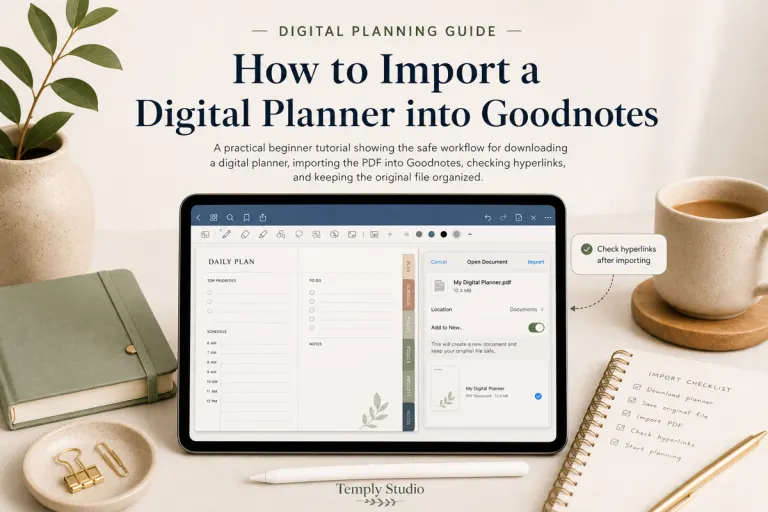
Download your nursing planner pdf and import it into your preferred app. If you’re using GoodNotes, create a dedicated folder for your planner. This keeps it separate from other documents and makes it easy to find during busy shifts.
Take a few minutes to explore all the hyperlinked tabs. Click through every section to understand the layout and identify which pages you’ll use most frequently. This exploration phase prevents confusion when you’re trying to document something quickly during a shift.
Some nurses add a cover page with their name, unit, and hospital information. This personalization makes the nursing planner pdf feel like your own professional tool rather than a generic template.
Step 2: Set Up Your Monthly Calendar
Start by filling in your work schedule for the current month. Use color codes for different shift types — blue for days, purple for nights, green for off days. This visual system immediately shows your workload at a glance.
Add important deadlines like certification renewals, mandatory training sessions, and performance reviews. The monthly calendar in your nursing planner pdf becomes the central hub for all time-sensitive information.
Finally, mark personal commitments. Birthdays, appointments, and social events deserve space in your planner too. This integration reinforces that your life extends beyond the hospital walls.
Step 3: Customize Your Daily and Weekly Spreads
Your weekly spread is where most of your planning happens. Start by transferring your shift schedule from the monthly view. Then add specific tasks for each day — patient rounds, medication administration, team meetings.
Many nurses create a “before shift” checklist that includes hydration, meal prep, and uniform preparation. This routine ensures you arrive at work ready to perform at your best. The nursing planner pdf supports this preparation by providing dedicated space for these reminders.
After your shift, use the notes section to reflect on what went well and what you’d improve. This practice accelerates your professional growth and builds confidence.
Real Stories: How Nurses Use Their Planner PDFs
Hearing from colleagues who successfully integrated a nursing planner pdf into their routine provides valuable perspective. These real-world examples demonstrate the tangible benefits of going digital.
We spoke with several nurses across different specialties to understand how their planners transformed their workflow. Their experiences highlight the versatility and impact of these digital tools.
Sarah’s Journey from Paper Chaos to Digital Clarity
Sarah, a pediatric ICU nurse, used to carry three different notebooks — one for her schedule, one for patient notes, and one for personal tasks. She constantly lost information and felt overwhelmed. After switching to a nursing planner pdf, she consolidated everything into one searchable document.
“The biggest change was during handoffs,” Sarah explains. “I used to scramble to find my notes. Now I open my iPad, tap the patient log tab, and everything is right there. My colleagues noticed the difference immediately.”
Sarah also appreciates the ability to search for specific medications or procedures across all her previous entries. This feature has been invaluable during competency assessments and continuing education courses.
Mike’s Solution for Rotating Shifts
Mike works in a busy emergency department where his schedule changes weekly. Before discovering a nursing planner pdf, he struggled to maintain any sense of routine. His sleep schedule was erratic, and he often missed personal appointments.
“I started using the monthly overview to plan my recovery days,” Mike says. “If I see three night shifts in a row, I immediately block off the following day for rest. My nursing planner pdf helped me prioritize sleep, and I feel better than I have in years.”
Mike also uses the meal planning section to prepare for night shifts. He found that planning his meals reduced his reliance on vending machines and improved his energy during long shifts.
Integrating Your Nursing Planner PDF with Digital Tools
Your nursing planner pdf doesn’t exist in isolation. Integrating it with other digital tools amplifies its effectiveness and creates a seamless workflow. Many nurses combine their planners with calendar apps, note-taking software, and hospital systems.
Understanding these integrations helps you get more value from your template. The goal is to create a unified system that supports every aspect of your professional life.
Syncing with Apple Calendar or Google Calendar
While your nursing planner pdf handles detailed documentation, syncing your shift schedule with a digital calendar ensures you never miss an appointment. Many nurses use GoodNotes or Notability to annotate their planner while maintaining a parallel calendar for alerts and reminders.
You can export your monthly schedule from the nursing planner pdf and add it to your digital calendar. Set reminders for shift start times, mandatory meetings, and important deadlines. This dual system combines the flexibility of a PDF with the automation of a calendar app.
Some advanced users create recurring events for regular tasks like medication audits or equipment checks. These automated reminders reduce mental load and ensure compliance with hospital protocols.
Using Cloud Storage for Backup and Access
Losing your nursing planner pdf would be devastating, especially if it contains months of patient logs and professional notes. Cloud storage solutions like iCloud, Google Drive, or Dropbox provide automatic backups and multi-device access.
Set your note-taking app to sync automatically with cloud storage. This way, any changes you make during a shift are instantly backed up. If your tablet dies or gets lost, you can access your nursing planner pdf from another device without missing a beat.
Many nurses also keep a printed copy of their monthly schedule as a physical backup. This redundancy ensures you’re never caught off guard by technical issues.
Conclusion
Your career as a nurse demands organization, resilience, and intentional self-care. A nursing planner pdf delivers all three by providing a structured system that adapts to your unique schedule and specialty. From shift tracking to meal planning, these digital templates transform chaos into clarity.
At Temply Studio, we’ve designed nursing planner pdf templates that combine beautiful aesthetics with practical functionality. Our planners include hyperlinked tabs, customizable trackers, and layouts tailored for healthcare professionals. Whether you’re a nursing student or a seasoned RN, our templates help you work smarter, not harder.
Stop relying on scattered notes and forgotten commitments. Download a nursing planner pdf today and experience the difference that true organization makes. Your patients — and your sanity — will thank you.

Frequently Asked Questions About Nursing Planner PDFs
Can I use a nursing planner pdf on my phone?
Yes, most nursing planner pdf templates work on smartphones, though the smaller screen can make navigation challenging. For best results, use an iPad or tablet with a minimum 10-inch display. If you must use a phone, look for templates specifically designed for mobile screens with larger fonts and simplified layouts.
Do I need GoodNotes or Notability to use a nursing planner pdf?
While GoodNotes and Notability are popular choices, they aren’t required. Many nursing planner pdf templates work with any PDF annotation app, including Apple’s built-in Books app, Adobe Acrobat Reader, or even printing them out. However, apps with hyperlink support provide the best experience.
How often should I replace my nursing planner pdf?
Most nurses use a new nursing planner pdf at the start of each calendar year or fiscal year. However, if your template includes undated pages, you can continue using it indefinitely. Some nurses prefer to start fresh each quarter to maintain momentum and avoid clutter.
Can I share my nursing planner pdf with colleagues?
Absolutely. Many nurses collaborate by sharing their nursing planner pdf templates with colleagues. This is especially helpful for coordinating shift swaps, sharing patient care tips, or standardizing documentation across a unit. Just ensure you’re not sharing sensitive patient information in violation of HIPAA regulations.
Related Nursing Planner Guides
Explore the planning format that best fits your clinical, academic, or weekly workflow:
Temply Studio
Stop chasing your goals with sticky notes and scattered notebooks. Our premium digital planners and Canva templates are designed to help you plan with intention, stay consistent, and actually enjoy the process.