$5.00
CV Templates · 10 designs
Browse editable CV and resume templates with clear file and software details. Choose a layout that matches your career level and application needs without unsupported hiring or ATS guarantees.
The collection
Choose your resume format
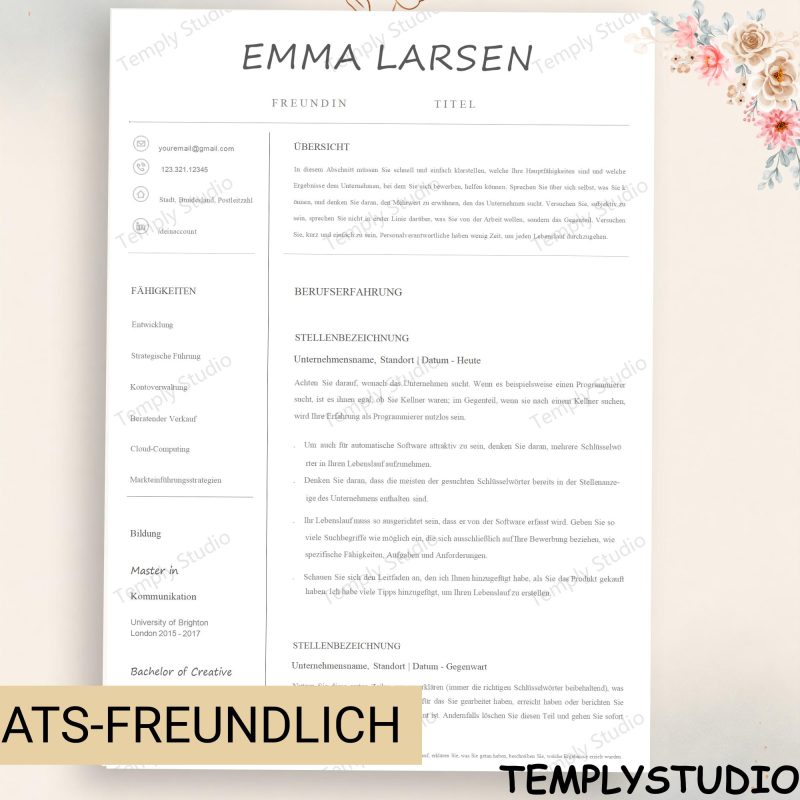
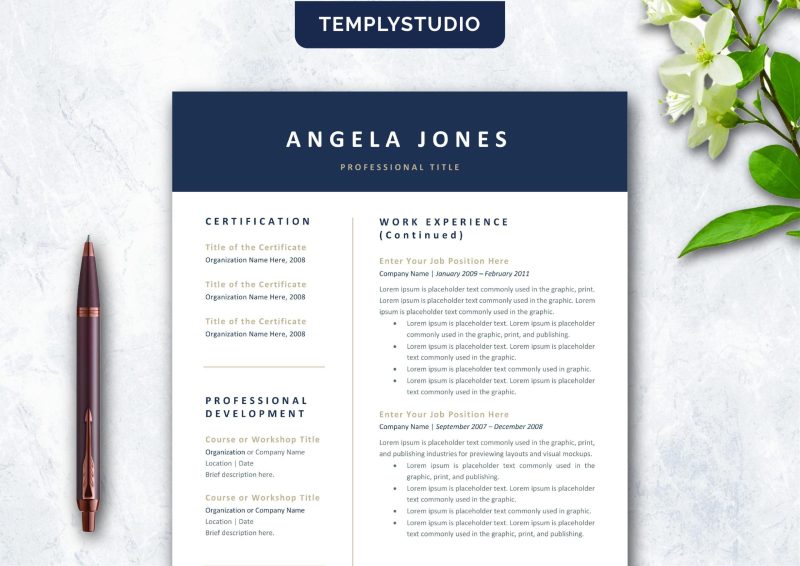
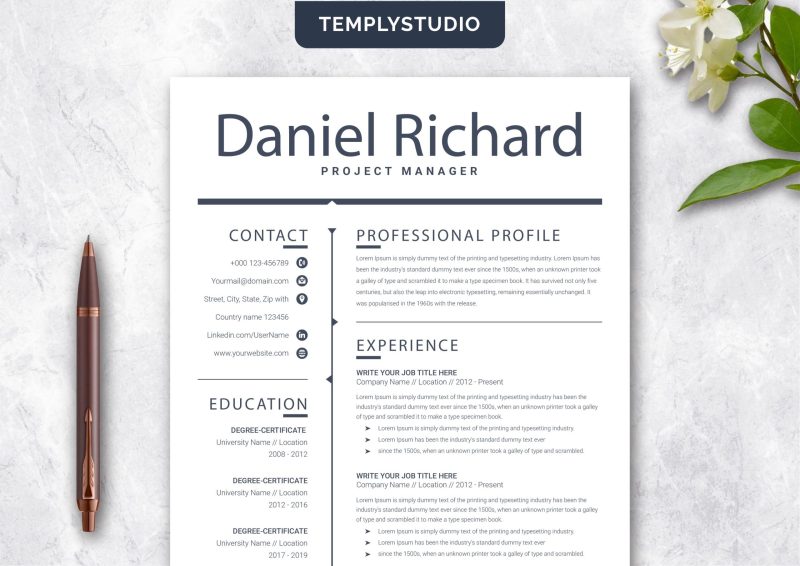
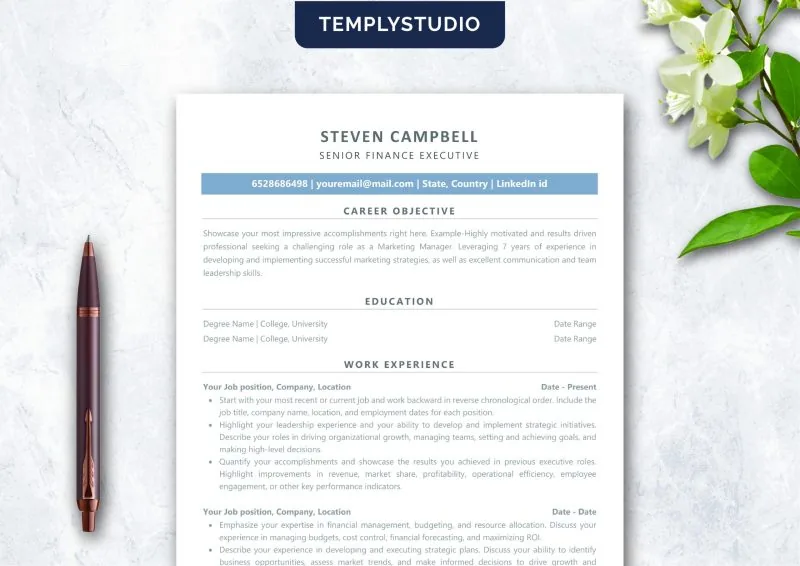
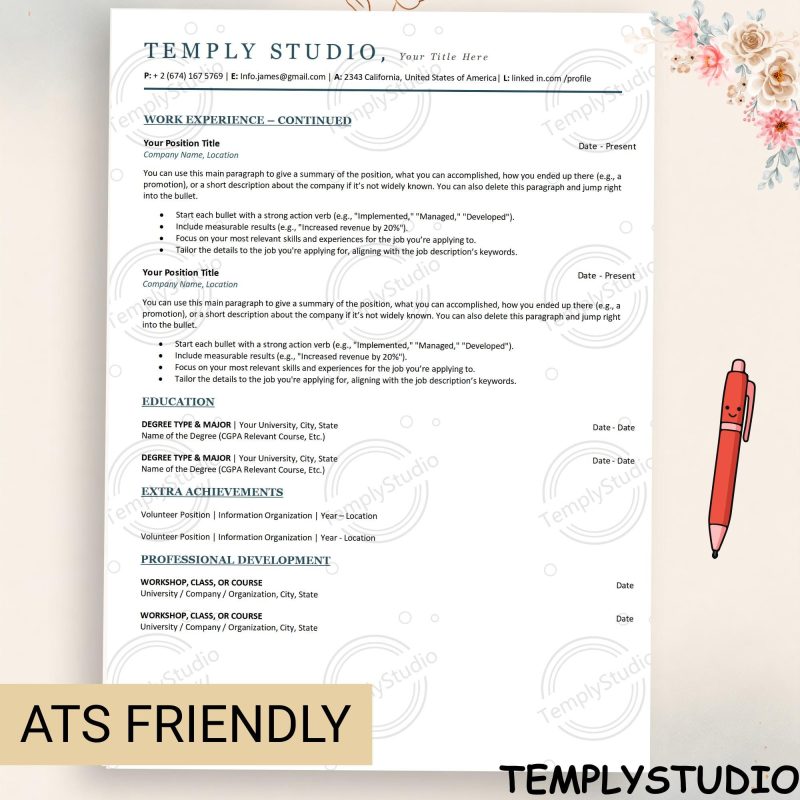
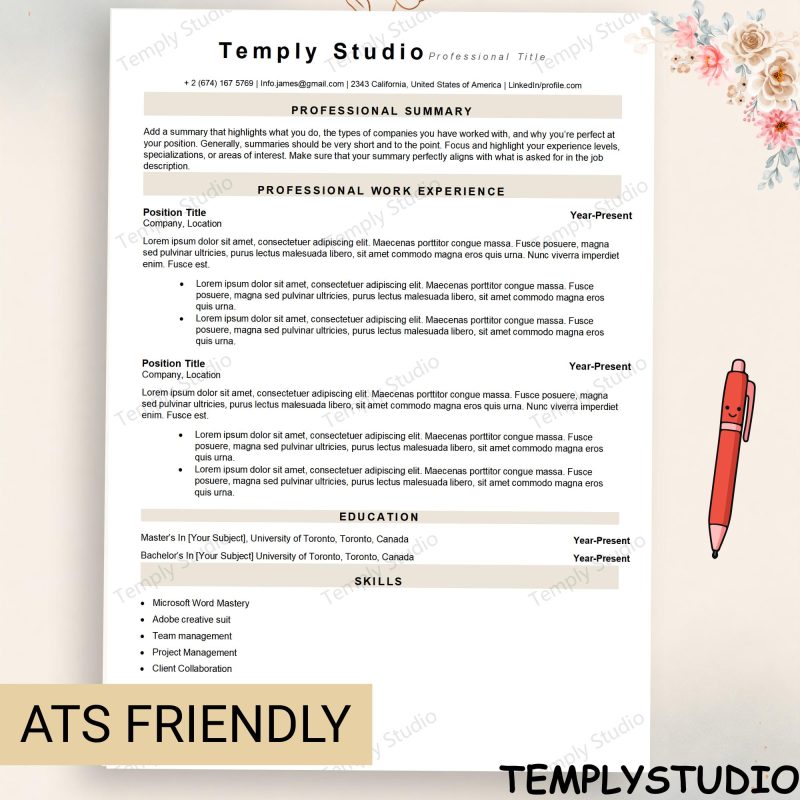
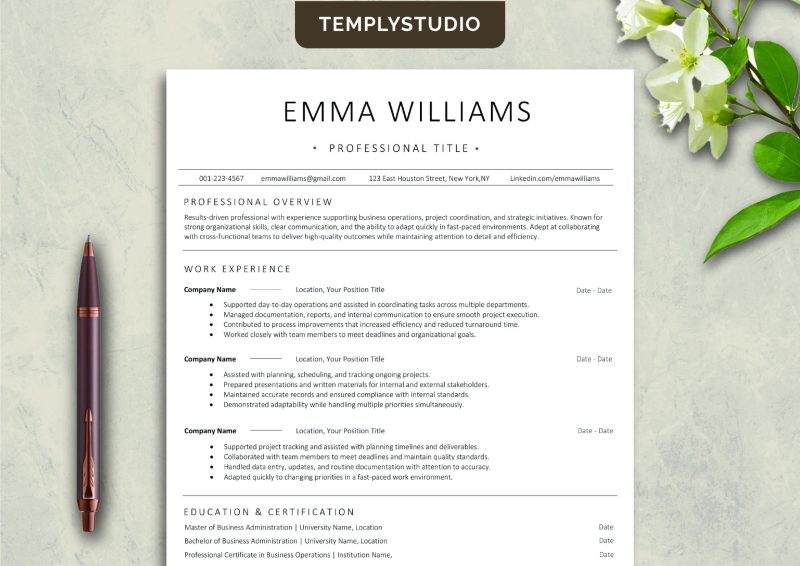
Temply Studio CV and resume templates are editable digital files for preparing your own application materials. Start with the software you already use, then choose a layout that makes your experience easy to scan. Each product page is the source of truth for included files, compatible software, page count, and license.
Choose Word or Google Docs for a familiar text-editing workflow. Canva can suit visual editing when the listing includes a Canva file. Apple Pages is appropriate only when Pages is confirmed on the product page. Do not assume that a file opens identically in every editor.
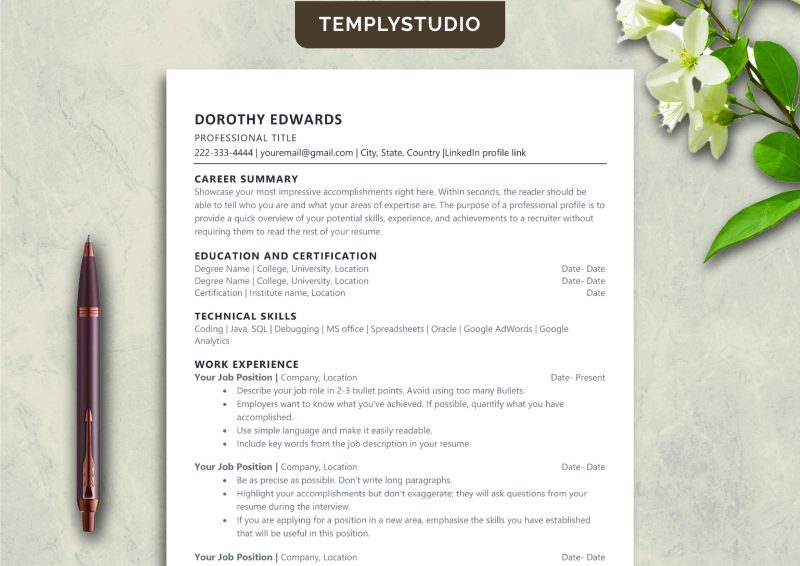
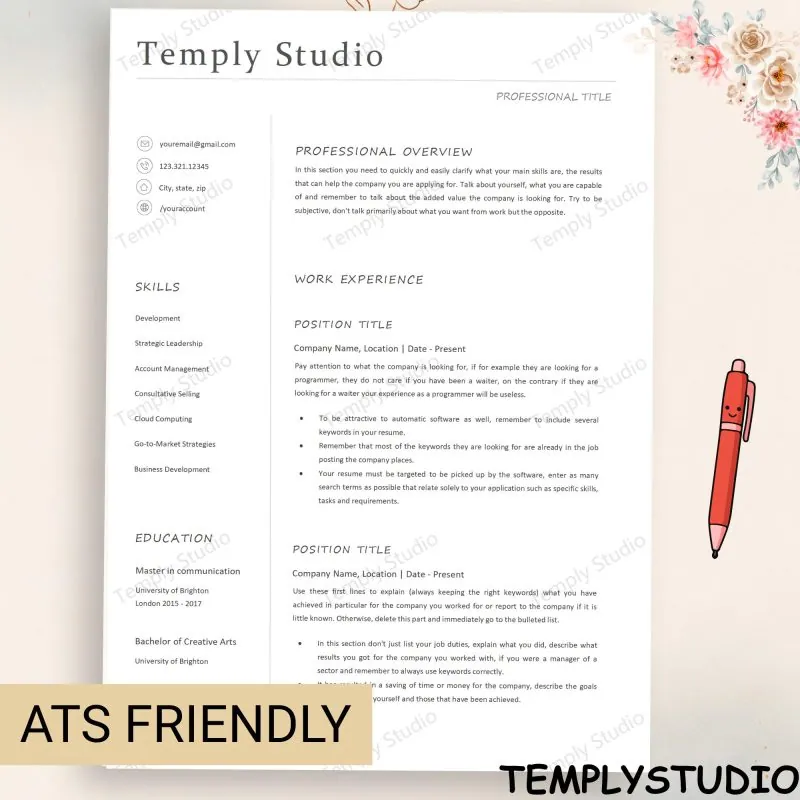
A one-column resume gives each section a clear reading path. Two-column layouts can organize skills or contact details compactly, but require careful spacing. Select the structure that fits your career history rather than choosing by visual style alone.
Choose an entry-level, professional, or executive structure based on the experience you need to present.
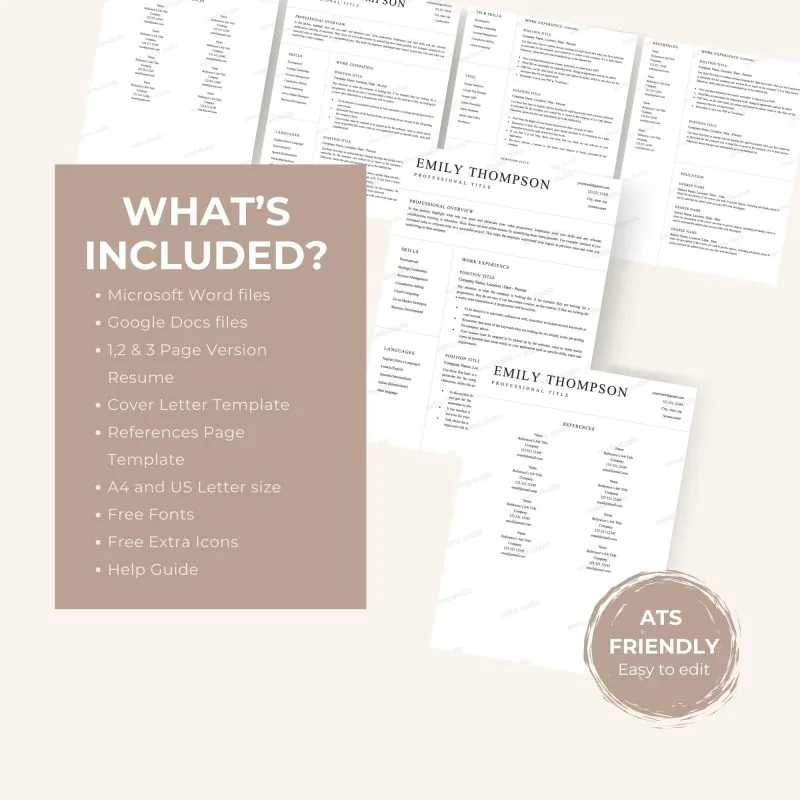
Confirm whether the download includes Word, Google Docs, Canva, Pages, a cover letter, or only a finished PDF.
Replace demo text, links, contact details, and sample sections before sending an application.
A template can support clean organization, but cannot guarantee an ATS result, interview, or hiring outcome.
Read the preview images and description for the actual product rather than relying on a generic resume checklist. Note the language, page size, column structure, and whether the file includes a cover letter or references page. After downloading, save an untouched backup and work from a duplicate. Replace sample text, check every hyperlink, remove placeholder contact details, and export a final copy only after proofreading. A clean template is a starting point; your own experience, achievements, dates, and role-specific wording still need to be accurate.
For digital products, check the individual listing for the configured files, access method, license, and support details before purchasing. If you need a format that is not listed, contact Temply Studio before purchasing so compatibility can be confirmed from the actual source file.
Compare the trade-offs in the one-column versus two-column resume guide, then use the matching resume and cover-letter template guide to keep fonts, spacing, contact details, and filenames consistent. These guides explain document decisions without promising an ATS score, interview, or hiring result.
No. Screening and hiring outcomes depend on the application, role, employer, and many other factors.
Only when Word is listed as an included or compatible format.
No. These are digital downloads and no physical item is shipped.
No. Templates are for personal use only unless a product page states a different license.
Need a hand?
Tell us how you plan, apply or create, and we’ll point you to the right file before you buy.