Beautiful digital planners, one click away.
Hyperlinked planners for iPad and tablet, designed in the studio for digital delivery. Access depends on the product and order status.
Digital Planners · Printables · CV Templates · SVG Bundles · All products · Journal
Why buy from us?
Designed in the studio
Every layout is drawn in-house: calm pages, considered spacing and covers you will want to open every morning.
Digital delivery
Nothing physical is shipped. Access depends on the product and order status.
Check the listing
App and file-format requirements vary by product; review the individual listing before buying. Many products also print at home.
Premium digital planners
 Nursing School Planner 2027
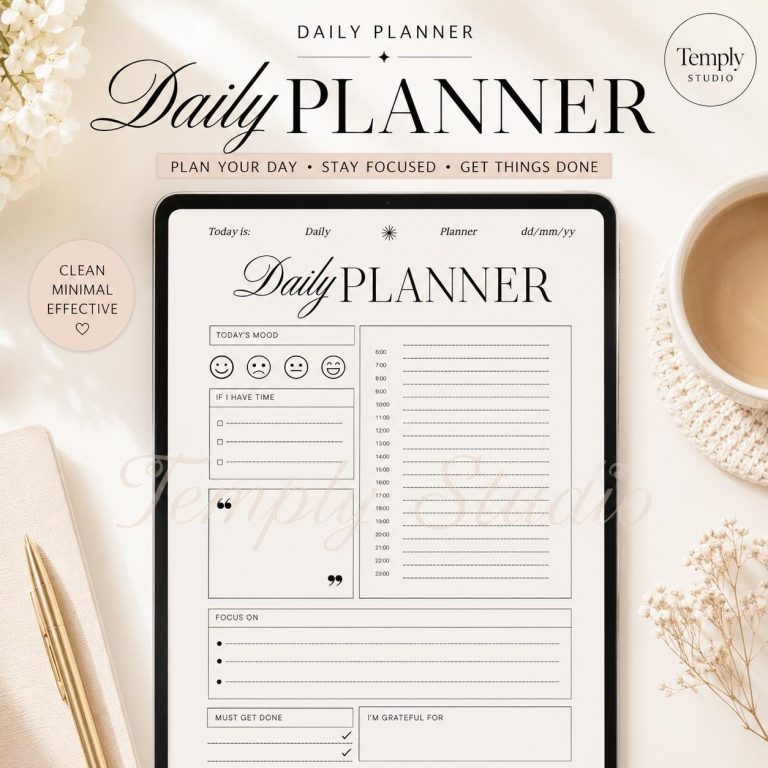
- Minimalist Daily Planner
- 2027 Candle Guided Planner
- Workout Planner 2027
- Minimalist Declutter Planner 2027
- 2027 Finance Planner
- 2027 Solopreneur Planner
- 365-Day Daily Schedule Planner
- 2027 Business Planner
- Reading List Tracker
- Cancer Zodiac Planner Printable
- Virgo Weekly Planner
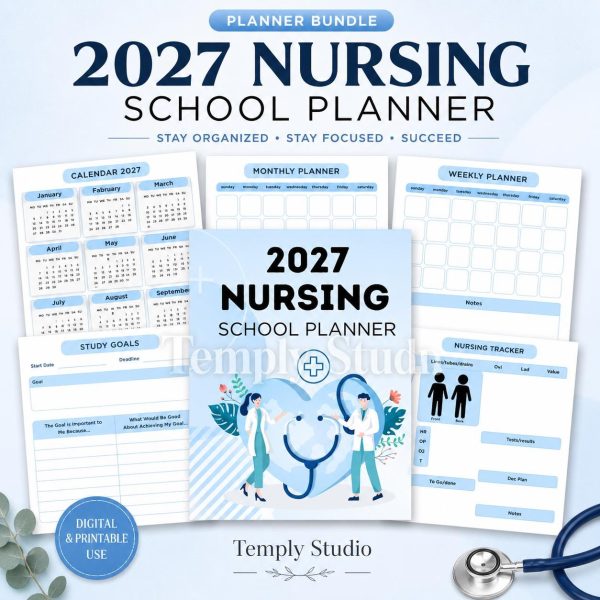 Nursing School Planner 2027
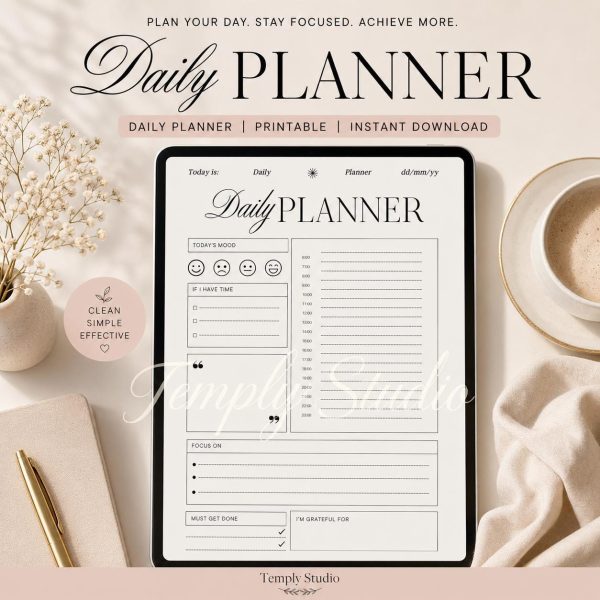 Minimalist Daily Planner
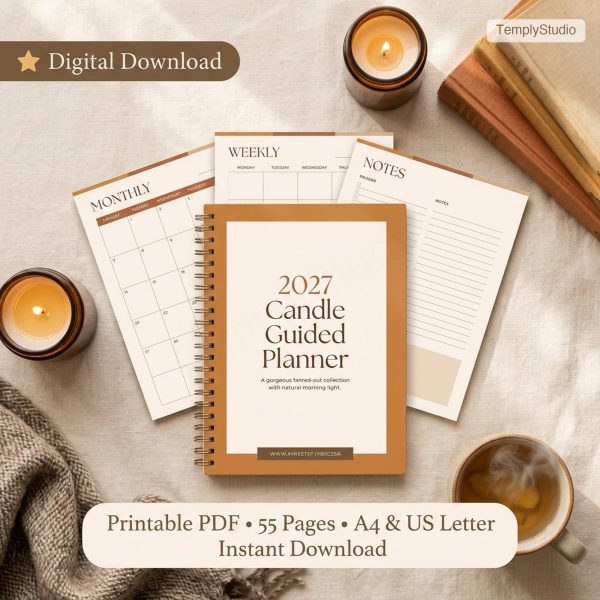 2027 Candle Guided Planner
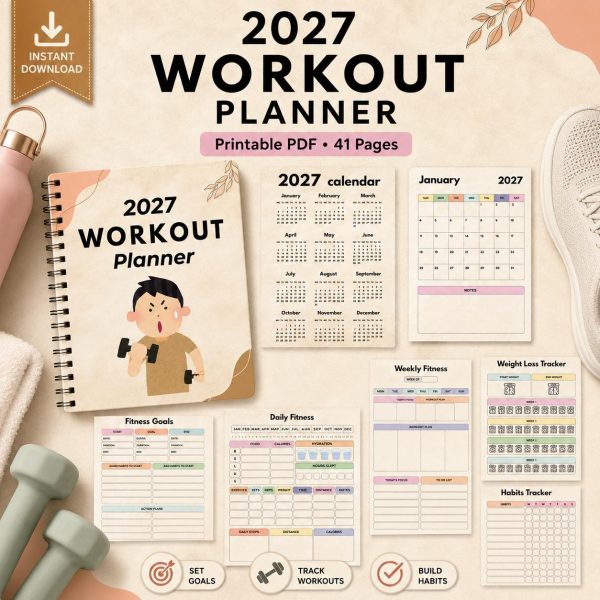 Workout Planner 2027
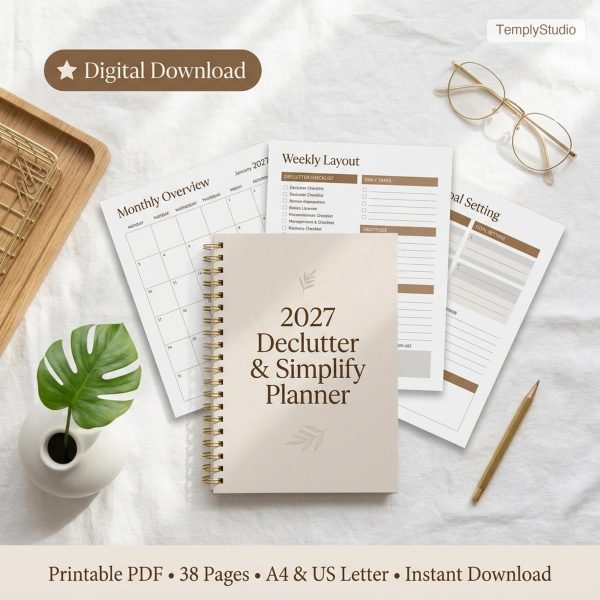 Minimalist Declutter Planner 2027
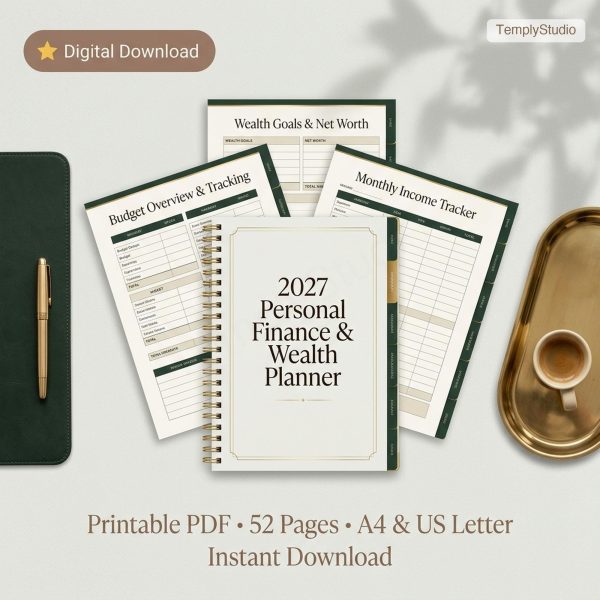 2027 Finance Planner
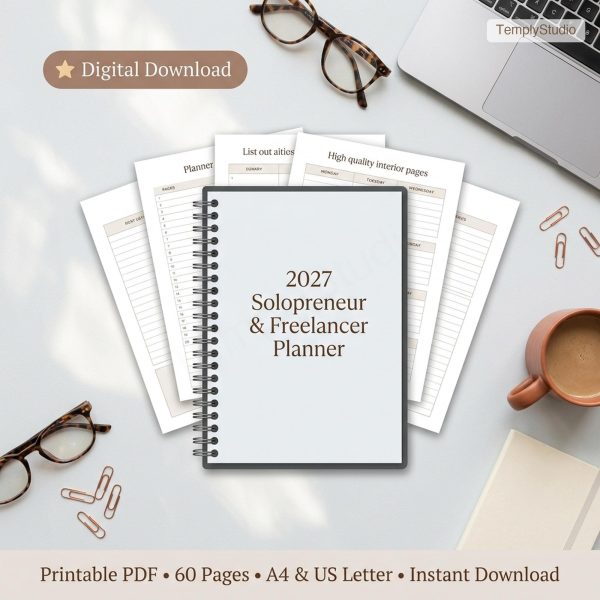 2027 Solopreneur Planner
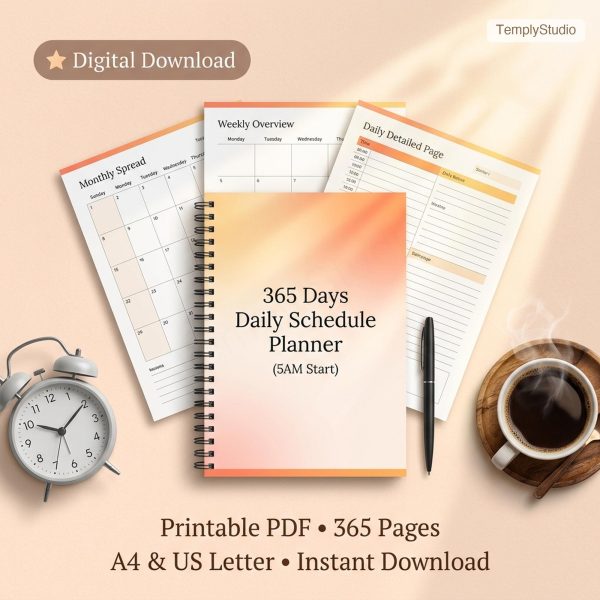 365-Day Daily Schedule Planner
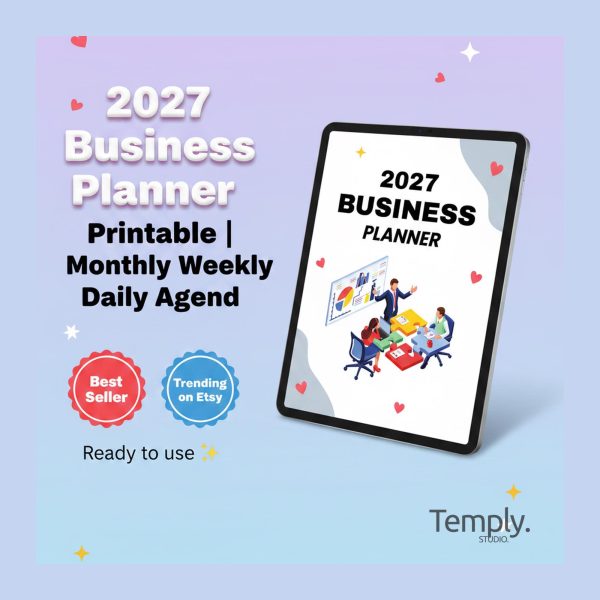 2027 Business Planner
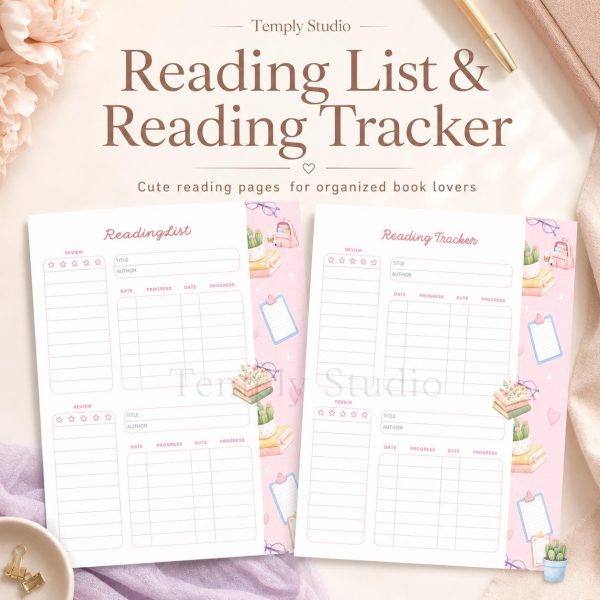 Reading List Tracker
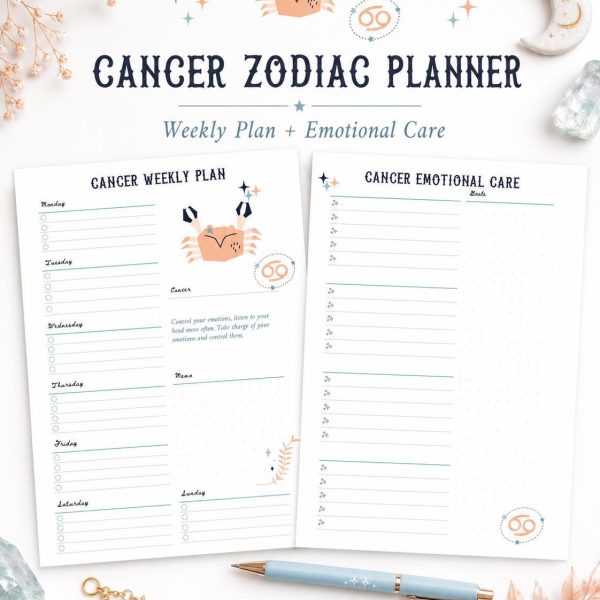 Cancer Zodiac Planner Printable
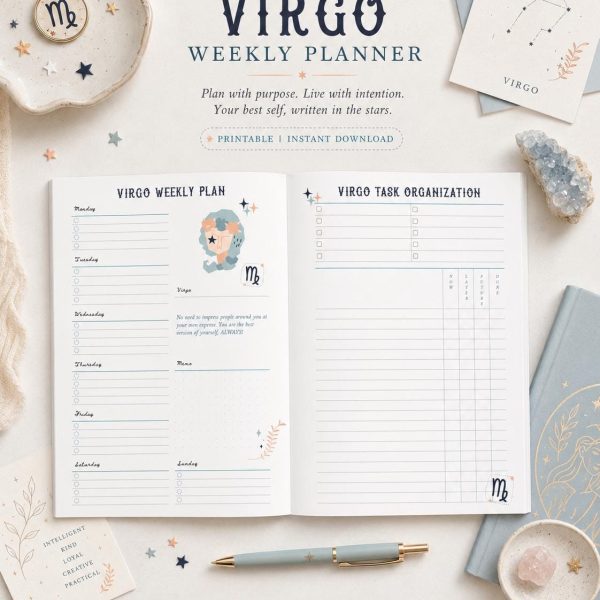 Virgo Weekly Planner
Shop by category
Digital Planners (26 designs)
Hyperlinked PDF planners for iPad and Android tablets. Dated 2026 and 2027 editions and undated layouts with yearly, monthly, weekly and daily pages, all linked by clickable tabs. App requirements vary by product; check the individual listing.
- Nursing School Planner 2027 – $4.99
- Minimalist Daily Planner – $3.99
- 2027 Candle Guided Planner – $4.99
- Workout Planner 2027 – $4.99
- Minimalist Declutter Planner 2027 – $2.99
- 2027 Finance Planner – $4.99
Printables (6 designs)
Trackers, worksheets, charts and journal pages for home, study and wellness routines. Print them at home on A4 or US Letter, or write on them digitally in any PDF annotation app.
- Wedding Day Emergency Kit Checklist – $4.99
- Outdoor Adventure Planner – $4.99
- Wedding Safety Signage Pack – $4.99
- Seasonal Recipe Planner Printable – $2.99
- Bridesmaid Packing Checklist – $4.99
- Cute Cat Brain Dump Printable – $2.99
CV & Resume Templates (2 designs)
Clean, editable resume layouts built for readability. Editors and file formats vary by product; check the individual listing before buying.
- Executive Resume Template for Microsoft Word – Cover Letter Included – $4.94
- Single-Column ATS Resume Template for Microsoft Word – $4.80
Browse all CV & Resume Templates
SVG Bundles (6 designs)
Cut files for Cricut, Silhouette and other cutting machines: signs, shirts, mugs and seasonal projects. Each bundle lists the file formats included, so you know it will open in your design software.
- Back-to-School SVG Bundle – $4.99
- Baby SVG Bundle – $4.99
- Boho Baby SVG Bundle – $4.99
- 14 Summer Beach Icon SVG Bundle – $4.99
- 12 Reindeer Silhouette SVG Bundle – $4.99
- Welcome Round Sign SVG Bundle – Farmhouse Door Hanger Files – $1.46
How it works
- Choose your design. Browse planners, printables, CV templates and SVG bundles. Every product page shows the pages, file format and compatible apps.
- Check out securely. Pay by card or PayPal. There is nothing to ship, so the order completes in a few seconds.
- Download your files. After payment is confirmed, download links may appear on the confirmation page or in an order email, and under My account > Downloads when available.
- Import and start. Open the file in the apps or editors the individual product lists, or print at home where a printable format is included.
Digital planners, templates & printables made to be used
Temply Studio designs hyperlinked digital planners for iPad and tablets: daily, weekly and yearly layouts with clickable tabs that open in GoodNotes, Notability, Noteshelf and other PDF annotation apps. Pick a dated 2026 or 2027 planner, or an undated layout you can start any month.
Beyond planners, the studio makes printables for home, study and wellness routines, CV and resume templates with editors varying by product, and SVG bundles for cutting-machine projects.
Files, formats and app requirements vary by product. Review the individual listing before buying, and ask the studio if a specification is missing or unclear. Digital delivery depends on the product and order status. Want ideas first? The journal covers setting up a digital planner, adding stickers in GoodNotes and choosing a resume layout.
Good to know
What is a hyperlinked digital planner?
A PDF planner with clickable tabs and links, so you can jump between years, months, weeks and days inside apps like GoodNotes or Notability instead of scrolling.
Which apps work with Temply planners?
App requirements vary by product. Check the individual listing for supported formats and apps, and ask the studio before buying if compatibility is unclear.
Can I use the planners on Android or Windows tablets?
Compatibility depends on the product. Check the individual listing for supported devices and apps.
Should I pick a dated or an undated planner?
A dated planner has every day of 2026 or 2027 already laid out. An undated planner lets you start any month and reuse it, which suits you if you plan in bursts or start mid-year.
How do I get my files after checkout?
Download access depends on the product and order status. After payment is confirmed, links may be available on the order confirmation page, in an order email or in My account > Downloads. If a completed order has no download link, contact the studio with your order number.
Can I print the planners and printables?
Yes. They are PDF files you can print at home or at a print shop. Check the product page for the page size and orientation.
Can I edit the CV and resume templates?
Editing support varies by product. The individual listing states which editors and formats each template includes.
Do the SVG bundles work with Cricut and Silhouette?
Compatibility varies by product. Each bundle lists the formats included; check the individual listing to match your design software.
From the journal
- GoodNotes iCloud Storage Full? How to Free Space Without Losing Notes: Quick answer: When GoodNotes iCloud storage is full, syncing stops — but your notes are usually still safe on your iPad. Check Settings > Apple Account…
- How to Use GoodNotes Presentation Mode: Present, Annotate & Share Live: Quick answer: To use GoodNotes presentation mode, connect your iPad or iPhone to an external screen with AirPlay or a cable, open your notebook, and choose…
- GoodNotes for HR Teams: Onboarding, Interviews & Employee Notes in One Place: Quick answer: Use GoodNotes for blank onboarding checklists, interview scorecard templates, and low-sensitivity planning if your employer approves it. Keep employee and candidate records in your…
- How to Use GoodNotes on Android: Install, Sync & Plan on Your Phone or Tablet: Learning how to use GoodNotes on Android is the fastest way to bring a proper digital planner to a Samsung Galaxy Tab or any other Android…
- GoodNotes for Sales Teams: Pipelines, Client Notes & Meeting Prep in One Place: GoodNotes for sales teams is an unexpectedly powerful way to run a pipeline from an iPad. Sales is a notes business: every call, meeting, and follow-up…
- GoodNotes for Medical Students: Study Notes, Anatomy & Clinical Rotations in One Place: GoodNotes can help organize permitted study material, lecture annotations and revision plans. Before using a personal device or cloud notebook on placement, follow your medical school…
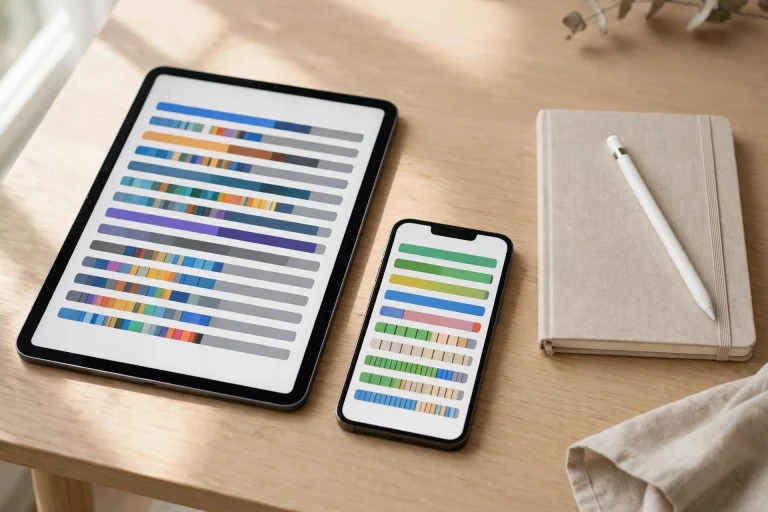 GoodNotes iCloud Storage Full? How to Free Space Without Losing Notes
 How to Use GoodNotes Presentation Mode: Present, Annotate & Share Live
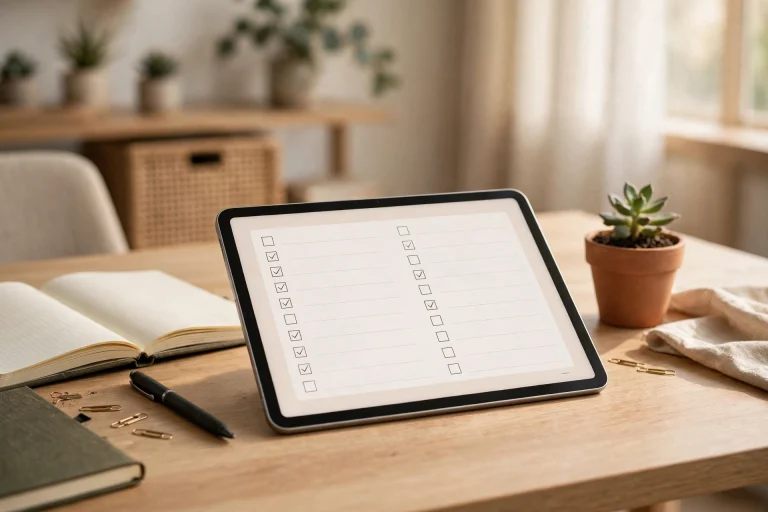 GoodNotes for HR Teams: Onboarding, Interviews & Employee Notes in One Place
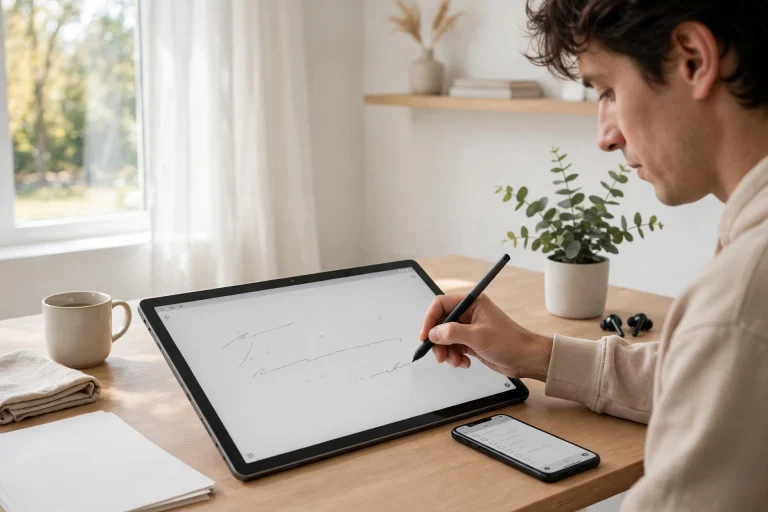 How to Use GoodNotes on Android: Install, Sync & Plan on Your Phone or Tablet
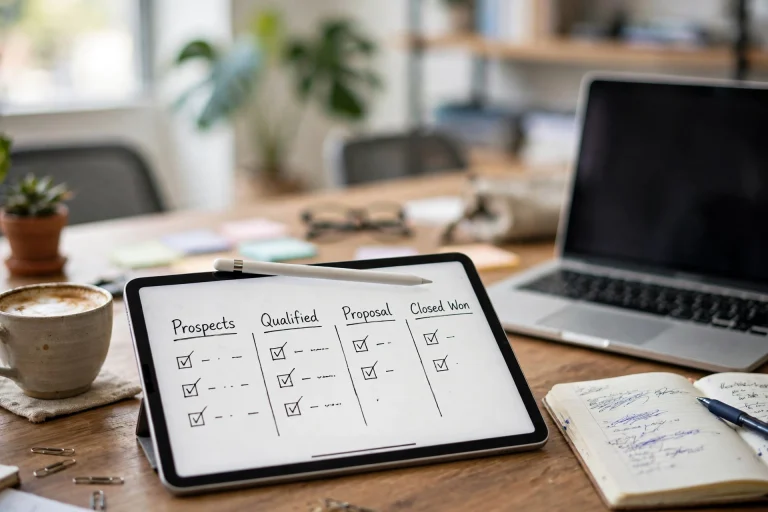 GoodNotes for Sales Teams: Pipelines, Client Notes & Meeting Prep in One Place
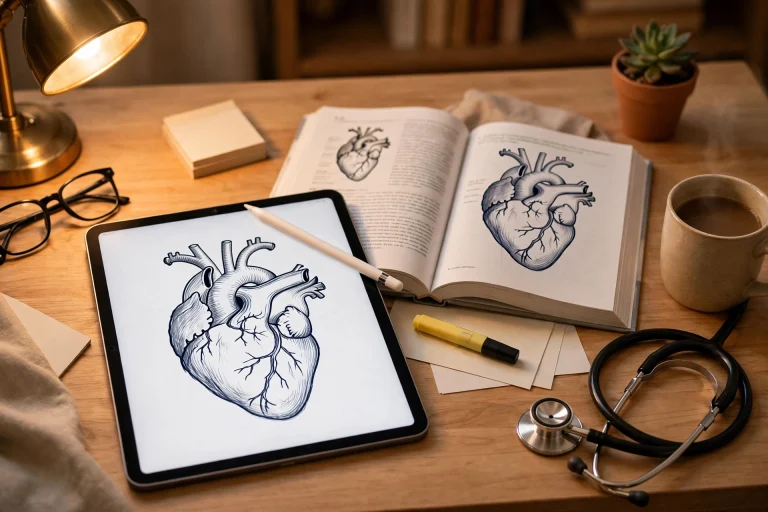 GoodNotes for Medical Students: Study Notes, Anatomy & Clinical Rotations in One Place