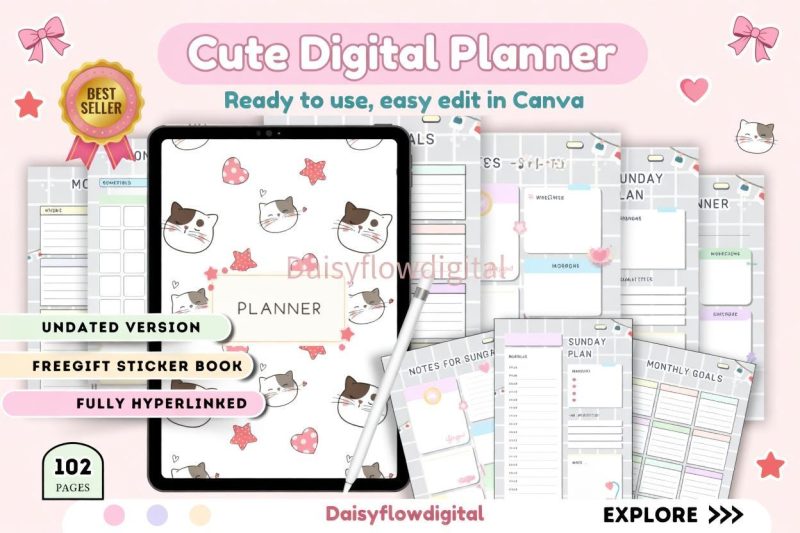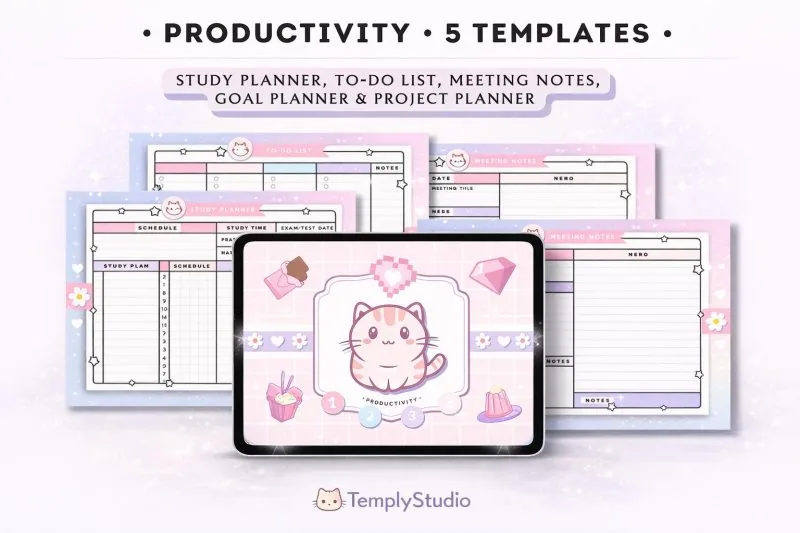
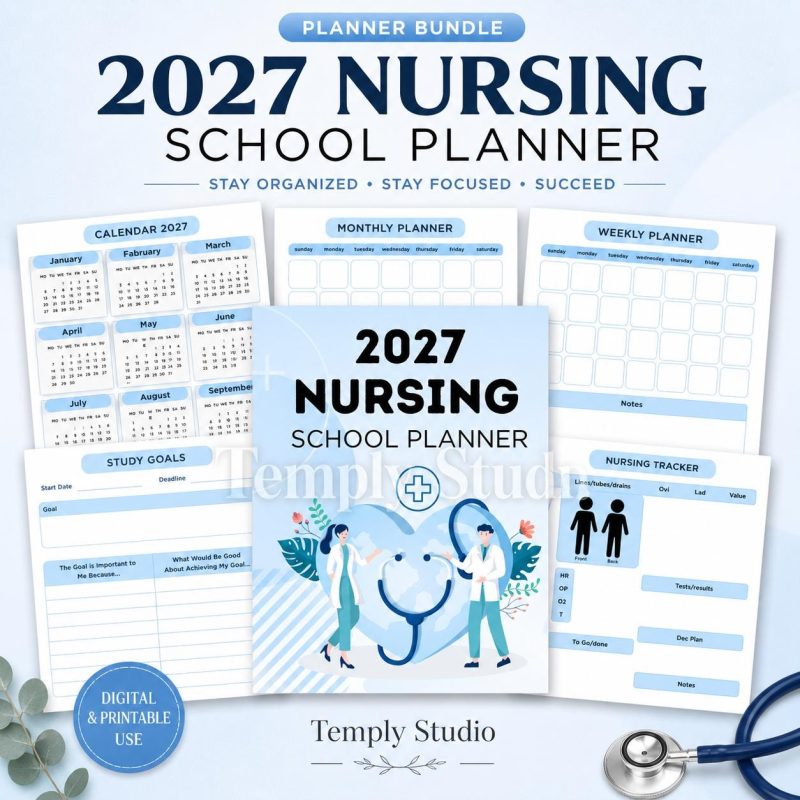
Nursing School Planner 2027
in Digital Planner
$4.99
Planners · 38 designs
Explore dated and undated digital planners for study, work, wellness, and everyday organization. Compare orientation, page layouts, file details, and verified compatibility before choosing the planner that fits your routine.
The collection
Choose the right format
A useful digital planner should match both your schedule and the way you prefer to navigate a document. Start by deciding whether you need a dated planner for a specific year or an undated planner that can be reused whenever you begin. Dated layouts make weekly planning straightforward, while undated pages give you more flexibility if you do not plan every day.
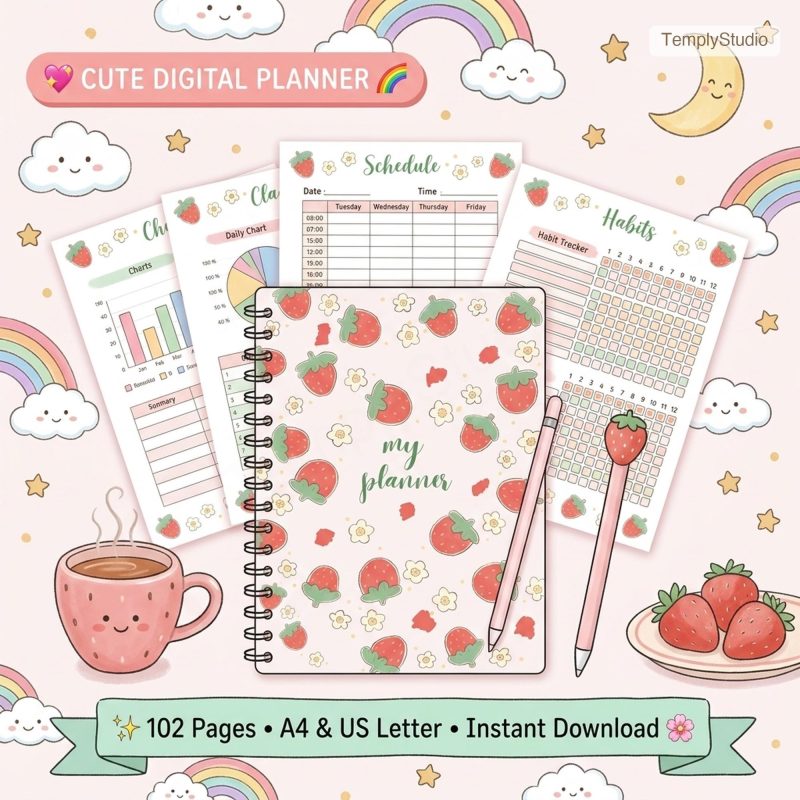
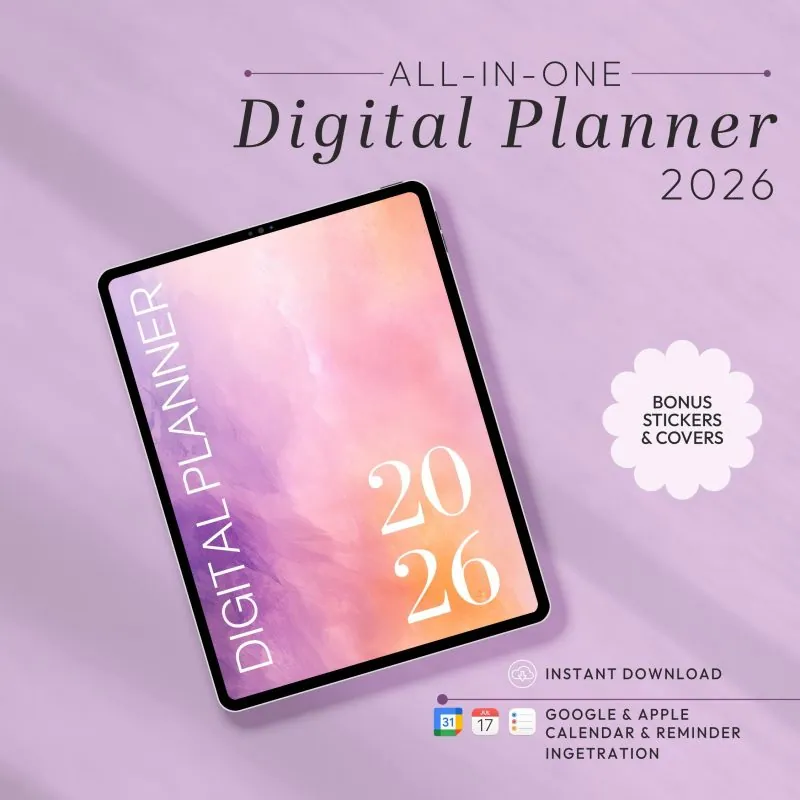
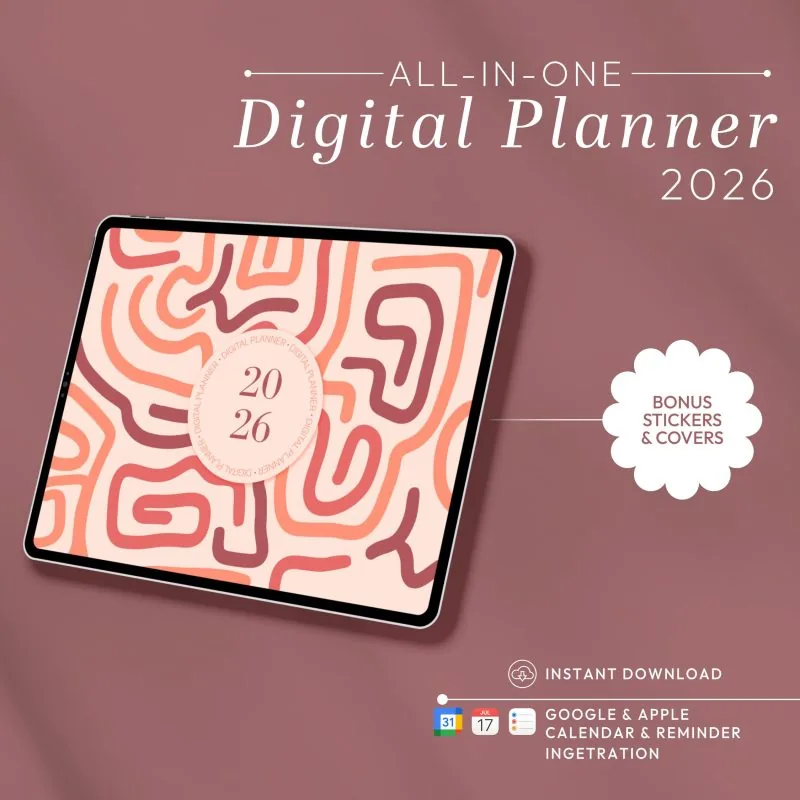
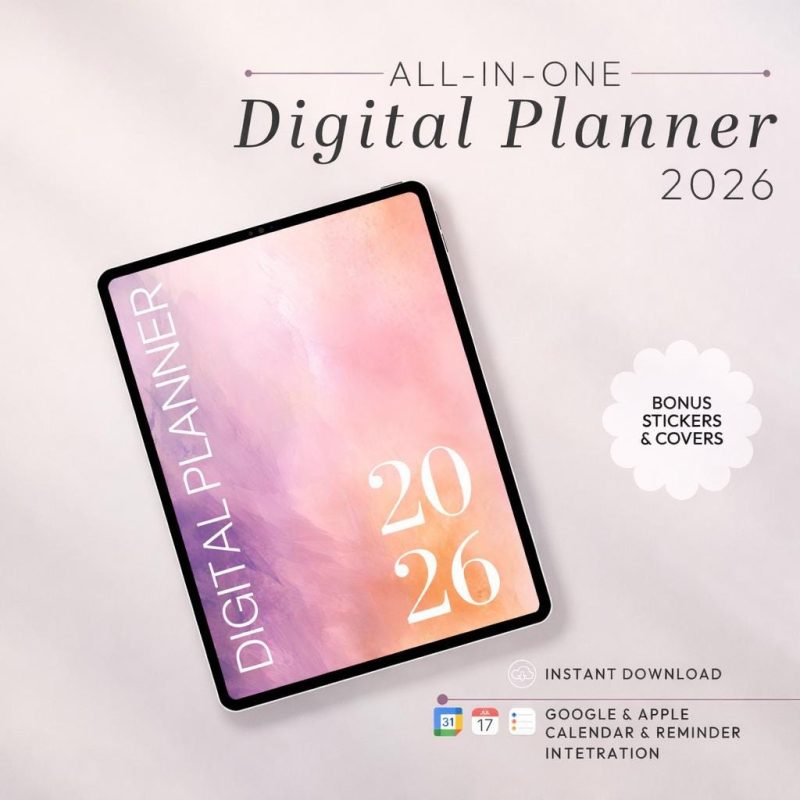
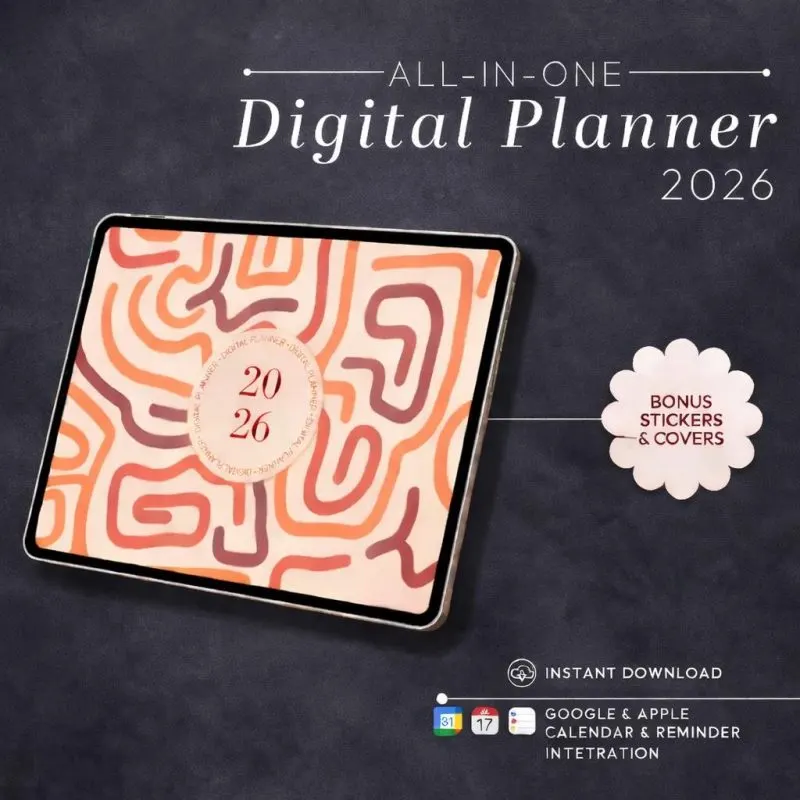
Next, compare portrait and landscape orientation. Portrait planners feel familiar on a vertically held tablet. Landscape planners provide a wider workspace and can be comfortable for split-screen use. Product previews show the actual layout, so review them before purchasing.
A dated planner is the clearest choice when you want calendars, weekly spreads, and yearly goals aligned to a specific year. It reduces setup time, but the dated pages are intended for that calendar period. An undated digital planner lets you add your own dates and restart after a break. It may suit flexible schedules, reusable routines, or people who begin planning partway through the year. Neither format is automatically better: choose the one that requires the least friction in your real routine.
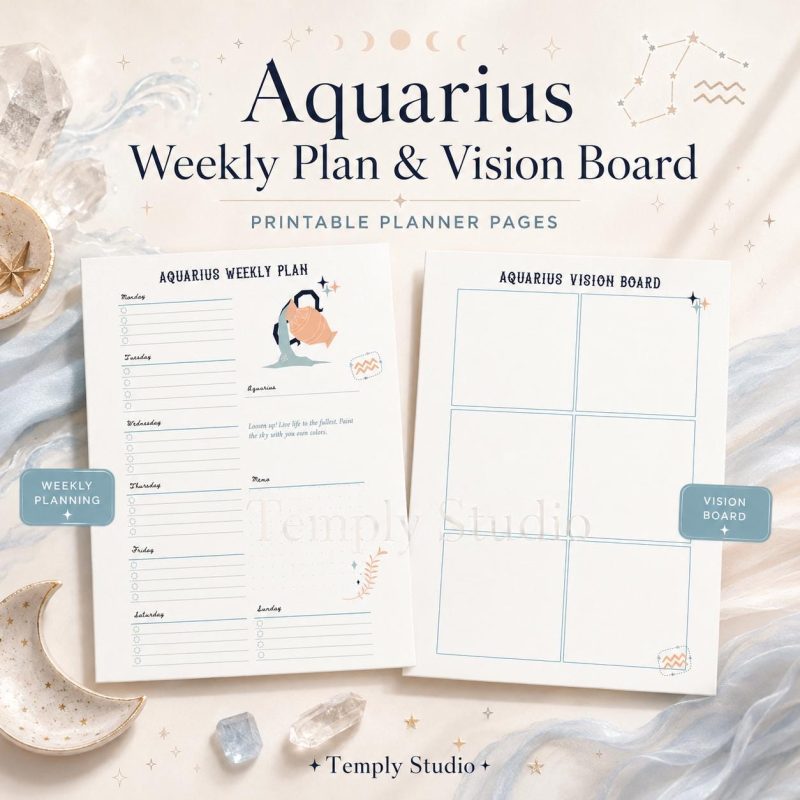
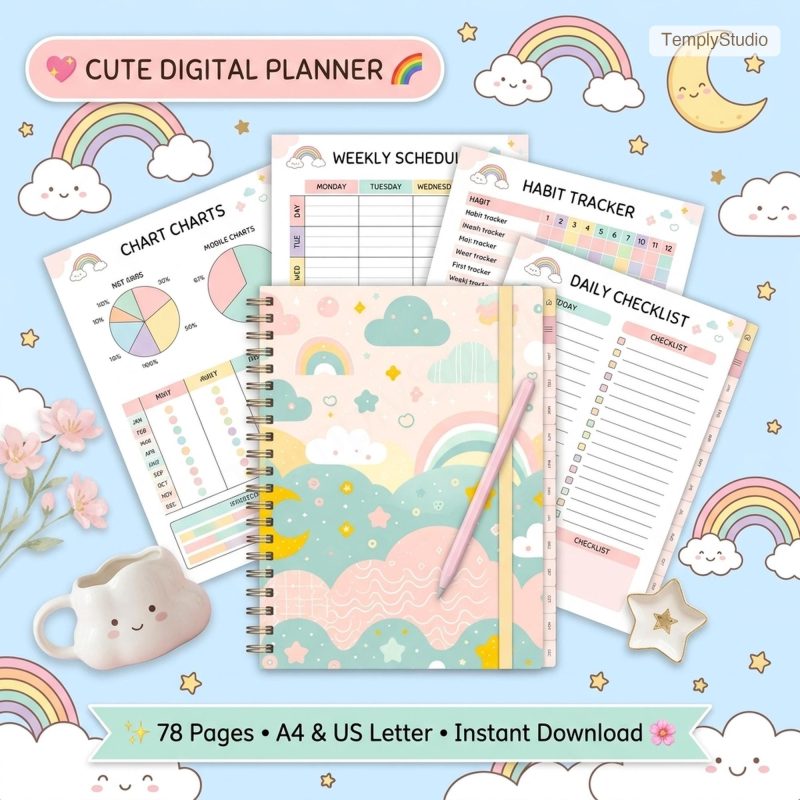
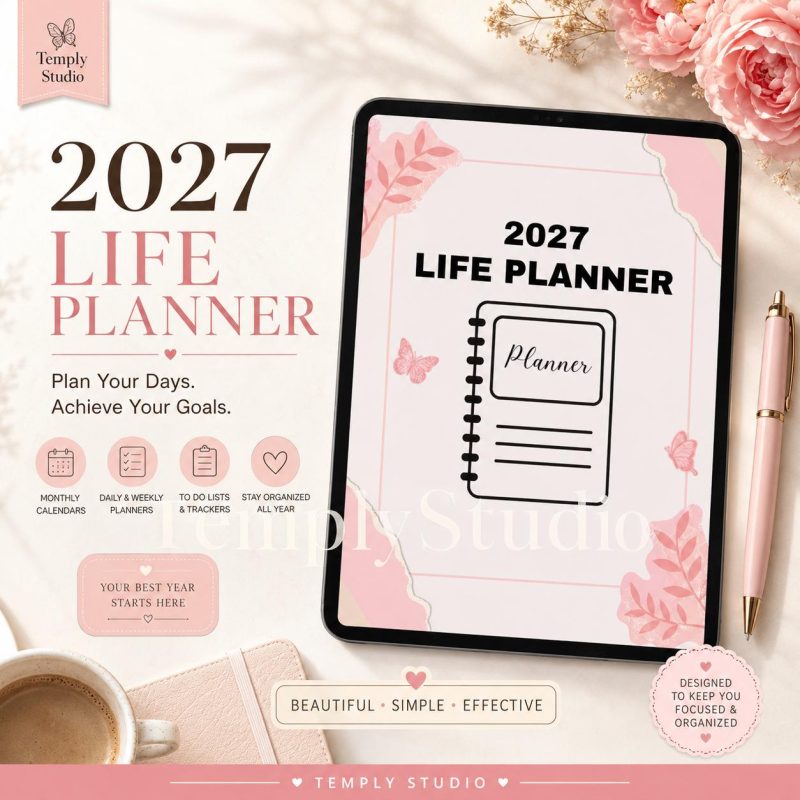
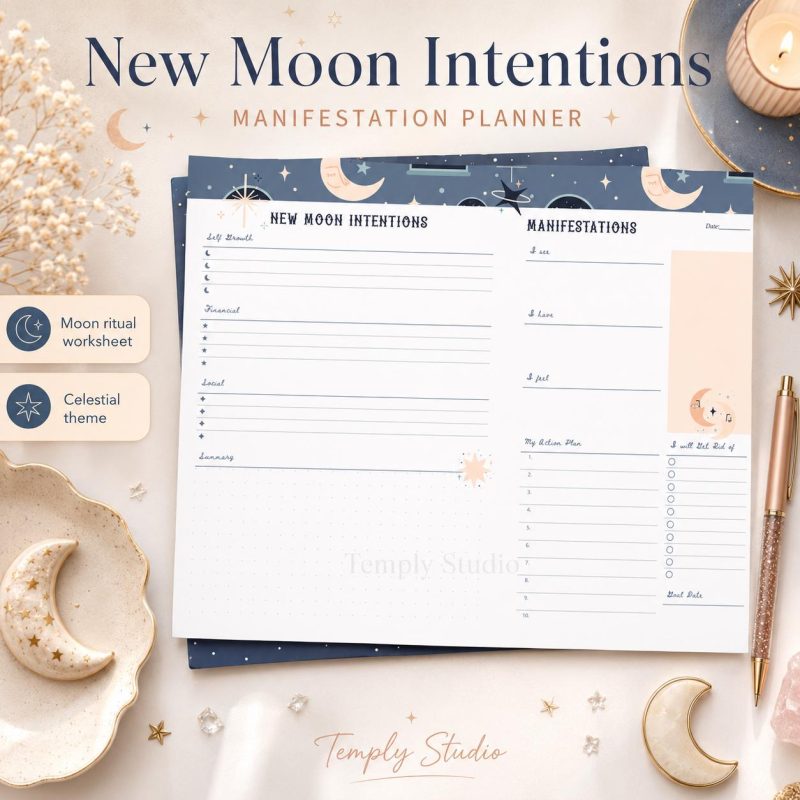
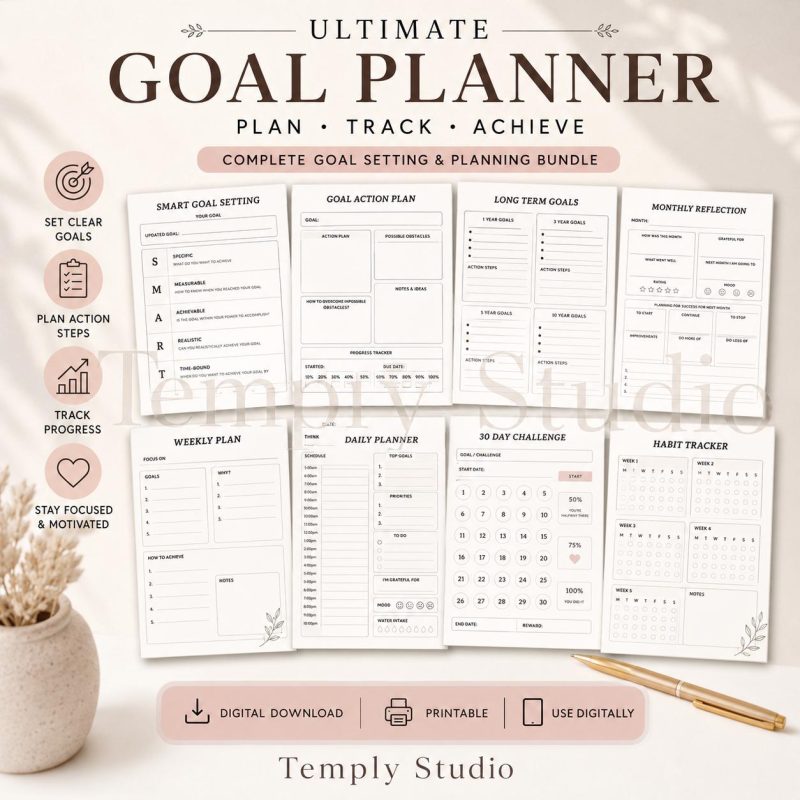
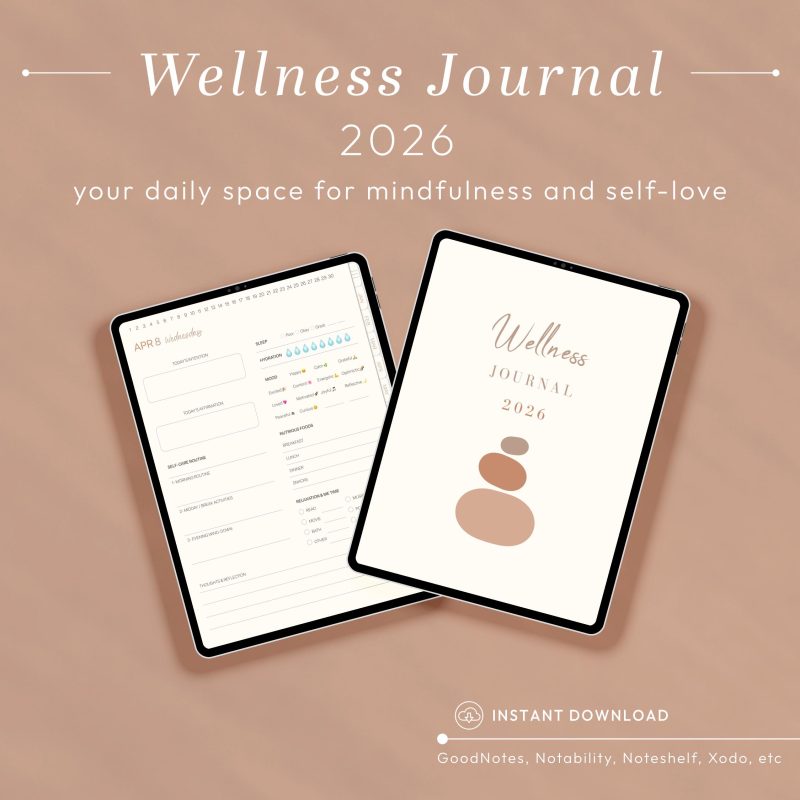
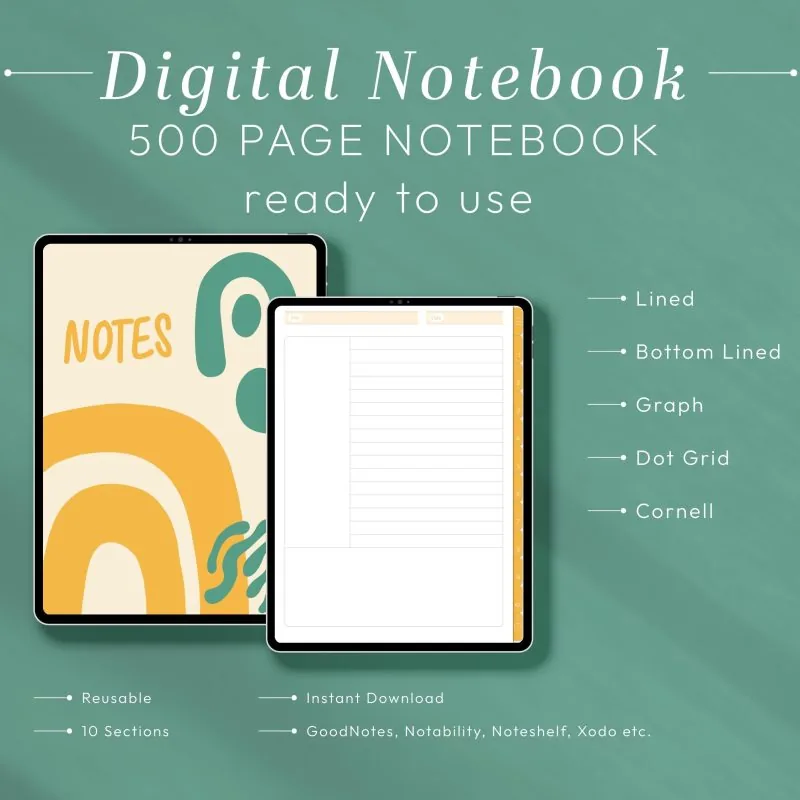
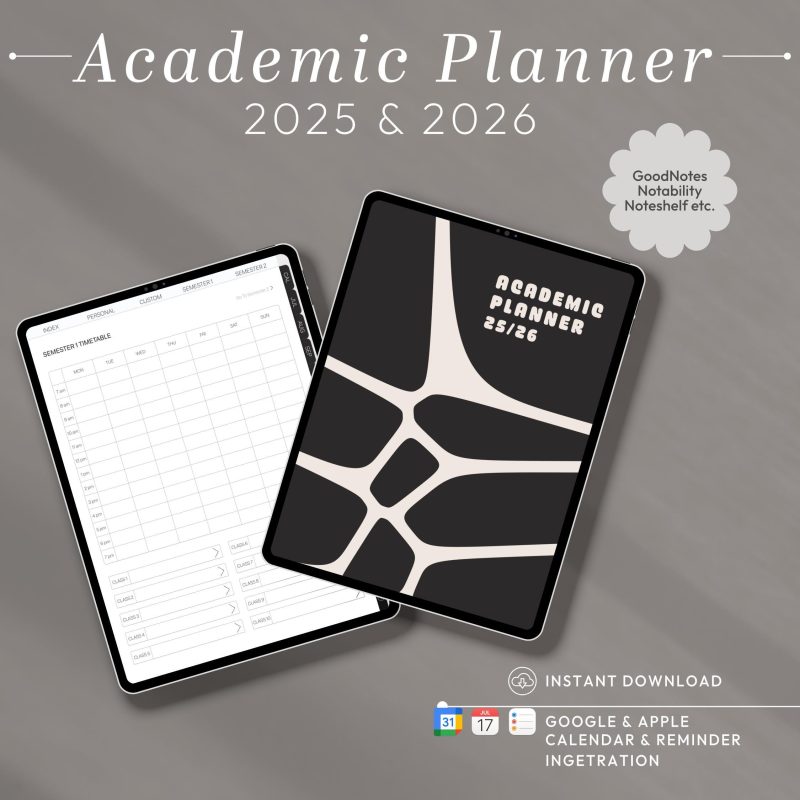
Open the image gallery and read the full product description before checkout. Confirm the orientation, dated period, page types, number of tabs, file format, and any stated software compatibility. Check whether the listing includes only a finished PDF or also provides an editable source file. A hyperlinked planner can support quick navigation, but links may behave differently while an annotation app is in editing mode. Temply Studio does not include third-party apps or devices with the download. If a detail is not stated on the product page, contact us before purchasing rather than assuming that a feature is included.
Choose general planning for everyday organization, student layouts for classes and assignments, work planners for projects, or wellness pages for routines and reflection.
Check every product page for the exact files included. Hyperlinked PDF planners generally require a compatible PDF annotation app; software is not included with the purchase.
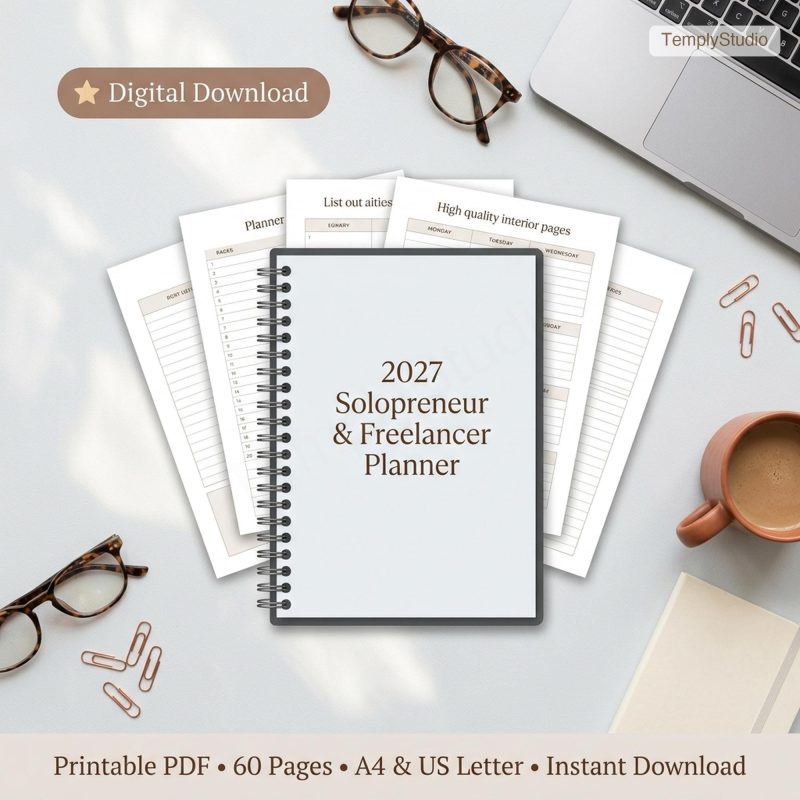
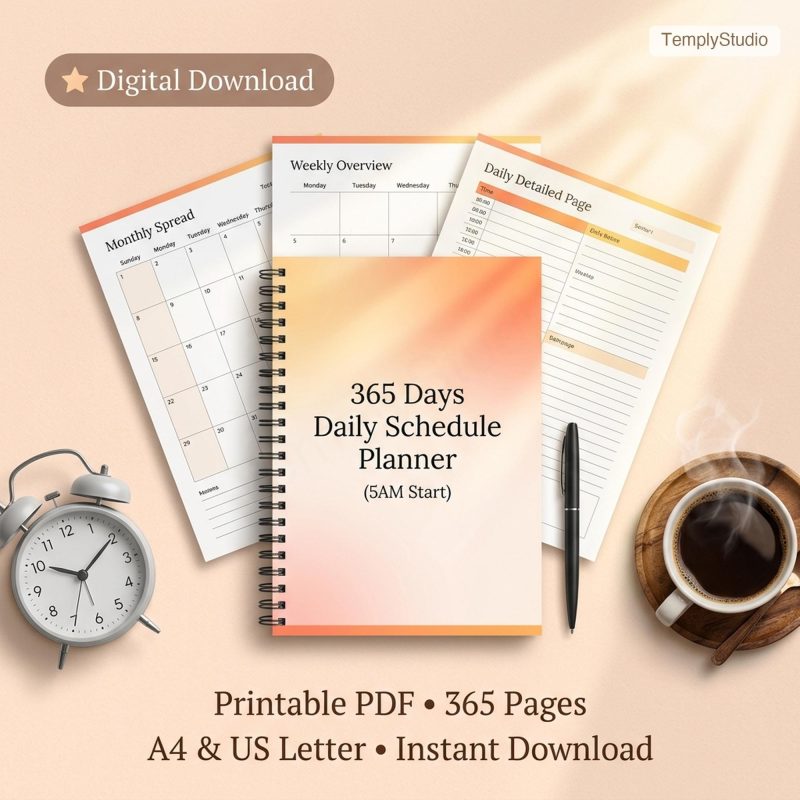
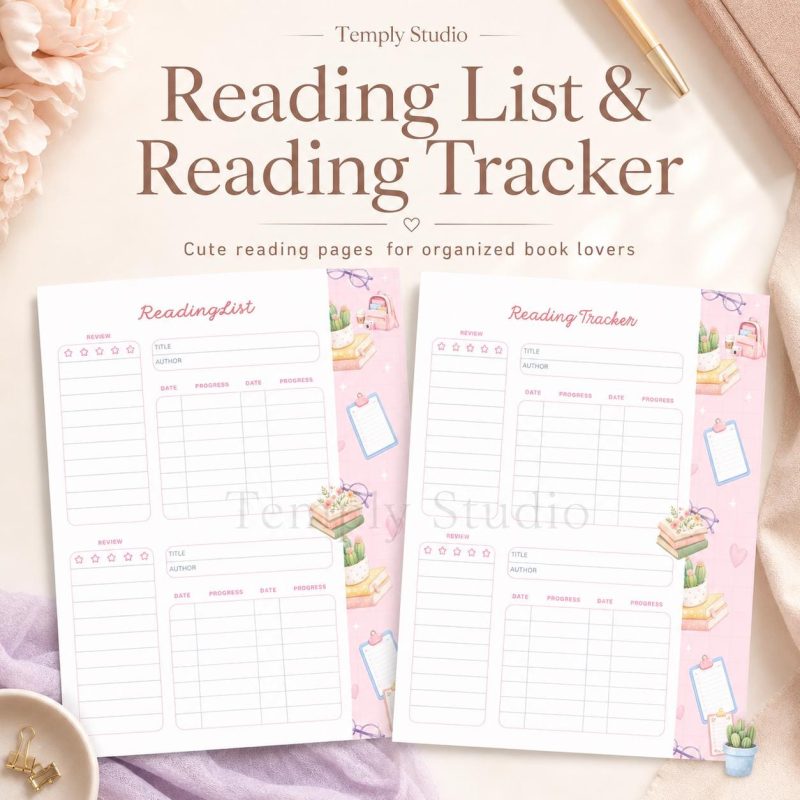
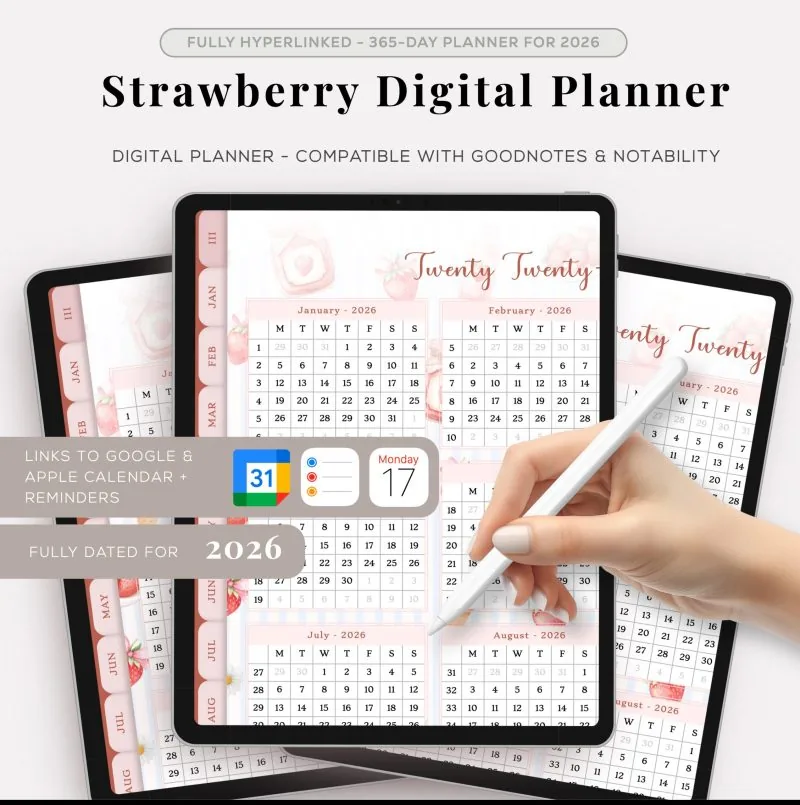
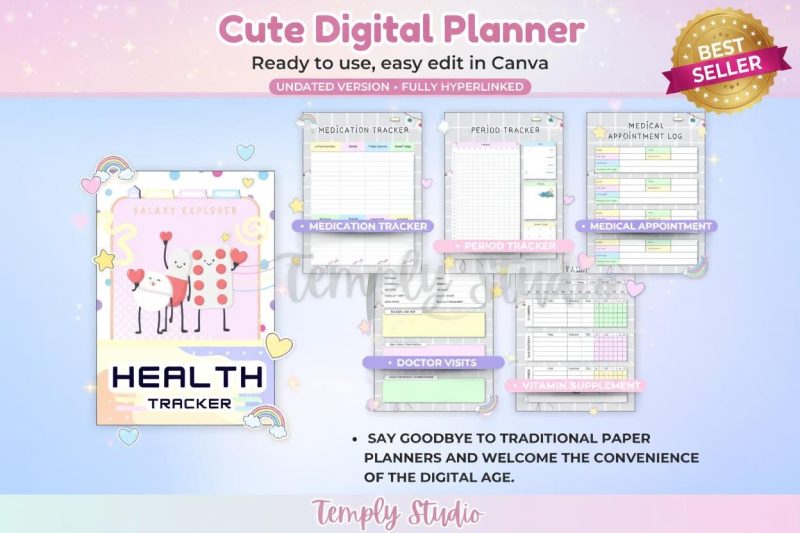
Compare tabs, index pages, daily and weekly spreads, trackers, and note sections. Select features you will actually use instead of choosing by page count alone.
Delivery is product-specific. Check the individual listing for the configured files, access method, and any import instructions before purchase.
New to digital planning? Read the digital planner for iPad guide, compare options in the digital planner buyer guide, learn about digital planner template types, or compare digital planner apps. If you use GoodNotes, see the GoodNotes planner guide. To choose by page shape or reflection workflow, use the portrait versus landscape planner comparison and the digital wellness journal prompts. For buying context, read the bundle versus single planner guide, the academic student layout checklist, and the 2027 GoodNotes planner checklist.
No. Products in this category are digital downloads and no physical item is shipped.
Compatibility varies by product. Confirm the file type and compatible software shown on the individual product page before buying.
Editability depends on the included file. A PDF annotation workflow is different from editing the original design, so rely on the product-specific details.
No. Temply Studio downloads are for personal use only unless a product page explicitly states a different license.
Need a hand?
Tell us how you plan, apply or create, and we’ll point you to the right file before you buy.