




About Temply Studio
Templates for modern work
We make practical digital planners, editable templates, resume resources, printables and creative assets, designed to make everyday projects easier to organise, customise and finish.
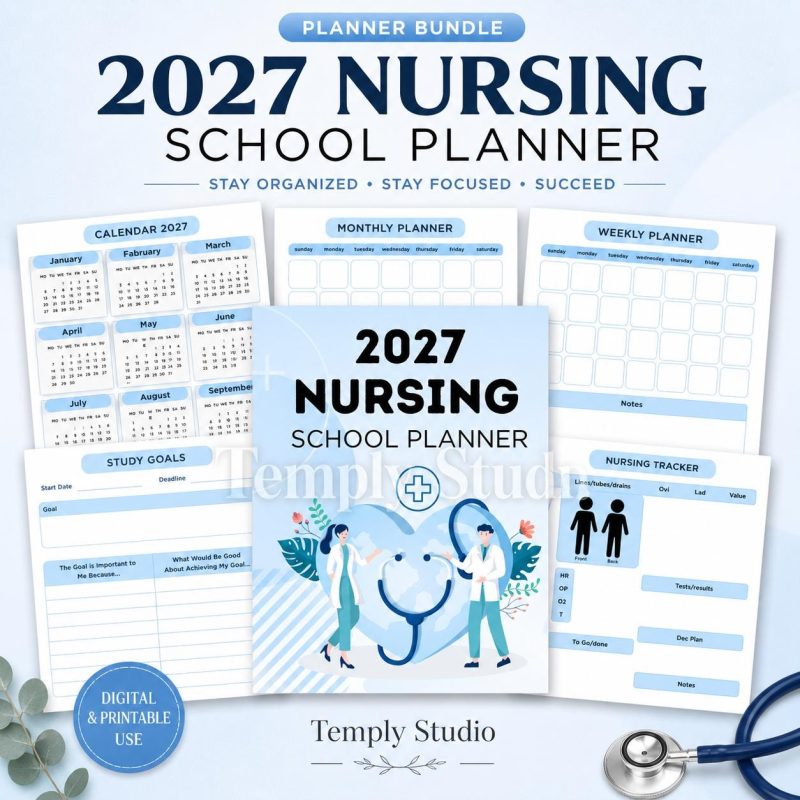
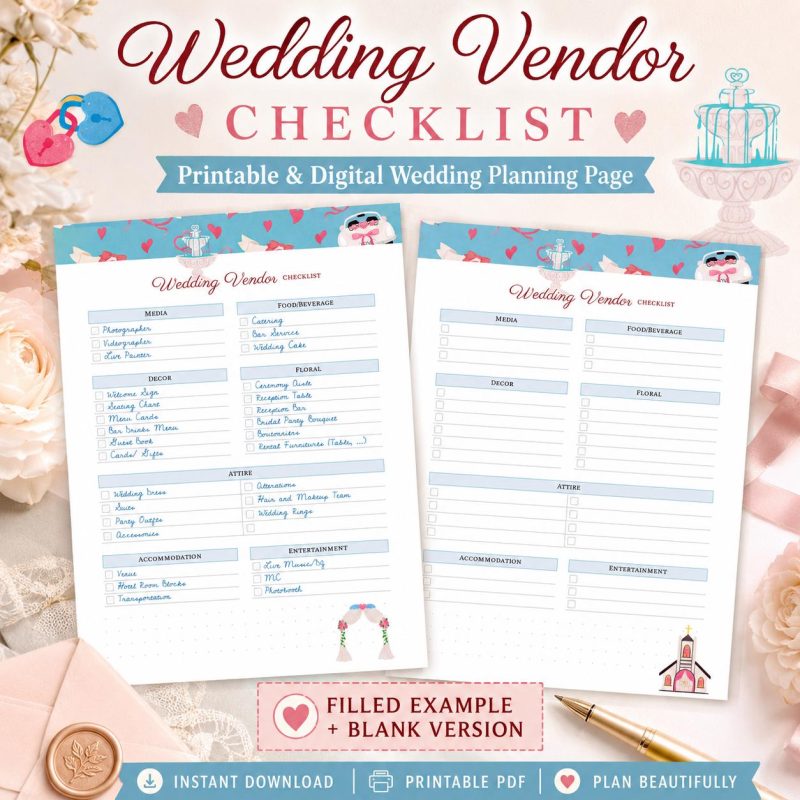
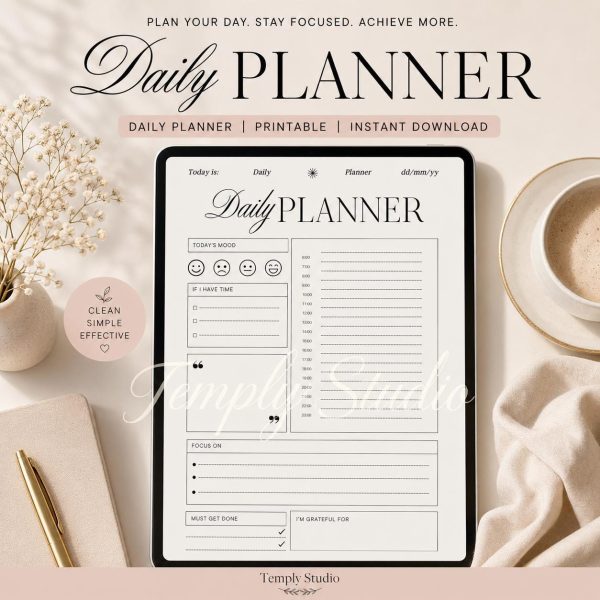
What we create
Four collections, one standard
Digital planners & journals
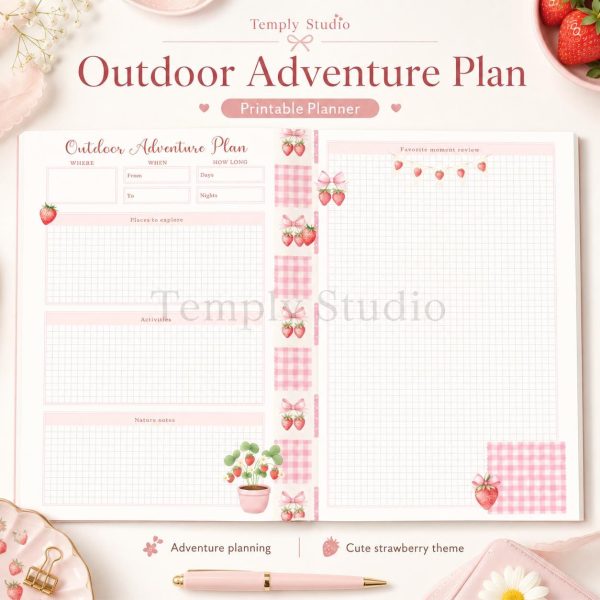
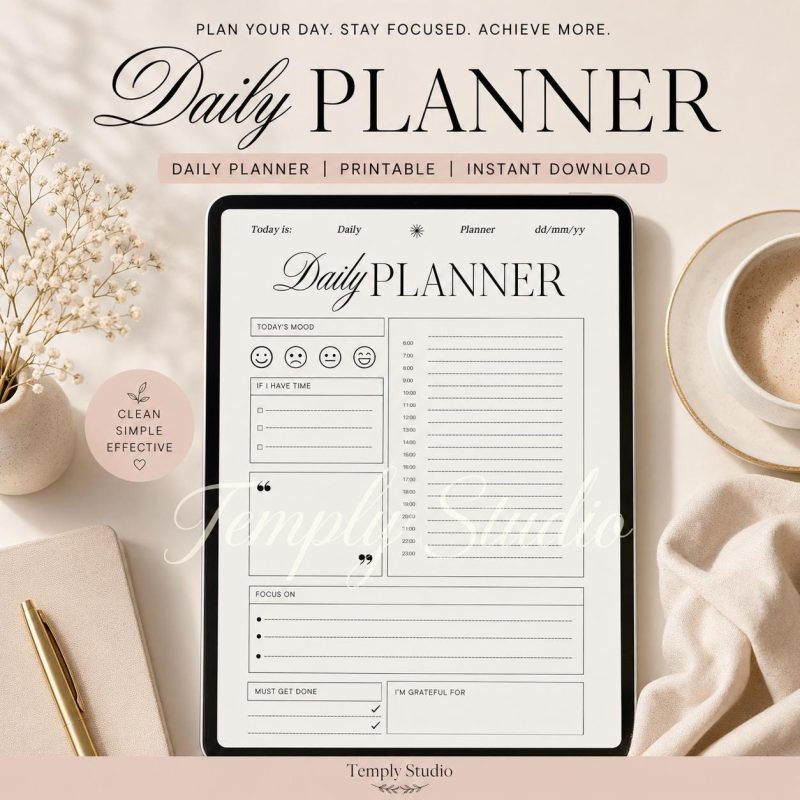
Planning resources for study, work, wellness and everyday routines. Formats, date ranges and app compatibility are listed on each product.
38 productsResume & CV templates
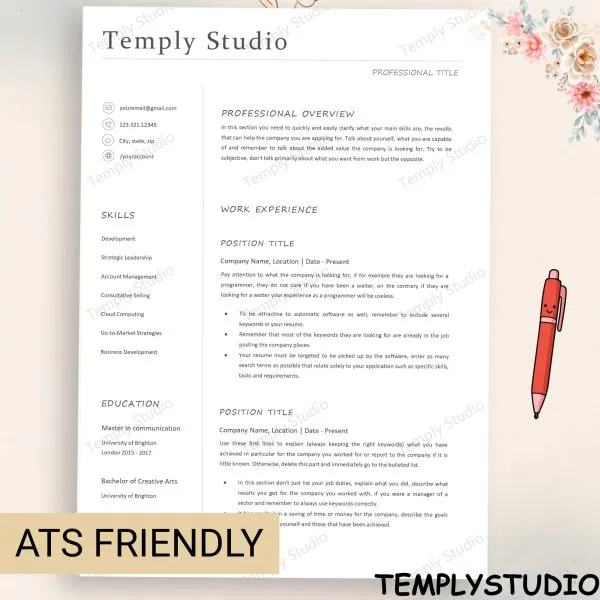
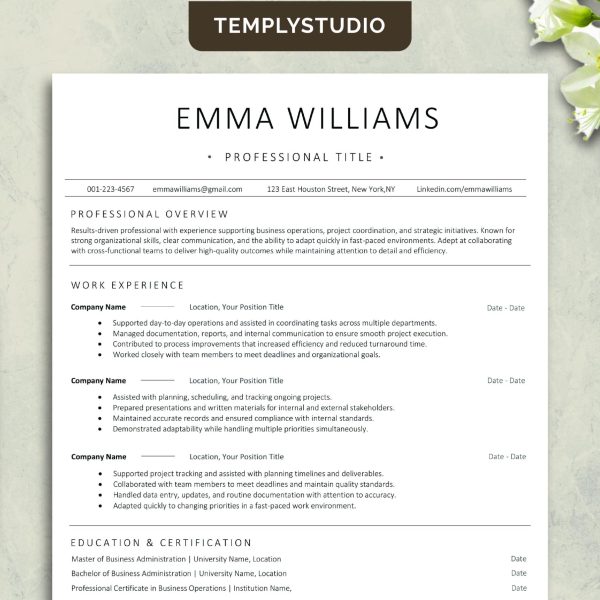
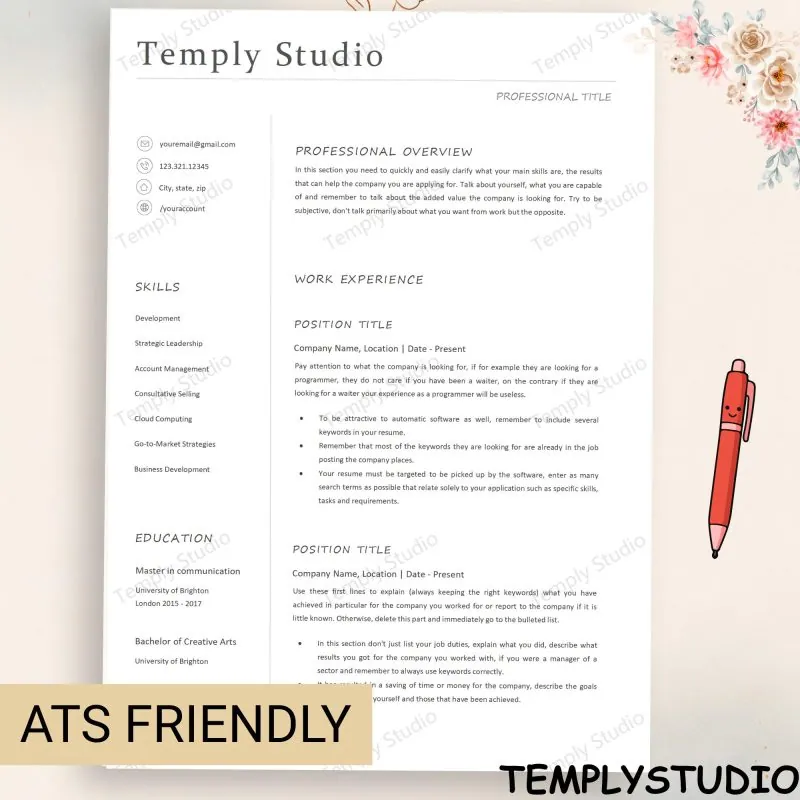
Clean, editable resumes built for readability. The included software formats are confirmed on every listing.
10 productsEditable templates & printables
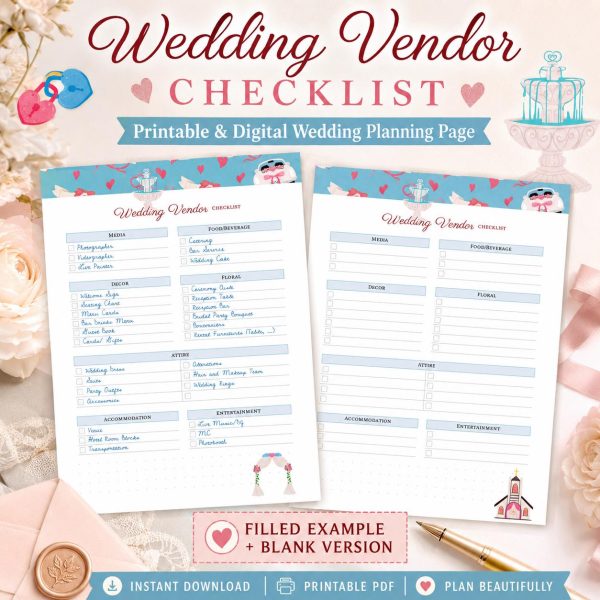
Tools for organising, budgeting and creative projects. A file is called editable only when an editable format is included.
12 productsSVG & creative assets
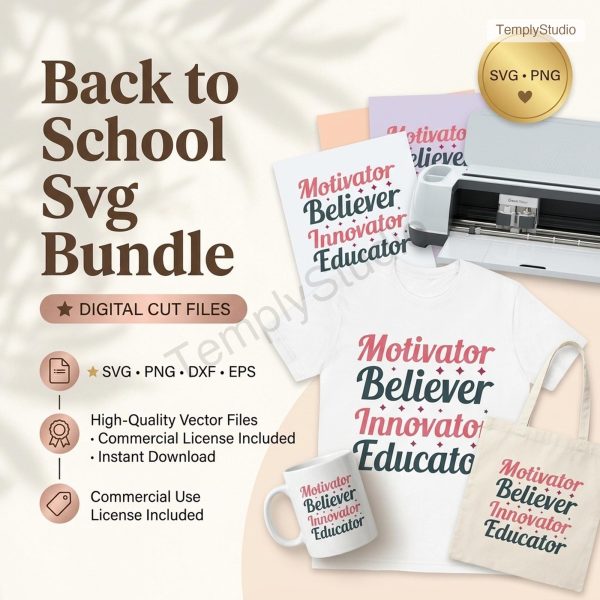
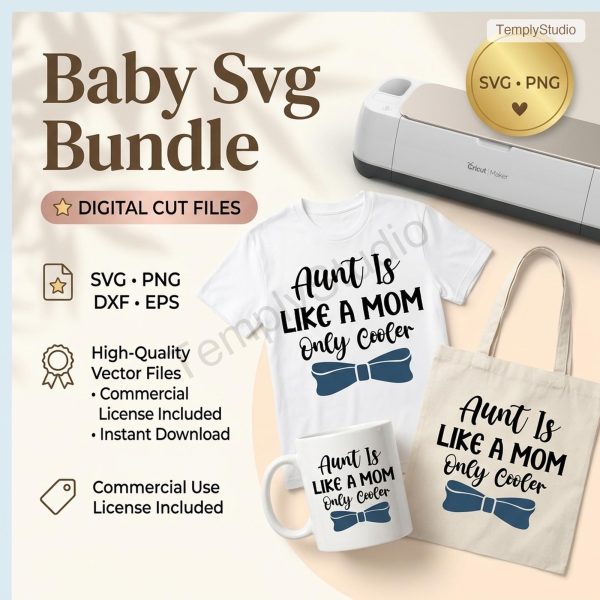
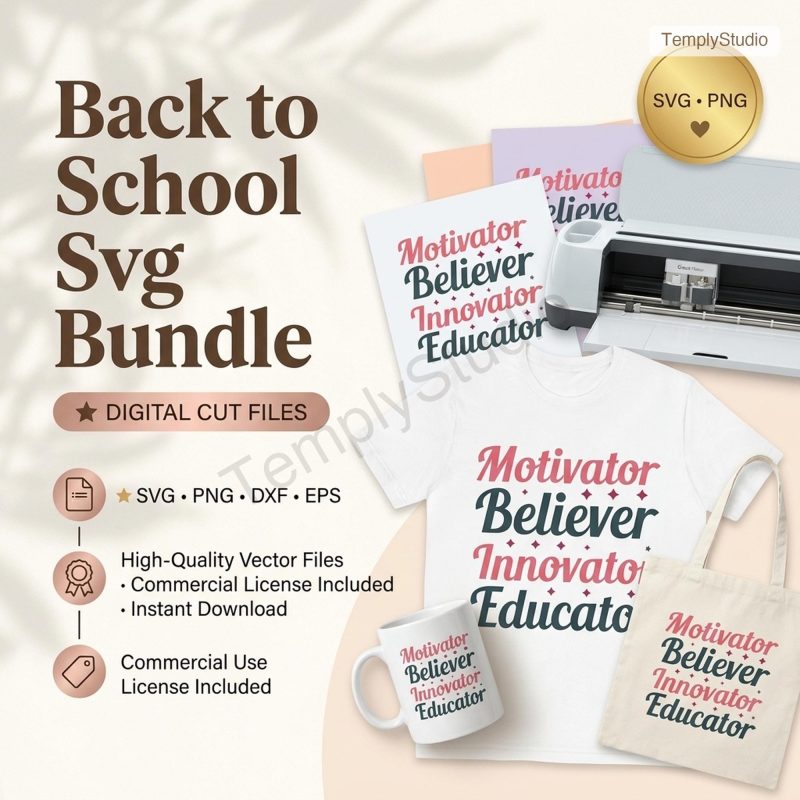
Graphics for cutting, crafting and design workflows, with file types and permitted uses stated per product.
12 productsHow we design
Useful before decorative
A product should support a real task, not only look polished in a preview. That idea shapes every file we publish: we list the apps each planner is made for, write the product page from the actual files, and keep the layouts calm enough to use every day.
 Works in 4 apps
GoodNotes · Notability · Noteshelf · Xodo
- File formats and page sizes listed on every product
- License explained in plain words
- Real help with downloads and opening files
- Clear product detailsIncluded files, software requirements, delivery and usage rights are stated as accurately as possible.
- Honest compatibilityWe never imply that every planner, resume or design file works with every app.
- Practical customisationEditable products give you a strong starting point to adapt to your own needs.
- Support without hypeReal help with downloads, access and opening files, without exaggerated promises.
How it works
From checkout to first page
- 1
Check the details
Review the included files, software requirements and license on the product page.
- 2
Check out securely
Pay with PayPal or card on the site, or buy through the platform where the product is listed.
- 3
Download
Available files appear on the order confirmation page and in My Account.
- 4
Make it yours
Open, import, print or customise the files in the compatible app stated on the listing.
“We would rather show you exactly what is in the file than promise what is not. Clear information is how trust gets built.”
The Temply Studio teamJoin the studio list
New planners and printables first, plus fresh guides from the journal.