




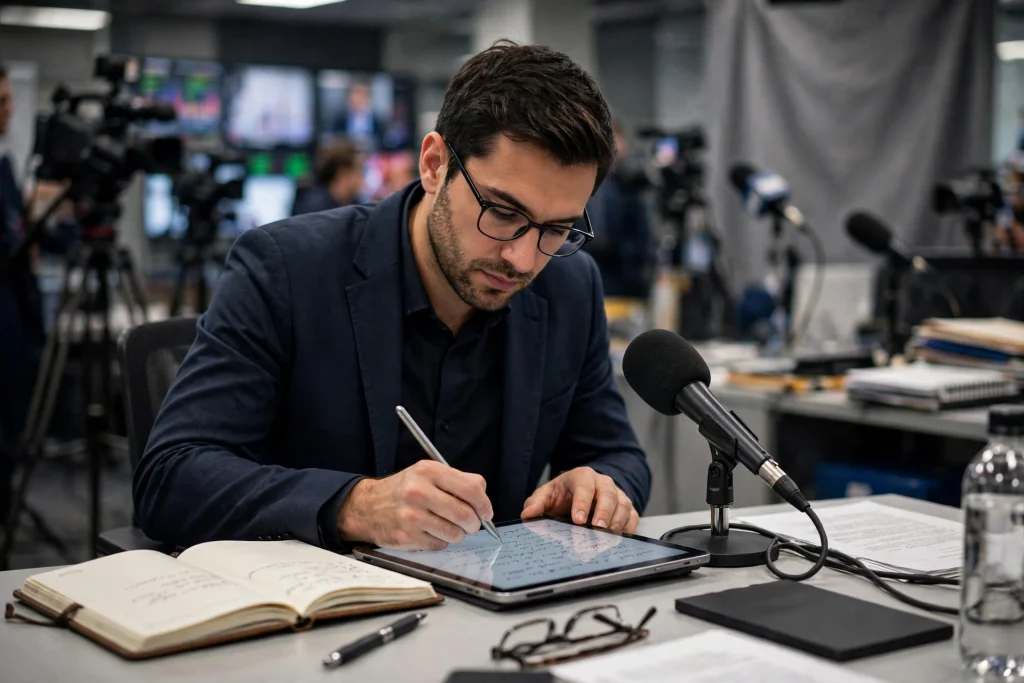
Quick answer: Use Goodnotes for public research, blank interview question sheets, and a deadline checklist. Keep confidential sources, unpublished sensitive evidence, and any notes or recordings that could identify a source in the systems your newsroom or editor has approved for that assignment. Decide how material will be collected, stored, and shared before the interview.
For an assignment with source-safety concerns, review the Committee to Protect Journalists’ guidance on confidential sources and agree on a workflow with your editor or a digital security specialist. Consider names, contact details, faces, voices, locations, and details that could collectively identify someone.
Turn public research into a reporting brief
- Start with the working question and deadline. For sensitive assignments, keep even the story name or topic out of the personal planner if it could reveal what you are investigating.
- For a routine assignment, make a page for already-public sources. Record the agency or publisher, document date, link, and page number so you can check the context later.
- Keep a list of claims to verify. A simple table can separate what is confirmed from what still needs a second source. Use this page in Goodnotes only if the details are suitable for a personal notebook.
Use a blank interview preparation page
Make a reusable sheet with space for the interview purpose, questions to ask, and follow-up items. Use fictional details when testing the template. When a real assignment involves sensitive or identifying information, use the editor-approved system for the interview notes themselves. A template can help you prepare without holding the source’s identity or contact details.
For audio, establish whether recording is appropriate, get permission before starting, and follow applicable law and newsroom policy. Goodnotes documents the Audio Recording tool and Note Replay limits. You can test the controls with your own voice in a sample notebook. For an actual interview, use a recorder and storage workflow approved for that interview. Check any quote you intend to publish against the approved record.
Review sharing and backups before adding work material
Goodnotes distinguishes Auto Backup from iCloud Sync. Auto Backup can create a separate copy in the configured storage account. Sync can make documents available on other connected devices. A separate notebook or a device passcode does not, by itself, control where copies are stored or who can access a shared document.
For a working draft, use your newsroom’s review channel. Share only the approved material with the people who need access. If you are authorized to share a PDF, review the exported file first for unwanted pages, source details, and annotations. See Goodnotes’ export controls if you are preparing a routine, non-sensitive sample.
For an ordinary meeting without source-safety concerns, the Goodnotes meeting notes guide shows how to separate decisions from follow-up actions.
Frequently asked questions
Can I keep confidential interview recordings in Goodnotes?
Use the recorder, storage, and transfer method approved for that assignment. When the consequences of identifying a source are unclear, consult your editor or a digital security specialist before collecting or copying the material.
What can go into a personal deadline checklist?
Keep it to items you can safely expose, such as a generic reminder to check facts or send copy for review. Leave names, addresses, and any revealing story information in the approved workplace system.
How can I check a quote accurately?
Compare it with the original approved notes or recording. Check the surrounding sentence for context, flag uncertain wording, and resolve it with your editor before publishing.
Temply Studio
Stop chasing your goals with sticky notes and scattered notebooks. Our premium digital planners and Canva templates are designed to help you plan with intention, stay consistent, and actually enjoy the process.
Questions about this guide?
Ask about the planner, share how you use it, or tell us what to cover next. Your email stays private.