




About this design
What’s inside
Modern CV Template for Microsoft Word and Canva
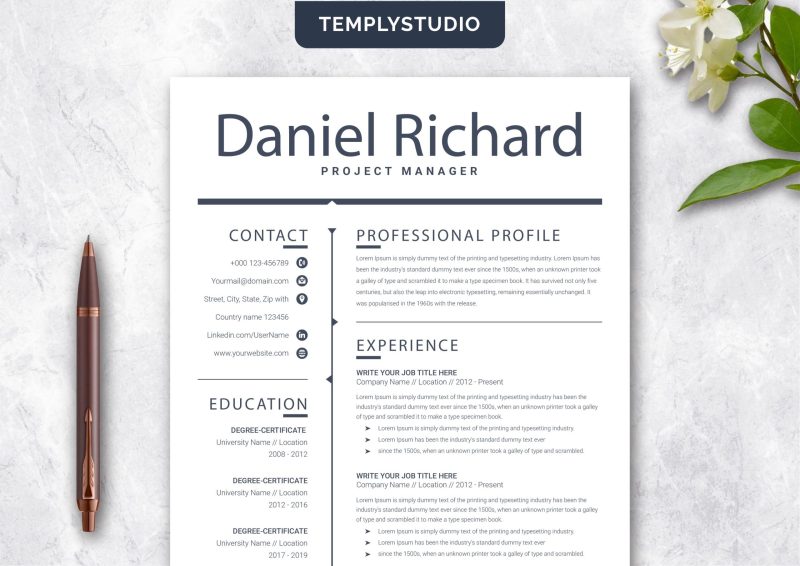
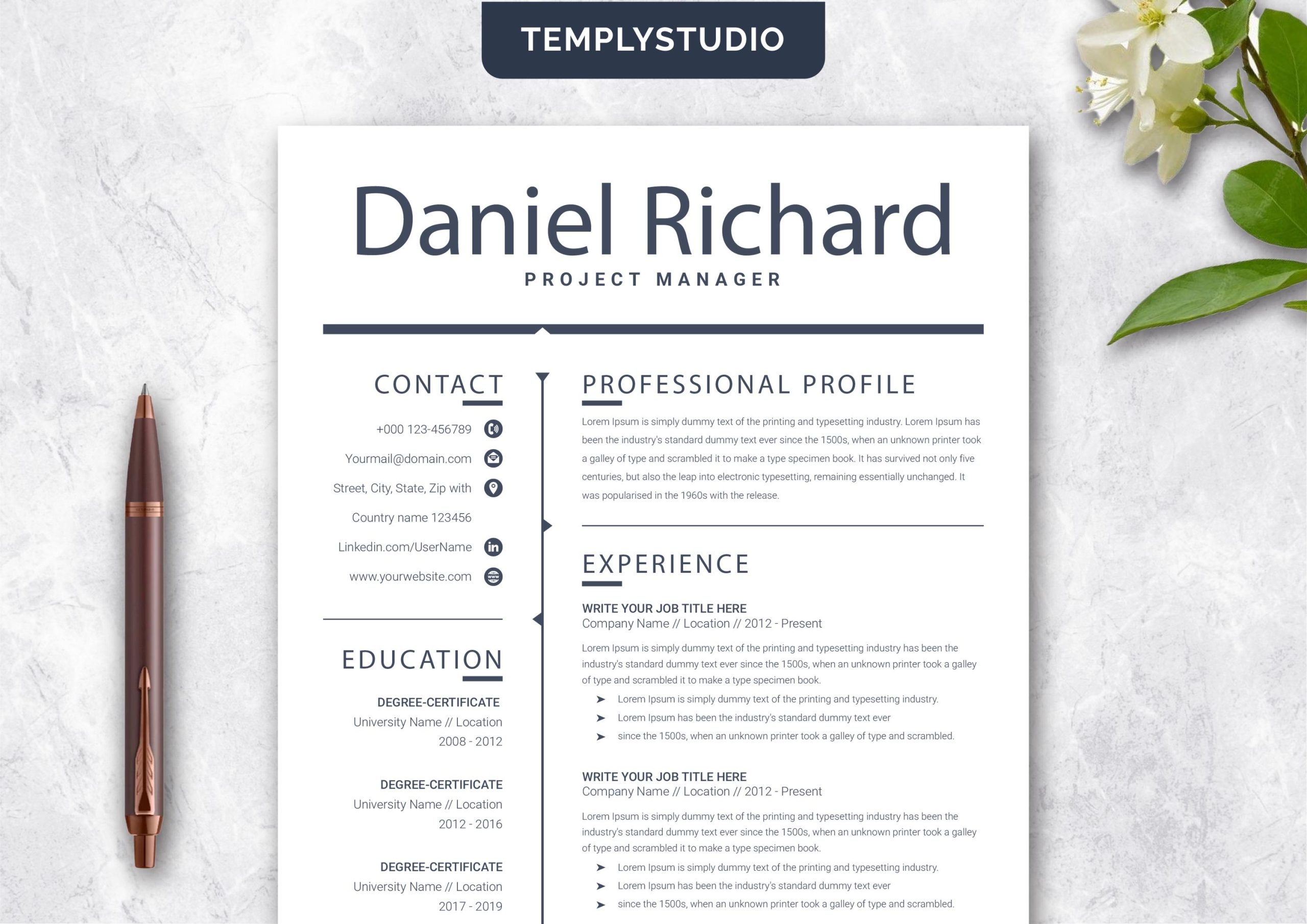
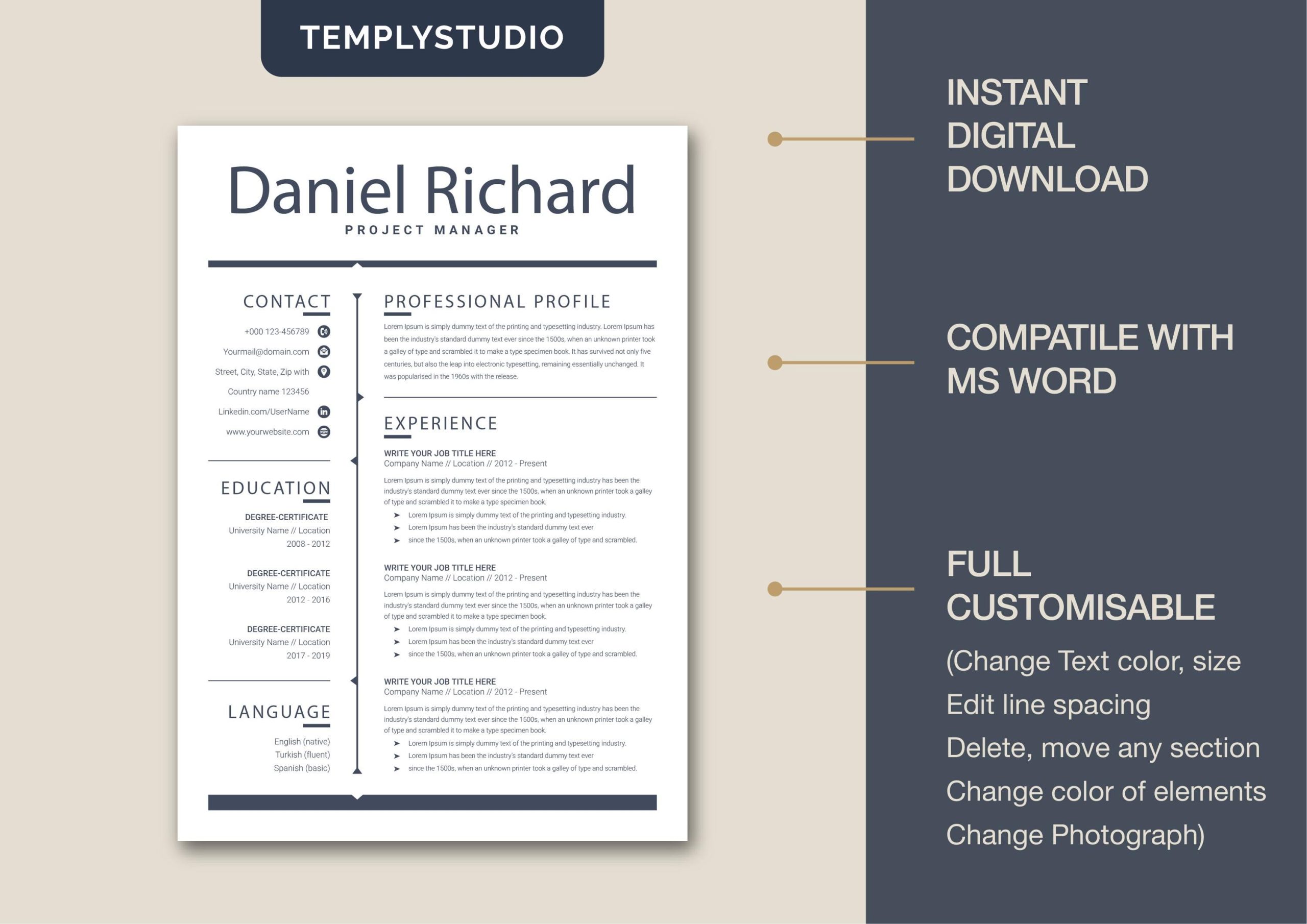
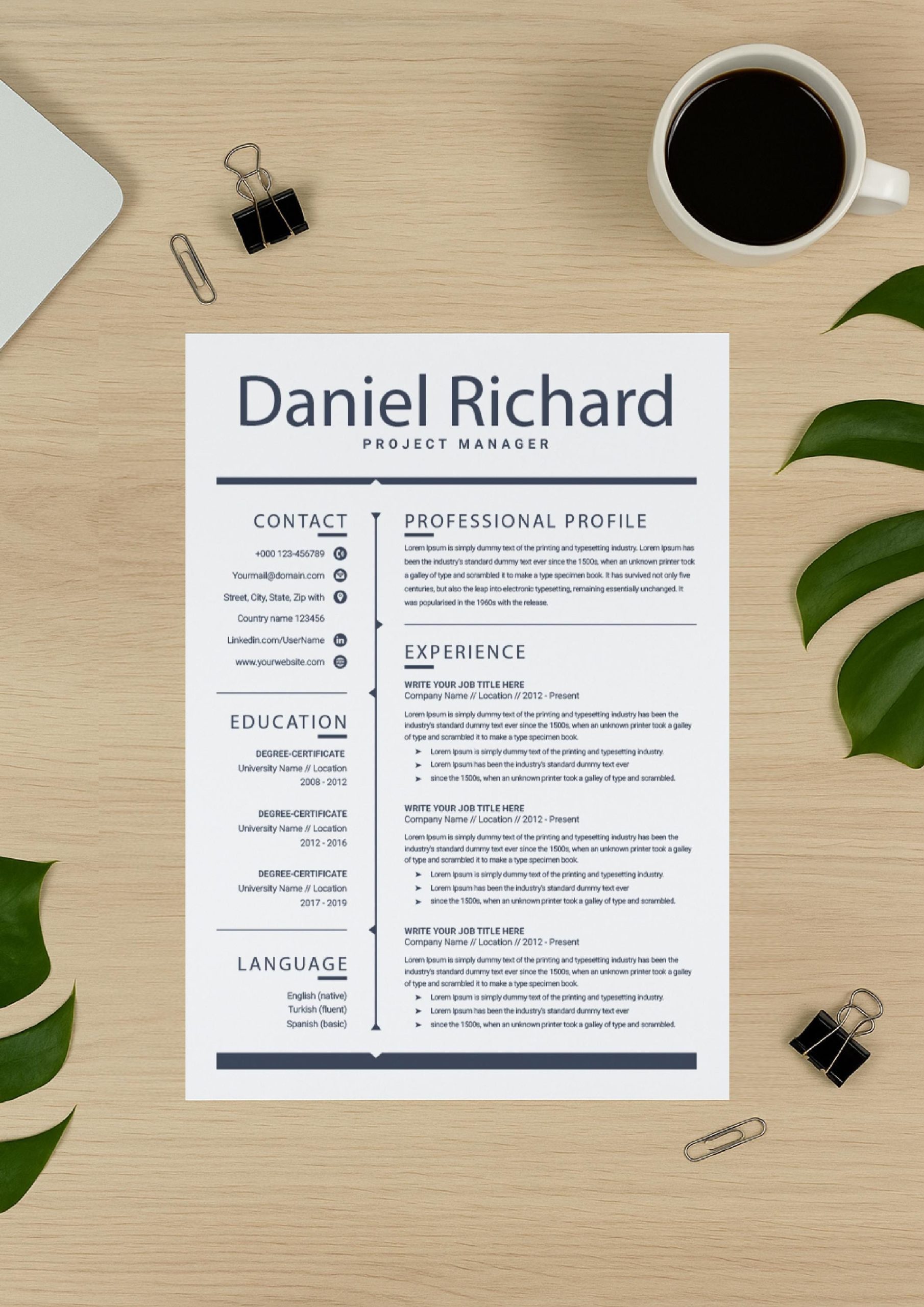
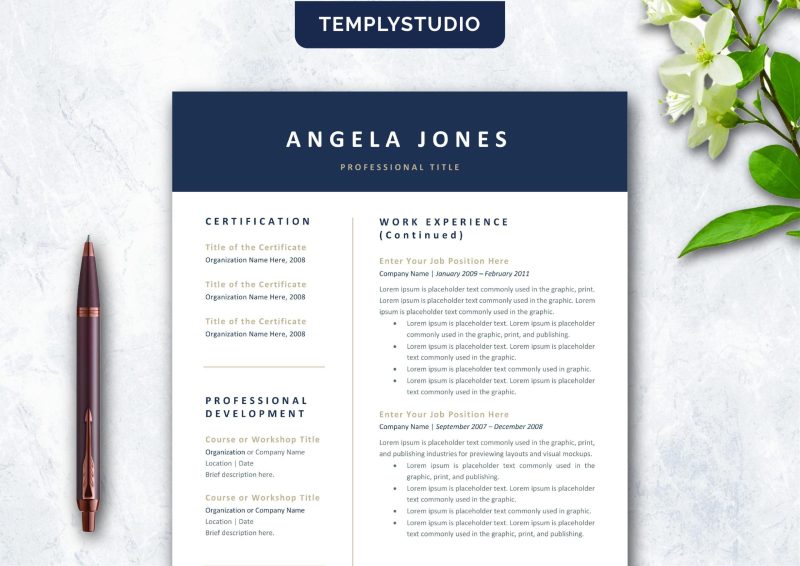
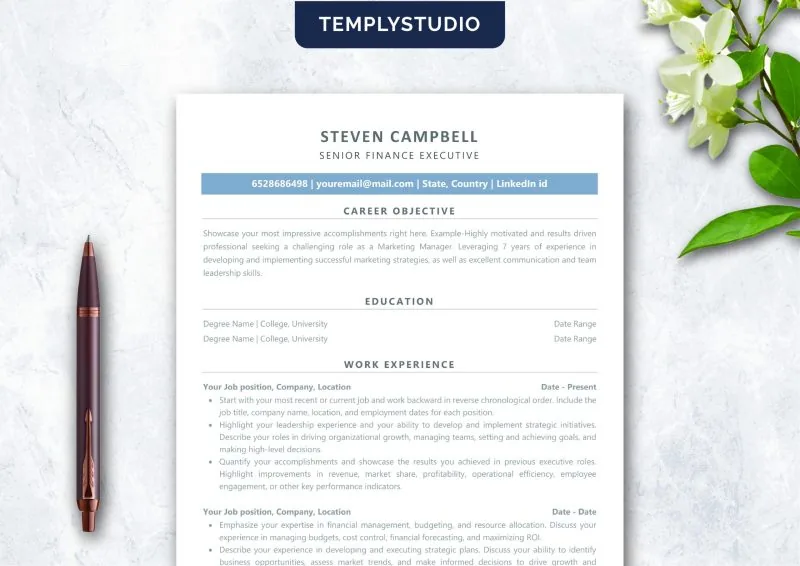
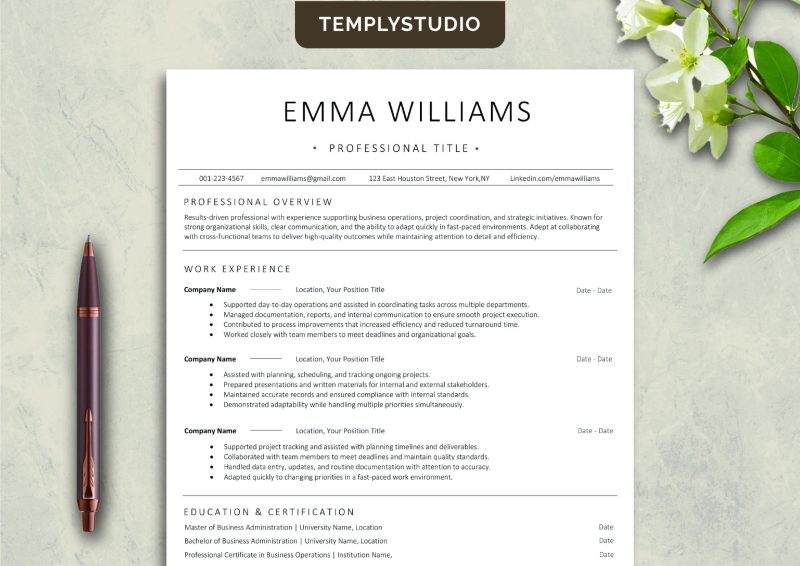
modern cv template that helps you create a clean, professional CV in Microsoft Word or Canva — no design skills required. With a polished layout, clear section hierarchy, and contemporary typography, this modern cv template makes your experience easy to scan and hard to forget.
Whether you are a recent graduate, a career changer, or an experienced professional, first impressions matter. Recruiters spend only seconds on an initial scan, so your CV needs to communicate competence instantly. This modern cv template uses balanced white space, subtle accent elements, and a logical flow from summary to skills to experience, guiding the reader’s eye to your strongest credentials.
What’s included in this modern cv template
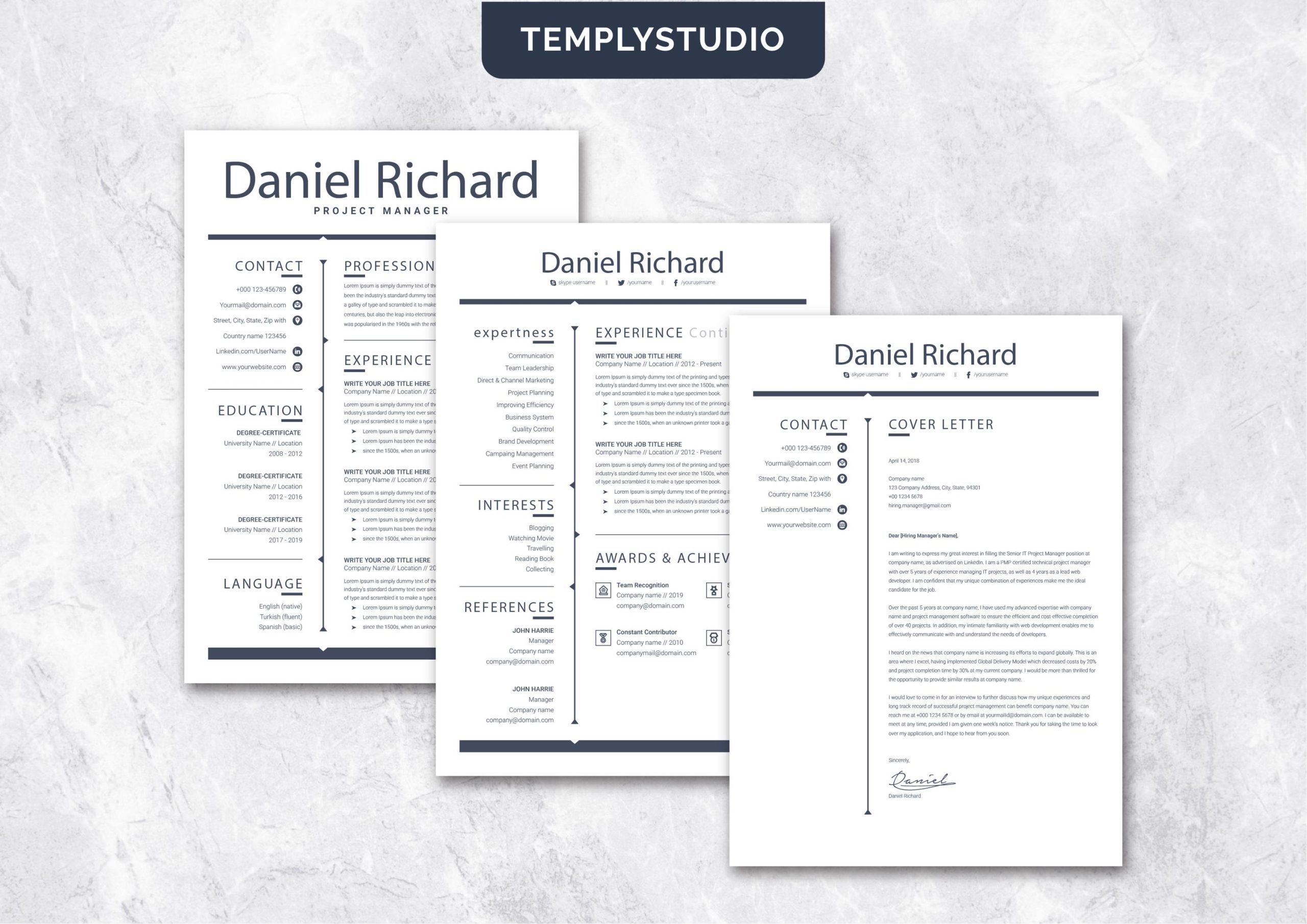
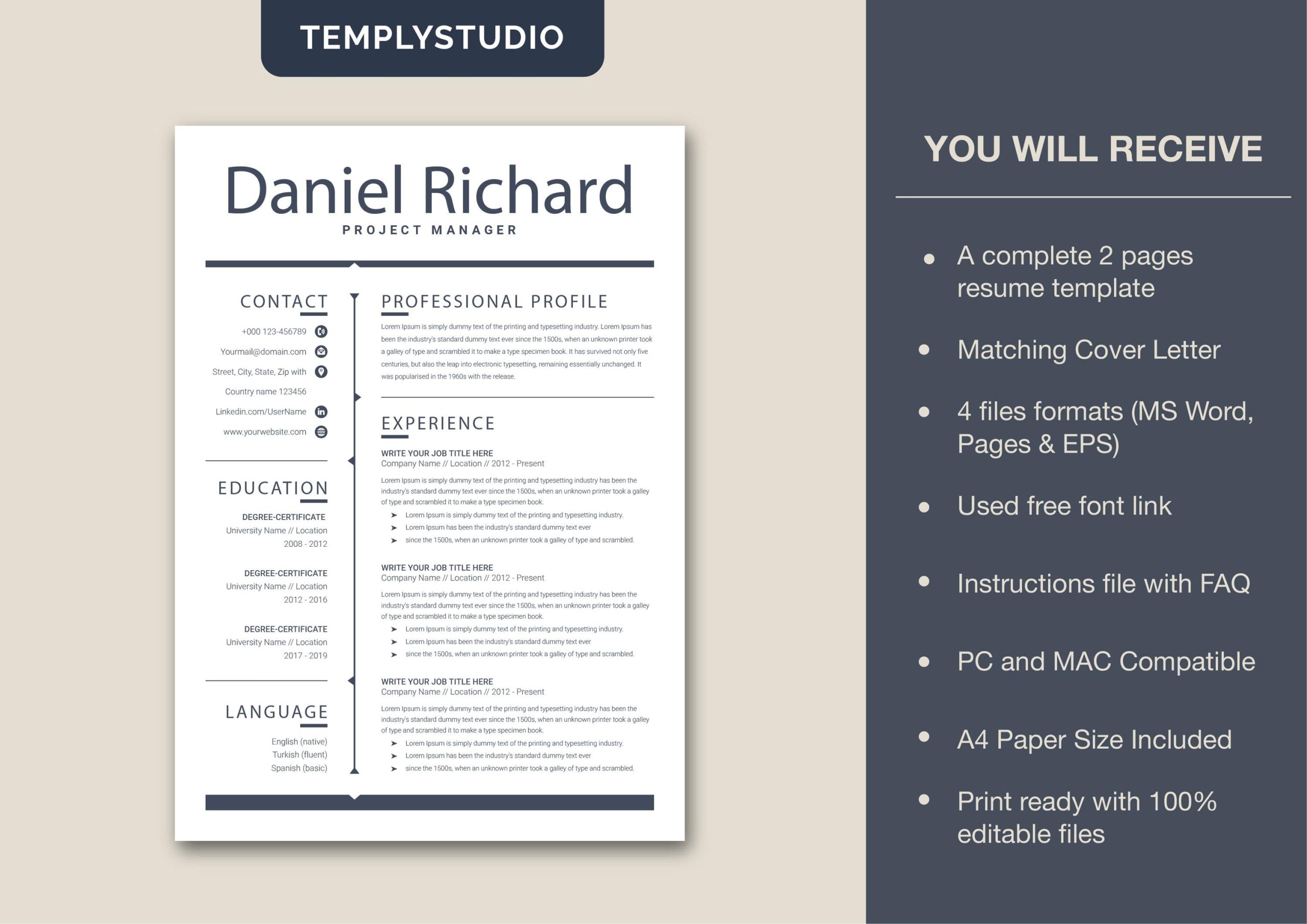
- Editable CV template for Microsoft Word (DOCX)
- Editable CV template for Canva (link with instructions)
- Clean, professional design with contemporary typography
- Well-structured sections: summary, experience, education, skills
- Easy-to-customize colors, fonts, and section order
- Instruction guide for editing in both Word and Canva
- Instant download — start editing within minutes
Choose the platform you prefer: edit the DOCX in Microsoft Word for full offline control, or use the Canva version for drag-and-drop simplicity in your browser. Both versions share the same clean design language, so your CV looks consistently professional either way.
Why choose this modern cv template
A modern cv template should do two jobs: look polished and make your content shine. This template avoids over-designed graphics that distract from your achievements, focusing instead on clarity, hierarchy, and readability. The result is a CV that feels current without being trendy — appropriate for corporate roles, creative positions, tech jobs, and everything in between. Because it uses standard fonts and styles, nothing breaks when you edit, export to PDF, or upload to job portals.
Recruiters and hiring managers consistently prefer CVs that are easy to scan: clear headings, consistent formatting, and bullet points that lead with results. This modern cv template is built around those preferences, so your application feels effortless to read — and memorable for the right reasons.
Microsoft Word or Canva — which should you use?
Both versions of this modern cv template produce the same polished result, so the choice comes down to how you like to work. Microsoft Word gives you precise control over every element and works fully offline — ideal if you already live in Word or need to match strict corporate formatting. Canva offers drag-and-drop editing in your browser with no software to install, plus easy access to its font and element libraries if you want to add subtle visual touches. Many job seekers keep both: Word for the master copy and Canva for quick tailored versions. Whichever you choose, the layout, spacing, and typography are already handled — you just add your story.
How to customize this modern cv template
- Download the files instantly after purchase.
- Open the DOCX in Microsoft Word or the template link in Canva.
- Replace the sample text with your own experience, education, and skills.
- Adjust colors and fonts to match your personal brand.
- Tailor the summary and bullet points to each role you target.
- Proofread carefully, then export to PDF for applications.
Use strong action verbs and quantify your achievements wherever possible — numbers catch a recruiter’s eye faster than adjectives. Keep your CV to one or two pages, and always save a tailored version for each application.
Who this modern cv template is for
- Graduates and students applying for first professional roles
- Career changers who need to reframe transferable skills
- Professionals who want a clean, contemporary CV refresh
- Anyone applying through online portals and recruiter inboxes
Important product notes
- This is a digital product; no physical item will be shipped.
- You receive editable files for Microsoft Word and Canva.
- Fonts and colors are easy to customize.
- Instant download after purchase.
Explore more CV and resume templates
Pair this modern cv template with other professional designs from the Resume & CV Templates collection. For more options, check out the ATS-Friendly CV for Word and the ATS-Friendly Minimalist Resume for Word, Pages & Google Docs — strong alternatives to this modern cv template for a complete application toolkit.
Reviews
There are no reviews yet.