




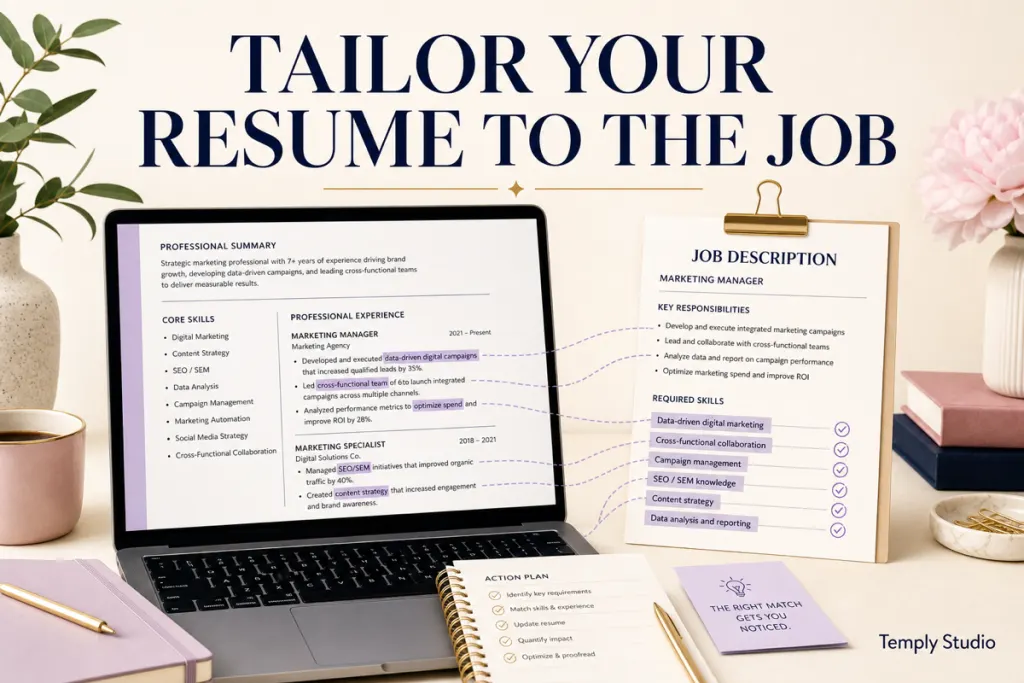
Quick answer: Put your contact details at the top. Use the next section for the clearest proof that you can do the job. That might be recent work, a required degree, a project, or a short summary that connects past work to a new field.
If your recent work fits the role
- Contact details
- A short summary, if it adds useful context
- Work experience, newest job first
- Skills named in the posting that you can show
- Education and relevant credentials
Put the most useful bullet first within each job. Keep the job title, employer, and dates together so a reader can scan the page without guessing.
If you are new to the field
Put a required degree, an internship, or a strong course project near the top. For instance, a project where you wrote user instructions may be more useful for a help desk job than a list of unrelated classes. If an internship is the stronger match, lead with it instead. Label each example so the reader can tell paid work, course work, and volunteer work apart.
If you are changing careers
Use a short summary and a real example to show how your past work fits. For example, a retail supervisor who arranged training across shifts can lead with that task when applying for a project role. Keep work history after the summary or selected project, with your actual titles and dates. See the career-change resume guide for a more detailed example.
Remove lines that do not help a reader decide
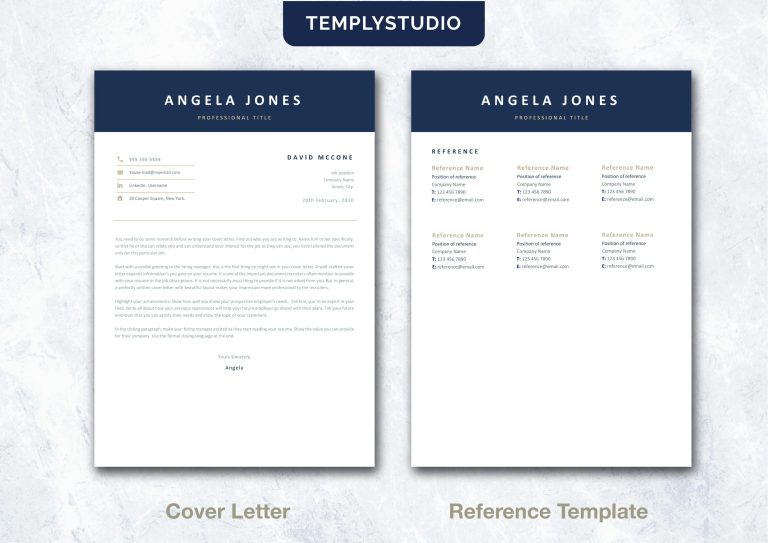
Leave out “references available on request” unless the employer asks for it. Share the contact details the posting requires. Check local and industry norms before including a photo or other personal details. Keep a hobby only if it adds information that matters for the role.
Test what the exported file shows first
Open the copy you plan to send. Can you find the key qualification quickly? If you need to read the whole page, move its section up or use a clearer label. The resume headings guide has examples of labels for experience, training, and skills.
Try copying text from the exported file into a plain-text editor. The order should remain clear and dates should stay connected to the right jobs. Employer systems can read files differently. Use the requested format and review any fields that the application portal fills in for you. CareerOneStop resume guidance offers more examples.
Compare two orders before you settle on one
Say you are applying for a data role after a course and an internship. If the posting asks for a completed degree, place Education just below your contact details and use the internship to show the day-to-day tasks. If the posting puts more weight on making reports from real data, try putting the internship first and the degree next. Both versions can include the same facts.
Give each version the same short test. Look at the first third of the page, find the required skill, and point to the line that proves it. Then read the work dates in order. Check the employer’s file instructions. If the application form asks for separate fields, enter each field as requested and review any values the portal imports.
Frequently asked questions
Should I put education above work experience?
Move education up when it is required for the role or it gives the clearest evidence. Move it down when a recent job shows a stronger match.
Do I need a summary?
Add one or two lines when they explain a change of field or help the reader place your experience. Skip it if it only repeats a heading or a bullet below.
Temply Studio
Stop chasing your goals with sticky notes and scattered notebooks. Our premium digital planners and Canva templates are designed to help you plan with intention, stay consistent, and actually enjoy the process.
Questions about this guide?
Ask about the planner, share how you use it, or tell us what to cover next. Your email stays private.