




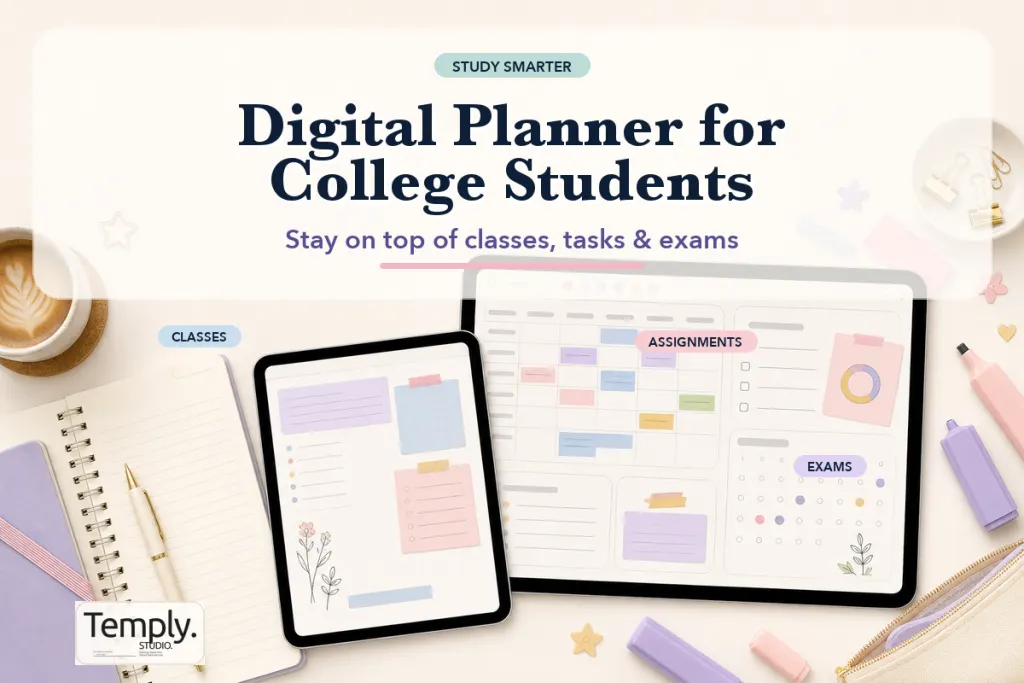
A digital planner for college students should make classes, assignments, exams, work shifts, and personal commitments easier to see in one place. The right setup is not the one with the most pages. It is the one you can open quickly, understand at a glance, and maintain through a busy semester.
5 easy checks before choosing a digital planner for college students
Before choosing a planner for college, map one real week from your course calendar. Include classes, assignment deadlines, exam preparation, project milestones, and the time you need for review. Then compare that map with the layouts actually shown on the product page. A title such as “academic” or “student” is not proof that every module you need is included.
| Need | Evidence to check |
|---|---|
| 1. Term coverage | The exact start and end dates, week-start convention, and calendar alignment. |
| 2. Class planning | A timetable or recurring schedule layout that matches your course load. |
| 3. Deadlines | Assignment, exam, project, or revision layouts shown in the actual file preview. |
| 4. Weekly review | Enough space to plan study blocks and carry unfinished work forward. |
| 5. Device setup | The delivered format, intended app, orientation, and import instructions. |
For a specialist course such as nursing, also check that the pages fit your study workflow and that you do not record sensitive patient or placement information in an unsuitable file.
When the checklist is clear, compare the verified details in the current digital planner collection. You can also review the dated versus undated guide before choosing a calendar setup.
What should a digital planner for college students include?
For most students, start with a monthly deadline view, a weekly schedule, an assignment tracker, and space for course notes or project steps. Then choose a format that fits your device and planning habit. A planner works best when it reduces the number of places you need to check before deciding what to do next.
| Planner section | Why it matters in college | Keep it useful by |
|---|---|---|
| Monthly calendar | Shows exams, registration dates, and big deadlines | Adding only confirmed dates and major milestones |
| Weekly view | Balances classes, study blocks, work, and personal time | Choosing three realistic priorities per week |
| Assignment tracker | Prevents large tasks from disappearing until the due date | Adding course, due date, status, and next action |
| Course or project pages | Keeps research, group work, and notes organized | Giving every page a clear purpose |
Cornell University’s Learning Strategies Center recommends using a semester calendar alongside a weekly calendar: one shows major deadlines, while the other helps you decide where the work fits. You can apply that structure in a digital planner for college students without filling every available page.
Start with your real semester workload
Before comparing layouts, list what you already need to manage: lectures, labs, shifts, recurring meetings, assignment deadlines, exams, and personal commitments. Then separate fixed events from flexible work. Fixed events belong on the calendar; flexible work needs a visible next action and a realistic study block.
This distinction matters because a college planner can become crowded quickly. A weekly view with space for priorities may be better than a detailed hourly page if your timetable changes. If your schedule is predictable, time blocking can make study sessions easier to protect.
Choose the planning level you will actually use
Monthly planning for the big picture
Use a monthly page to see exam periods, project milestones, tuition or registration dates, and deadlines that affect more than one course. It is the best place to notice a heavy week before it arrives. It is not the place to write every small task.
Weekly planning for execution
The weekly page is where most students turn deadlines into actions. Add your classes and fixed commitments first, then assign the next visible step for each important task. “Read chapter 4” is easier to start than “work on biology.”
Daily planning only when you need it
Daily pages are useful for exam weeks, long workdays, and project deadlines. They do not need to become a daily obligation. Use them when extra detail helps, then return to a simpler weekly rhythm when life is calmer.
Dated or undated: which works better for students?
A dated planner is convenient when you plan continuously through a known school year. Dates are already in place, so you can schedule a future exam or deadline without preparing a page first. An undated planner is helpful when you start mid-semester, take a break during holidays, or prefer not to leave unused weeks behind.
Choose dated for ready-made structure. Choose undated for a start-anytime workflow. Whichever you pick, confirm the product’s actual date range, included pages, and personal-use license before buying.
Check layout and navigation before you buy
Orientation affects comfort. A vertical layout can feel like a traditional notebook, while a horizontal layout gives a weekly schedule more width. Use our portrait vs landscape digital planner comparison to decide which view suits your screen and writing style.
Navigation matters too. A hyperlinked planner can connect monthly tabs, weekly pages, notes, and trackers so you spend less time scrolling. If this is new to you, read what a hyperlinked digital planner is before choosing a file.
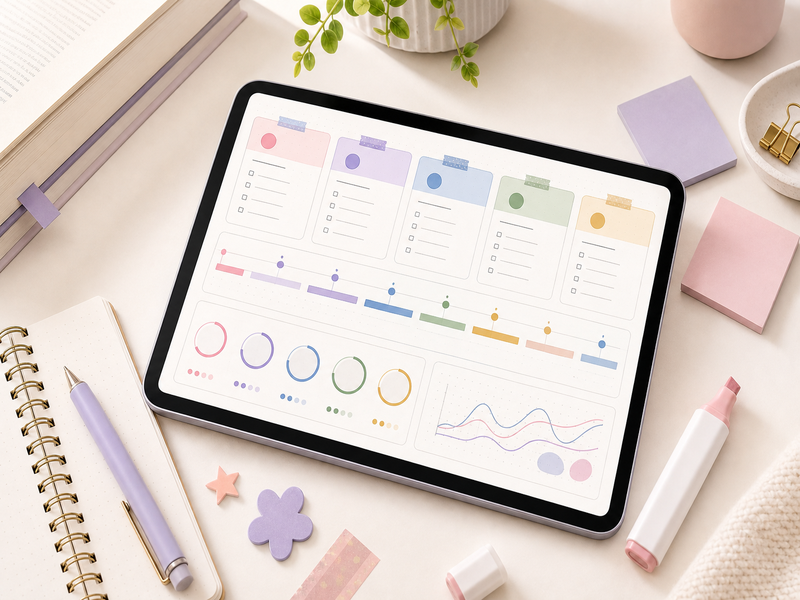
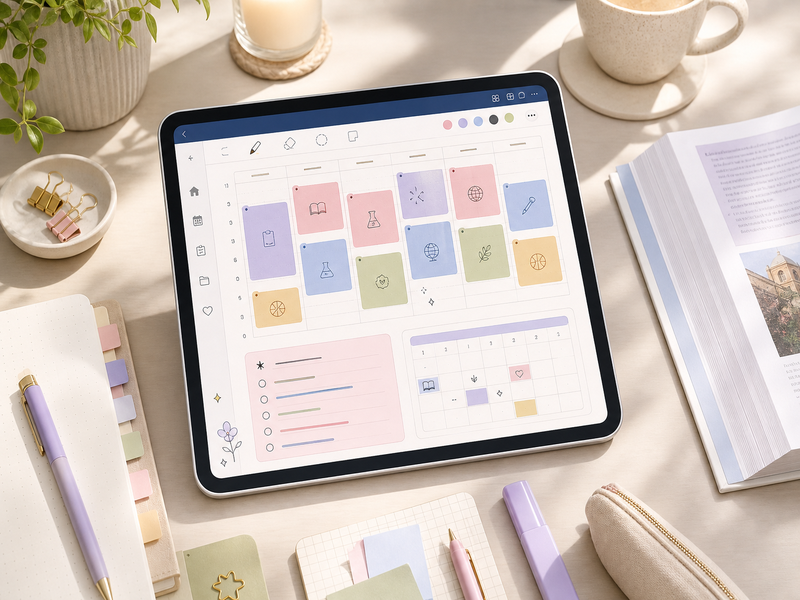
Four features that genuinely help during a semester
1. An assignment tracker with next actions
Track the course, task, due date, current status, and immediate next step. For a large essay, the next step might be “choose sources” or “draft outline,” not simply “write essay.” This makes it easier to start when you only have a short study window.
2. An exam plan that starts early
Record confirmed exam dates first, then plan backward. Add review sessions, practice questions, group study, and time to collect materials before the last week. Your institution’s official course platform remains the source of truth for dates and grades.
3. A project page for group work
For group assignments, use a single page for milestones, responsibilities, meeting notes, and the next decision. A planner organizes your work; it does not replace the communication method your course or team uses.
4. A short weekly review
Set aside a few minutes to check the month ahead, move upcoming assignments into the next week, and carry forward only tasks that still matter. A brief review is more sustainable than redesigning every page.
Compatibility: verify this before checkout
Many digital planners are delivered as PDFs, but the workflow depends on the annotation app and device you use. Check the product listing for the exact file format, included pages, compatibility guidance, and whether the download arrives in a ZIP file. Do not assume every PDF has the same features or works the same way in every app.
If you plan on a tablet, our digital planner for iPad guide covers practical setup considerations. After purchase, follow the Goodnotes planner guide for a simple starting workflow when that app is compatible with your file. Goodnotes also provides an official import guide; app steps and supported features can change, so check the current documentation.
A digital planner for college students: a realistic weekly example
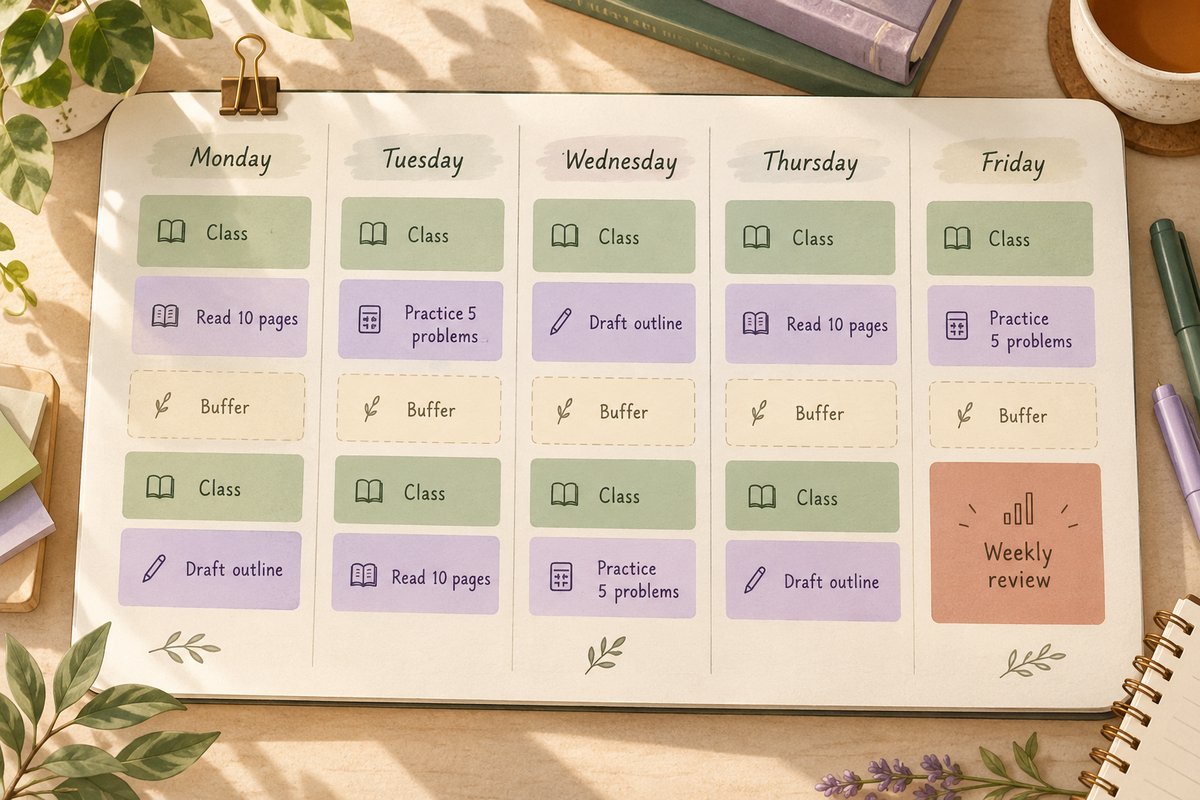
Consider an illustrative week with a Monday lecture, a Wednesday work shift, a Friday essay deadline, and a quiz the following week. Put those fixed commitments on the calendar first. Then break the essay into smaller actions: choose two sources on Monday, draft the outline on Tuesday, write a section on Thursday, and leave Friday for the final check and submission.
Add short quiz-review sessions earlier in the week instead of treating the exam date as the only task. Leave some open space for travel, meals, and work that takes longer than expected. The exact blocks depend on your workload; the purpose of this example is to make the next action visible.
Your digital planner for college students should make a crowded week easier to adjust. If the essay takes longer, move a flexible block consciously rather than squeezing everything into the last evening. Use your course platform for the official submission time and time zone, then add a separate reminder if you need an alert.
A sustainable weekly workflow for college
- Review your monthly calendar for deadlines and fixed events.
- Add this week’s classes, shifts, and appointments to the weekly view.
- Turn each important assignment into one visible next action.
- Reserve study blocks around your fixed commitments.
- Leave buffer time for tasks that take longer than expected.
- At the end of the week, move forward only what is still relevant.
A good planner should reduce uncertainty, not become another assignment. If you miss a day or a week, open the current page and restart from there.
PDF planner or calendar app: use each for its job
A PDF digital planner for college students gives you space to write, annotate, and connect ideas on a page. A printed-looking deadline inside a PDF does not automatically create a phone notification or sync with your course calendar. If reminders are essential, put confirmed deadlines into the calendar or task app you already check, and use the planner for the work leading up to them.
Avoid maintaining two competing deadline lists. Decide where the official personal reminder lives and review it alongside your planner once a week. When a lecturer changes a deadline, update both the planning page and any scheduled alert.
Browse digital planners for student routines
Explore the Temply Studio Digital Planner collection to compare product layouts and current file details. For a broader overview of formats and planning styles, see our digital planner buyer guide.
Frequently asked questions
Is a digital planner better than paper for college?
It depends on your habits. A digital planner is portable and can combine calendar pages, annotation, and linked navigation. Paper can feel faster for short notes and can reduce screen time. Some students keep one digital master calendar and use paper for daily focus.
Do I need a tablet for a digital planner?
A tablet is common for handwritten PDF planning, but requirements vary. Review the file and app compatibility stated on the product page before purchasing.
Should every course have a separate planner?
Usually, one master planner with course-specific sections is easier to review than several disconnected calendars. Separate notebooks can still be useful for detailed lecture notes.
What is the best digital planner for a busy college student?
The best option is one with a readable weekly layout, a place to track assignments, and a file format you can use on your primary device. Pick the simplest system you will revisit each week.
Choose a setup you can maintain
Choose a planner that makes deadlines visible, breaks large assignments into next actions, and fits the device you already use. Then keep the system simple enough to continue through the busiest part of the semester.
Explore Temply Studio digital planners to find a format that fits your routine.
Temply Studio
Stop chasing your goals with sticky notes and scattered notebooks. Our premium digital planners and Canva templates are designed to help you plan with intention, stay consistent, and actually enjoy the process.


Questions about this guide?
Ask about the planner, share how you use it, or tell us what to cover next. Your email stays private.