





Quick answer: A digital planner evening review is a five-minute end-of-day pass over today’s page: check off what was done, move or deliberately drop what was not, write tomorrow’s top three priorities, and log one line of notes. Done consistently, it turns the planner from a log you forget into a decision tool for the next morning.
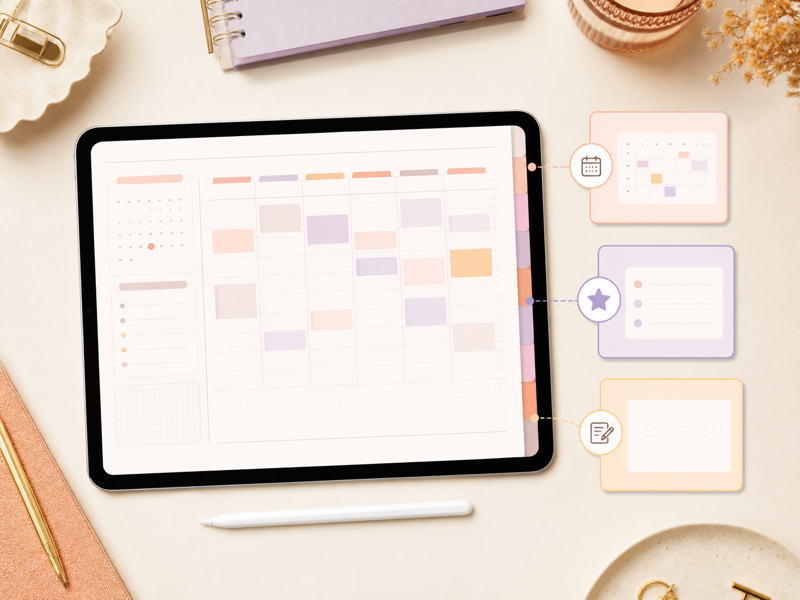
What a five-minute evening review looks like
The review works because it is short enough to repeat nightly. Work through the page in order — do not reorganize anything yet:
- Mark what actually happened. Check off finished tasks and completed time blocks. If a planned hour went to something else, jot what replaced it — that is data for next week, not a failure.
- Triage the unfinished. For every unchecked task, choose one of three options: move it to a specific day, defer it to a someday/backlog list, or delete it. A task that survives three deferrals usually needs deleting or splitting.
- Write tomorrow’s top three. Pick the three outcomes tomorrow must produce and put them at the top of tomorrow’s page — before email or meetings fill it.
- One line of notes. Energy, mood, a blocker, or a win — one sentence is enough. A month of these lines shows patterns a task list cannot.
Worked example: a five-minute pass
Say today’s page holds six tasks: two meetings, “finish invoice draft”, “call dentist”, “read chapter 4”, and a workout. By evening the meetings and invoice are done; the call, the chapter and the workout are not. The review takes this shape: call dentist moves to tomorrow morning (it has a deadline-ish urgency); the chapter moves to a backlog list because it has been deferred twice already; the workout is dropped honestly — this week is too full for it. Tomorrow’s page opens with: submit invoice, call dentist before 10, prepare Friday’s agenda. Total time: about four minutes.
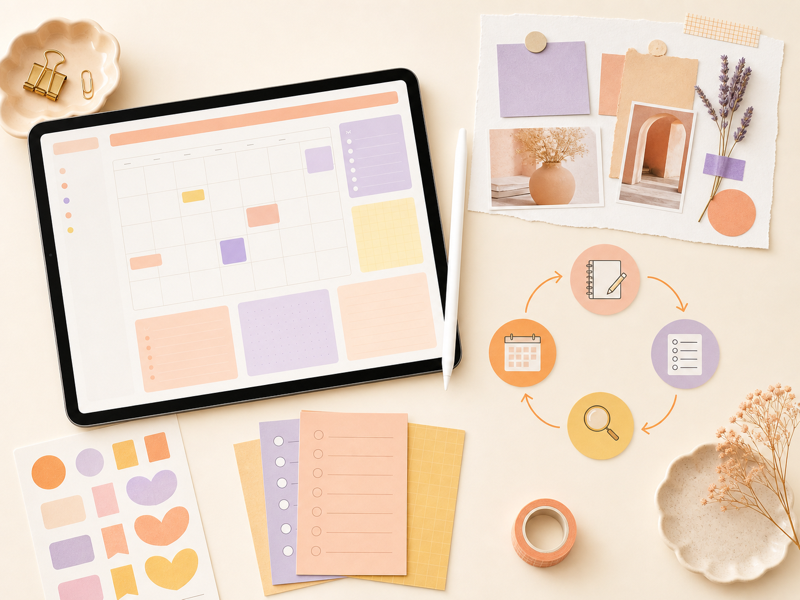
Keeping it inside the planner
An evening review lives or dies on friction. A few habits keep it inside the app instead of in your head:
- Do it at a fixed anchor — closing the laptop, after dinner, or before bed — not “sometime tonight”.
- Use the planner’s navigation links to jump straight to today’s page; if your planner supports them, duplicate a review template block instead of re-writing prompts.
- Keep a small backlog page or section so “defer” has a real destination.
- Do not redesign pages during the review — layout work is a separate session.
Common mistakes
- Rewriting the whole day instead of just checking it off.
- Moving unfinished tasks to “tomorrow” generically, so tomorrow’s page overflows by 9am.
- Skipping the notes line every night, which removes the pattern data that makes the review compound.
- Letting the review run past ten minutes — at that point it is a planning session, not a review.
Frequently asked questions
What should I do with an unfinished task?
Give it a decision, not a default: move it to a named day, park it on a backlog list, or delete it. Anything deferred several times in a row is telling you it is not actually scheduled work.
When is the best time for an evening review?
Whenever it will happen every day. Attaching it to an existing anchor — end of work, after dinner — beats a theoretically better time that gets skipped.
Do I need a special planner template for this?
No. Any daily page works; prompts help but are optional. If you build your own block, keep it to four lines: done, moved, tomorrow’s top three, one note.
Does this work on paper planners too?
Yes — the steps are the same. Digital planners just make moving tasks and keeping a backlog page a little easier.
Conclusion
The evening review is the smallest habit that keeps a digital planner honest: five minutes to close today and seed tomorrow. For planner setup ideas, see how to choose a digital planner for beginners, browse the Digital Planning hub, or explore Temply Studio’s digital planners. If you use GoodNotes, GoodNotes support documents the current app features.
Temply Studio
Stop chasing your goals with sticky notes and scattered notebooks. Our premium digital planners and Canva templates are designed to help you plan with intention, stay consistent, and actually enjoy the process.



Questions about this guide?
Ask about the planner, share how you use it, or tell us what to cover next. Your email stays private.