




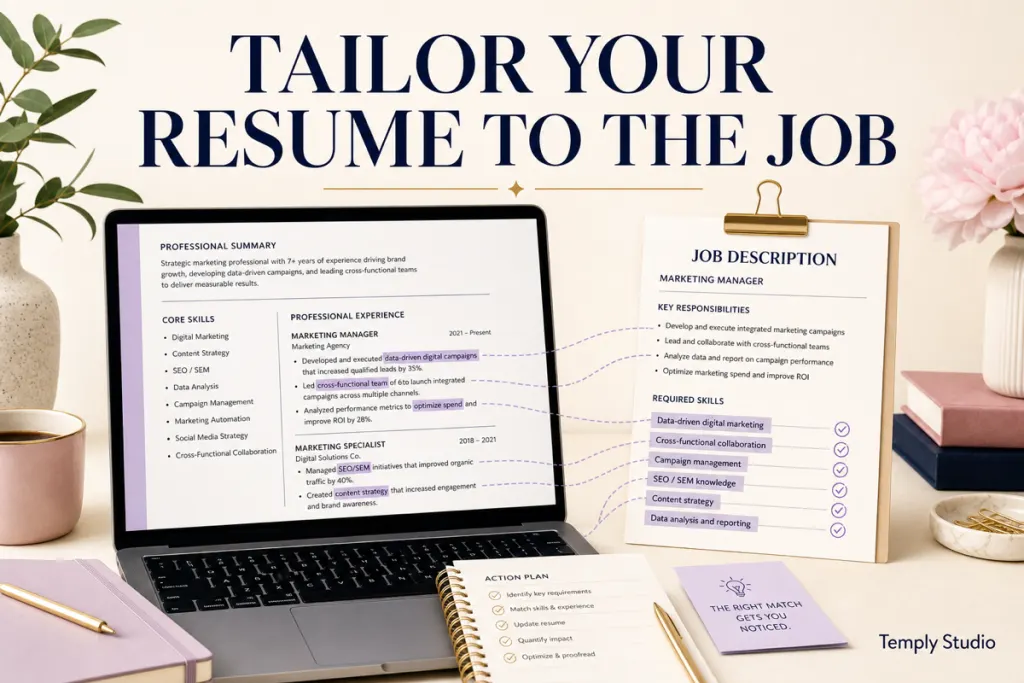
Quick answer: Choose a resume template with room to show the work that fits your next role and a clear list of past jobs. Keep your actual titles, employers, and dates. A short summary or a relevant project can help a reader see the match before they read your full work history.
Start with one job posting
Pick three tasks the employer asks for. Write one example from a past job, class, project, or volunteer role next to each task. If all you have is a word that sounds similar, leave that match out. Use the examples you can explain and back up.
For instance, a library assistant might find a job that asks for scheduling and record keeping. Their resume could say, “Booked rooms and set volunteer shifts for a monthly event. Updated the shared calendar when a shift changed.” Label this with the actual library role. The reader can see the link to the new work from the tasks.
Choose the layout that brings the right work forward
- Recent work is the strongest match: Put work experience near the top. In each job, lead with the task that fits the role you want.
- A course or project shows the strongest match: Use a short summary and one selected project above work history. Say whether you did the work in class, as a volunteer, or on the job.
- A license or degree is required: Move it high enough to find at a glance. List its correct name and status.
The CareerOneStop formatting guide describes a combination resume that shows relevant skills alongside a detailed work history. Use the resume section order guide to lay out the version that fits your evidence.
Use the same real experience to apply for different jobs
Suppose the same library assistant applies for an operations role and a support role. For operations, put the room bookings and shift schedule first. For support, lead with a real example of helping visitors solve account issues. The employer, job title, and dates stay the same. The order of the bullets and the short summary change.
If a posting asks for a tool you used in a course, show it under Training or Projects. Explain what you made with it. Put tools you used on the job under the relevant job. This helps a reader tell training apart from work experience.
Show tools and outcomes at the right level
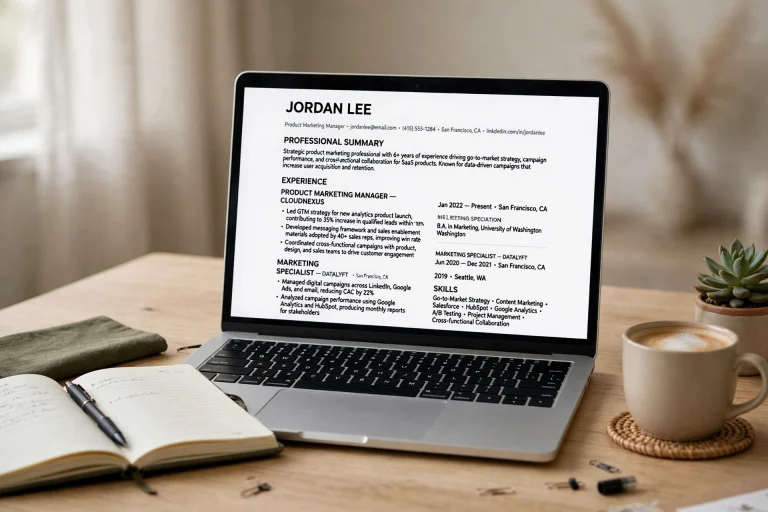
A retail supervisor may have planned training across several shifts. If a project posting asks for scheduling, a useful bullet could read, “Built a weekly training schedule for three shifts and tracked who finished.” Use a count only if you can verify it from your records. If your role was to update a schedule someone else designed, describe the update you owned.
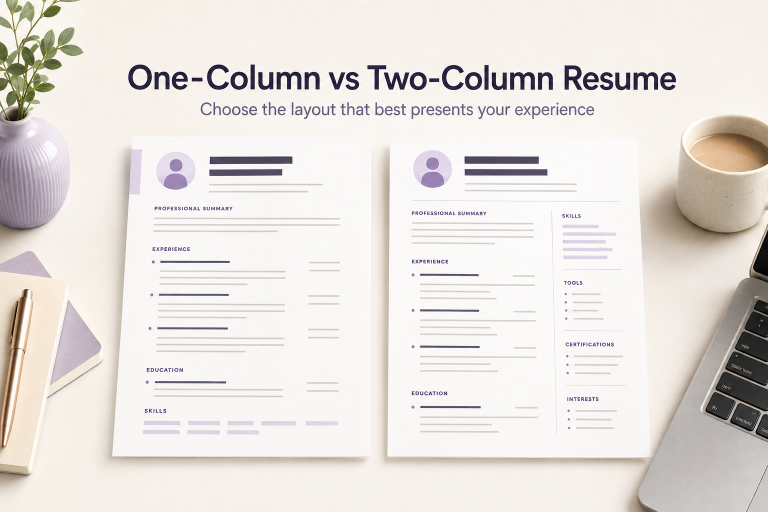
Keep the template simple enough to show what you did. A separate skills box works best when the same skills appear in a real work or project example. If a two-column layout splits the dates from the job titles when you copy the exported text, try one column and compare both versions. Keep the version that makes the link between each job and its results clear.
Run a final check on the exported file
- Open the file you will send. Find the strongest example within the first few sections.
- Check each job title, company name, and date against your own records.
- Read each bullet aloud. If you could not explain your part in an interview, rewrite it.
- Use the file format in the posting. Check the exported copy with the resume formatting guide before uploading it.
Temply Studio
Stop chasing your goals with sticky notes and scattered notebooks. Our premium digital planners and Canva templates are designed to help you plan with intention, stay consistent, and actually enjoy the process.
Questions about this guide?
Ask about the planner, share how you use it, or tell us what to cover next. Your email stays private.