




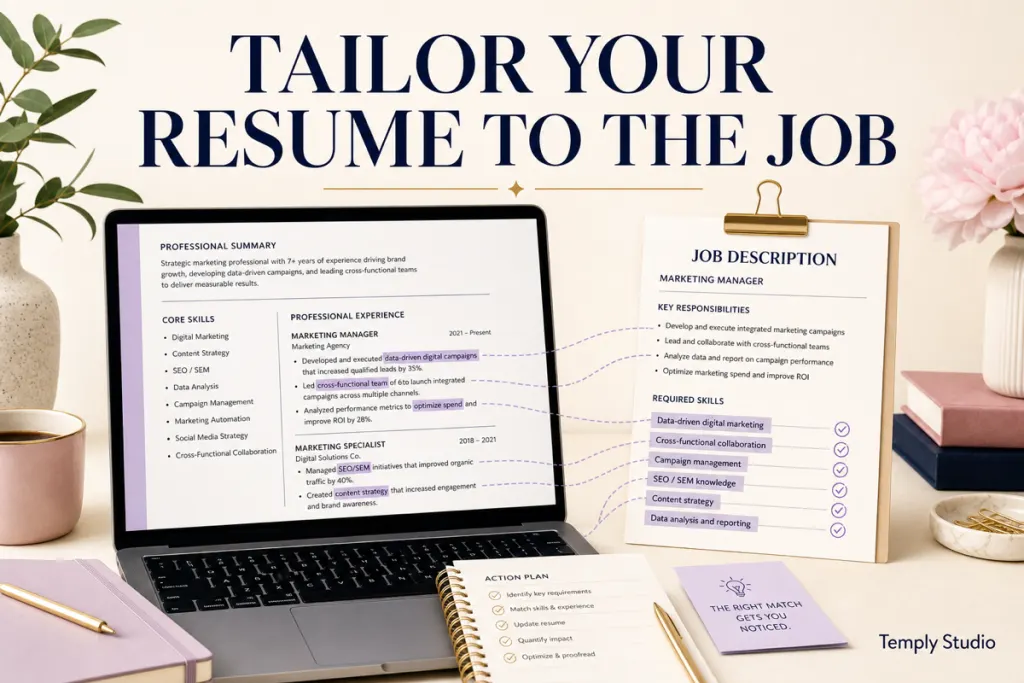
Quick answer: For an ATS-friendly resume, name your sections with the familiar headings recruiters and parsing software expect: Contact Information, Professional Summary (optional), Work Experience, Education, Skills, and — where relevant — Certifications and Projects. “ATS-friendly” means the software can find each section and file it under the right field; applicant tracking systems differ in how they read documents, so no single label guarantees a particular parse result.
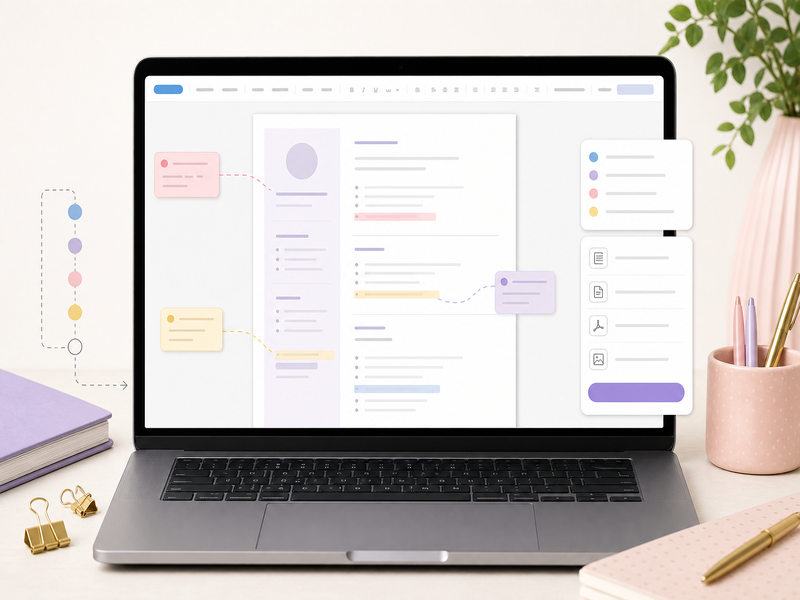
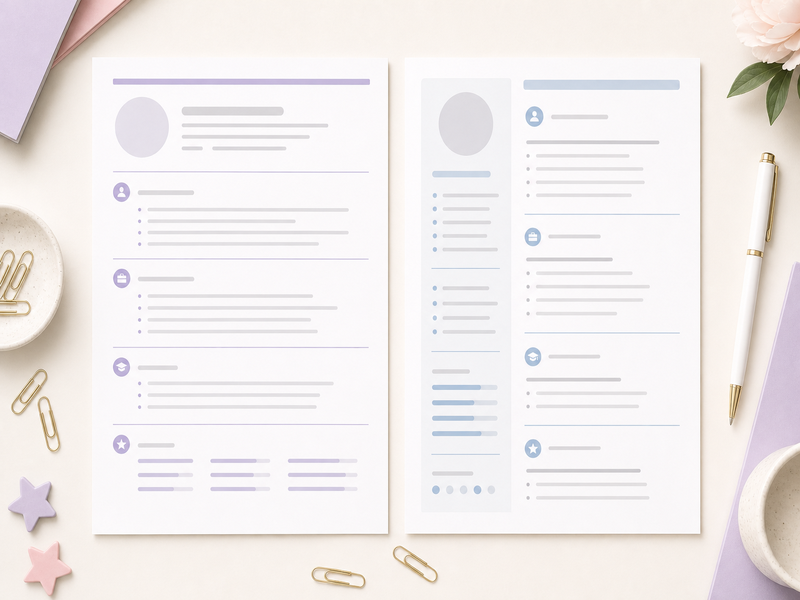
This guide covers section names and order only. It does not promise a hiring result, an interview, or a specific parse outcome. Resume standards and tracking systems differ between employers, so check the requirements in each job posting and the official references linked below when a detail affects your application.
The standard headings an ATS expects
Many applicant tracking systems scan a resume for familiar section labels and file what they find under fields like experience, education, and skills. A heading the software does not recognize can end up unfiled or misfiled even when the content underneath is strong. Before restyling anything, decide which of the standard sections your resume actually needs:
- Work Experience — the core section most systems look for first; “Experience” and “Professional Experience” are widely recognized variants.
- Education — degree, institution and dates; keep Certifications as its own labelled section when the role lists required credentials.
- Skills — or Key Skills — a short, scannable list; Projects is a useful optional section for candidates without much employment history.
- Contact Information — name, phone, email, location and profile links at the top of the document body as plain text, not inside the Word or Google Docs header area or an image.
Label your sections in six steps
- 1. List the sections your resume really contains — for example summary, jobs, education, skills — before renaming anything.
- 2. Match each section to the closest standard label above; rename creative titles like “My Journey” or “What I Do Best” to the familiar equivalent.
- 3. Check the order: contact details first, then summary, work experience, education and skills, with optional sections such as Certifications or Projects last.
- 4. Write each heading as plain, spelled-out text — avoid abbreviations like “WE” for Work Experience and avoid symbols used as decoration.
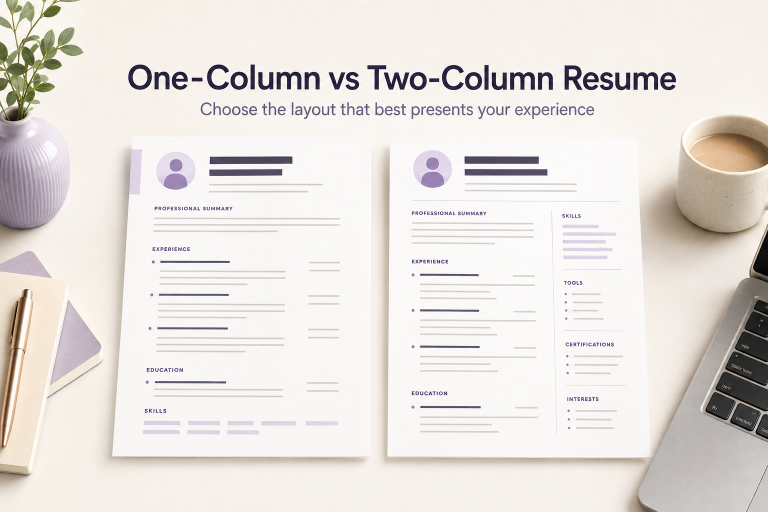
- 5. Keep the whole resume in a simple one-column layout and place each section name on its own line, not inside a table or graphic.
- 6. Save an editable copy, then read the exported file the way a recipient — or a parser — would, checking that every heading survived the export.
After relabelling, open the exported file and check the basics a parser relies on: every heading is selectable text rather than part of an image, the document reads top to bottom in one column, and no section name sits inside a decorative frame. If the job posting asks for a specific file format, confirm the headings still read correctly in that format.
A heading checklist before you apply
Run these checks on the headings themselves before sending the resume:
- Every section uses a familiar, spelled-out label — Work Experience, Education, Skills — rather than a creative title.
- Each heading appears once, on its own line, in plain text.
- Contact details sit at the top of the document body as plain text — not inside the Word or Google Docs header area or an image.
- Section order matches what the application asks for, with optional sections after the standard ones.
- No heading is shortened to an abbreviation or symbol a reader would not recognize.
- The exported file keeps every heading intact when it is opened, copied or printed.
Common mistakes to avoid
- Using inventive headings such as “My Story”, “The Journey So Far” or “Where I’ve Been” in place of Work Experience — a parser may not file them under experience.
- Labelling the skills section “My Toolbox” or “Superpowers”; Skills or Key Skills is the label systems and recruiters scan for.
- Putting your name, email or phone inside a graphic or a document header where extraction can miss it.
- Merging education and certifications under one vague title like “Background” when the role lists required credentials.
- Decorating headings with icons, columns or text boxes that break the reading order a single-column parse expects.
If one of these mistakes appears, fix the heading text first — it is the cheapest change with the clearest effect. Keep an editable copy of the resume so you can rename a section without rebuilding the document.
A simple one-column outline and heading reference
A basic ATS-friendly order looks like this — name and contact details at the top of the document body (not inside the Word or Google Docs header area), standard sections next, optional sections last:
Name
Phone | Email | City, Country | LinkedIn or portfolio link
Professional Summary (optional)
Work Experience
Education
Skills
Certifications (if relevant)
Projects (if relevant)
Before-and-after relabelling shows how small the fix can be. An entry-level candidate might change “My Story” to Education, “What I’ve Done” to Internship Experience or Experience, and “Things I’m Good At” to Skills. An experienced hire might change “Career Journey” to Work Experience, “My Toolbox” to Skills, and “Credentials” to Certifications. A quick reference for each standard label — why it is easier to recognize, and the risky alternatives:
– Professional Summary — an optional short intro recruiters look for under this exact label; risky alternatives: About Me, My Story.
– Work Experience — the core section parsing software looks for first; risky alternatives: Career Journey, Where I’ve Been.
– Education — the standard field for degrees, institutions and dates; risky alternatives: Learning Path, My Studies.
– Skills — the scannable keyword section; risky alternatives: My Toolbox, Superpowers.
– Certifications — a separate, findable credential list when a role names required credentials; risky alternatives: Credentials, Extras.
– Projects — optional proof of work for early-career resumes; risky alternatives: Cool Stuff, Side Quests.
These alternatives are risky because parsing systems that match section labels may skip or misfile them — not because every ATS is guaranteed to fail on them.
For a resume file that is already structured this way, browse the Resume and Career hub or the related Temply Studio template collection; the Google Docs resume template guide covers a connected editing workflow.
For the official U.S. reference, see CareerOneStop’s Resume Guide formatting page, which recommends familiar headings such as Work Experience, Education and Skills and simpler, ATS-readable formatting. Indeed’s ATS resume guide likewise names the standard sections and advises avoiding complex layouts.
See how those headings fit together
Use the resume section order guide to arrange the labels for a recent graduate, experienced candidate, or career changer.
Frequently asked questions
Which resume headings are safest for ATS?
Use the familiar standard labels: Work Experience, Education and Skills, plus Contact Information at the top and an optional Professional Summary. These are the section names official guidance recommends and the ones most parsing software is built to recognize — though no two ATS products read documents identically.
Is a Professional Summary required?
No. A summary is optional. If you include one, label it Professional Summary or Summary and keep it to two or three lines; the standard sections matter more than extra intro blocks.
Can I keep a creative section name?
You can, but it carries a parsing risk: software that maps headings by label may not file a creative title under the right section. If you keep a distinctive label, pair it with a familiar one — or keep the standard heading and let the content underneath carry your style.
Do standard headings guarantee my resume parses correctly?
No. Headings are only one part of how an ATS reads a file; layout, fonts, file format and the job’s own requirements all play a role. Standard labels remove one common, avoidable problem — they do not remove every risk.
Conclusion
Standard, familiar section names — Work Experience, Education, Skills, plus optional Summary, Certifications and Projects — make a resume easier for software and recruiters to file correctly. Rename any creative headings, keep a simple one-column order, and check the exported file before you apply. When you want a ready-made starting point, explore the relevant Temply Studio collection.
Temply Studio
Stop chasing your goals with sticky notes and scattered notebooks. Our premium digital planners and Canva templates are designed to help you plan with intention, stay consistent, and actually enjoy the process.
Questions about this guide?
Ask about the planner, share how you use it, or tell us what to cover next. Your email stays private.