




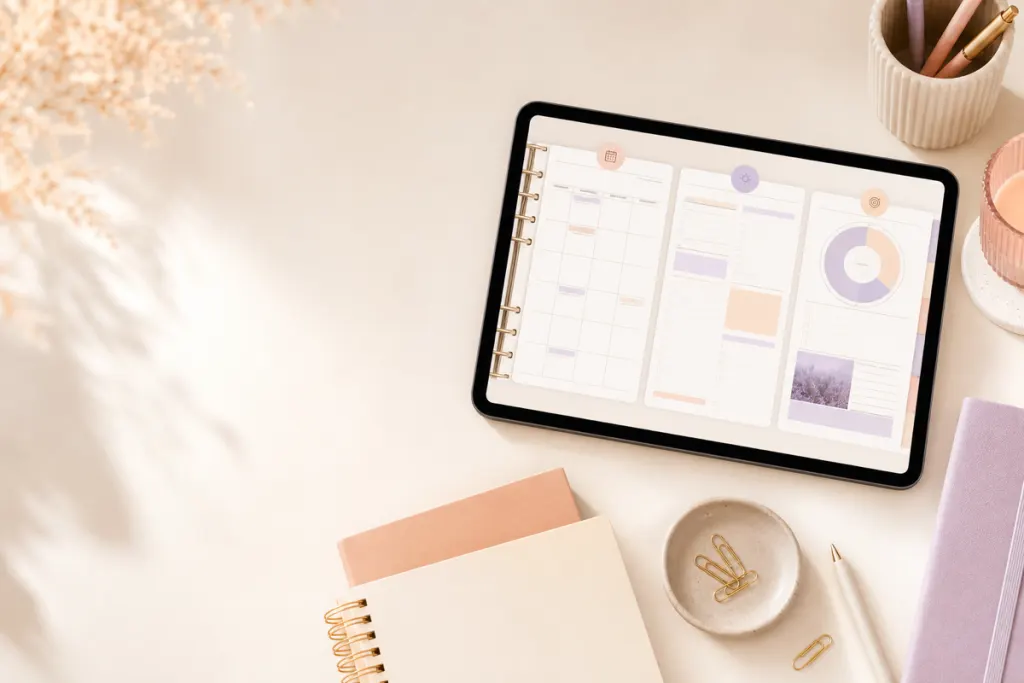
A digital planner for office work solves a specific problem: your day is shaped by meetings, deadlines and follow-ups scattered across email, chat threads and memory, and the plan you wrote on Monday is stale by Tuesday. Whether you manage a team, run a sales pipeline or practise law, a hyperlinked digital planner in GoodNotes or Notability puts the whole week in one searchable place — open on your iPad during the meeting, not left back at your desk.
Quick answer: Start with three things: a dated weekly page for fixed meetings and deadlines, a master list of the dates that cannot move, and a small set of reusable pages for your role — a 1:1 agenda for managers, checklists for HR, deal pages for sales, and matter or project pages for lawyers, accountants, architects and engineers. Review it for ten minutes each morning, close each day with a two-line handoff, and keep confidential records in your organisation’s approved systems rather than in a personal notebook.
For managers and team leads
Management runs on conversations, and a digital planner for managers keeps the record straight. When a direct report asks what was agreed last month, or a senior leader asks for a status update, the answer should already be in your notes. Use GoodNotes for managers as a linked notebook system built around four pages:
- One 1:1 page per direct report, reused every time. Keep the same agenda — a short check-in, their topics, your topics, decisions, and action items with owners and dates. Start each meeting by reviewing last week’s open actions; that habit does more for accountability than any tracking tool.
- A decisions log. Date, decision in one sentence, owner, and a line of context. Teams forget decisions; a dated log settles the “didn’t we agree?” debate in seconds.
- A delegation tracker. Write the outcome, owner and check-in date when you hand off work — “draft Q1 hiring plan — Maya — Fri 21 Nov” is clear, “hiring” is not. Review the list Monday and Friday, and ask what is blocking anything overdue.
- A dashboard page. A hyperlinked planner gives you a home page that jumps to 1:1 pages, project notes and this week’s top three priorities in one tap. Update it every Monday.
Use handwriting search to find a name or project months later — write key terms legibly and use consistent wording. And take privacy seriously: a GoodNotes notebook lock is not encryption, and exported PDFs do not keep it. Formal performance records, salary conversations and grievances belong in your organisation’s approved HR system, not in a working planner.
For HR and sales teams
HR teams
GoodNotes for HR teams earns its place with repeatable templates, not personnel records. Build a small library of blank pages — a day-one onboarding checklist, an IT and access checklist, a 30-60-90 plan, an interview scorecard with a consistent rating scale, and a 1:1 agenda — then duplicate them per hire or interview round. The consistency is the point: every candidate answers the same questions in the same order, and every new starter gets the same structured first week.
Keep the boundary clean. Candidate names, ratings, employee records, salary details and disciplinary notes go into your employer’s approved HR system, where access and retention are managed — the planner holds the blank template, not the completed record. If an export is permitted, share only what an authorised colleague needs through the approved system, and remember that an ordinary PDF can be forwarded by anyone who receives it.
Sales teams
GoodNotes for sales teams is the notes system around your CRM, not a second CRM. Give each key account its own notebook or section, keep a pipeline page with one page per active deal — stage, decision-maker, next step and date — and duplicate a five-minute meeting-prep template before every call: what you know, what you need to find out, three questions you must ask, the objection you expect, and the next step you want to agree.
End every call note with a dated next step, keep one follow-up list in date order, and check it before you open your inbox. Deals rarely die from rejection; they die from forgotten follow-ups. Photograph the whiteboard at the end of a client workshop and drop it into the call note — the photo keeps the detail, your annotation keeps the meaning. Contact records, pricing and confidential deal information stay in the company-approved CRM; the planner holds the thinking.
For legal and accounting professionals
Lawyers
A lawyer planner in GoodNotes lives or dies on deadlines. Build five sections: a master deadline calendar with every filing date, court date and limitation period written in bold; one page per matter with client, key dates and the next action; dated client meeting notes that always end with “Actions:” and an owner’s name; a weekly review spread; and a reusable hearing checklist covering bundles, witnesses, exhibits and client briefing.
For every hard deadline, add two earlier dates — a preparation date one to two weeks out, and a chase date for documents you are waiting on. If you bill by the hour, log time as you go in two lines per task; reconstructed end-of-week entries routinely under-record. Cross-check limitation-critical dates against your firm’s official docketing system — the planner is your working copy, not the record — and keep privileged client material inside your firm’s confidentiality rules.
Accountants
An accountant planner in GoodNotes organises the work around the numbers: a tax calendar, a client directory with status and next action, a monthly bookkeeping checklist duplicated per client, dated meeting notes, and a document tracker — client, document, date requested, date received, status — that replaces the mental list of “who still owes me what”.
Review the tracker every Friday and chase anything older than a week; an early, specific request lands better than a last-minute emergency. The planner plans; the software accounts — bank reconciliation, payroll and filings stay in your accounting package, and authoritative client records stay in approved systems. If losing a page would be a data breach rather than an embarrassment, it does not belong in a personal notebook at all.
For architects and engineers
Architects
An architect planner in GoodNotes holds the messy middle of a project — sketches, site measurements, material choices and client decisions — in one notebook per project. Build a project dashboard (client, phase, next milestone, top three open items), a reusable site visit template, blank and dotted pages for sketching, a material palette page with suppliers and alternatives, and a client meeting page where every decision is written, dated and owned.
Import plans as PDFs and annotate by hand with a consistent colour code: one colour for problems, one for client requests, one for decisions. Keep a punch list per visit — each item with a location, a short description and an owner — and a revision log so “which version did they approve?” always has a dated answer. GoodNotes is not CAD or BIM; it is the notebook around the drawings. Keep original files backed up outside the app.
Engineers
GoodNotes for engineers follows the same pattern tuned to field work: one folder per project, with the same notebooks inside each — field notes, calculations, drawings, meetings and actions, punch lists. Start each site visit with a dated page, write measurements as you take them, sketch what words cannot describe, and photograph defects straight onto the page with your annotation beside them.
Keep a consistent markup system when reviewing drawing PDFs — for example, red for errors, blue for queries, green for verified items — and import each new revision as a separate document so you never overwrite a marked-up record. A running RFI log (number, question, date raised, who it went to, answer) keeps open questions visible. A planner will not run structural calculations or remind you a deadline is tomorrow; pair it with your calendar and your specialist software.
For project work in any office role
GoodNotes for project management suits the projects you drive yourself or run in a small team. Give each project a dashboard — the goal in one sentence, the deadline, key milestones and this week’s top three tasks — plus a task list written as actions (“draft homepage copy”, not “website”) grouped by phase. Draw a simple timeline with a bar per phase so problems show up early, then run a fifteen-minute weekly review: check off what is done, move or delete stalled tasks, update the timeline, and choose next week’s top three.
One honest limit: a digital planner sends no reminders. Put hard deadlines on the dashboard, the timeline and your phone calendar, and choose a dedicated project tool when the work has complex dependencies or a large team that needs to edit together in real time.
Choosing the right digital planner
A digital planner for office work is a hyperlinked PDF you import into a note-taking app — Temply Studio planners are designed for GoodNotes and Notability on iPad with Apple Pencil, and also open in other PDF annotation apps, where internal link behaviour can vary. Structure matters more than decoration:
- Hyperlinked tabs and index pages — if it takes more than three taps to reach your task list, you will stop checking it.
- Dated weekly and daily pages — fixed meetings and protected work blocks need a real calendar, not an endless list.
- Meeting and note pages you can duplicate — one reusable layout beats a fresh format every Monday.
- Checklist pages — onboarding, packing, hearing prep and month-end lists all survive on the same simple template.
- A clean, professional layout — the planner travels to client meetings, sites and court; it should look like it belongs there.
Start with one planner and one real week before customising anything. The 2027 Life Planner gives you a dated, hyperlinked year with monthly, weekly and daily pages that adapt to every setup above; browse the Temply Studio digital planner collection if you want to compare layouts first.
Frequently asked questions
Can a digital planner replace our project tool, CRM or practice software?
No — and it works better when it does not try. Keep structured records and shared workflows in the approved system, whether that is a CRM, HR system, practice management or accounting package, and use the planner for the human layer: your day, your meetings, your follow-ups and your thinking.
Is a GoodNotes planner private enough for confidential work?
Treat it as a working notebook, not a records vault. A notebook lock is not encryption and does not carry over to exported files. Keep client files, employee records, privileged material and financial data in approved systems, and follow your firm’s policy on what may live in a personal app.
Which apps do Temply Studio planners work with?
The planners are hyperlinked PDFs built for GoodNotes and Notability on iPad, including the tappable tab navigation, and they open in other PDF annotation apps where link behaviour may vary. An Apple Pencil or compatible stylus gives the best handwriting experience.
How do I stop the planner turning into a junk drawer?
Three habits: one notebook or clearly separated section per project or person, the same template for recurring pages, and a weekly review that closes loops. Date every page — a dated note answers “what did we agree?” without a search.
How long does setup take?
An afternoon, not a weekend. Load the next sixty days of fixed meetings and deadlines first, add one template for the work you repeat most, and use it for a real week before adding sections. A simple planner used daily beats a perfect one still under construction.
Conclusion
A digital planner for office work earns its place by answering three questions fast: what is fixed today, what is the priority, and who is waiting on you. Build the smallest version that works — a deadline calendar, one reusable page per recurring task, and a ten-minute weekly review — then let it grow with your role. Ready to start? The 2027 Life Planner is a clean, hyperlinked PDF that imports straight into GoodNotes or Notability — open it on your iPad tomorrow morning and plan your first real week.
To separate meetings from the work you need to finish, apply the daily planner time-blocking method to a single day before rolling it out to the whole week.
For lesson plans, classroom materials, and a teaching calendar, see the Goodnotes planning workflow for teachers.
Temply Studio
Stop chasing your goals with sticky notes and scattered notebooks. Our premium digital planners and Canva templates are designed to help you plan with intention, stay consistent, and actually enjoy the process.


Questions about this guide?
Ask about the planner, share how you use it, or tell us what to cover next. Your email stays private.