Digital Planning
How to Use the GoodNotes Ruler: Straight Lines, Grids & Perfect Layouts
Quick answer: To use the GoodNotes ruler, select the Ruler tool from the Accessories menu (or your toolbar), then draw…
Nov 21, 20269 min read
Tag
63 articles on goodnotes.
Quick answer: To use the GoodNotes ruler, select the Ruler tool from the Accessories menu (or your toolbar), then draw…
Nov 21, 20269 min read
Quick answer: Check what is using iCloud storage before removing anything. Before deleting a Goodnotes notebook, save a separate copy…
Nov 20, 202610 min read
Quick answer: To use GoodNotes presentation mode, connect your iPad or iPhone to an external screen with AirPlay or a…
Nov 20, 202611 min read
If you find yourself redrawing the same habit tracker, rewriting the same header, or hunting for the same sticker every…
Nov 17, 202614 min read
Quick answer: Add a single PDF page or image to Manage Notebook Templates when you want a reusable page background…
Nov 15, 20262 min read
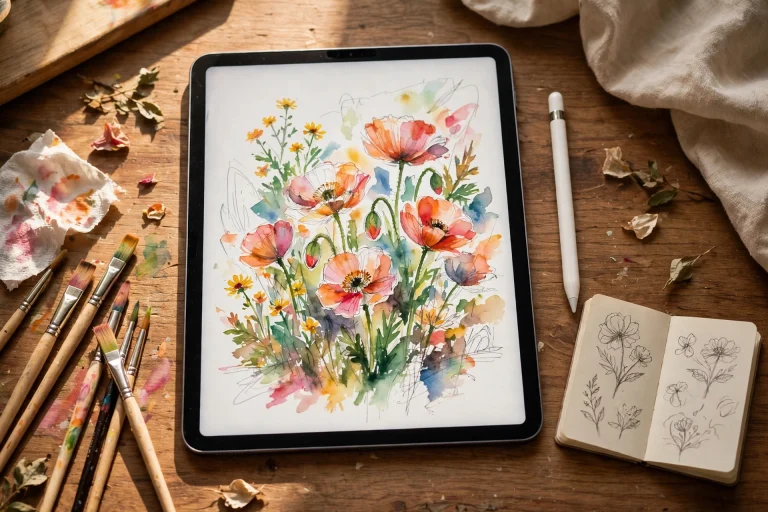
GoodNotes for artists turns an iPad into the studio bag you never managed to pack: sketchbook, mood board, shot list,…
Nov 14, 20269 min read
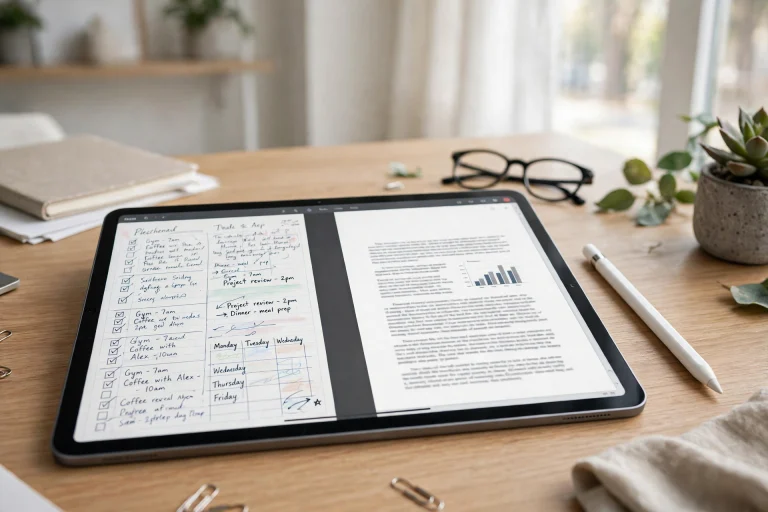
Quick answer: Side-by-side use depends on your iPadOS version and multitasking mode. On iPadOS 26 with Windowed Apps, enable Settings…
Nov 13, 202618 min read
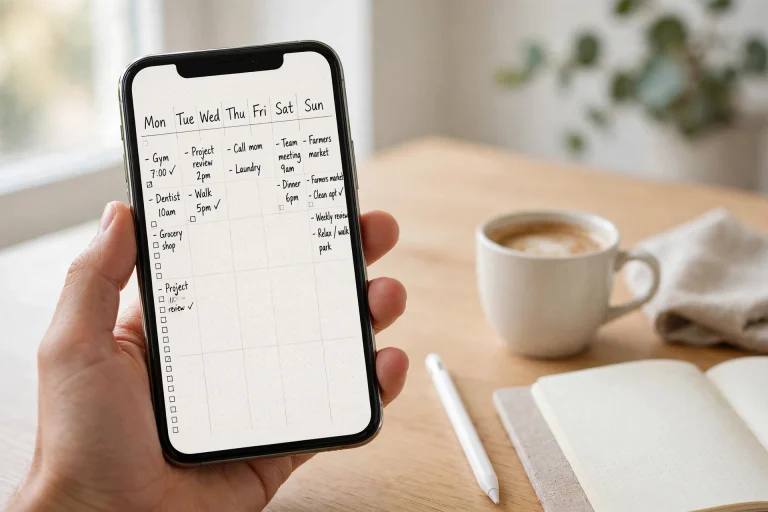
Quick answer: GoodNotes on iPhone works best as a pocket companion to your iPad planner, not a replacement for it.…
Nov 13, 202620 min read
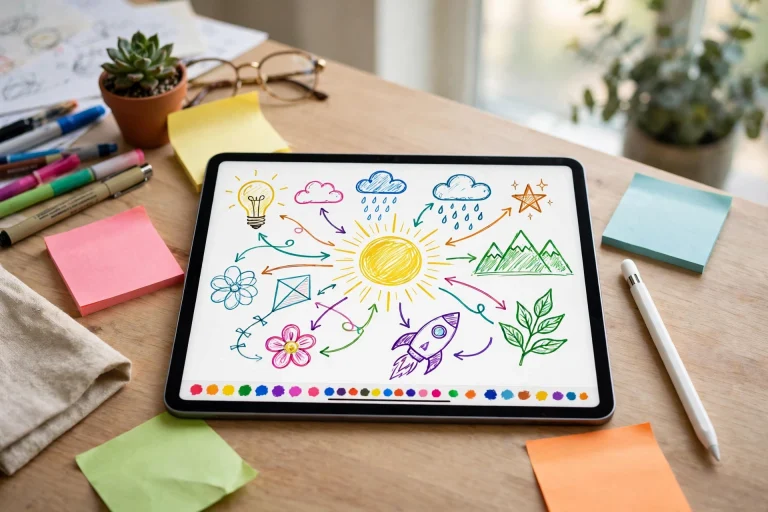
Quick answer: A GoodNotes digital whiteboard is a blank, landscape notebook in GoodNotes used as a free-form thinking space. Set…
Nov 12, 202612 min read
From the shop
New planners, printable drops and studio notes. One short email, a couple of times a month.