




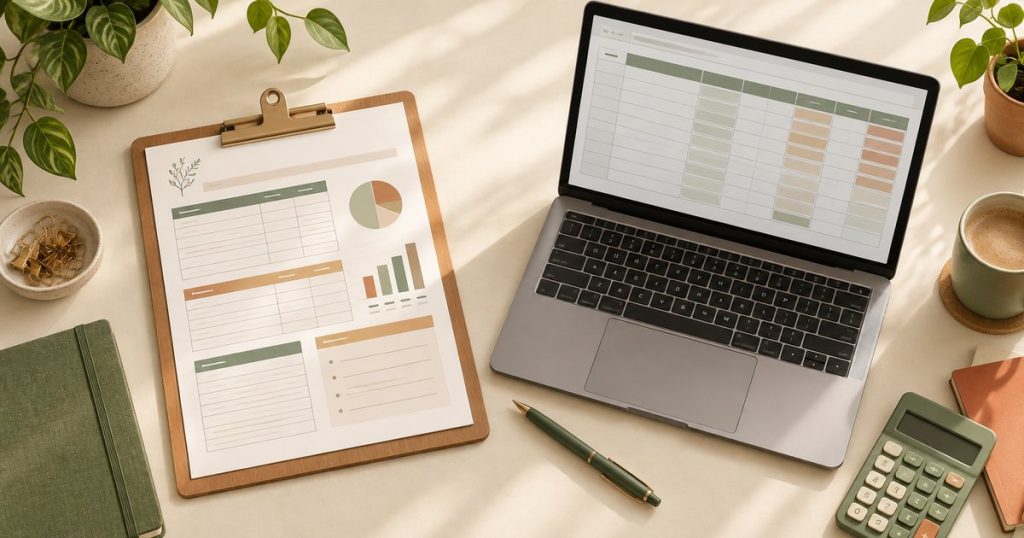
A printable budget planner PDF and a spreadsheet can both help organize income, expenses, and savings goals, but they support different workflows. A PDF is useful when you prefer a fixed page layout or handwriting. A spreadsheet is useful when you want formulas, sorting, and editable categories. Choose based on how you will record and review your numbers.
When a Printable Budget Planner PDF Works Well
A PDF can be a good fit for a monthly binder, paper filing system, or tablet annotation app. You can print the pages, write by hand, or annotate them digitally when the file and app support that workflow. The layout stays consistent, which can make recurring reviews simple. Confirm the page size, number of pages, and whether the PDF is designed for printing or digital annotation.
When a Spreadsheet Works Well
A spreadsheet is useful when you want totals, formulas, filters, recurring categories, or scenario planning. It can make calculations faster, but the quality depends on the formulas and the way the file is structured. Confirm whether the template is built for Excel, Google Sheets, or another program, and make a copy before changing formulas.
Printable Budget Planner PDF vs Spreadsheet: Quick Comparison
| Criterion | Printable budget planner PDF | Spreadsheet |
|---|---|---|
| Layout | Fixed pages for print or annotation | Flexible cells, tabs, and tables |
| Calculations | Usually manual | May include formulas; verify them |
| Best for | Handwriting, binders, visual review | Totals, filters, and recurring tracking |
| Compatibility | PDF reader or annotation app | Confirmed spreadsheet software |
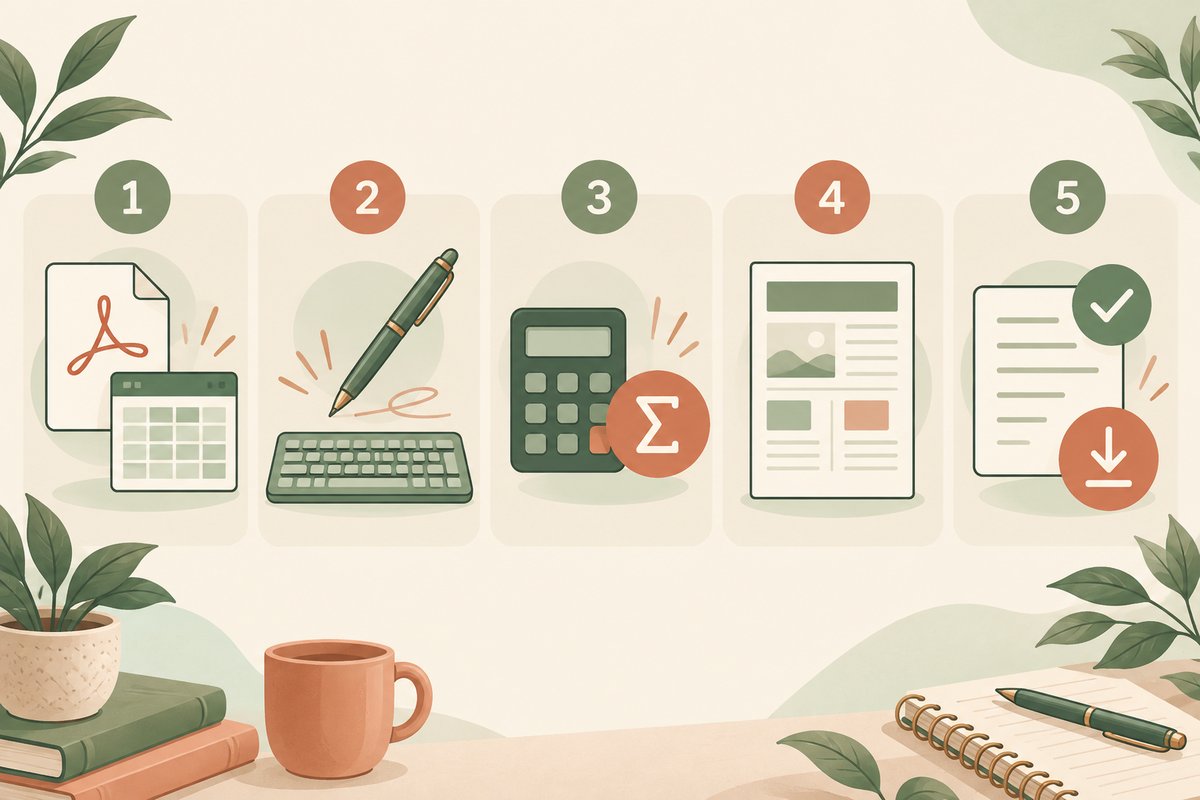
5 Easy Checks Before Choosing a Budget Planner
Use these five checks with the product listing open. A printable budget planner PDF may suit one part of your routine while a spreadsheet handles another. Choose the format you can maintain during an ordinary week.
- Check the file and software. Look for an exact format such as PDF, XLSX, or a Google Sheets template link. A picture of a spreadsheet does not prove that editable spreadsheet files are included. Confirm whether your device can open and save the supplied file, and whether a separate app or account is required.
- Check how you will enter information. If writing with a pen helps you review each purchase, try a printable page. If you enter many transactions and need to sort them, try a spreadsheet. For tablet use, confirm that the PDF works in your annotation app. A standard PDF is not necessarily a fillable form.
- Check the calculations. Find out whether formulas are included and documented. Test a few small numbers that you can add yourself before entering a full month. A printable budget planner PDF usually requires manual totals, while a spreadsheet can calculate totals only when its formulas and inputs are correct.
- Check the layout and editing limits. For paper, confirm page size, orientation, and space for handwriting. For a spreadsheet, check whether categories can be renamed and whether adding rows keeps totals accurate. Make sure the planner has room for the level of detail you actually record.
- Check the license and delivery. Read what files are included, how you receive them, and whether the license is for personal use. Do not assume that buying a planner includes permission to resell it, share copies, or use its design in another product. Resolve unclear details before downloading.
Test a Printable Budget Planner PDF Before Printing a Full Set
Start with one page. Check that the document size matches your paper and that the preview shows every column and footer. Leave enough room for binder holes if you intend to file it. Write a sample entry in the smallest field to see whether the layout is comfortable at the printed size.
In Acrobat, Actual size prints without scaling, while Fit adjusts the page to the printer’s printable area. Actual size can crop content that extends beyond the paper. Adobe’s official PDF page-sizing guide explains these options. Follow any size instructions supplied with the template and inspect the test page before printing the rest.
For digital annotation, duplicate the blank printable budget planner PDF first. Add one handwritten entry, close the document, reopen it, and confirm the annotation remains. Keep an untouched original so you can start a new month without erasing previous records.
A Small Spreadsheet Test You Can Verify Yourself
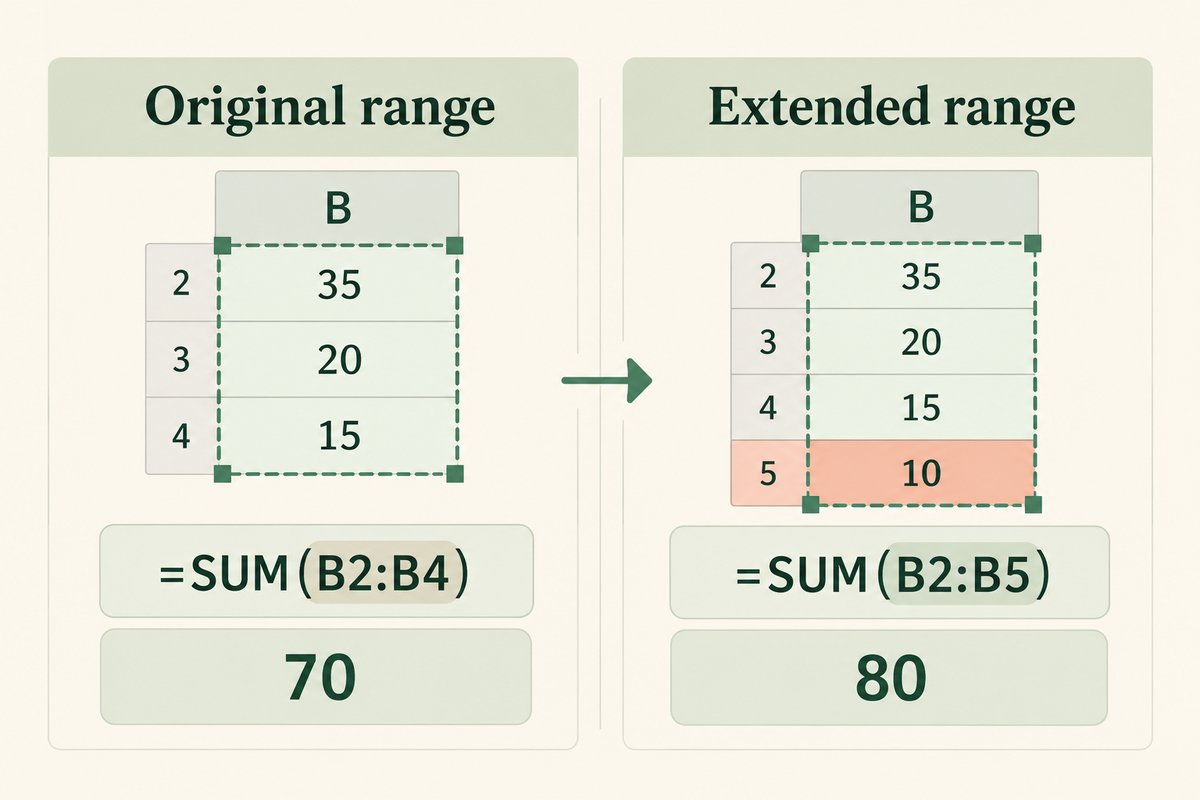
Use a copy of the workbook and three fictional expenses: 35, 20, and 15. These are sample numbers for testing a file, not suggested spending levels. If the amounts are in cells B2 through B4, the formula =SUM(B2:B4) should return 70.
Next, add a fourth sample amount of 10 in B5. Check that the total includes it; =SUM(B2:B5) should return 80. Appending a row outside a formula’s range can leave it out of the calculation. Microsoft explains the syntax in its official guide to adding a range with SUM.
Also test one blank row and one corrected entry. Confirm that amounts are stored as numbers rather than text, and check any category totals against the overall total. Keep notes about which cells accept entries and which hold formulas. Once the test is complete, use a fresh copy for your real records.
Using a Printable Budget Planner PDF and Spreadsheet Together
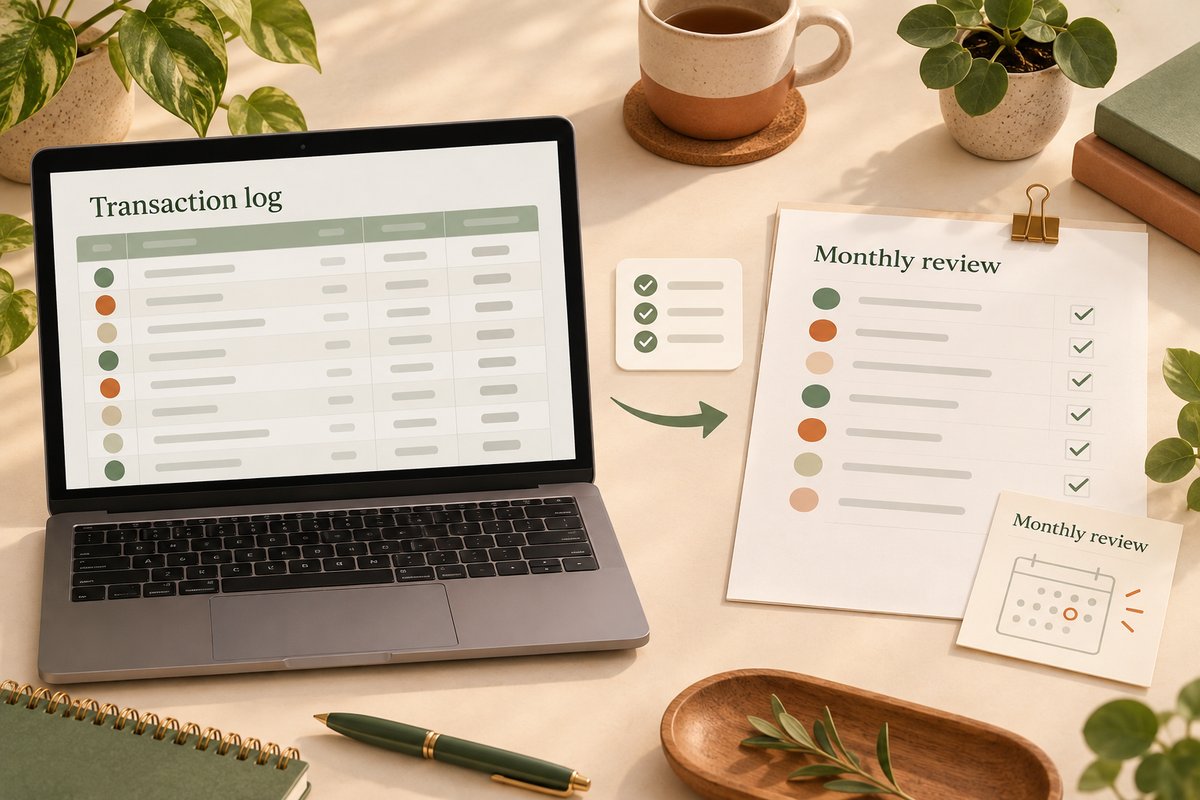
You do not have to commit to one format for every task. A printable budget planner PDF can hold your monthly review while a spreadsheet stores transaction details. Decide which file is the main record and give both the same month label, such as 2026-10.
For example, enter transactions in the spreadsheet during the week, check the totals, and copy only the category summaries onto the printable page. Write the review date on the page so you know which version it reflects. Avoid maintaining two independent transaction lists, since a correction in one may be missed in the other.
If you prefer to start on paper, set one regular time to enter the handwritten amounts into your workbook. Mark each transferred line so it is not entered twice. If the extra copying becomes a chore, simplify to the single format you use most consistently.
A Simple Monthly Review Routine
- Start with a fresh printable budget planner PDF or a copy of your spreadsheet.
- Record income and planned fixed costs.
- Track variable expenses using the categories that match your real spending.
- Review totals at the end of the month and carry forward only the information you need.
A budget planner is an organization tool, not financial advice. Use accurate records and consult a qualified professional for decisions that require financial or tax guidance.
FAQ
Can I use a printable budget planner PDF on an iPad?
Often, if the PDF annotation app supports the file and the product page confirms the intended workflow.
Is a spreadsheet always more accurate?
Not automatically. Verify formulas and inputs, and review totals before relying on them.
Are budget planner files physical products?
No. Temply Studio files are instant digital downloads; no physical item is shipped.
Explore the printable planners and templates collection and verify the exact format on each product page.
Related guide
Continue with the Productivity & planning guides, or read KDP Journal Interior Size Guide: Trim Size, Bleed and Margins for another focused workflow.
Temply Studio
Stop chasing your goals with sticky notes and scattered notebooks. Our premium digital planners and Canva templates are designed to help you plan with intention, stay consistent, and actually enjoy the process.
Questions about this guide?
Ask about the planner, share how you use it, or tell us what to cover next. Your email stays private.