

Blog & Insights
- All
- Canva and Website Templates
- Design
- Digital Planner
- Digital Planning
- Digital Product Business
- Lifestyle & Productivity
- Printables and Templates
- Productivity
- Resume & Career
- Resume and Career
- Student Resources
- SVG and Crafting
- Template Guides
- Tutorials
- WordPress
Lead Magnet Template Design Checklist
Quick answer: Lead magnet template design checklist is easiest when you start with the outcome, use a simple structure, verify...
Website Template Content Preparation Checklist
Quick answer: Website template content preparation checklist is easiest when you start with the outcome, use a simple structure, verify...
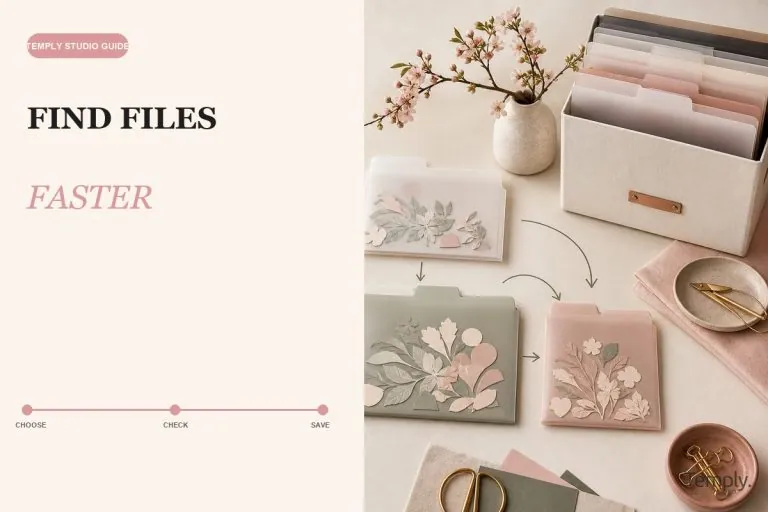
How to Organize SVG File Bundles for Crafting
Organize SVG bundles with practical folders, searchable names, preserved ZIP files, license records, project copies, cloud storage, and backups.
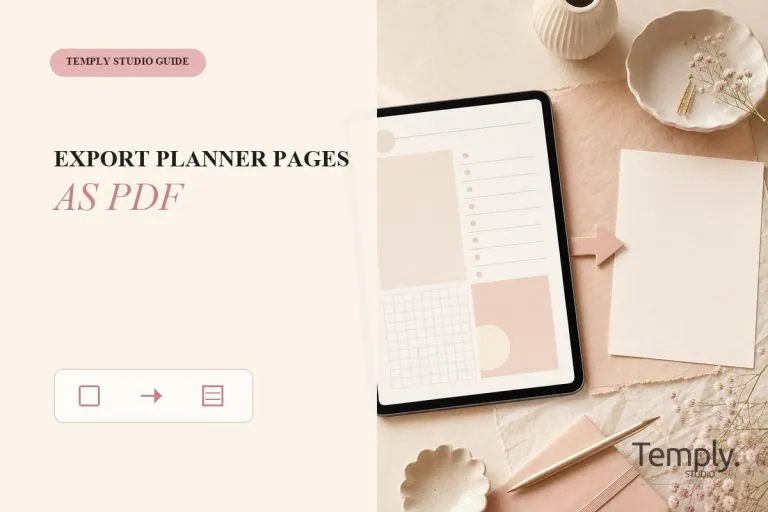
How to Export GoodNotes Planner Pages as PDF
Export selected GoodNotes planner pages as PDF and verify page order, annotations, links, and destination files.

Digital Planner Backup and File Organization
A practical system for organizing planner originals, working documents, backups, and PDF exports.
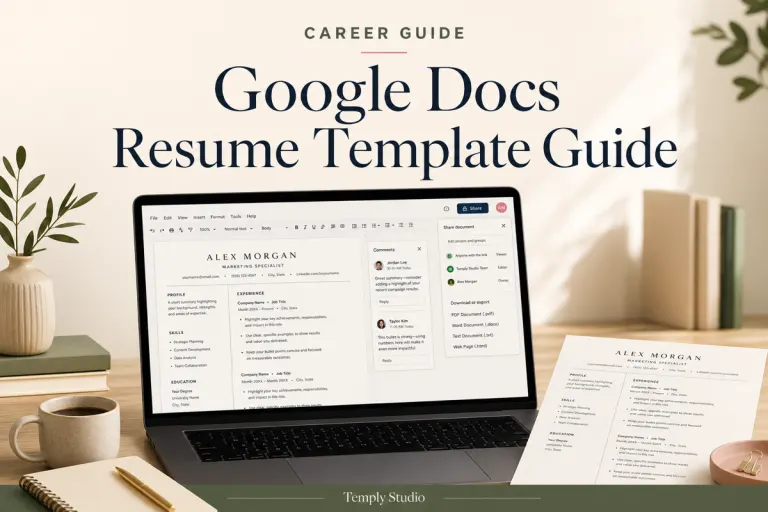
Google Docs Resume Template Guide: Edit, Review, and Export Safely
Learn how to edit a Google Docs resume template, preserve the layout, review ATS-aware readability, protect sharing permissions, and export...
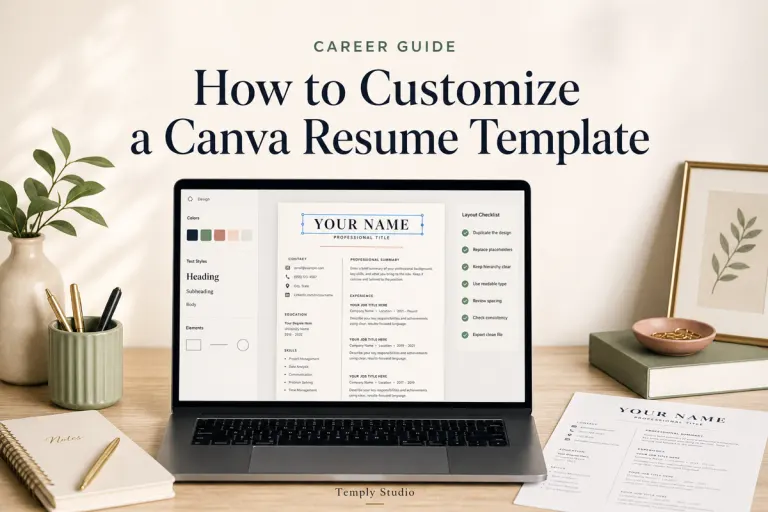
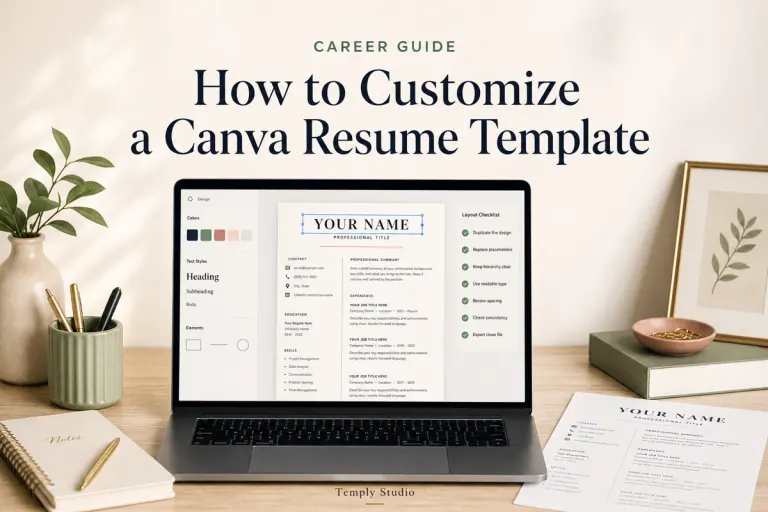
How to Customize a Canva Resume Template in 7 Steps
Learn how to customize a Canva resume template in seven steps, improve layout and readability, review ATS-aware structure, and export...
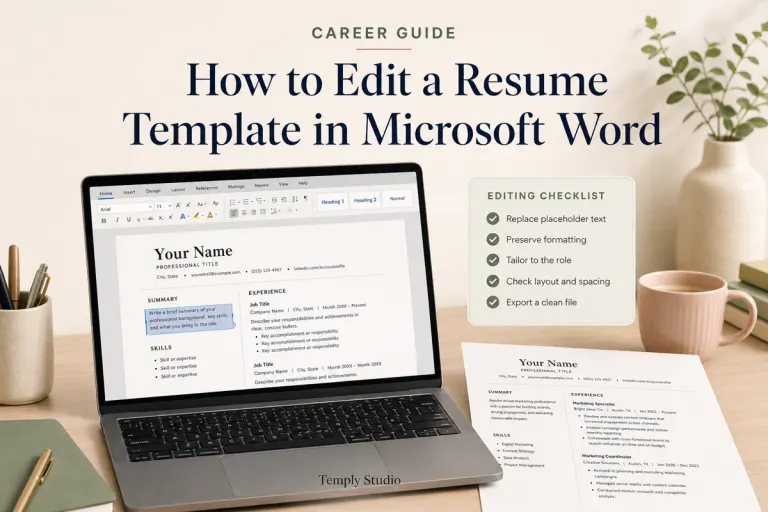
How to Edit a Resume Template in Microsoft Word Step by Step
Learn how to edit a resume template in Microsoft Word, replace placeholders, preserve formatting, tailor content, review ATS-aware readability, and...
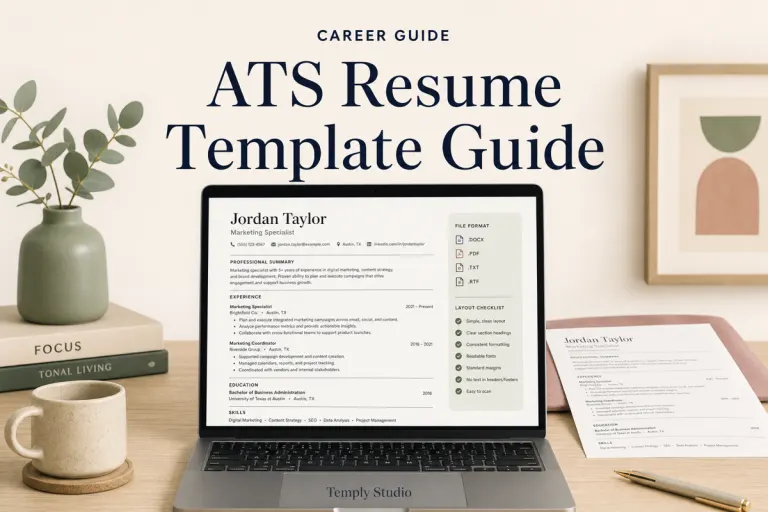
ATS Resume Template Guide: How to Choose a Clear, Editable Layout
Learn how to choose an ATS-aware resume template by comparing layout, editing software, section headings, file types, and common formatting...