




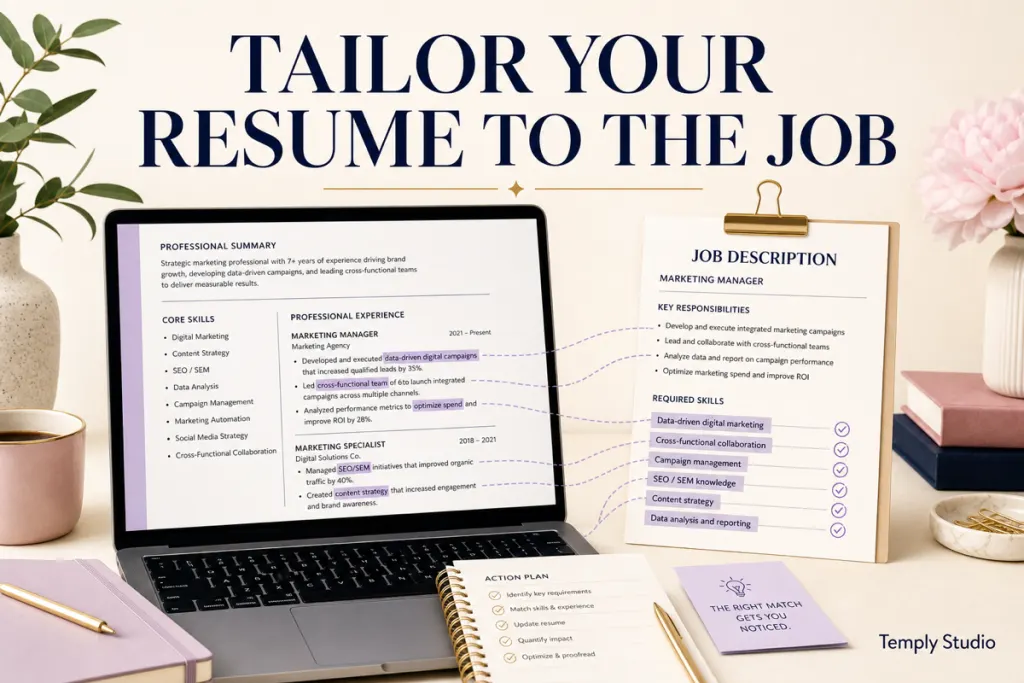
Quick answer: Put your LinkedIn profile URL beside your email and phone in the resume contact section. Use a readable example such as linkedin.com/in/alex-example, then open the exported PDF and test the link. The example is a placeholder, not a verified profile.
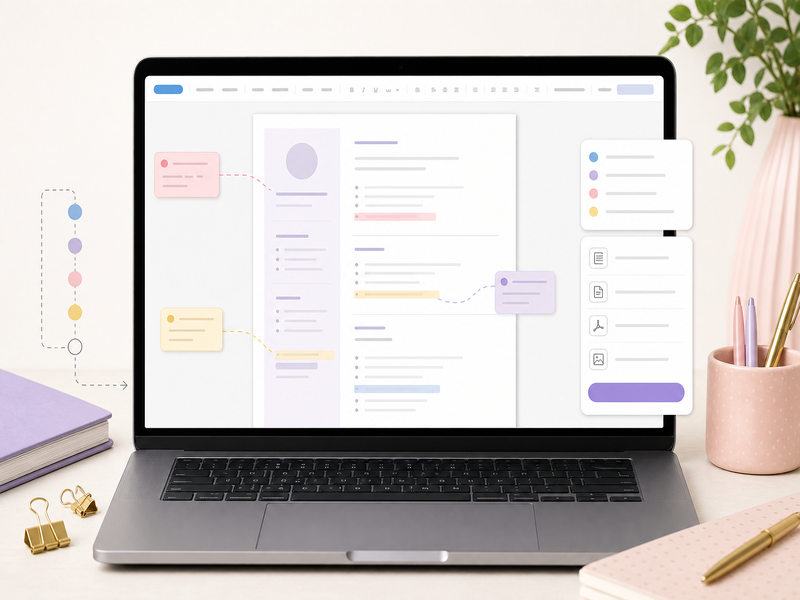
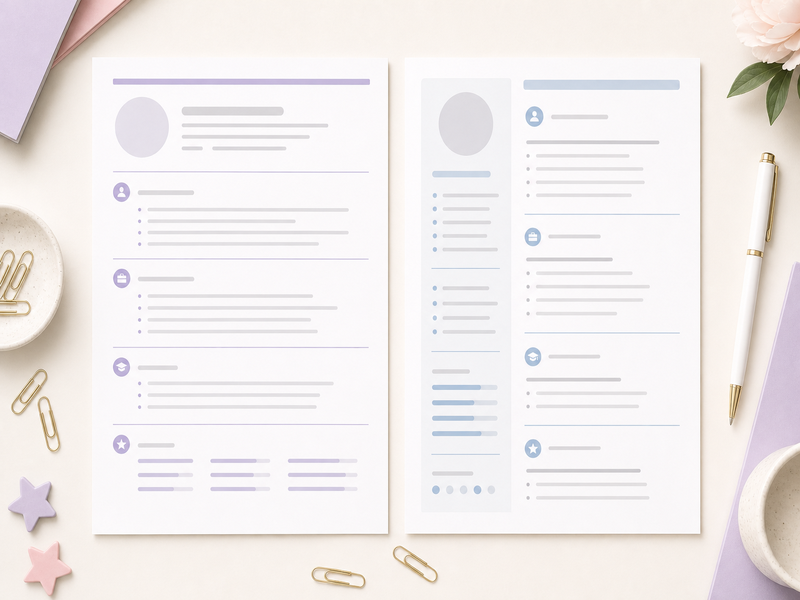
Use your own public profile URL, not a feed, edit-profile or sign-in link. Keep dates and role details consistent with your resume; a link is not a substitute for relevant experience.
What to decide before you begin
Before you begin, choose the specific example below and keep any original file or record intact. Use your own public profile URL, not a feed, edit-profile or sign-in link. Keep dates and role details consistent with your resume; a link is not a substitute for relevant experience.
- What is the next action after this page or file is complete?
- Which details must be visible without extra clicking or searching?
- What source copy, permissions, or original file must be preserved?
- Which file, page or record will you check after completing this workflow?
Step-by-step workflow
- 1. Open your own public LinkedIn profile and copy its public profile address. Check that you have not copied a feed or editing URL.
- 2. Place the readable address in the top contact section beside your email and phone. Example: linkedin.com/in/alex-example; replace this placeholder with your own address.
- 3. In your document editor, select the readable address and add a hyperlink to the full https:// profile URL. Keep the address visible rather than hiding it behind an icon.
- 4. Open the link in a signed-out browser window and check that it identifies your intended public profile. Review what information is publicly visible.
- 5. Export in the format the employer requests. If that is PDF, open the exported file and click the link; do not assume the editor’s working link survived export.
- 6. Check contact details, line wrapping and profile consistency once more. Keep the editable resume and final submitted version separately.
Check the worked example before repeating the process: Check contact details, line wrapping and profile consistency once more. Keep the editable resume and final submitted version separately.
Use a small checklist to protect quality
- The title, filename, and first instruction describe the same purpose.
- The important information is readable at the intended screen or paper size.
- The original or editable source is stored separately from the final export.
- Links, permissions, dimensions, formats, and stated compatibility are verified.
- Any third-party claim is linked to the relevant official documentation.
- The final version tells the next person what is included and what is not included.
Common mistakes to avoid
- Copying a template without tailoring its evidence to the role.
- Using vague responsibilities instead of specific contribution.
- Crowding the page with small type or decorative elements.
- Claiming a result, credential, or tool experience you cannot verify.
- Overwriting the editable source after exporting.
How this fits a reusable system
For the next review, keep the original record and a dated working version. Use a readable public profile address that a reader can recognize and copy. Avoid a tracking or shortened link that conceals the destination.
Continue with the Resume and Career hub, or review the related Temply Studio products and their individual file details before choosing a template.
For platform-specific details, consult U.S. Department of Labor CareerOneStop. Use the official source for current feature, file, licensing, or policy information instead of relying on an old screenshot or an unverified claim.
Frequently asked questions
Should I use a shortened URL?
Use a readable public profile address that a reader can recognize and copy. Avoid a tracking or shortened link that conceals the destination.
Should I keep an editable source copy?
Keep the original file or record and a dated working copy. Check contact details, line wrapping and profile consistency once more. Keep the editable resume and final submitted version separately.
What should I check before relying on the result?
Export in the format the employer requests. If that is PDF, open the exported file and click the link; do not assume the editor’s working link survived export.
What should I review next time?
Check contact details, line wrapping and profile consistency once more. Keep the editable resume and final submitted version separately.
Conclusion
Start with the worked example above and adapt it to your own records. Use a readable public profile address that a reader can recognize and copy. Avoid a tracking or shortened link that conceals the destination. Review individual product specifications before choosing a Temply Studio template; the workflow does not establish features in any specific product.
After adding your profile URL, use the resume proofreading checklist to test the link in the exported file and catch formatting changes.
Temply Studio
Stop chasing your goals with sticky notes and scattered notebooks. Our premium digital planners and Canva templates are designed to help you plan with intention, stay consistent, and actually enjoy the process.
Questions about this guide?
Ask about the planner, share how you use it, or tell us what to cover next. Your email stays private.