




About this design
What’s inside
minimalist ats resume template — Clean, Professional & ATS-Friendly
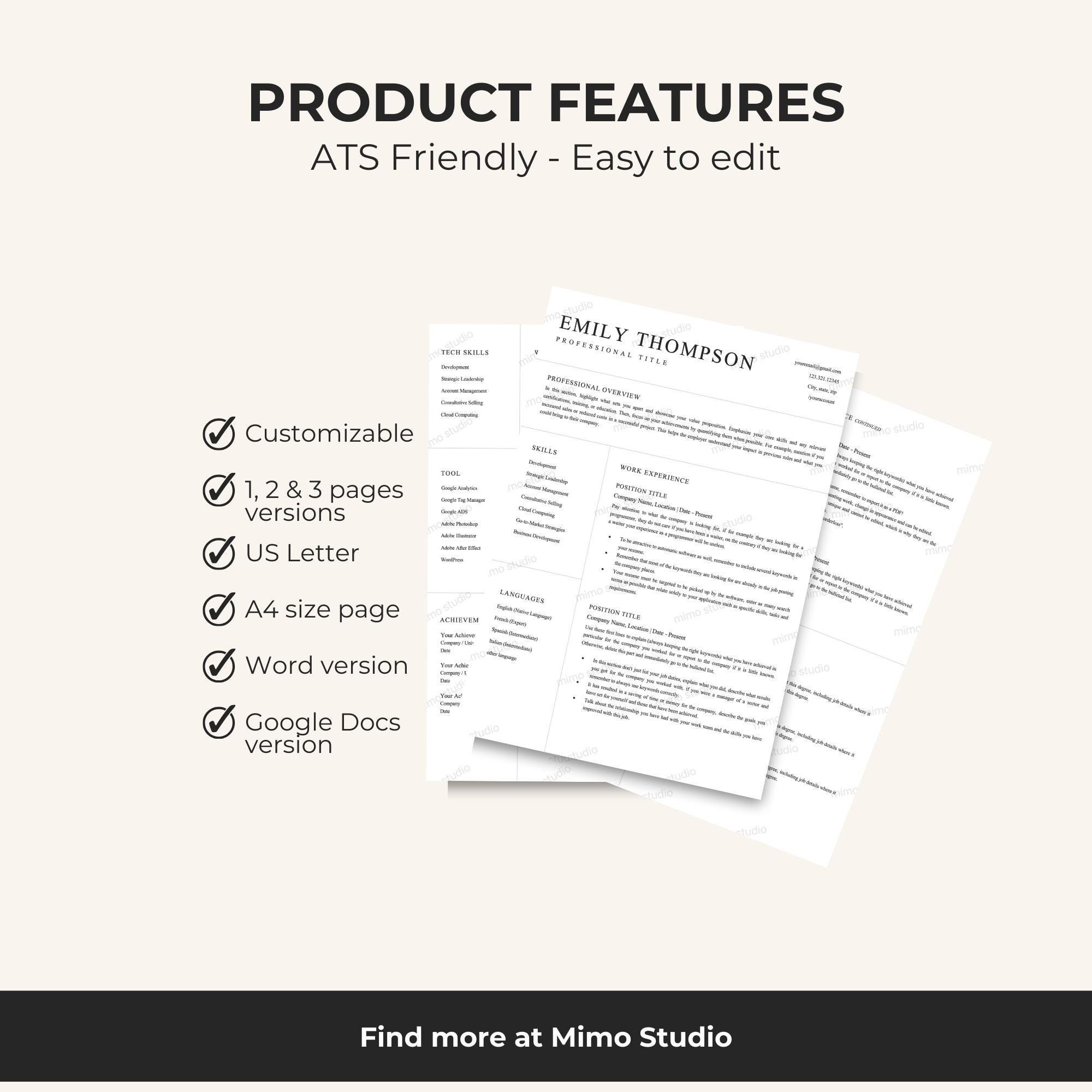
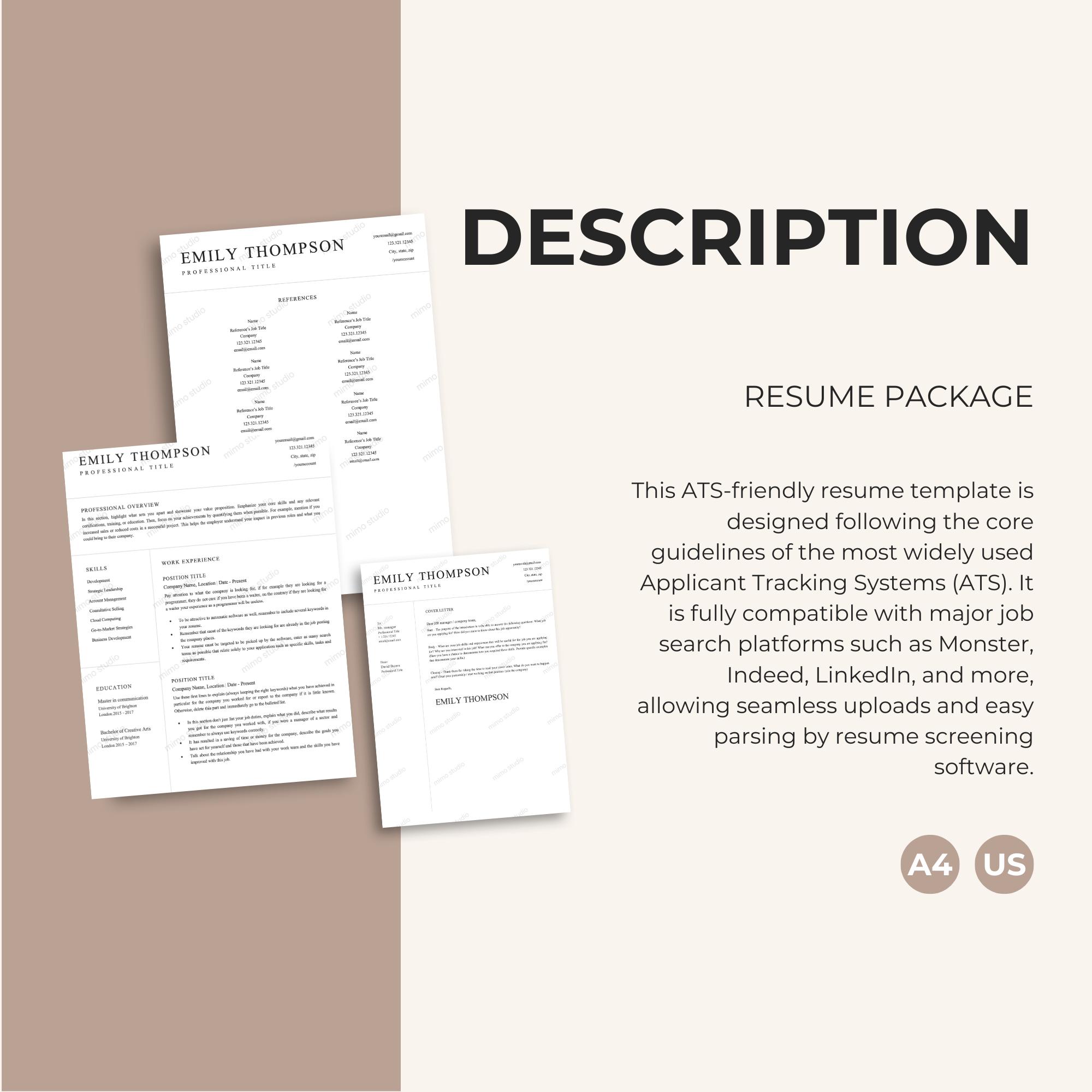
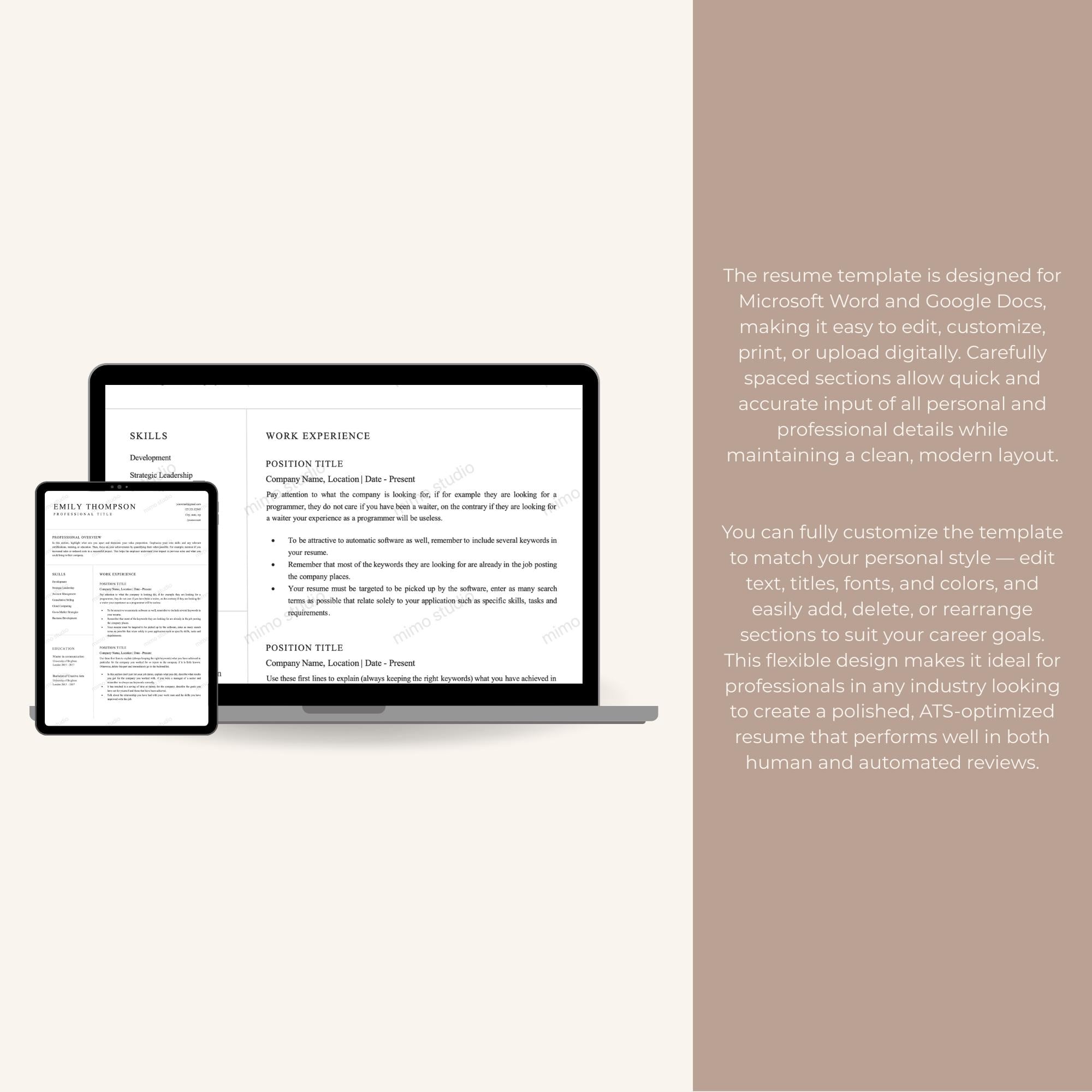
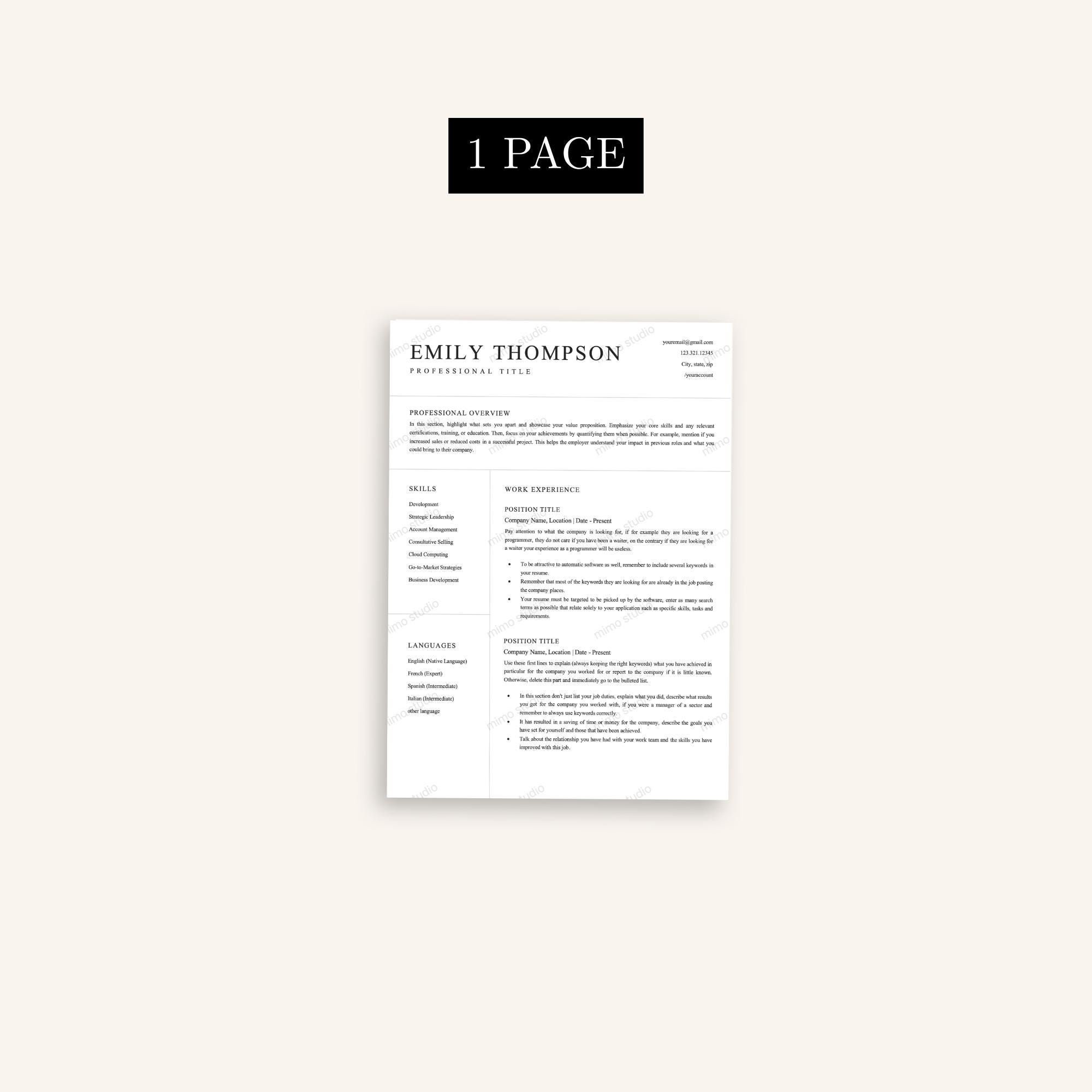
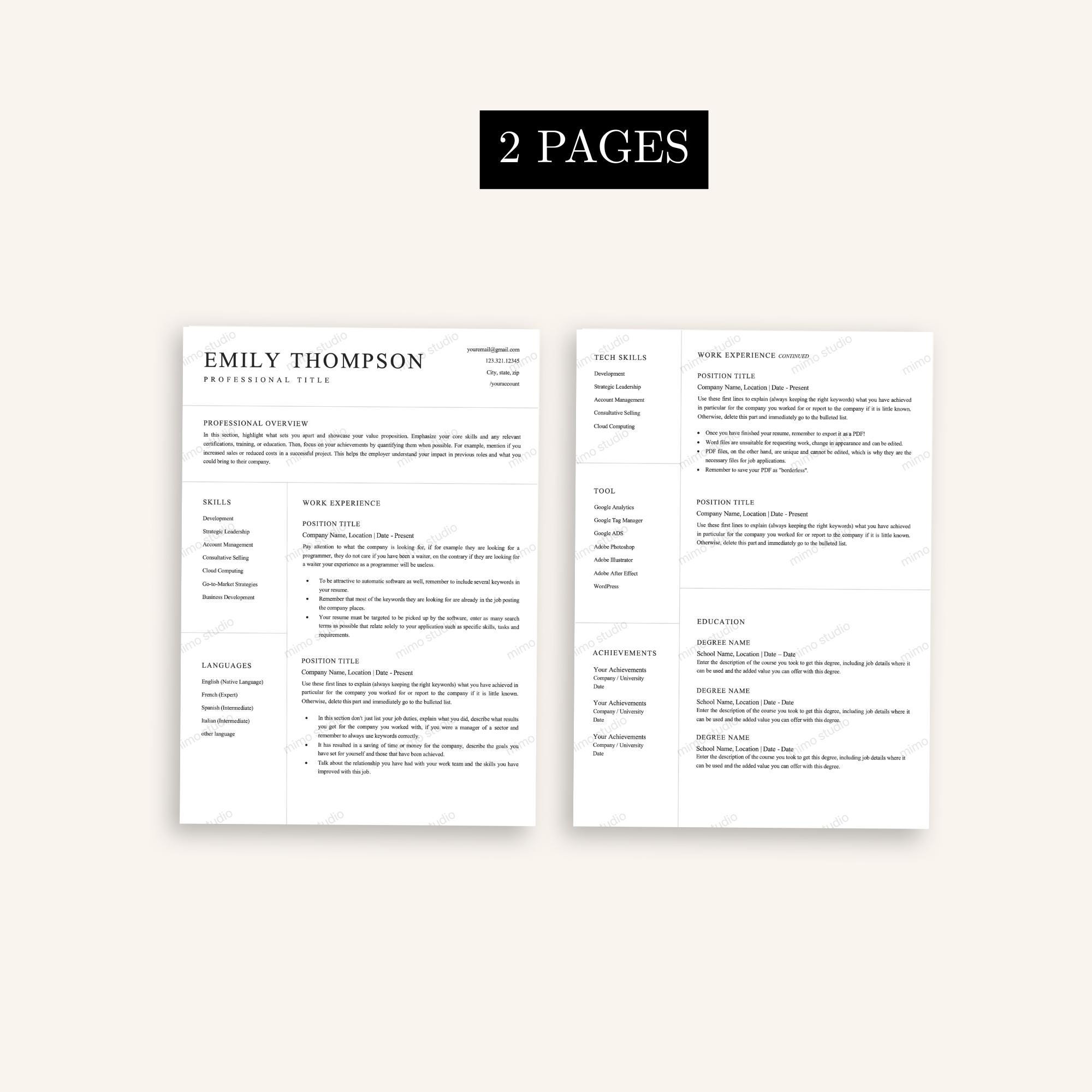
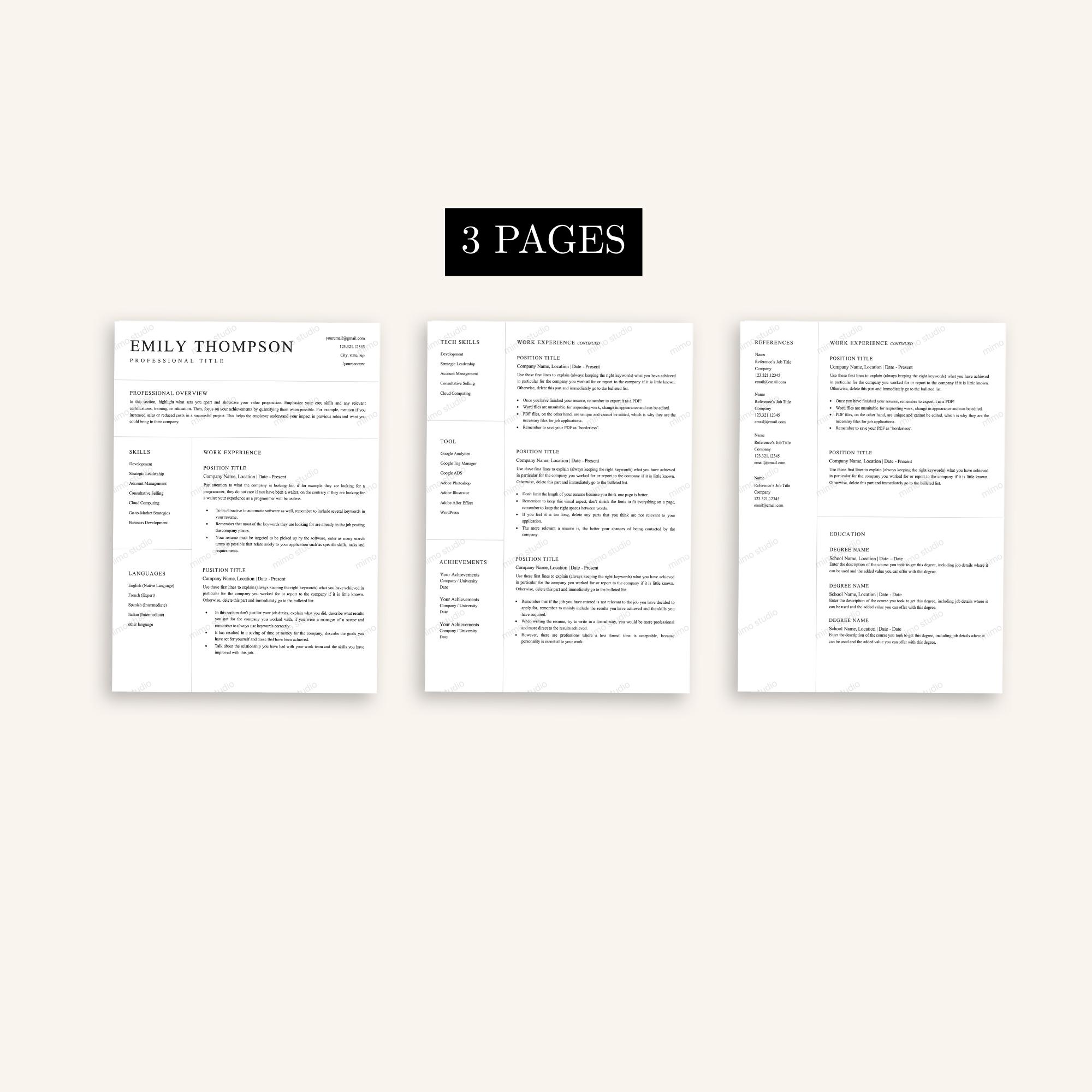
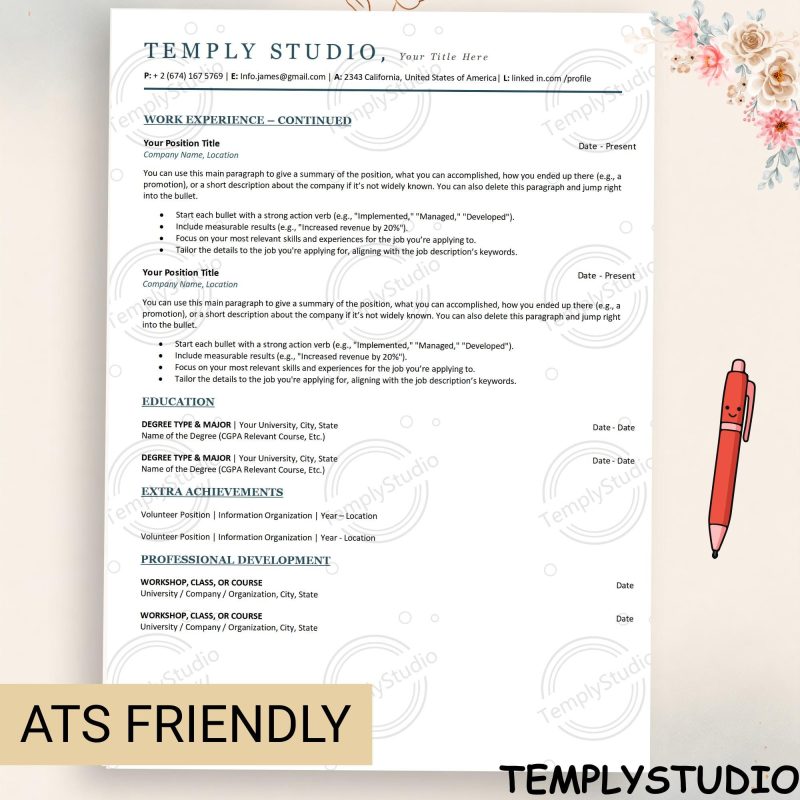
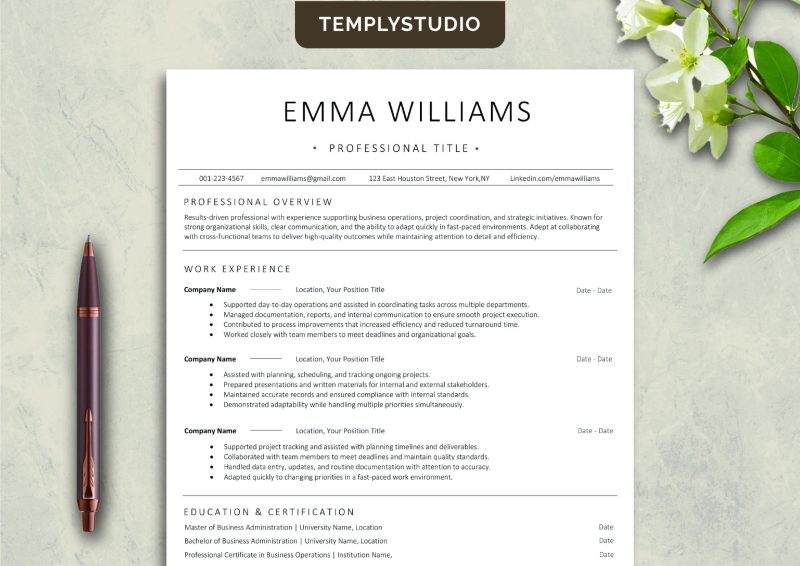
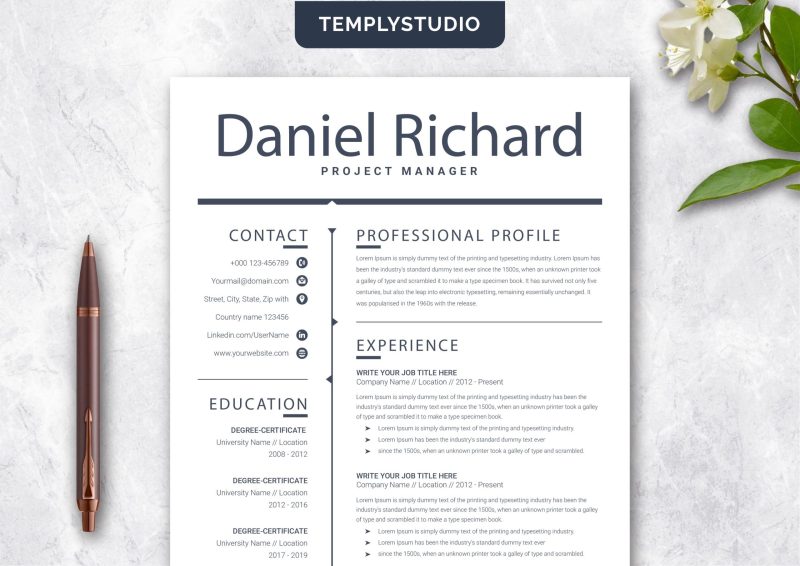
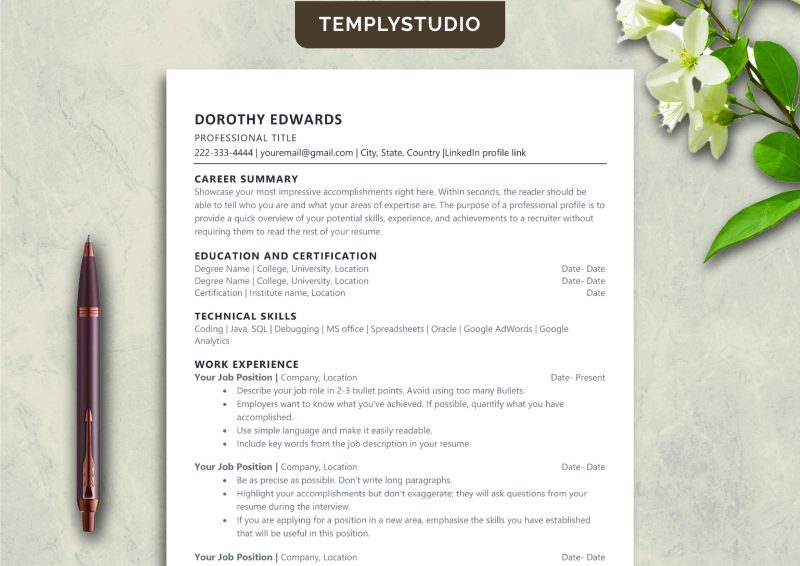
minimalist ats resume template that helps you create a clear, polished job application without the clutter. Built for Microsoft Word and Google Docs, this template uses a straightforward layout with readable headings, well-structured work experience, skills, and education sections — so both hiring software and human recruiters can scan your resume in seconds.
Less is more when it comes to resumes. Recruiters spend only a few seconds on a first scan, and applicant tracking systems parse plain, logical formatting far more reliably than heavy graphics. That is exactly why this minimalist ats resume template strips away the noise: no text boxes, no tables, no decorative elements that confuse parsing software — just clean, scannable content that puts your qualifications first.
What’s Included in This minimalist ats resume template
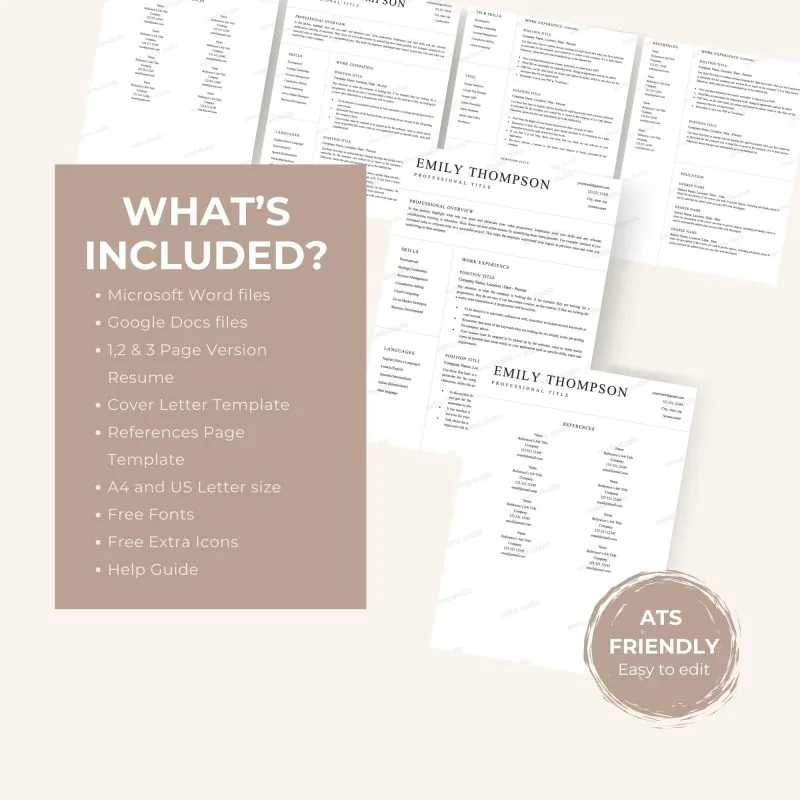
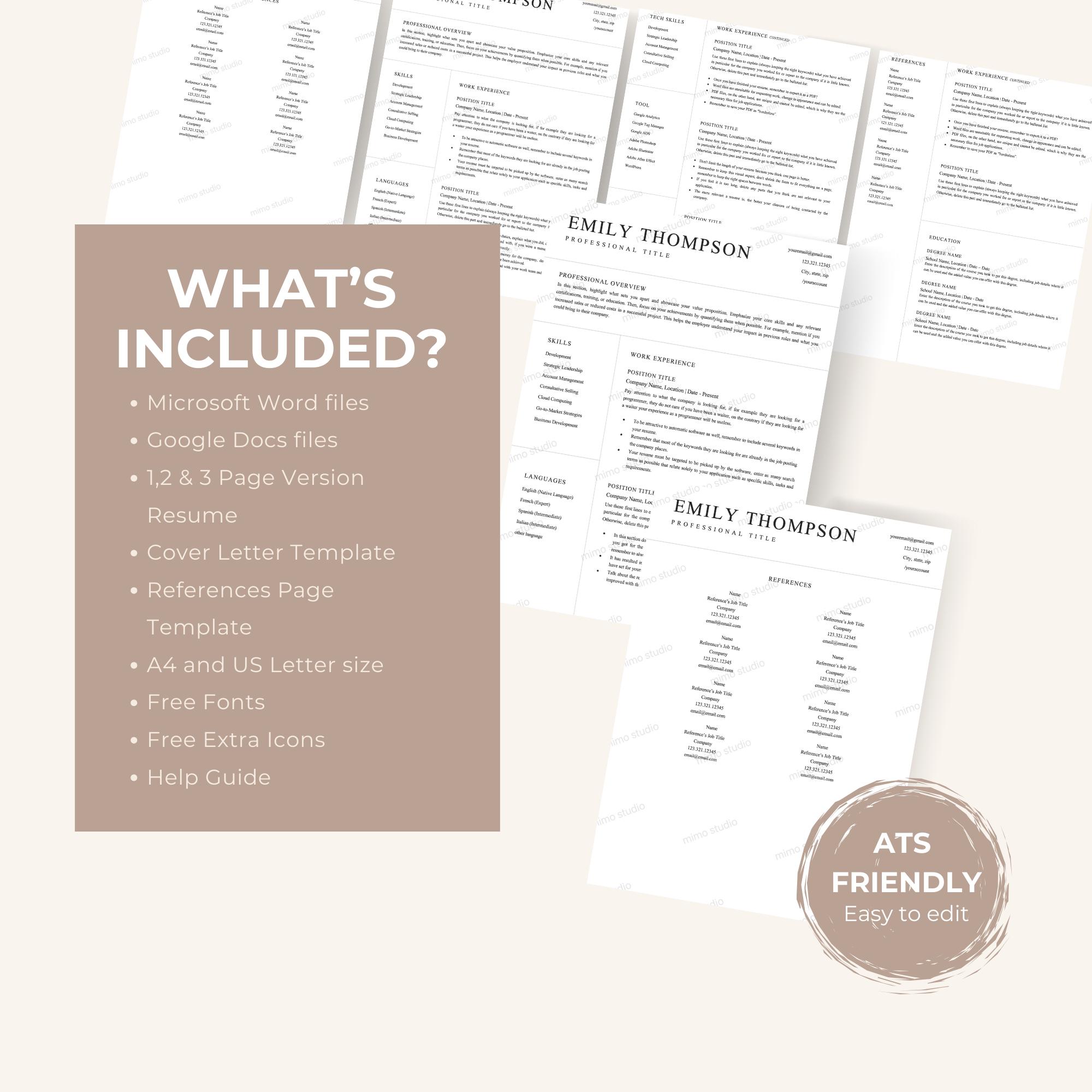
Everything you need to build and polish your application is included in one download:
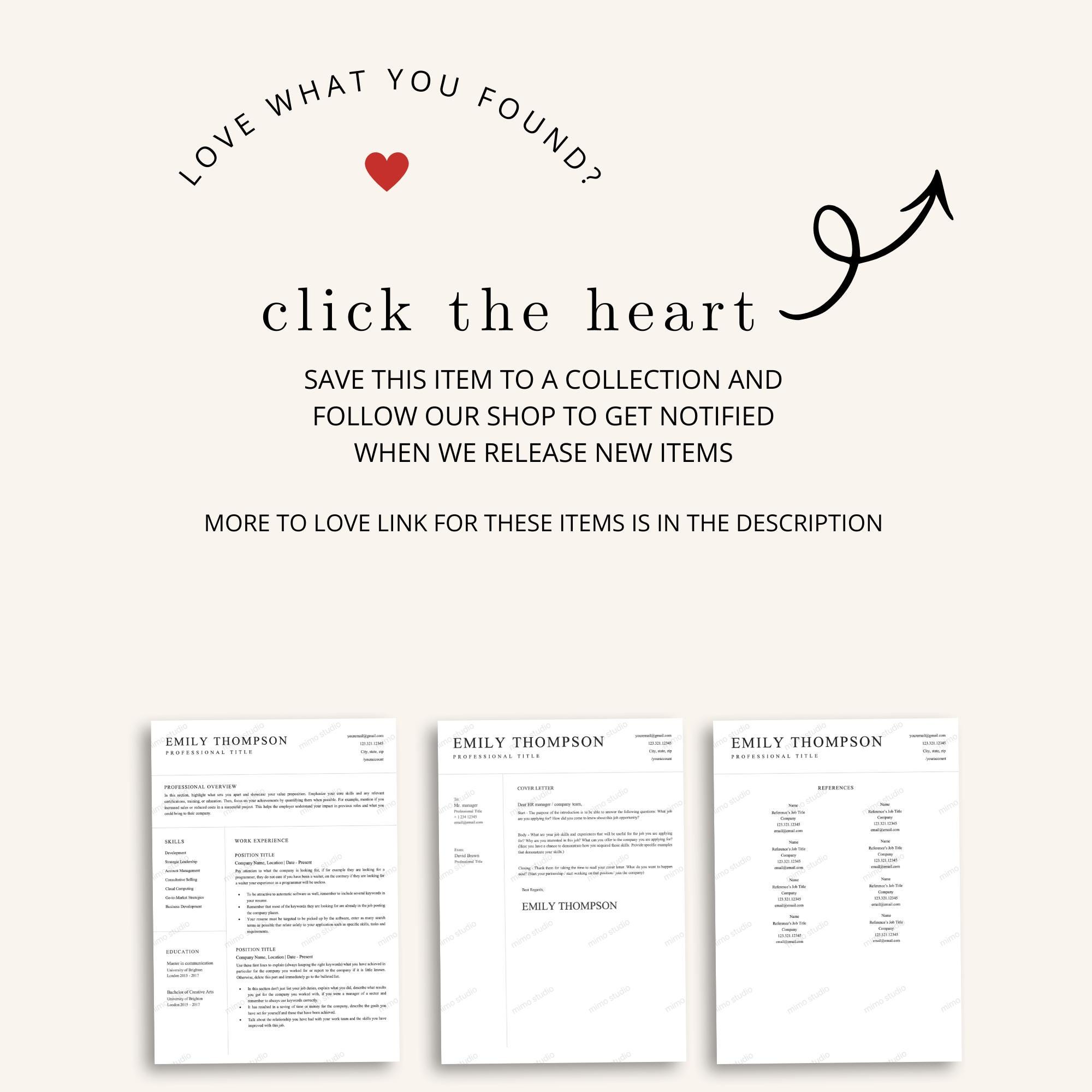
- Editable resume template (Microsoft Word DOCX file)
- Google Docs access link for easy online editing
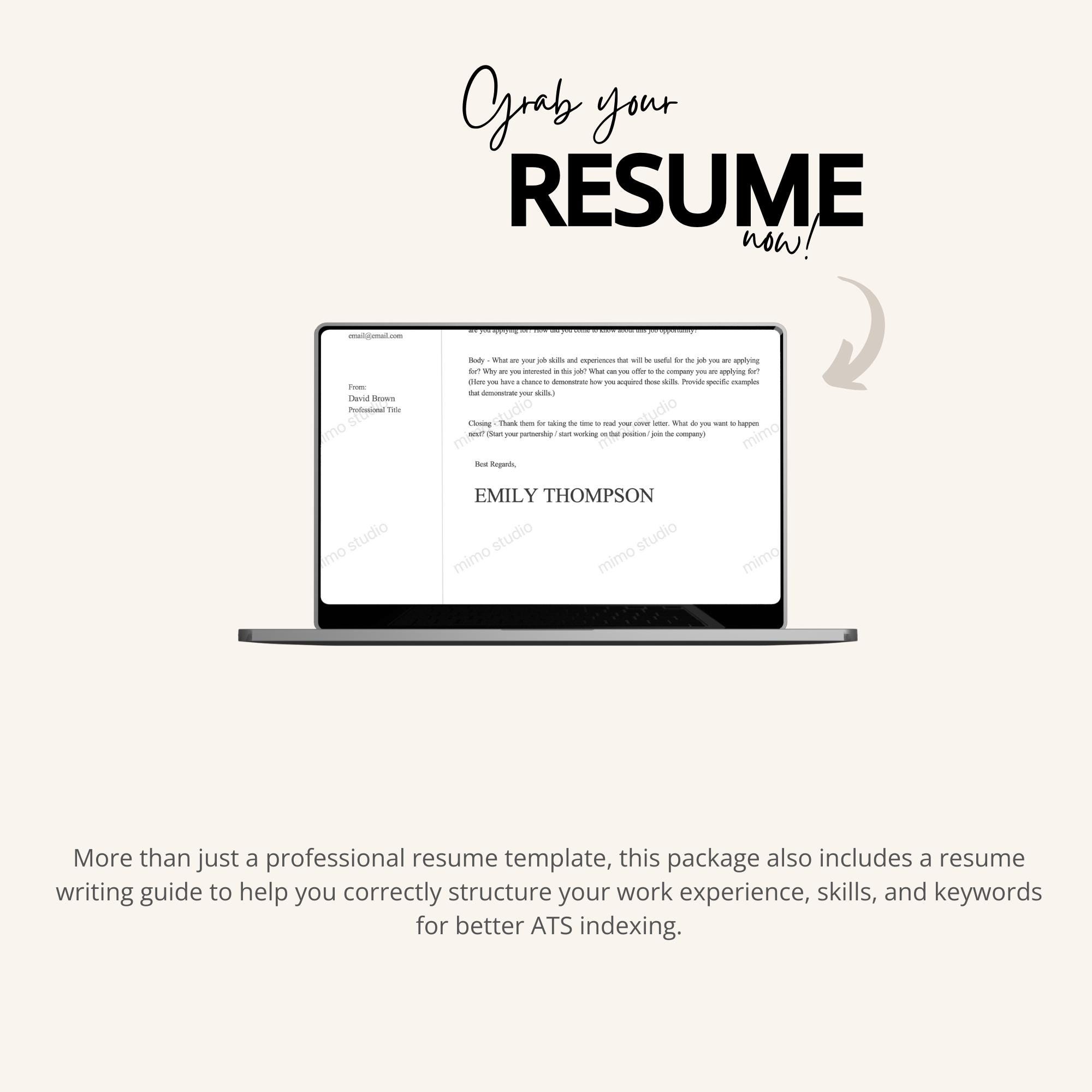
- Resume-writing and ATS optimization guide
- Clean minimalist professional layout
- Conventional headings that parse reliably in applicant tracking systems
Why Choose a Minimalist Design
Applicant tracking systems extract text from your resume before a recruiter ever sees it. Complex layouts with columns, graphics, and text boxes often scramble that extraction, which means your experience can be misread or skipped entirely. A minimalist ats resume template avoids those pitfalls with a single-column layout, standard fonts, and conventional section headings like Experience, Education, and Skills.
Minimalist does not mean boring. The restrained design keeps the focus on your achievements, and the included guide shows you how to phrase bullet points, choose keywords from the job description, and quantify results — the things that actually move your application forward.
How to Use Your minimalist ats resume template
- Download the template files and the ATS guide.
- Choose the Word or Google Docs version.
- Replace all sample text with your accurate experience, education, and skills.
- Adapt your professional summary and keywords to each job description without making unsupported claims.
- Export in the format requested by the employer and inspect the final document to confirm all text remains selectable.
Resume Writing Tips from the Included Guide
The included ATS optimization guide walks you through structuring each section for maximum clarity. Start with a concise professional summary tailored to the role, then list experience in reverse chronological order with achievement-focused bullet points. Mirror keywords from the job description naturally — applicant tracking systems rank relevance, but keyword stuffing or unsupported claims will hurt you with human reviewers.
The guide also covers formatting checks to run before you submit: confirm headings are conventional, test that text is selectable after export, and keep file naming professional. Combined with this minimalist ats resume template, these small steps meaningfully improve how your application is parsed and perceived.
Finally, remember that a resume is a living document. Update it after every role, project, or new skill, and keep a master copy with your full history so tailoring each application takes minutes. With this template as your foundation, every version you send will look sharp, clean, and professional.
Who This Template Is For
- Recent graduates and experienced professionals
- Career changers who need a clean, credible format
- Corporate, remote, and general professional roles
- Applicants submitting through online job portals and company career websites
- Anyone who wants a simple, effective template without a large bundle
ATS and Application Notes
Honest expectations matter. No template can guarantee ATS parsing, recruiter selection, interviews, or job offers, and different application systems interpret formatting differently. What this template does is remove the formatting obstacles: keep headings conventional, verify that exported text remains selectable, and use accurate dates, job titles, qualifications, and contact information.
Important Product Notes
- This is a digital product; no physical item will be shipped.
- Basic Word or Google Docs editing knowledge is recommended.
- The template is intended for personal professional applications.
- Please review the included license before sharing, reselling, or redistributing the files.
Need interview guides and job-search trackers as well? View the ATS Resume Career Bundle for Word & Google Docs.
Explore more career tools in our resume template collection, including related picks like the ATS-Friendly CV for Word and the ATS-Friendly Resume for Word, Pages & Google Docs.
Reviews
There are no reviews yet.