Digital Planning
How to Use Goodnotes Templates: Custom Paper and Covers
Quick answer: Add a single PDF page or image to Manage Notebook Templates when you want a reusable page background…
Nov 15, 20262 min read
The Temply journal
Planning guides, printable ideas, career templates and studio notes, written to help you get more out of every file.
Quick answer: Add a single PDF page or image to Manage Notebook Templates when you want a reusable page background…
Nov 15, 20262 min read
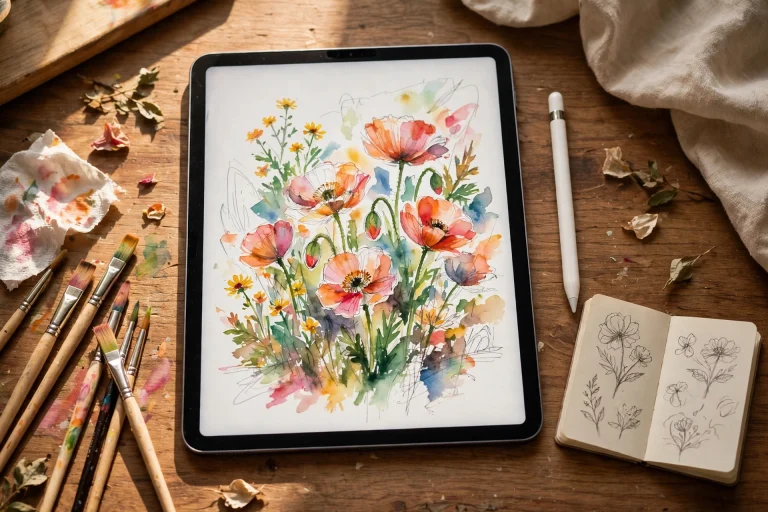
GoodNotes for artists turns an iPad into the studio bag you never managed to pack: sketchbook, mood board, shot list,…
Nov 14, 20269 min read
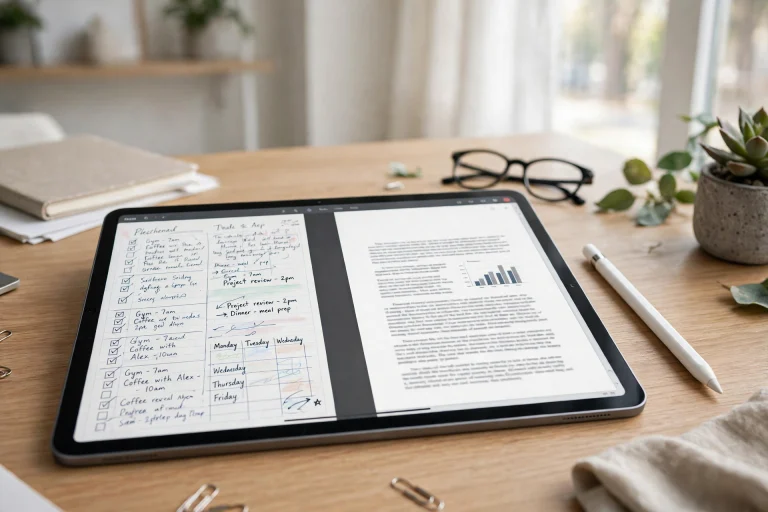
Quick answer: Side-by-side use depends on your iPadOS version and multitasking mode. On iPadOS 26 with Windowed Apps, enable Settings…
Nov 13, 202618 min read
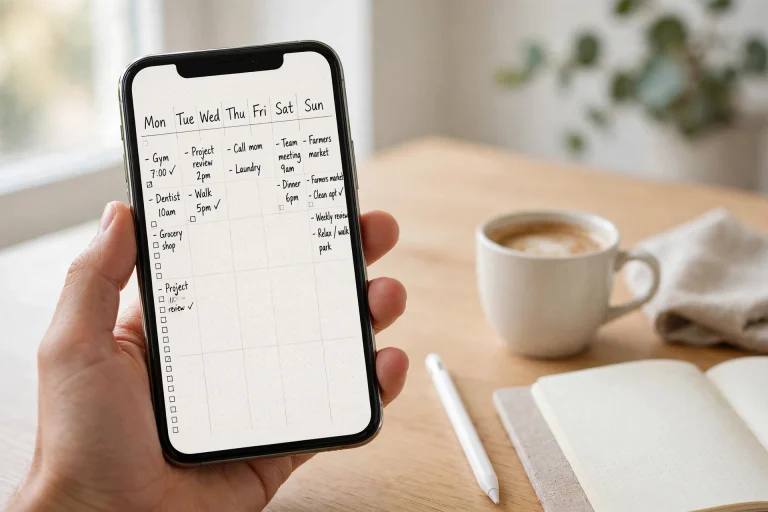
Quick answer: GoodNotes on iPhone works best as a pocket companion to your iPad planner, not a replacement for it.…
Nov 13, 202620 min read
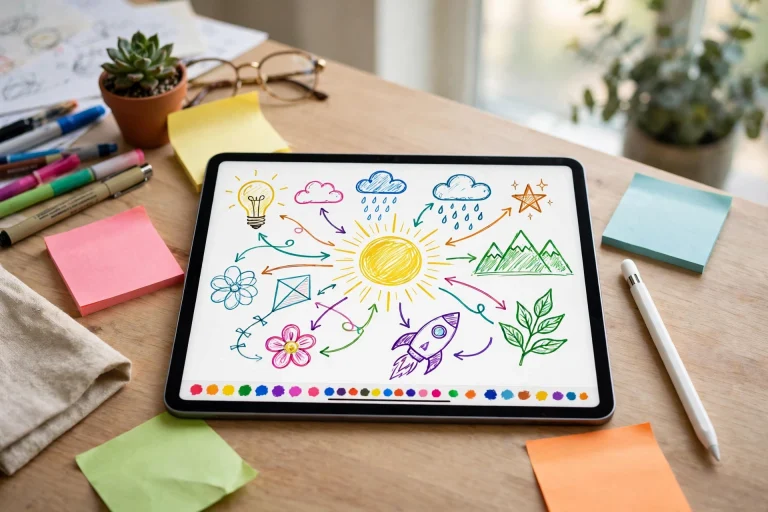
Quick answer: A GoodNotes digital whiteboard is a blank, landscape notebook in GoodNotes used as a free-form thinking space. Set…
Nov 12, 202612 min read
Learn how to color code your planner with three categories, readable labels, Goodnotes color presets, and a weekly example you…
Nov 11, 20266 min read
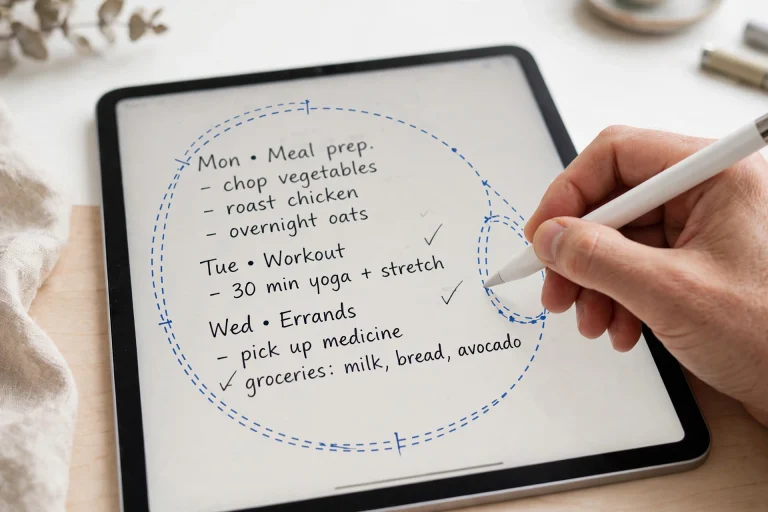
Quick answer: The Goodnotes lasso tool selects anything on a page — handwriting, drawings, images, or text boxes. Tap the…
Nov 11, 202612 min read
Quick answer: To import a PDF planner into Goodnotes, open Goodnotes, tap the + (New) button, choose Import, pick your…
Nov 11, 202612 min read
Learning how to share GoodNotes notebook files the right way can save you a lot of confusion, especially when you…
Nov 10, 202619 min read
From the shop
New planners, printable drops and studio notes. One short email, a couple of times a month.