
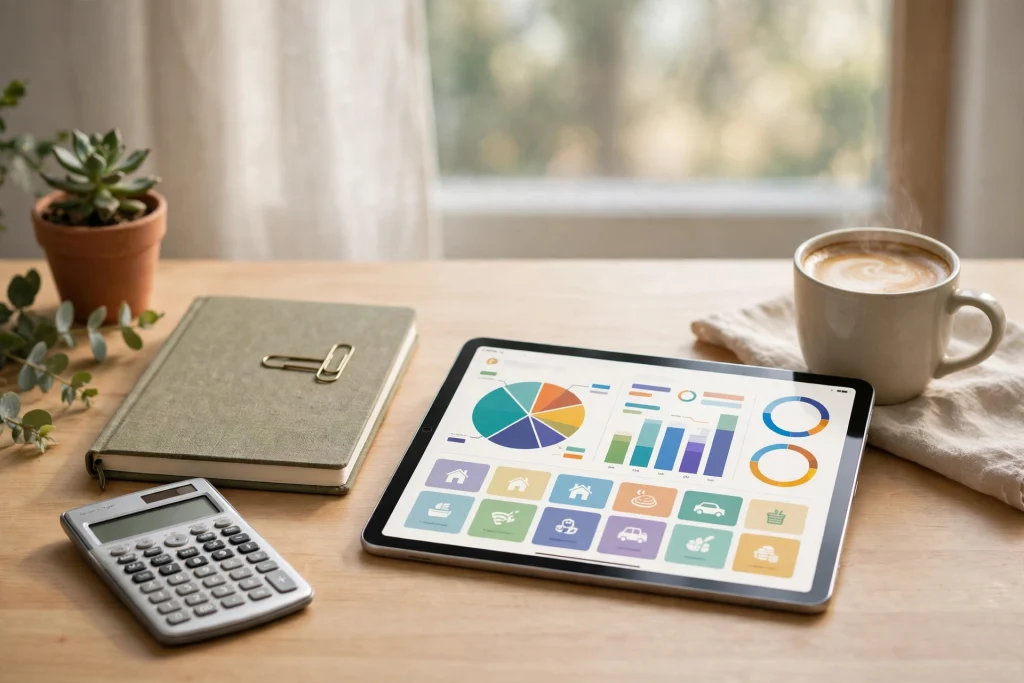
If money seems to disappear between payday and the end of the month, you are not alone — and you are not bad with money. You are probably just missing a system. A good budget planner 2027 gives every dollar a job before the month begins, tracks what actually happens, and shows you exactly where to adjust. Instead of guessing, you get a clear, repeatable routine that turns budgeting from a source of stress into a ten-minute weekly habit.
The difference between people who “try to budget” and people who actually stay on budget usually comes down to one thing: a planner they enjoy opening. This guide explains what makes a budget planner worth using, which features matter most in 2027, how to set yours up step by step, and which budgeting methods pair best with a planner-based system.
Why a budget planner 2027 works better than a notes app
Most people start budgeting in a notes app or a random spreadsheet tab. It works for a week, then life happens: a forgotten subscription renews, a grocery run goes over, and the whole system quietly collapses. A dedicated planner avoids that trap because it is built around the rhythm of real money management — monthly planning, weekly check-ins, and a year-end review.
A planner also separates planning from tracking. Your plan says what should happen; your expense log records what did happen. When both live side by side, the gap between them becomes obvious, and obvious problems are the ones you actually fix. Add savings goals and a bill calendar, and you have a complete money system in one place instead of five scattered apps.
What to look for in a budget planner 2027
Not every planner deserves your money. Before you buy, check for these five features — they are what separate a planner you will use all year from one you will abandon by March.
Monthly budget pages with categories
Every month should start with a clean budget page: income at the top, then category rows for housing, groceries, transport, utilities, dining out, entertainment, and personal spending. Look for planners with both a “planned” and an “actual” column, plus space to write the difference. That difference column is where the learning happens.
Daily or weekly expense tracking
Budgets fail in the small moments — the coffee, the delivery fee, the impulse buy. A good planner includes expense tracker pages where you log purchases as they happen, grouped by category. Five minutes twice a week is enough to keep the log honest, and it stops the end-of-month mystery of “where did it all go?”
Savings goals and debt payoff trackers
Motivation matters. Visual savings trackers — progress bars you color in as you save — make abstract goals feel real. The same goes for debt payoff pages that show your balance shrinking month by month. If your planner lacks these, you will be tempted to track goals elsewhere, and split systems rarely survive.
A bill calendar and sinking funds
Irregular expenses are the number one budget killer: annual insurance, car repairs, holiday gifts. A bill calendar shows due dates at a glance, while sinking fund pages let you save a little each month toward predictable big costs. When the bill arrives, the money is already waiting.
A format you will actually open
The best system is the one you use. If you live on your tablet, a hyperlinked digital planner you can tap through in seconds beats a paper binder gathering dust. The 2027 Finance Planner is built exactly for this: monthly budget pages, expense trackers, savings and debt pages, and quick-jump hyperlinks so your whole money system is always two taps away.
How to set up your budget planner in 5 steps
Setup takes about an hour, and it pays for itself for the rest of the year. Follow these steps in order.
- List every income source. Write down your salary, side income, and any irregular earnings, plus the dates they land. Budget only with money you can count on; treat bonuses as savings boosts, not spending money.
- List your fixed expenses. Rent or mortgage, utilities, subscriptions, insurance, loan payments — everything that leaves your account automatically. Total them first, because they define how much flexibility you really have.
- Set category limits for variable spending. Groceries, dining, transport, fun. Base the limits on your last two or three months of bank statements, then trim each by a small, realistic amount — 5 to 10 percent is enough to start.
- Create your sinking funds. List the big predictable costs coming in 2027 — car service, annual subscriptions, gifts, travel — divide each by the months remaining, and add the monthly amounts to your budget as non-negotiable lines.
- Schedule a weekly money check-in. Pick a fixed time, such as Sunday evening. Log the week’s expenses, compare each category against its limit, and move money between categories deliberately instead of discovering overruns at month’s end.
Budgeting methods that pair well with a planner
A planner is the container; a method is the strategy inside it. Three methods work especially well on paper or tablet.
The 50/30/20 rule
Simple and forgiving: roughly 50 percent of after-tax income for needs, 30 percent for wants, 20 percent for savings and debt payoff. It is a great first framework if detailed categories feel overwhelming. Your monthly budget page makes the percentages visible at a glance.
Zero-based budgeting
Every dollar gets an assignment until income minus plan equals zero. This method suits people who want maximum control and do not mind a slightly longer monthly setup. Planner trackers shine here because each category has a clear cap to defend.
Cash envelope (cash stuffing)
For categories where you chronically overspend — usually dining and groceries — withdrawing cash and spending only what is in the envelope creates a hard physical limit. If you budget in euros or want a tidy placeholder system for your envelopes, the Editable Euro Placeholder Template keeps your cash-stuffing organized and printable on demand.
Do not forget travel and one-off spending
Trips are where tidy budgets go to die, because travel costs arrive in bursts: flights months ahead, hotels later, daily spending on the road. Give every trip its own mini-budget inside your planner’s notes section, and track estimated versus actual costs as you book. A dedicated tool like the Printable Trip Budget & Expense Tracker PDF keeps flights, lodging, food, and activities in separate columns, so a holiday never silently eats your emergency fund.
The same principle applies to any one-off project — a home repair, a course, a celebration. One page per project, one total cap, and a simple log. Your main budget stays clean, and nothing hides.
Frequently Asked Questions
What is the best budget planner 2027 for beginners?
For beginners, choose a planner with pre-built monthly budget pages, expense trackers, and savings goal pages so you never face a blank page. Guided layouts teach the habit for you. Digital options with hyperlinks are especially beginner-friendly because you can jump between your budget, bills, and trackers in seconds.
How often should I update my budget planner?
Log expenses two or three times a week — it takes about five minutes — and do one weekly check-in to compare categories against their limits. Then hold a slightly longer monthly review when you set up the next month’s budget page. That rhythm keeps the system accurate without making it a chore.
Is a digital budget planner better than a paper one?
Neither is universally better; the right choice is the one you will open daily. Digital planners win on convenience: they live on your tablet or phone, pages never run out, and mistakes erase cleanly. Paper wins for people who think best with a pen and like the physical ritual. Many people plan digitally and keep a small paper tracker on the fridge.
Can a budget planner really help me save money?
Yes — not by magic, but by visibility. Most overspending is invisible until the statement arrives. A planner makes spending visible while you can still change it, turns savings into a tracked goal instead of a leftover, and replaces end-of-month surprises with small weekly corrections. People who track consistently typically find their first savings in subscriptions and food spending within one month.
Ready to give every dollar a job in 2027? Start with a planner that already has the pages, trackers, and structure built in, so you can spend your energy on your goals instead of designing spreadsheets. Browse our budget and finance planner collection and pick the system that fits the way you live.
Temply Studio
Stop chasing your goals with sticky notes and scattered notebooks. Our premium digital planners and Canva templates are designed to help you plan with intention, stay consistent, and actually enjoy the process.

Questions about this guide?
Ask about the planner, share how you use it, or tell us what to cover next. Your email stays private.