




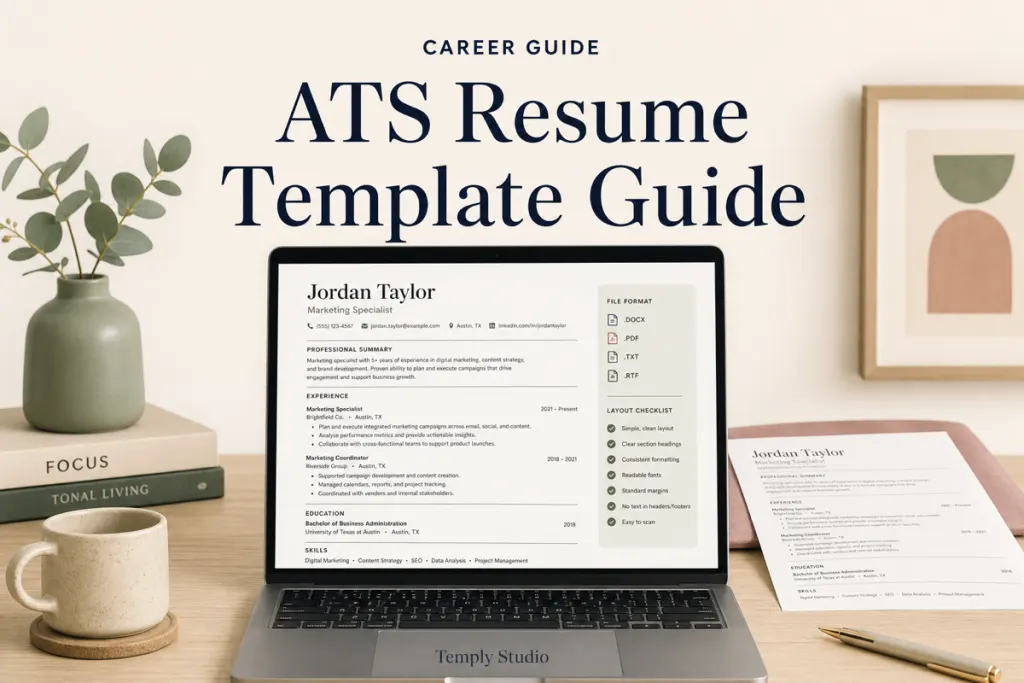
An ATS resume template guide should help a job seeker choose a readable structure, edit it accurately, and submit a file that matches the employer’s instructions. No template can guarantee that every applicant tracking system will parse a resume perfectly or that an application will receive an interview. The goal is to reduce avoidable formatting problems while presenting relevant experience clearly.
What to prioritize
- A clear single-column or carefully structured layout
- Standard section headings that are easy to understand
- Editable text in software you can use confidently
- Consistent dates, job titles, and spacing
- Minimal decorative elements around essential information
- A file type accepted by the employer
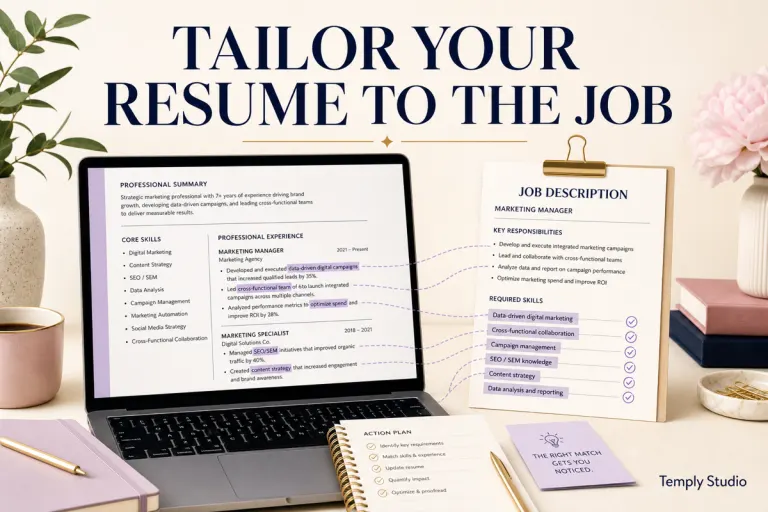
- Content tailored to the role rather than copied unchanged
What an applicant tracking system does
An applicant tracking system, often shortened to ATS, helps employers receive, organize, search, and review applications. Different employers use different systems and settings. A resume may be parsed into fields such as name, contact information, work history, education, and skills, but the exact behavior is not universal.
That is why responsible ATS guidance avoids promises such as “100% ATS pass.” A template can be designed with ATS readability in mind, but the application portal, file type, content, employer settings, and system behavior also matter.
Choose the right layout
| Layout choice | Potential benefit | Trade-off |
|---|---|---|
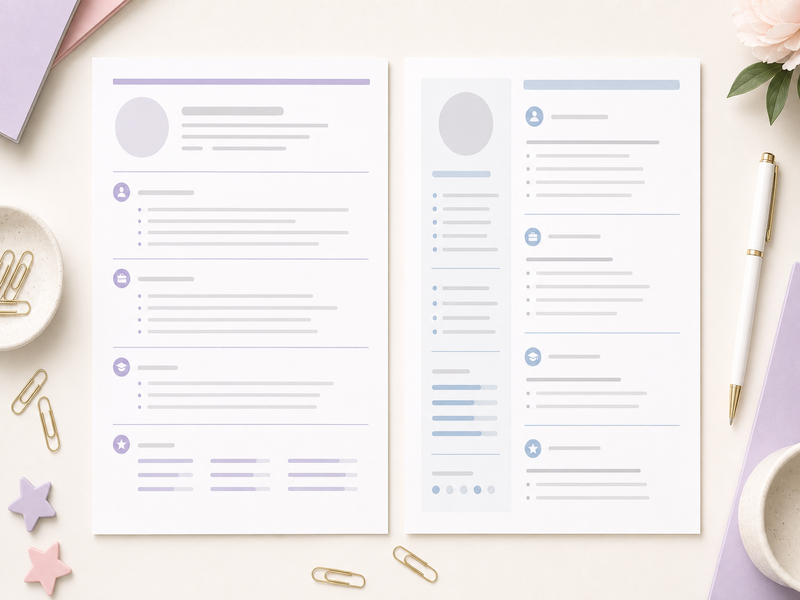
| Single column | Creates a straightforward top-to-bottom reading order | May use more pages for extensive experience |
| Two columns | Can place supporting details in a compact space | Reading order may be less predictable in some parsing workflows |
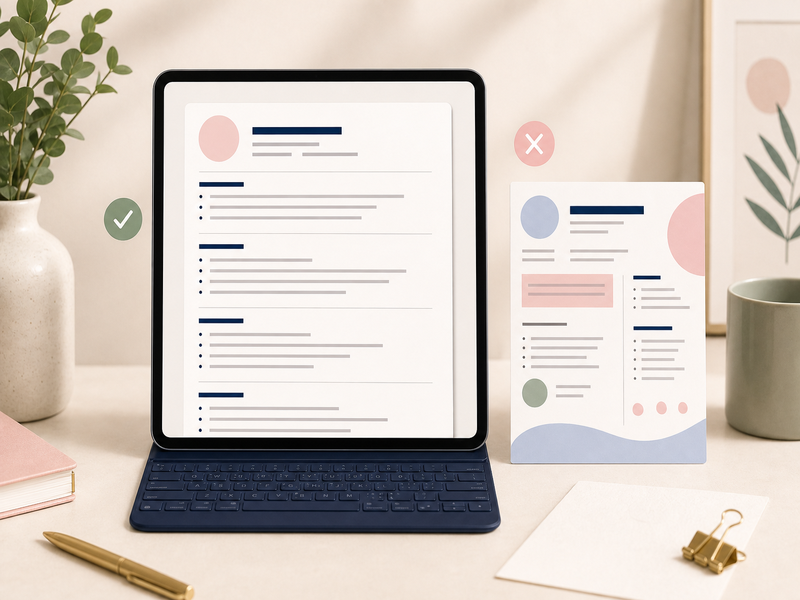
| Highly visual | Can create a strong visual presentation for human readers | Graphics, icons, charts, and text boxes may complicate extraction |
| Minimal professional | Keeps attention on experience, skills, and achievements | Requires strong writing because design does less of the work |
For applications submitted through an online portal, a clean top-to-bottom layout is often the cautious choice. A more visual version may still be useful for direct networking, a portfolio, or an industry where presentation is part of the role. Follow the employer’s instructions first.
Check the editing software
A template is only useful when you can edit it without breaking the structure. Confirm the exact included format before purchasing. A listing may include Microsoft Word, Google Docs, Canva, Apple Pages, or a combination, but those formats should never be assumed.
- Microsoft Word: practical for text-heavy editing, styles, page breaks, and common office workflows.
- Google Docs: useful for browser-based collaboration and simple editing when the template is specifically designed for it.
- Canva: convenient for visual control, but export and reading order should be reviewed carefully for portal submissions.
- Apple Pages: suitable when included and when the user works within the Apple ecosystem.
Do not convert a complex design between programs and assume it will remain identical. Fonts, spacing, text boxes, and page breaks can shift.
Use standard section headings
Clear headings help both human readers and automated systems understand the document. Common examples include Professional Summary, Work Experience, Education, Skills, Certifications, Projects, and Volunteer Experience. Choose only sections that support the application.
A creative heading such as “My Journey” may look distinctive but can make the section’s purpose less obvious. Clarity is more valuable than novelty when an employer is scanning quickly.
Avoid common formatting risks
- Essential contact information placed only in a header or footer
- Important text converted into an image
- Skill ratings displayed only as stars, bars, or circles
- Tables used for the entire document layout
- Multiple text boxes with an unclear reading order
- Unusual fonts that are difficult to read or unavailable on another device
- Decorative icons used instead of written contact labels
- Inconsistent date and job-title formatting
Not every system fails on every one of these elements. The point is to avoid unnecessary complexity when a simpler design can communicate the same information.
Tailor the content, not just the design
A resume template provides structure; it does not provide the correct content for a role. Read the job description, identify relevant responsibilities and qualifications, and describe your experience truthfully. Use keywords only when they accurately reflect your background.
Write a focused summary
A summary should identify your professional direction, relevant experience, and strongest fit for the role. Avoid generic claims such as “hard-working team player” unless they are supported by specific evidence elsewhere.
Use achievement-focused bullets
Start with a clear action, describe the work, and include a result or scope when it can be stated accurately. Never invent metrics to make a bullet sound stronger.
Review the final file
- Confirm the employer’s accepted file type.
- Check spelling, contact information, dates, and links.
- Review the document at normal zoom and on another device when possible.
- Confirm that section order is logical.
- Copy and paste the text into a plain document to spot obvious reading-order problems.
- Open the exported PDF and check every page.
- Use a professional filename such as Firstname-Lastname-Resume.pdf.
A copy-and-paste check is only a basic review and does not reproduce every ATS. It can still reveal missing text, unexpected order, or characters that did not export correctly.
Questions to ask before buying a template
- Which editable files are included?
- Does the listing specify one page, two pages, or a bundle?
- Are fonts included, free, or linked separately?
- Does the design use a single-column structure?
- Is a cover-letter page included?
- What software and account are required?
- What license applies to the files?
- Is the product delivered automatically or through another process?
Frequently asked questions
Can an ATS-friendly template guarantee an interview?
No. A clear layout may reduce formatting problems, but hiring decisions depend on the role, applicant pool, qualifications, content, employer process, and many other factors.
Is PDF always the best file type?
Use the file type requested by the employer. PDF can preserve layout, while some portals request DOCX or another format. Instructions on the application page take priority.
Should I use a two-page resume?
Length depends on experience, industry, country, and application expectations. Include relevant information without forcing the document into one page or padding it unnecessarily.
Choose clarity and editability
A useful ATS resume template combines a clear structure with software you can edit confidently. Browse the Temply Studio resume and CV template collection, review the digital download shop, and check each product page for verified formats, included files, software requirements, license, and delivery information.
Related guide
Continue with the Resume & career guides, or read How to Edit a Resume Template in Microsoft Word Step by Step for another focused workflow.
Temply Studio
Stop chasing your goals with sticky notes and scattered notebooks. Our premium digital planners and Canva templates are designed to help you plan with intention, stay consistent, and actually enjoy the process.
Questions about this guide?
Ask about the planner, share how you use it, or tell us what to cover next. Your email stays private.