
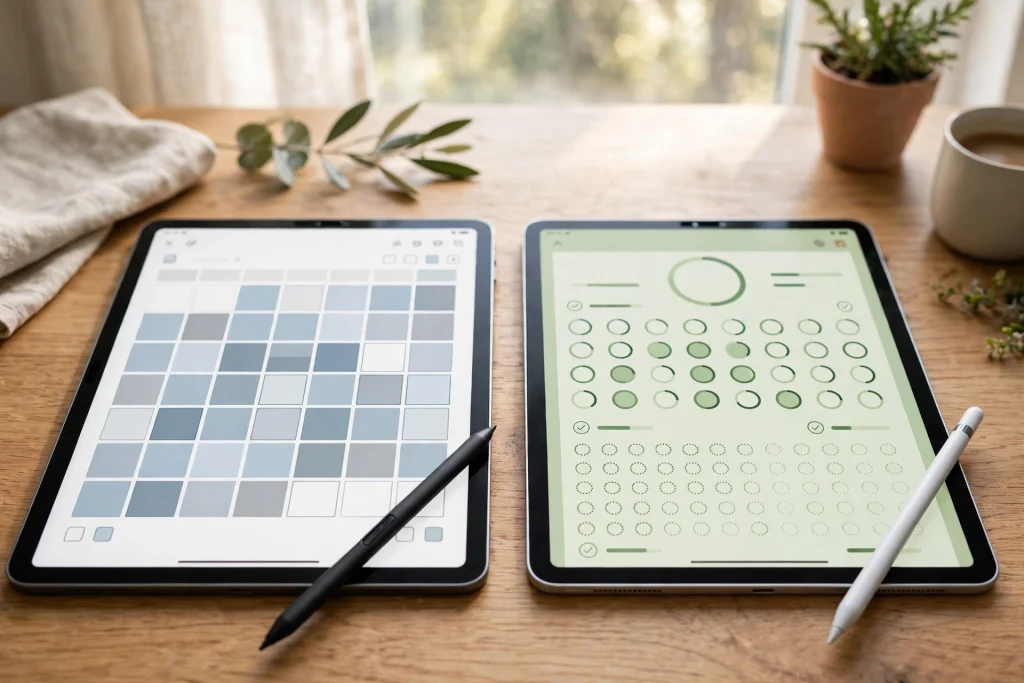
Quick answer: For digital planners, GoodNotes wins for most people: it handles hyperlink navigation in large planners faster, costs less at every paid tier, and works across Apple, Windows, Android, and the web. Notability wins if your top priority is audio-synced lecture or meeting notes, or if you live entirely inside Apple and prefer its simpler feel. Below, prices checked October 2026, a side-by-side comparison, and the planner-specific verdict that actually decides it.
Choosing between GoodNotes and Notability for digital planners is harder than it looks, because both apps open the same PDF planner file and both let you write on it with a stylus. The differences only show up after weeks of daily use: how fast hyperlinks jump between sections, how the app behaves when your planner grows to hundreds of pages, what you pay each year, and whether your planner follows you to a Windows laptop or an Android tablet. This GoodNotes vs Notability comparison focuses on those planner realities, not on generic note-taking scores.
Prices Checked October 2026
Prices change, and promotions come and go, so treat these as the public US annual figures checked in October 2026 and confirm the checkout price before you subscribe. Prices vary by region and platform.
GoodNotes Free: $0 — 3 notebooks, 100 MB storage, 5 MB import limit. GoodNotes Essential: $11.99/year — unlimited notebooks, 5 GB storage, cross-platform access. GoodNotes Pro: $35.99/year — Goodnotes Cloud cross-platform library sync, real-time collaboration, advanced AI. GoodNotes Special Edition: one-time purchase, Apple devices only, price varies. GoodNotes also offers an optional AI Pass add-on for eligible paid plans.
Notability Starter: $0 — 5 notes. Notability Lite: $14.99/year — unlimited notes. Notability Plus: $19.99/year — handwriting search, audio transcription, AI study tools. Notability Pro: $99.99/year — expanded AI and transcription. Notability Classic: $49.99 one-time — unlimited notes, Notability Cloud sync, live collaboration.
Notability’s displayed prices are sometimes discounted promotionally — do not assume a sale price lasts or applies at renewal. The headline for planners: GoodNotes is cheaper at every comparable paid tier, $11.99/year against $14.99/year at entry level, and its top tier costs roughly a third of Notability’s.
Hyperlink Navigation: The Number One Planner Difference
This is the difference that decides the comparison for planner users, and it is easy to miss in a five-minute trial. A digital planner lives or dies by its hyperlinks: tapping a tab to jump from a daily page to the monthly view, from an index to a habit tracker, dozens of times a day. In large planners, GoodNotes handles that hyperlink navigation faster, while Notability’s hyperlink handling in big planners is noticeably slower in independent testing from 2026.
Why does that matter so much? Because planner lag is cumulative. A half-second delay on one jump is invisible; the same delay repeated a hundred times a day, every day, is the difference between a planner you love and one you quietly stop opening. If your planner is small — a single monthly template, say — you may never notice. If you run a full daily planner with heavy cross-page navigation, you will feel it within a week. For the same reason, planner size itself affects speed in both apps; if your planner already feels sluggish, read our guide to a GoodNotes planner that is slow or lagging before blaming the app.
Templates and Planner Files
Both apps import custom PDF templates from Etsy and marketplaces, so any planner you buy — including ours — works in either app. The difference is in the defaults: GoodNotes ships with more elegant built-in templates, while Notability’s defaults are plainer but perfectly usable. For most planner buyers this is a minor point, because you will replace the defaults with a purchased planner within days anyway.
What matters more is how each app treats your planner file over time. GoodNotes organizes notebooks in folders with a library view that suits a collection of planners, journals, and notebooks. Notability organizes by subject dividers and a more note-like list. Neither is wrong; GoodNotes feels more like a binder, Notability more like a stack of notes. If you keep several planners and journals at once, the binder model tends to stay tidier.
Platforms: Where Your Planner Can Follow You
GoodNotes runs on Apple devices, Windows, Android, and the web. Full library sync between Apple and other platforms requires the Pro plan with Goodnotes Cloud, so check your plan before assuming a Windows laptop will mirror your iPad library exactly. Notability runs on Mac, Windows, iPad, iPhone, Android, and the web through Notability Cloud.
For households and workplaces that mix devices, GoodNotes’ cross-platform story is the stronger one at the entry price, since Essential already includes cross-platform access. If you plan on Android or Samsung hardware specifically, our comparison of digital planning on Android and Samsung goes deeper on which apps behave best off Apple hardware.
Audio: Notability’s Genuine Win — That Mostly Does Not Matter for Planners
Both apps record audio, but Notability’s word-level audio sync is more mature: tap a word you wrote during a lecture and hear exactly what was being said at that moment. GoodNotes offers Note Replay, but its replay modes are limited to iOS and macOS notebook documents. For lecture notes and meeting notes, Notability wins outright.
For planners, though, audio barely matters. You do not record audio onto a daily planner page, and you do not replay a meeting by tapping your habit tracker. This is a real Notability strength that simply does not change the planner decision — unless the same app must also serve as your lecture-note tool, in which case it may tip the balance.
Handwriting, Search, and Everyday Feel
Both apps offer good handwriting with Apple Pencil, handwriting search on paid plans, and PDF annotation. GoodNotes’ handwriting recognition and search feel slightly more polished for finding an old note, while Notability’s interface feels lighter and faster to learn. Try both free tiers with the same planner file for a week each — the free allowances (3 notebooks in GoodNotes, 5 notes in Notability) are enough for a genuine trial, and your own handwriting is a better judge than any review.
The Verdict for Planner Users
- Choose GoodNotes if you run a hyperlink-heavy daily planner, use more than one platform, or want the lowest annual cost. It is the better planner app for most people, full stop.
- Choose Notability if you are Apple-only and your priority is audio-synced lecture or meeting notes, with planning as a secondary use.
- Either works if your planner is small, you stay on one device, and you mainly write and check boxes. In that case, pick the free trial that feels better in your hand.
Whichever app you choose, start with a planner built for daily use. Our 2027 Life Planner works as the same PDF file in both apps, so you can switch later without rebuying anything. And if you are new to digital planning entirely, our how to use a digital planner in GoodNotes guide covers setup from the first import to daily use.
FAQ: GoodNotes vs Notability for Digital Planners
Can I use the same planner file in GoodNotes and Notability?
Yes. Both apps import PDF planner files, so a planner bought once works in either app. Your annotations live inside each app’s copy, though, so switching apps later means starting annotations fresh — the blank planner file itself transfers freely.
Which app is better for large digital planners?
GoodNotes. Its hyperlink navigation stays faster in large, heavily linked planners, which is the interaction planner users repeat most. Notability is fine for small planners but slows noticeably on big ones.
Is GoodNotes really cheaper than Notability?
At the published October 2026 annual prices, yes at every paid tier: $11.99/year vs $14.99/year at entry, and $35.99/year vs $99.99/year at the top tier. Check for promotions at checkout, since Notability frequently discounts its displayed prices.
Does Notability work on Android and Windows?
Yes, via Notability Cloud, alongside Mac, iPad, and iPhone. GoodNotes also covers Windows, Android, and the web, with full Apple-to-other-platform library sync on its Pro plan.
Ready to pick your planner, not just your app? Get the 2027 Life Planner — one file, both apps, and a full year of organized days ahead.
For Notability’s own features and current plans, see Notability.
Temply Studio
Stop chasing your goals with sticky notes and scattered notebooks. Our premium digital planners and Canva templates are designed to help you plan with intention, stay consistent, and actually enjoy the process.
Questions about this guide?
Ask about the planner, share how you use it, or tell us what to cover next. Your email stays private.