




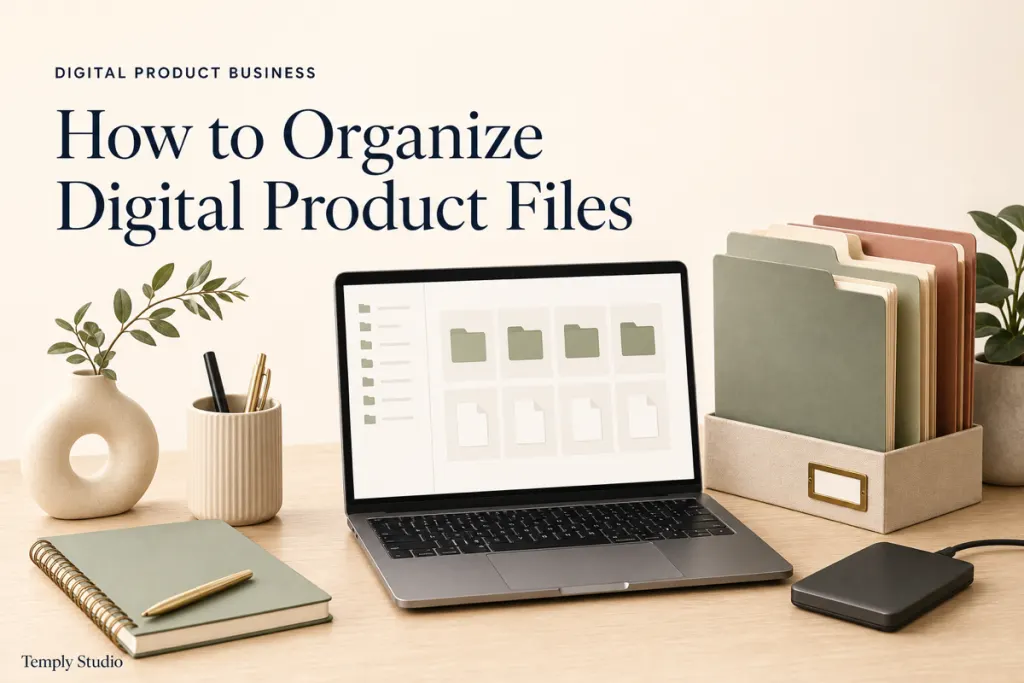
Quick answer: Digital product version control is easiest when you start with the outcome, use a simple structure, verify the file or platform details, and review one small example before scaling it. A digital product workflow becomes easier to support when a customer can understand what they are buying, open the files, and find the license or instructions without guessing. This guide focuses on clear delivery and repeatable operations, not guaranteed sales or revenue.
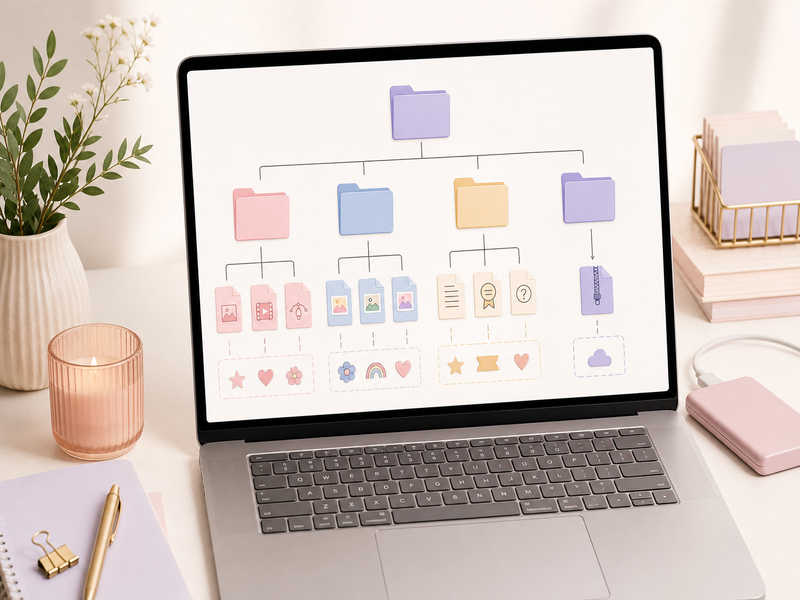
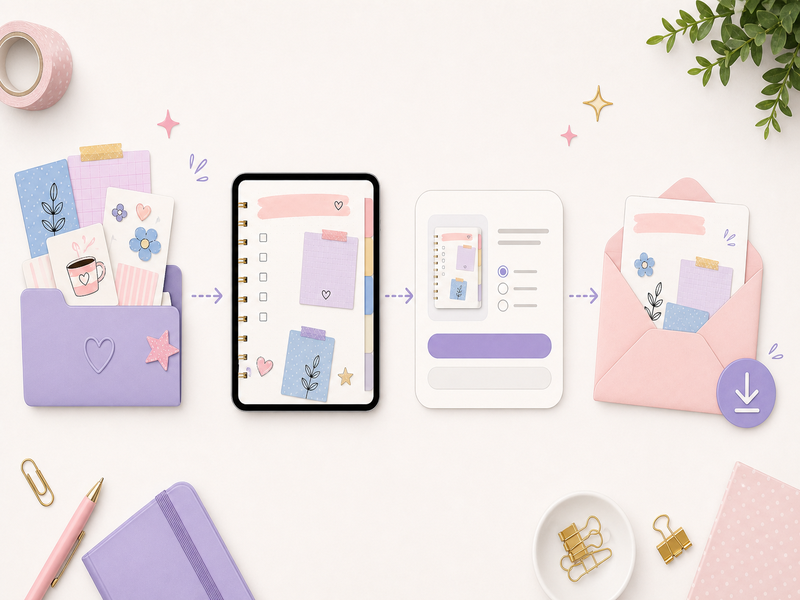
This guide is written for a practical first pass. It does not promise a hiring result, a specific cut, a print result, a platform feature, or a business outcome. Software versions, device settings, file formats, and licensing terms can change, so check the current official documentation linked below when a detail affects your work.
What to decide before you begin
Write down the decision the template, file, or workflow should make easier. Then check the customer expectation, file quality, instructions, licensing, version control, and support handoff. A clear decision prevents a common problem: adding more sections, decoration, or settings before the basic task works.
- What is the next action after this page or file is complete?
- Which details must be visible without extra clicking or searching?
- What source copy, permissions, or original file must be preserved?
- Which platform, device, printer, or recipient will receive the final version?
Step-by-step workflow
- 1. Define the customer, use case, and included files. Keep this step small enough to review before moving on, and record any assumption that needs checking.
- 2. Prepare a clean source folder and a customer-facing package. Keep this step small enough to review before moving on, and record any assumption that needs checking.
- 3. Write a concise listing or instruction page with exact formats. Keep this step small enough to review before moving on, and record any assumption that needs checking.
- 4. Test the download, filenames, links, and opening steps. Keep this step small enough to review before moving on, and record any assumption that needs checking.
- 5. Record the version and change notes before release. Keep this step small enough to review before moving on, and record any assumption that needs checking.
- 6. Review support questions and improve the next version. Keep this step small enough to review before moving on, and record any assumption that needs checking.
After the first pass, pause and inspect the result in its real context. For a digital file, open it in the target app or browser. For a resume, read the final export as a recipient would. For a printable, test one page at actual size. For a product or template, follow the customer handoff from the download link to the first usable action.
Use a small checklist to protect quality
A checklist should catch repeatable mistakes rather than turn the task into another project. Keep the following checks close to the file:
- The title, filename, and first instruction describe the same purpose.
- The important information is readable at the intended screen or paper size.
- The original or editable source is stored separately from the final export.
- Links, permissions, dimensions, formats, and stated compatibility are verified.
- Any third-party claim is linked to the relevant official documentation.
- The final version tells the next person what is included and what is not included.
Common mistakes to avoid
- Describing files or compatibility that were not verified.
- Hiding important license terms below unrelated copy.
- Uploading an untested archive or duplicate filename.
- Promising a business, hiring, or income outcome.
- Changing a file without recording the version.
If one of these mistakes appears, return to the smallest reversible version. Rename the working file, restore the source copy, remove an unnecessary section, or ask the platform owner for current guidance. A careful correction is more useful than a confident assumption.
How this fits a reusable system
Once the first version works, turn the repeatable parts into a short routine. Keep a named source folder, a version note, and one place for the final link or export. Review the workflow after a few uses and remove any field that creates work without helping a real decision. A template should reduce friction; it should not require constant maintenance to remain understandable.
Continue with the Digital Product Business hub, review the related Temply Studio products, or read the Temply Studio shop for a connected workflow.
For platform-specific details, consult U.S. Copyright Office. Use the official source for current feature, file, licensing, or policy information instead of relying on an old screenshot or an unverified claim.
Release a digital-product update safely
Version control matters most when an existing product changes. A small update can still break a download link, overwrite a buyer’s customization, or create confusion about which file is current. Use a repeatable release pass instead of editing the live product in place.
- Freeze the change scope. Write down the exact problem or improvement. Separate corrections, compatibility updates, and optional enhancements so the release note is accurate.
- Duplicate the working source. Keep the previous approved source untouched. Work in a copy named with the next version, such as
product-name_v1-1_source. - Export and inspect every deliverable. Open the exported files, not only the editable source. Check page order, hyperlinks, fonts, image quality, fillable fields, file size, and ZIP contents.
- Test the buyer path. Download the packaged archive the way a customer would, extract it, open the instruction file, and follow the first access step. Record the test date and result.
- Write a short changelog. Use buyer-neutral language: what changed, which version replaced it, and whether existing buyers need to download again.
- Keep a rollback copy. Store the prior public ZIP and instruction PDF until the new release has been verified live.
For file naming inside the release archive, follow the digital download file naming conventions. For pre-sale validation, use the digital download testing checklist.
Write the minimum support policy before release
A support policy does not need legal language to be useful. It needs clear boundaries that the buyer can see before purchase and that the seller can apply consistently after purchase.
- Support channel: Name the exact contact method for order or file problems.
- Supported scope: State whether help covers download access, opening files, import steps, or product-specific troubleshooting.
- Excluded scope: Separate software training, device troubleshooting, customization services, and third-party app support if those are not included.
- Version coverage: Explain which product version is current and how buyers receive confirmed updates, if updates are offered.
- Response expectations: Publish only commitments you can meet; do not invent fixed turnaround times.
- Refund and license links: Link to the current store terms instead of copying policy text that may go stale.
Put the same boundaries in the product instructions and the post-purchase support reply. Consistency prevents a customer from receiving one answer in the listing, another in the PDF, and a third by email.
Frequently asked questions
Do I need an advanced setup to start?
No. Start with the minimum structure that supports the immediate task. Add complexity only after you can explain the decision it improves.
Should I keep an editable source copy?
Yes. Keep the source separate from the final export or customer package so you can correct, update, or reuse the work without overwriting the original.
Will the same file work for every app, device, printer, or recipient?
Not necessarily. Verify the stated format, permissions, dimensions, and compatibility in the current official documentation and test the file in the context where it will be used.
Can a template guarantee a specific result?
No. A template provides structure and a starting point. The result still depends on the content, settings, software version, device, materials, audience, and decisions made by the user.
Conclusion
Digital Product Version Control for Small Shops becomes more useful when it answers one clear need, protects the original source, and includes a short review before the final handoff. Use the checklist above, document the assumptions you verified, and adjust the next version from real use. When you want a ready-made starting point, explore the relevant Temply Studio collection.
Before uploading the release, standardize the buyer-visible archive and file names with the digital download file naming conventions.
Related guide
Continue with the Template design guides, or read How to Test Digital Download Files Before Selling for another focused workflow.
Temply Studio
Stop chasing your goals with sticky notes and scattered notebooks. Our premium digital planners and Canva templates are designed to help you plan with intention, stay consistent, and actually enjoy the process.

Questions about this guide?
Ask about the planner, share how you use it, or tell us what to cover next. Your email stays private.