
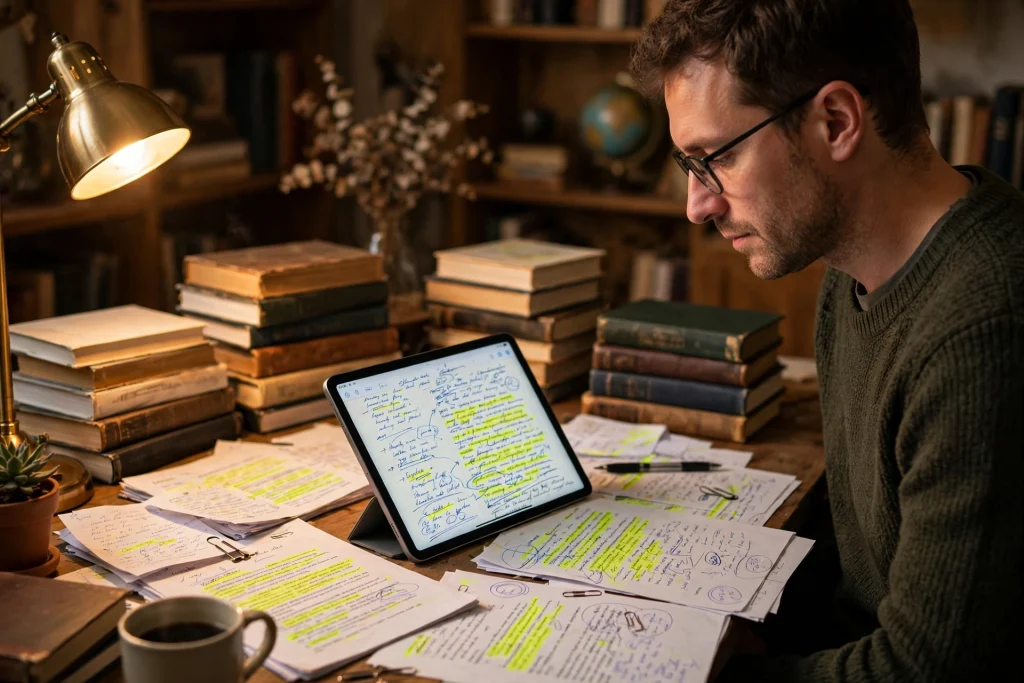
Quick answer: GoodNotes for researchers works best as a three-part system: one notebook for literature notes (one page per paper, with a standard template), one for your thesis or project plan, and a searchable index page linking them together. Handwritten notes, annotated PDFs, and automatic handwriting search make it a genuine alternative to a pile of printed papers.
Research generates paper. Hundreds of journal articles, dozens of half-finished notes, a thesis outline that lives in three different apps, and a reference list that is always slightly out of date. If that sounds familiar, you are not disorganised — you just do not have a system that keeps everything in one searchable place.
GoodNotes for researchers is that system. It is not a reference manager and it does not replace Zotero or your university library — but as a thinking space, a reading notebook, and a thesis planner, it is remarkably good. Handwrite your notes, annotate PDFs directly, search your own handwriting, and link everything together with internal hyperlinks. This guide shows you how to set it up, step by step, whether you are writing a PhD thesis, a master’s dissertation, or a long literature review.
Why Researchers Are Moving Their Notes to GoodNotes
Academic work has a specific shape: read, note, connect, write. Most apps handle one of those well and the rest badly. GoodNotes covers the middle of the process — the part where reading becomes understanding — better than most tools built for the job.
- Handwriting helps you remember. Studies consistently find that writing notes by hand, rather than typing them, improves retention. GoodNotes keeps that benefit while adding search, backup, and infinite pages.
- Your handwriting is searchable. GoodNotes indexes your handwriting, so you can search for “methodology” or “Smith 2023” across every notebook you own — even notes you wrote two years ago.
- PDFs and notes live together. Import a journal article, highlight it, scribble in the margins, and keep your summary on the next page. No more switching between a PDF reader and a notes app.
- It works offline. Fieldwork, archives, and conference basements rarely have good Wi-Fi. GoodNotes does not care.
- It is cheap and simple. One app, one purchase, no subscription tiers for basic research use — a welcome change from reference software that charges per seat.
The Three-Notebook Research System
Do not put everything into one notebook. Research notebooks get big, and a single 800-page file becomes slow and hard to navigate. Use three focused notebooks instead:
1. The Literature Notebook
One page (or a short spread) per paper you read. This is your reading journal — the place where articles become knowledge. Give every paper the same structure so you can scan it later:
- Citation: author, year, title, journal — exactly as it will appear in your bibliography.
- Research question: what the authors were trying to find out, in one sentence.
- Method: how they did it — sample, design, analysis — in three or four lines.
- Key findings: the results that matter to you, not the whole results section.
- Your critique: limitations, questions, and what you disagree with. This is the part that makes the note yours.
- How it connects: which other papers it supports, contradicts, or extends — with page links to those notes.
Keep a running index at the front of the notebook: paper title, author, year, and the page number of its note. Update the index every time you add a paper. It takes thirty seconds and saves hours later when you are hunting for “that paper about cognitive load” the night before a deadline.
2. The Thesis or Project Notebook
This is your planning notebook: the outline, the argument, the chapter drafts in note form, the deadlines, and the decisions. Structure it like this:
- Thesis outline: chapter titles, each with a one-paragraph summary of its argument.
- Argument map: a visual map of your claims, evidence, and counterarguments — hand-drawn maps are where GoodNotes beats typed outlines.
- Writing log: a dated page where you record what you wrote each day, word counts, and what is next. It doubles as motivation: a visible streak is hard to break.
- Supervisor meeting notes: one page per meeting, with action items in a checklist you can tick off.
- Deadline tracker: submission dates, conference deadlines, and funding applications, all on one page you check weekly.
3. The Fieldwork / Ideas Notebook
A freeform notebook for everything else: conference notes, interview observations, half-formed ideas, sketches, diagrams, and reading lists. This is your thinking space — messy is fine. The only rule: date every page. A dated mess is searchable; an undated one is a mystery.
Setting Up Your Literature Note Template
Consistency is what turns a pile of notes into a usable database. Build one template page, duplicate it for every new paper, and your future self will be able to scan fifty literature notes in minutes.
Here is how to make one:
- Open your Literature Notebook and create a blank page.
- Using the text tool or your Apple Pencil, lay out the six headings from the structure above (Citation, Research Question, Method, Key Findings, Critique, Connections), leaving generous writing space under each.
- Add a small box at the top for the paper’s key details: author, year, and a one-line verdict (“Use for Chapter 2 — supports H1”).
- Go to the thumbnail view, long-press the page, and tap Duplicate whenever you start a new paper. Better still, duplicate five or six blank copies at once so they are ready when you need them.
If you prefer a ready-made starting point, the 12-Tab Digital Notebook for GoodNotes gives you tabbed sections you can dedicate to literature, methods, and writing — and its lined and grid pages suit structured note templates well. For students combining research with coursework, the 2026 Academic Student Planner for GoodNotes adds dated academic planning alongside your research notes.
Annotating PDFs: Reading Inside GoodNotes
One of GoodNotes’ most useful features for researchers is that you can import a journal article as a PDF and mark it up directly — highlight, underline, write in the margins, and add sticky-note style comments. Here is a practical workflow:
- Import the PDF from your reference manager or email (Share → Open in GoodNotes → Import as New Document, or import it into your Literature Notebook as extra pages).
- First pass — skim and highlight: read the abstract, headings, and conclusion. Highlight the sentences you will cite.
- Second pass — margin notes: write questions, connections, and disagreements in the margins with your Apple Pencil. Use a consistent colour code: yellow for findings, pink for limitations, blue for ideas to follow up.
- Write the literature note: flip to your template page and summarise the paper in your own words. If you only highlight and never summarise, you have not really read it.
- Link it: add the paper to your index and note which thesis chapter it belongs to.
Two practical tips. First, keep the original PDF clean in your reference manager — annotate a copy in GoodNotes, not the only copy you own. Second, if you highlight a lot, use GoodNotes’ zoom window for neat margin writing; cramped handwriting in a 10-point margin is unreadable a month later.
Managing Citations Without Losing Your Mind
Let us be honest about the limits: GoodNotes is not a citation manager. It will not format your bibliography, and it will not catch a missing reference. Keep Zotero, Mendeley, or EndNote for the bibliography itself — and use GoodNotes for everything around it.
What GoodNotes can do well:
- A citation tracker page: a running list of every source you have cited in a draft, with the page number of its literature note and the chapter where it appears. Review it before submission and you will catch the “cited but never listed” errors that examiners love to find.
- A quote bank: exact quotations you plan to use, each with a page number and full citation, kept on dedicated pages. Copy them into your draft with the citation attached — never paste a bare quote and promise to “add the reference later”.
- A “to read” list: papers recommended by your supervisor, found in reference lists, or flagged during reading — with a one-line note on why each one matters, so you can prioritise instead of hoarding PDFs.
The golden rule: every note carries its full citation at the top. A brilliant summary without an author and year is useless when you are writing at 2am and cannot remember where it came from.
Planning a Thesis in GoodNotes
A thesis is a project, and projects need plans. Use your Thesis Notebook to manage the work, not just the ideas.
Break the thesis into weekly goals
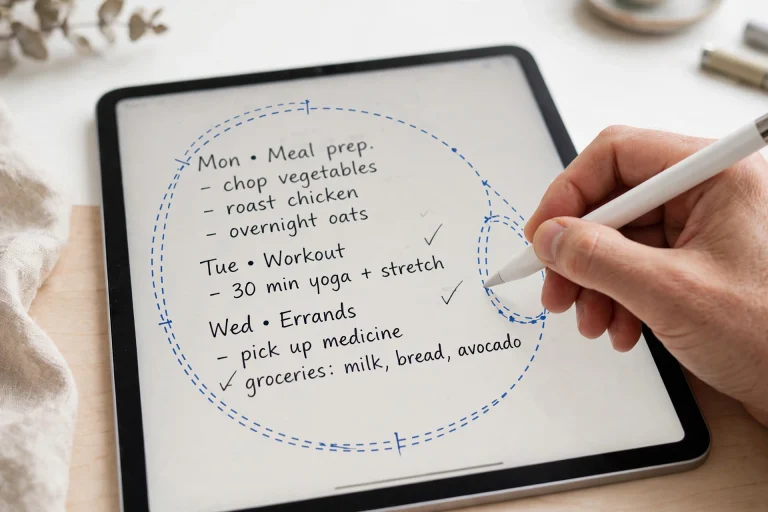
Take your outline and turn it into a timeline. Work backwards from your submission date: literature review by March, methods by May, first full draft by September. Put each milestone on a single planning page, then break each milestone into weekly tasks. A weekly page with three concrete tasks beats a semester plan with thirty vague ones.
Track your writing daily
Keep a simple writing log: date, words written, what you worked on, and what is next. Researchers who track their writing write more — not because the log is magic, but because an empty row is visible. Aim for consistency over heroics: 300 words a day beats 3,000 words once a month.
Use your planner for the admin around research
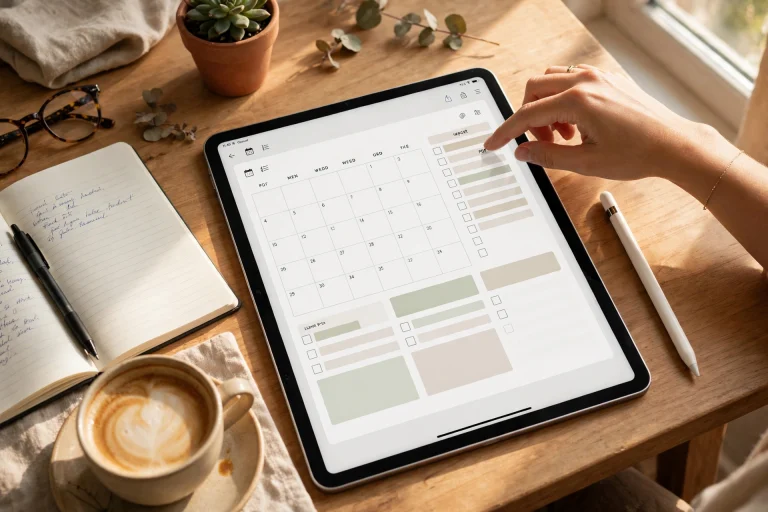
Research involves more administration than anyone admits: ethics applications, funding deadlines, conference submissions, teaching schedules. A dated planner keeps the admin from eating the research. The Minimalist Undated Digital Life Planner for GoodNotes works well here — undated, so a delayed semester does not waste pages, with weekly spreads that hold both writing goals and admin deadlines.
Searching Your Notes: The Feature That Changes Everything
GoodNotes indexes your handwriting automatically. Tap the search icon, type a word, and GoodNotes shows every page where you wrote it — across all your notebooks. For a researcher, this is the single most valuable feature in the app.
To make search work for you:
- Write legibly enough to be recognised. You do not need calligraphy — but if even you cannot read it, the search engine cannot either. Use the zoom window for small writing.
- Use consistent keywords. If you always write “cognitive load” rather than sometimes “mental load”, your searches will find everything.
- Star important pages. Tap the star on pages you return to often — key papers, your outline, your argument map — and they become one tap away.
- Search before you re-read. When a supervisor asks “what did that 2022 paper say about X?”, search first. You will usually find your own summary in seconds.
Backing Up Research You Cannot Afford to Lose
A thesis notebook is irreplaceable. Losing it would cost months, not hours — so back it up properly.
- Turn on iCloud sync in GoodNotes settings, so your notebooks exist on every Apple device you own.
- Turn on auto-backup to Google Drive, Dropbox, or OneDrive (Settings → Auto Backup). Choose PDF format so your backups are readable anywhere, even without GoodNotes.
- Export a full backup monthly — Library → long-press each research notebook → Export → save a copy outside the GoodNotes ecosystem.
- Keep your reference library backed up separately. GoodNotes holds your thinking; Zotero holds your sources. Back up both.
GoodNotes for Researchers: What It Cannot Do
Honesty matters here, because the wrong tool in the wrong job wastes a semester:
- It will not write your literature review. No app will. It will, however, make sure you can find every note when you sit down to write it.
- It will not manage references. Use Zotero or Mendeley for citations and bibliographies.
- It is not ideal for collaborative writing. Shared notebooks exist, but real-time co-authoring belongs in Google Docs or Overleaf.
- Very large notebooks slow down. Split your literature notes by year or by chapter once a notebook passes a few hundred pages.
Used for what it is good at — reading, thinking, planning, and finding your own notes again — GoodNotes earns its place in a research workflow. Used as a replacement for a reference manager, it will frustrate you.
Frequently Asked Questions
Is GoodNotes good for PhD research?
Yes, for notes, reading, and planning. Many PhD students use it as their daily research notebook alongside Zotero for references and a word processor for writing. The handwriting search and PDF annotation are the features that make it worth it.
Can I use GoodNotes for a systematic literature review?
Yes, with structure. Use a standard template for every paper, keep a screening log (included/excluded, with reasons), and use the search function to check coverage. For the screening itself, a spreadsheet is still better — use GoodNotes for the notes, not the database.
How do I organise hundreds of papers in GoodNotes?
One literature note per paper, an index page at the front, and folders by project or chapter. Once a notebook grows past 300–400 pages, start a new volume (for example, “Literature 2026”) and link to it from your index.
Does GoodNotes work for qualitative research like interviews?
Very well. Import interview transcripts as PDFs and annotate them, or take handwritten field notes with timestamps. The search function makes it easy to find themes across interviews — just keep your coding labels consistent.
Can I share my research notes with my supervisor?
You can export any page or notebook as a PDF and send it, or share a notebook link if your supervisor also uses GoodNotes. For feedback on drafts, though, a shared document with comments is usually more practical.
Is GoodNotes better than Notion or Obsidian for research?
Different strengths. Notion and Obsidian are better for linked, typed knowledge bases. GoodNotes is better for handwritten thinking, PDF annotation, and reading notes. Many researchers use both: GoodNotes for reading and thinking, Obsidian or Notion for the permanent, linked knowledge base.
Research is mostly reading, thinking, and keeping track of what you thought. GoodNotes for researchers works because it respects that shape: one searchable place for your notes, your readings, and your plan — in your own handwriting, backed up, and always with you. Set up the three notebooks, build your template, and start with the next paper you read. The system pays for itself the first time you find a note in ten seconds instead of an afternoon.
Ready to set up your research system? Start with the 12-Tab Digital Notebook for GoodNotes — tabbed sections for literature, methods, and writing, with lined and grid pages that suit structured academic notes.
Temply Studio
Stop chasing your goals with sticky notes and scattered notebooks. Our premium digital planners and Canva templates are designed to help you plan with intention, stay consistent, and actually enjoy the process.

Questions about this guide?
Ask about the planner, share how you use it, or tell us what to cover next. Your email stays private.