

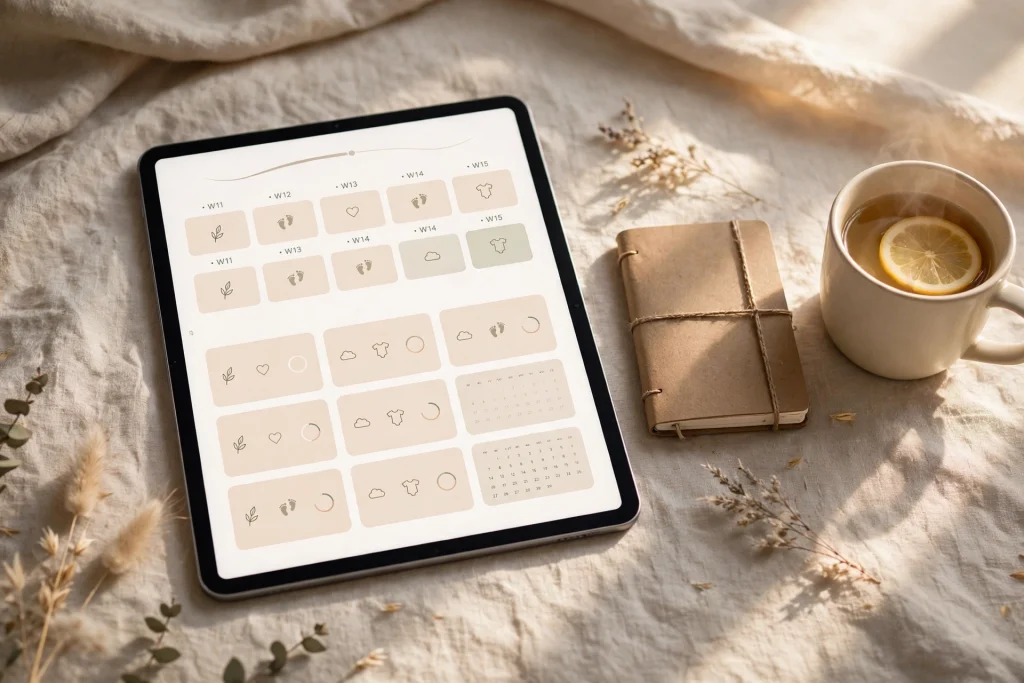
Quick answer: A pregnancy planner in GoodNotes is an undated, hyperlinked digital journal that keeps your whole pregnancy in one place — week-by-week pages, appointments, symptoms, kick counts, checklists and your birth plan. Because it is undated, you can start at any week, duplicate a weekly page as often as you need, and jump between sections with one tap. Set it up once, then spend five minutes a day keeping it current.
Pregnancy is nine months of appointments, questions, lists and small moments you will want to remember. A paper notebook can hold them, but it cannot search your notes, duplicate a page, or jump from week 28 straight to your hospital-bag checklist. A pregnancy planner in GoodNotes can do all three, and it lives on the device you already carry to every appointment. This guide covers the pages worth including, how to set the planner up in GoodNotes, and a simple weekly routine that keeps it useful without turning it into another chore.
Why a pregnancy planner in GoodNotes works so well
The strongest argument for a digital pregnancy planner is that pregnancy does not follow a tidy calendar. Appointments move, symptoms change from week to week, and the questions you want to ask your doctor rarely arrive in order. A hyperlinked planner lets you capture things where they belong — a symptom on this week’s page, a question on the appointment log, a name idea on the baby-name list — and find them again in seconds.
GoodNotes adds three practical advantages. First, hyperlinked tabs mean you never flip through forty weeks to find one tracker. Second, you can duplicate a weekly spread and reuse it for the whole pregnancy, so the layout stays consistent even as the content changes. Third, handwriting search lets you find a note you wrote weeks ago — the name of a vitamin, a midwife’s suggestion, a nursery paint colour — without remembering which page it was on.
Most pregnancy journals are undated, and that is a selling point worth stating plainly: there are no wasted pages if you start at week 14, week 22 or week 30. You begin where you are, not where a printed book assumes you should be.
The pages every pregnancy planner needs
Not every planner needs every page below, but a good pregnancy planner covers these seven areas. If you are building your own or choosing a template, check for them before anything else.
1. Week-by-week pages (typically weeks 4–40)
Each weekly page should have room for a bump photo, how you feel, baby moments, and anything you want to remember from that week. Photos matter more than you expect: a weekly photo in the same spot on the page becomes a lovely timeline by the third trimester. Keep the prompts short — three lines for feelings beats a blank page you never fill.
2. Appointment log and health trackers
One page for appointments, with date, provider, questions to ask and answers you received. Alongside it, simple trackers for prenatal vitamins, weight and any measurements your provider asks you to record. The point is a single record you can show at an appointment, not a medical chart — keep it simple and let your provider’s guidance lead.
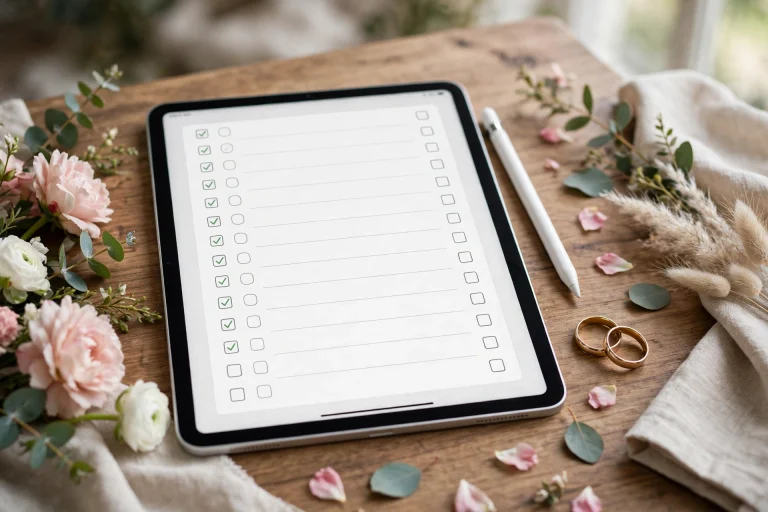
3. Trimester checklists
Each trimester has its own jobs: booking scans, choosing a birth setting, starting the nursery, arranging leave. A checklist per trimester turns a vague sense of “so much to do” into a short list you can actually work through, one item at a time.
4. Birth plan and hospital-bag checklist
Your birth plan does not need to be long. A single page with your preferences, your birth partner’s role and the things that matter most to you is easier for a busy ward team to read than five pages of detail. The hospital-bag checklist beside it should be split into bags — yours, baby’s, partner’s — so packing becomes a tick-box job in the final weeks.
5. Baby-name list
Names deserve their own page, with space for meanings, family reactions and a shortlist you can narrow over time. Keeping names in the planner, rather than scattered across messages and notes apps, means the list survives a phone change and a tired brain.
6. Nursery and baby-shower planning
A simple planning spread — what you need, what you already have, what is borrowed or gifted — stops duplicate purchases and makes a baby shower list easy to share. Add a page for nursery ideas and links so inspiration stays attached to the plan, not lost in a camera roll.
7. Kick-count and contraction log
A kick-count log gives you a reassuring daily habit in the later weeks, and a contraction log is genuinely useful when labour starts: time, duration and pattern, all in one place, ready to show your provider. Both work best as simple tables you can fill in seconds.
How to set up a pregnancy planner in GoodNotes
Setting up takes about twenty minutes, once:
- Import the planner. Open GoodNotes, import the PDF planner into your library, and open it as a new document. If you are new to importing and linking, our beginner’s guide to using a digital planner in GoodNotes walks through the basics.
- Duplicate your weekly page. Duplicate the weekly spread enough times to cover the weeks ahead, and label each copy by week number. Duplicating keeps the layout identical, which makes weekly review fast.
- Add tabs and bookmarks. Bookmark the sections you will open most — this week, appointments, checklists — so you can reach them in one tap during a busy day.
- Add milestone stickers. Use GoodNotes Elements stickers for milestones — first kick, scan days, trimester changes — so the planner feels personal without taking extra time to decorate.
- Set a five-minute daily habit. The planner only works if it is current. Five minutes each evening — today’s feelings, tomorrow’s appointment, one checklist item — is enough.
A simple weekly routine that keeps it useful
On Sunday evening, or whenever your week turns over, spend ten minutes on four things: look at the week ahead and note any appointments; move unfinished checklist items forward; add anything you want to remember from last week; and pick one small preparation task for the coming week. That is the whole system. Planners fail when they demand an hour a day; this one asks for ten minutes a week plus five minutes a day.
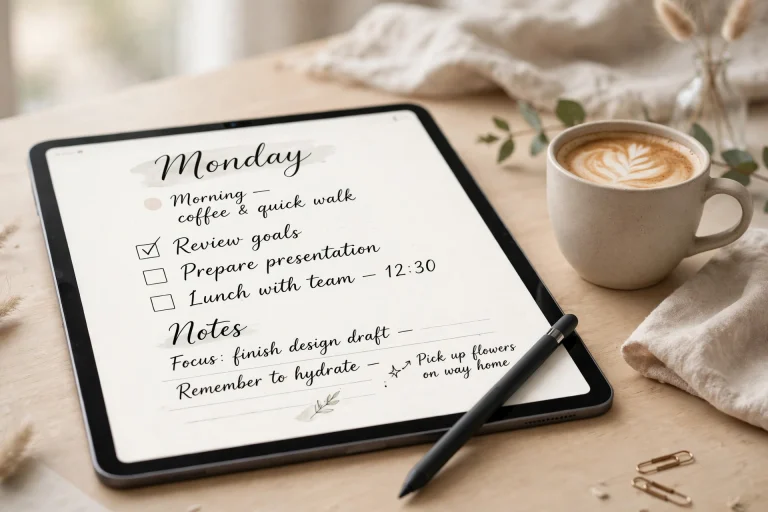
Pair the pregnancy planner with a general daily planner for everything else — work, errands, life admin — so the pregnancy journal stays focused. The 2027 Life Planner and the Minimalist Daily Planner both work well as that everyday companion, keeping non-pregnancy life out of your journal and your journal free for what matters.
What a pregnancy planner is — and is not
A planner is a personal organising and keepsake tool. It helps you remember appointments, track how you feel and prepare for your baby’s arrival. It is not medical advice and it is not a substitute for prenatal care. If anything worries you — reduced movement, pain, bleeding, or anything that feels wrong — contact your provider directly rather than waiting to write it in a planner. The kick-count and symptom pages exist to help you notice patterns and share them with your provider, not to replace that conversation.
Frequently asked questions
When should I start a pregnancy planner?
Whenever you are ready. Because most pregnancy planners are undated, starting at week 8, week 20 or week 30 works equally well — you simply begin on the week you are in, with no wasted pages behind you.
Is a digital pregnancy planner better than a paper one?
For most people, yes, for three reasons: hyperlinked navigation, duplicate pages, and searchable handwriting. Paper is lovely as a keepsake, but digital is easier to keep current across forty weeks, and a current planner beats a beautiful empty one.
Can I use a pregnancy planner alongside a normal daily planner?
Absolutely — and you should. Keep pregnancy content in the pregnancy planner and everyday life in your daily planner, so neither becomes cluttered. Many people in this life-stage cluster also keep a faith planner in GoodNotes for prayer and reflection, with the same hyperlinked setup.
What if I miss a week?
Nothing breaks. Leave the week blank, or fill in a one-line summary later. A planner that punishes missed days gets abandoned; a planner that forgives them gets used for nine months.
Start where you are, keep it to five minutes a day, and let the planner do the remembering so you can enjoy the weeks. Browse the 2027 Life Planner to pair your pregnancy journal with an everyday planner, and set up your first weekly page today.
For official pregnancy health guidance, see the U.S. Office on Women’s Health pregnancy pages.
Temply Studio
Stop chasing your goals with sticky notes and scattered notebooks. Our premium digital planners and Canva templates are designed to help you plan with intention, stay consistent, and actually enjoy the process.
Questions about this guide?
Ask about the planner, share how you use it, or tell us what to cover next. Your email stays private.