




Download the free files
Download the SVG cut file | Download the PNG (2560 × 2560)
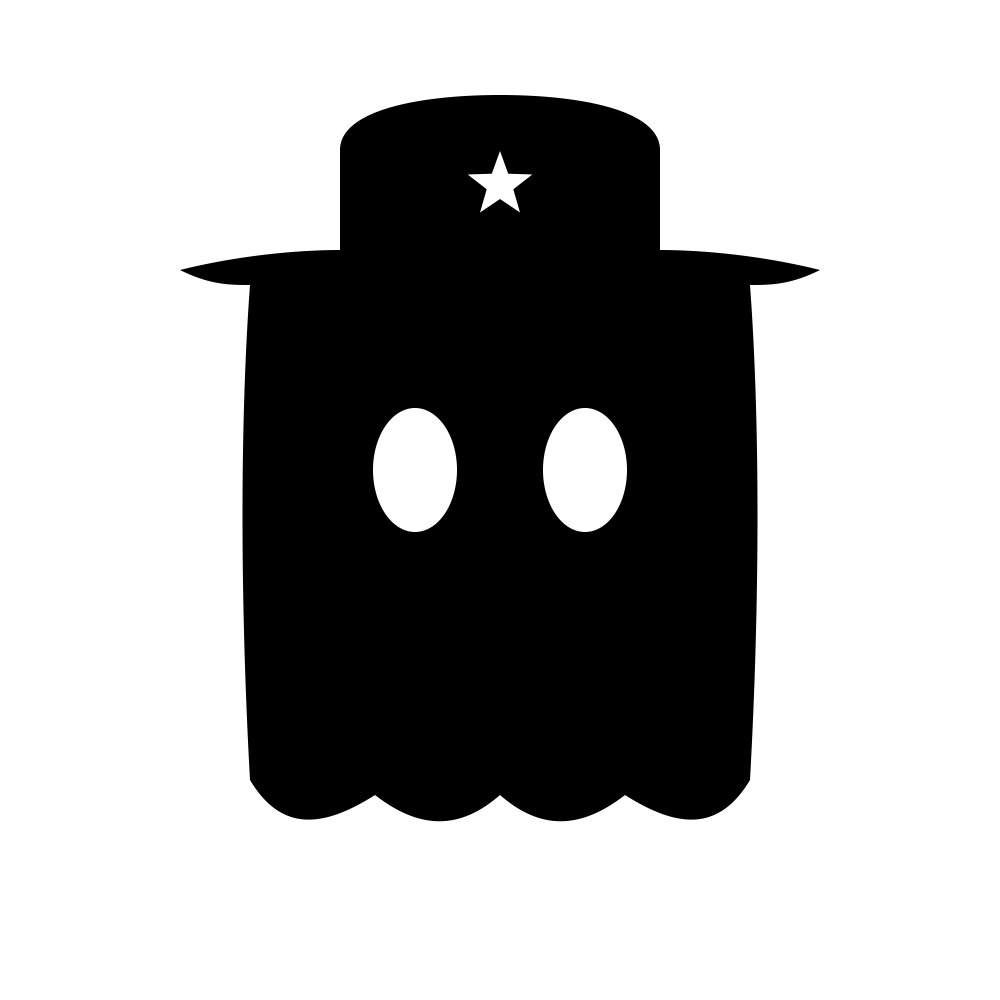
Free for personal use. The design is an original single-color silhouette: ghost sheet, cowboy hat with a star cutout, and two eye holes. It works in Cricut Design Space, Silhouette Studio, and Brother CanvasWorkspace.
What it looks like finished
Quick cutting tutorial
- Upload the SVG to your cutting software. It imports as one piece; if your software shows separate layers, weld them into a single shape before cutting.
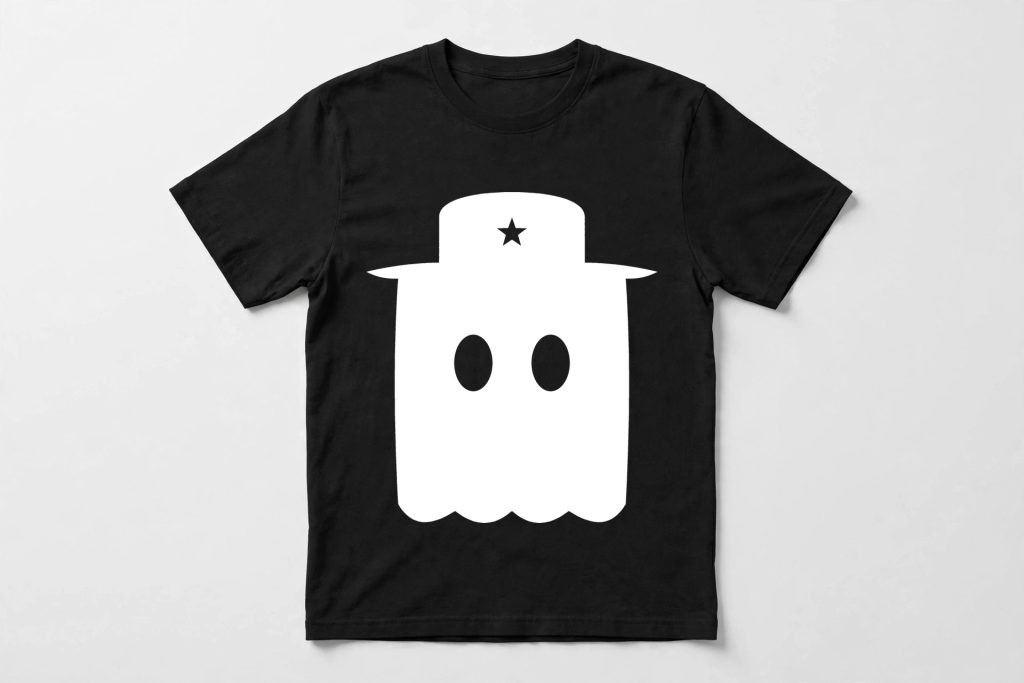
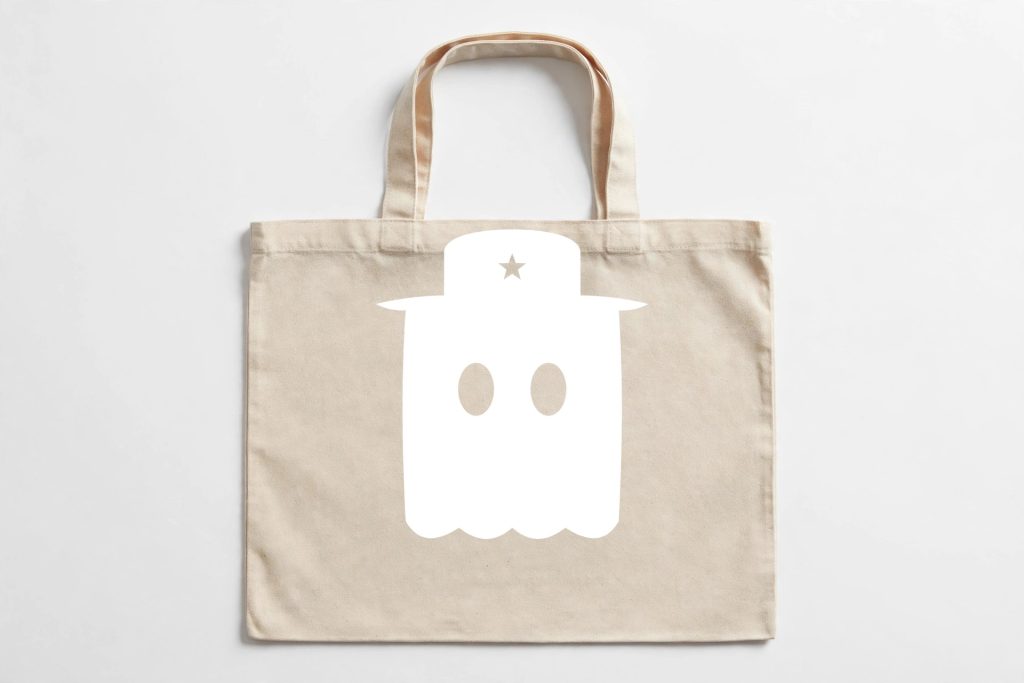
- Size it about 10 to 11 inches wide for an adult t-shirt, or about 8 inches wide for a tote bag.
- For iron-on vinyl, mirror the design before cutting and place the shiny carrier side down on the mat. For adhesive vinyl, cut normally.
- Weed away the background, leaving the ghost shape, then press or apply. For iron-on, press at your vinyl maker’s recommended heat and time, let it cool, then peel the carrier.
- The eye and star holes are cut out of the design, so the shirt or tote color shows through them.
Looking for more Halloween projects? See How to Use Halloween SVG Files with Cricut: 10 Spooky Project Ideas.