




About this design
What’s inside
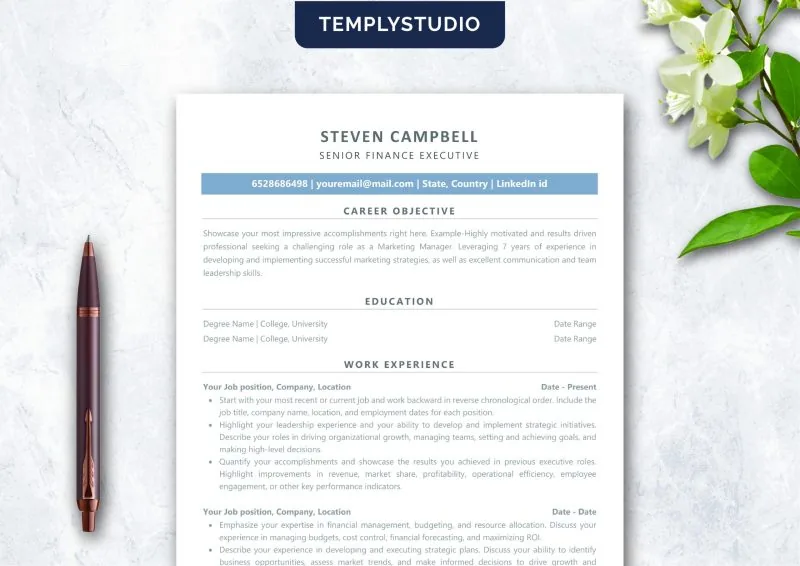
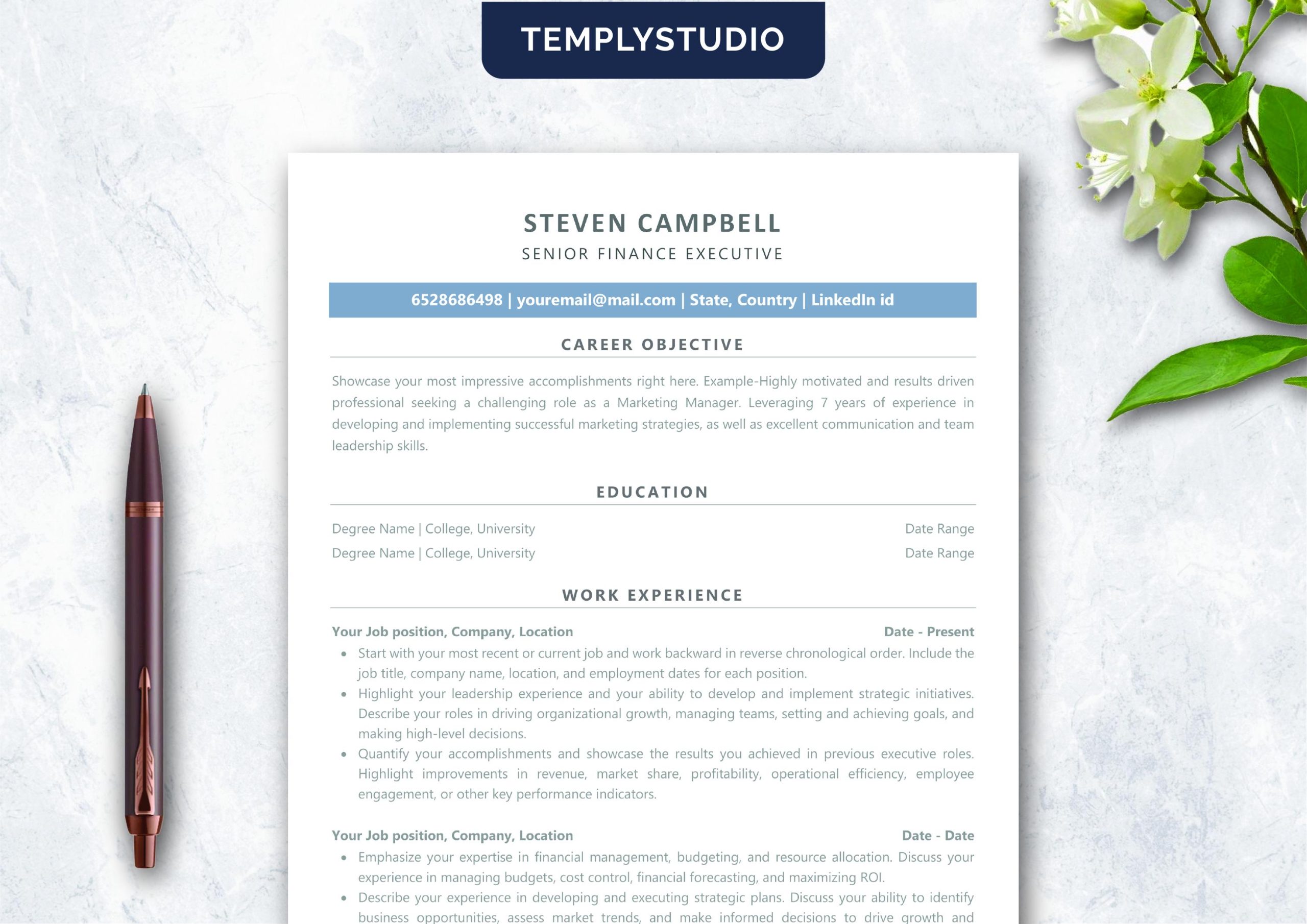
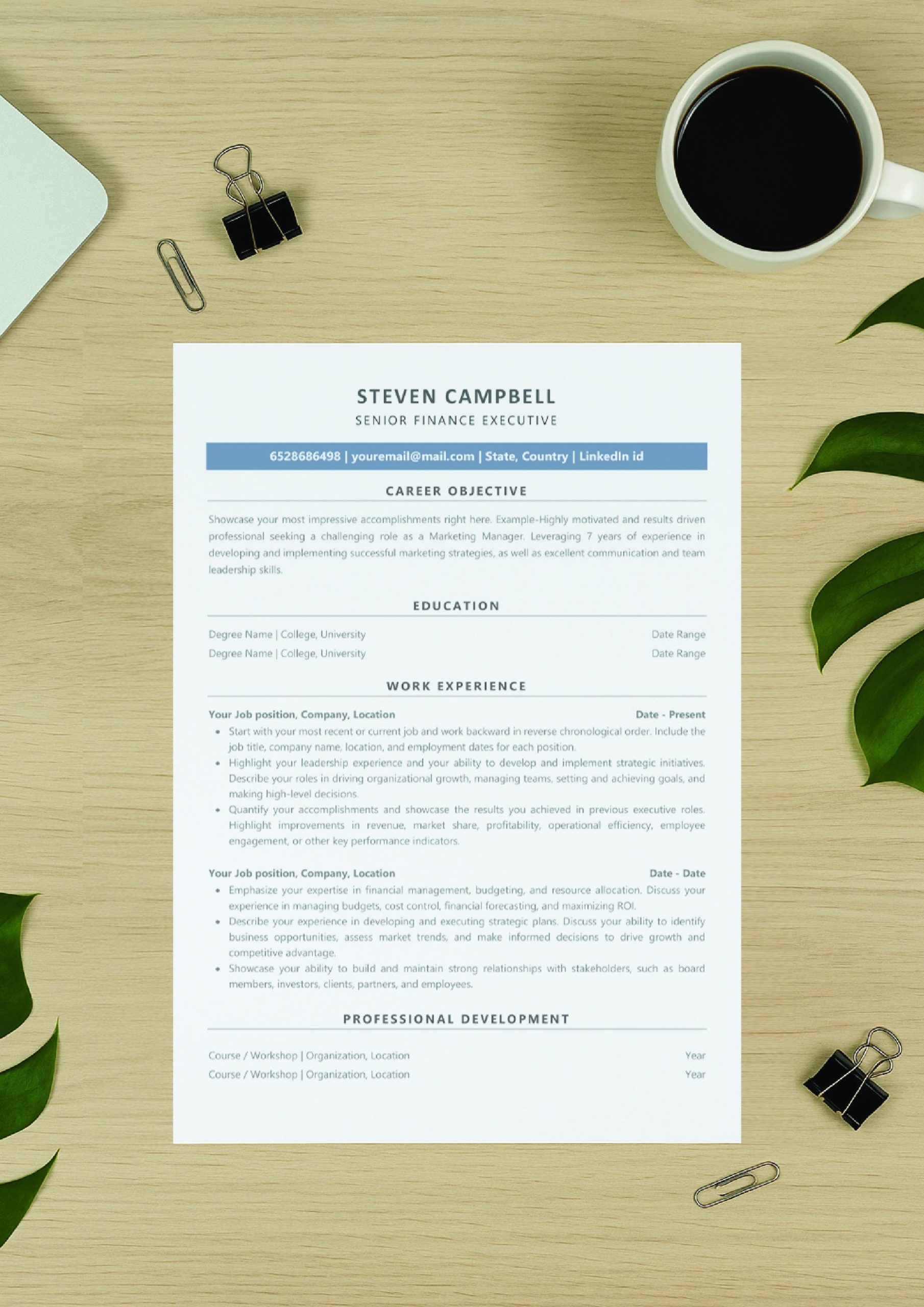
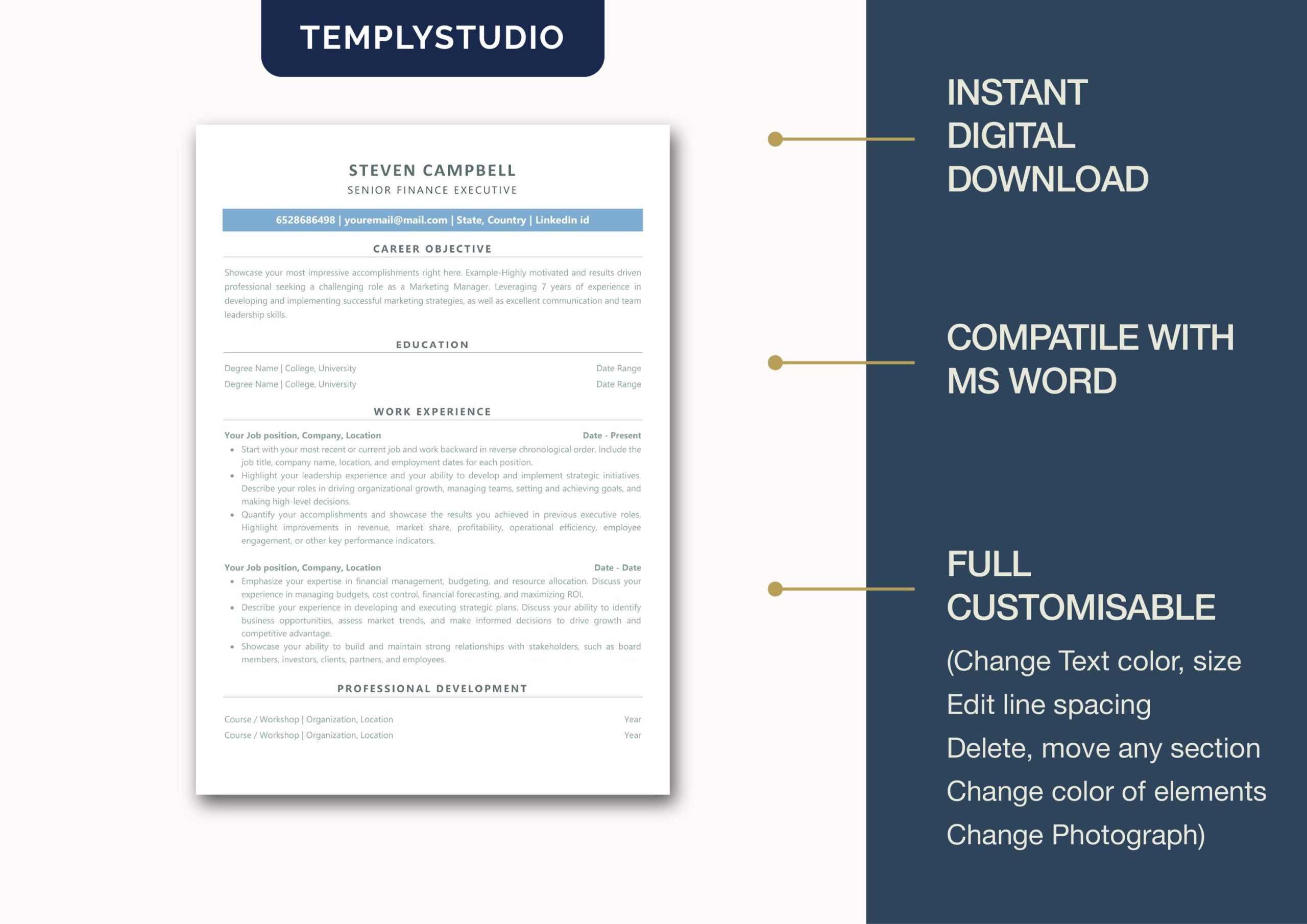
Single-Column ATS Resume Template for Microsoft Word
single-column ats resume template for Microsoft Word that helps you submit a clean, recruiter-approved resume every time. Many strong candidates never get an interview because multi-column designs, text boxes, and graphics confuse applicant tracking systems. This layout removes that risk: one clear reading order from top to bottom, standard fonts, and simple formatting that both software and hiring managers can scan in seconds.
Unlike fancy templates that hide key details inside tables or sidebars, this single-column ATS resume template keeps your name, contact information, summary, skills, experience, and education in one logical column. Parsing software reads it exactly the way a recruiter reads it, so nothing important gets dropped or scrambled.
Why a Single-Column ATS Resume Template Beats Multi-Column Designs
Applicant tracking systems parse documents line by line. A single-column ATS resume template gives the parser a straightforward path, which reduces misread dates, merged job titles, and missing contact details. Recruiters benefit too: they spend only seconds on a first scan, and a clean single column makes your strongest points impossible to miss. You get the best of both worlds — machine readability and human readability — without sacrificing a professional, modern look.
What’s Included
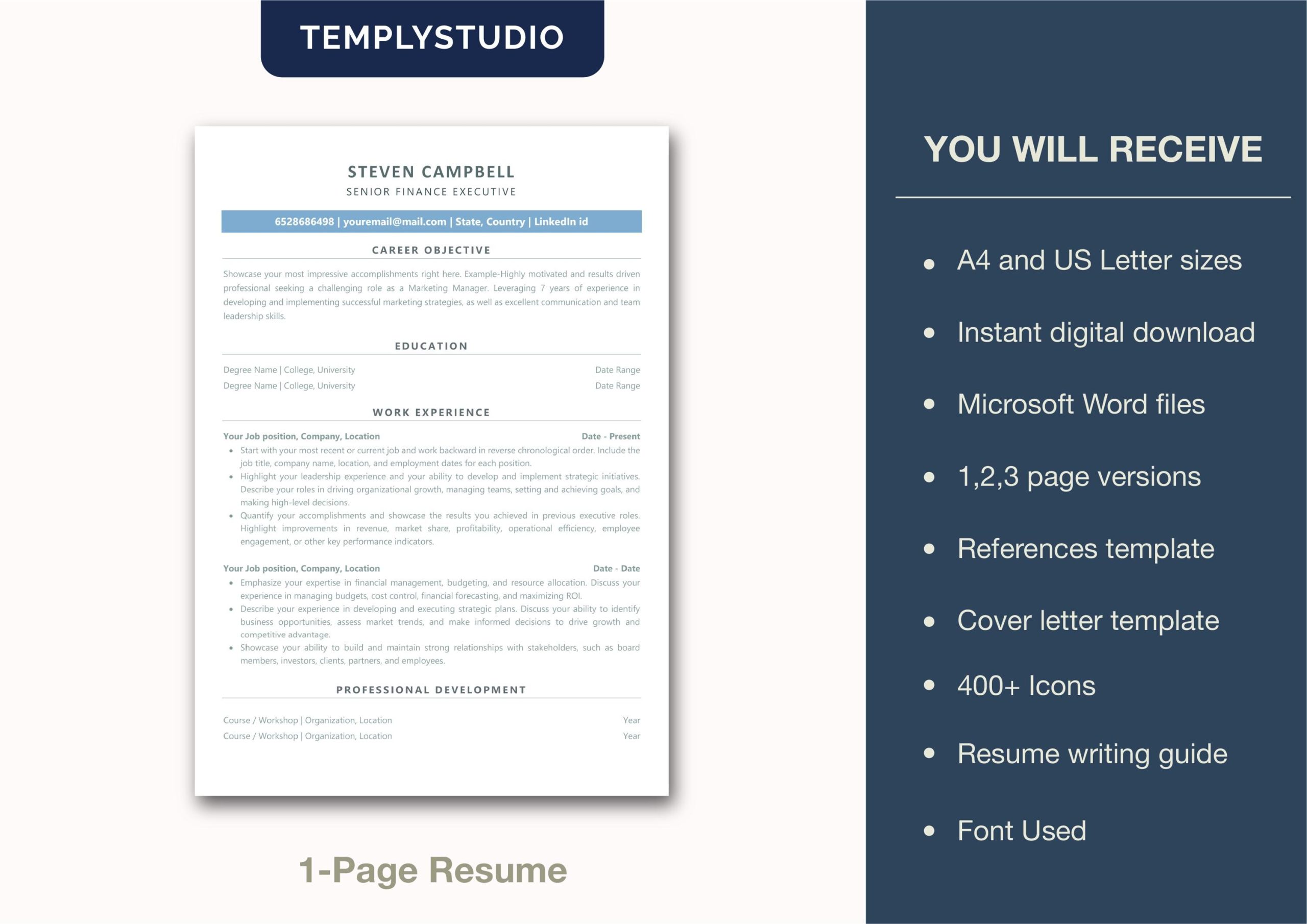
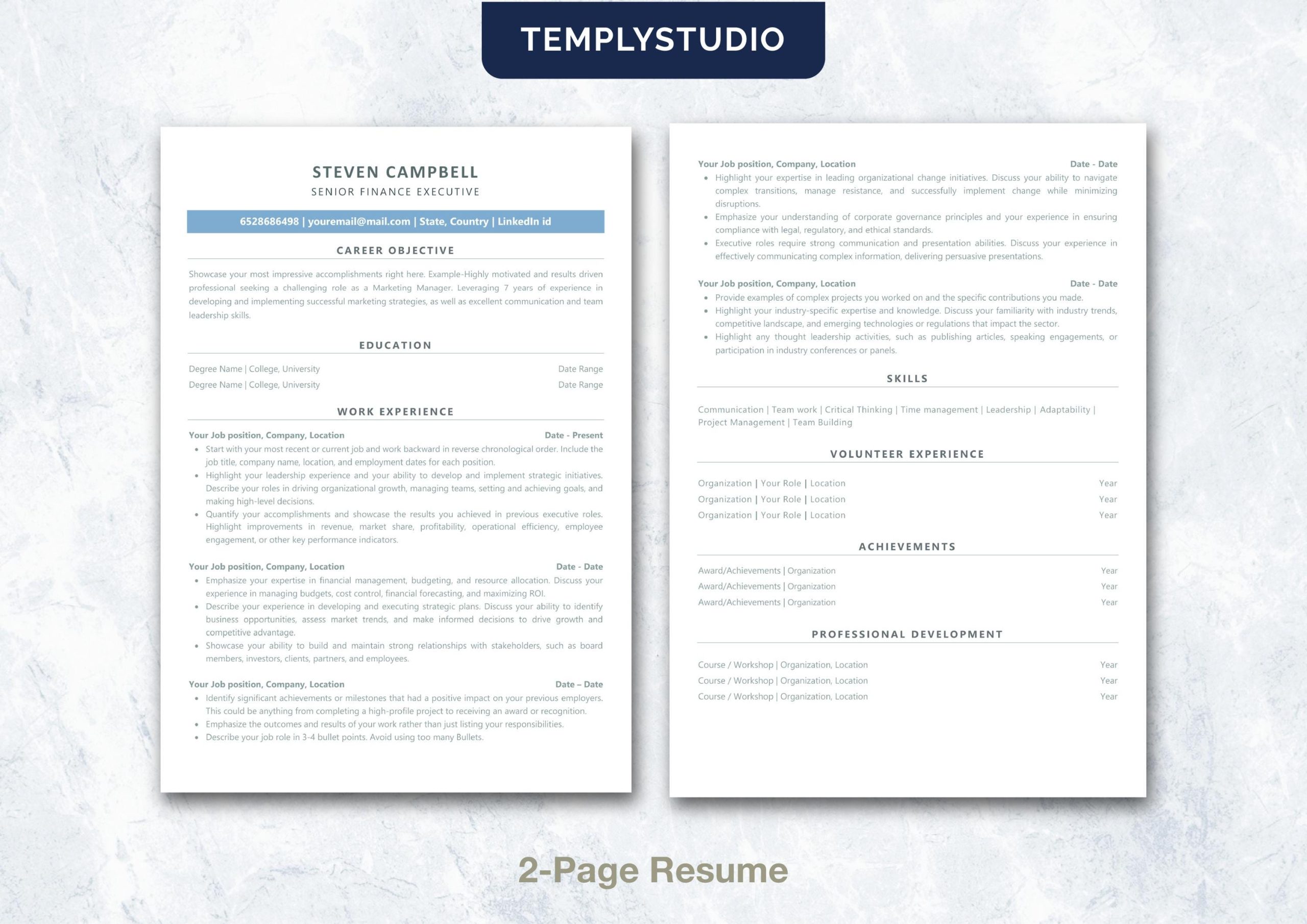
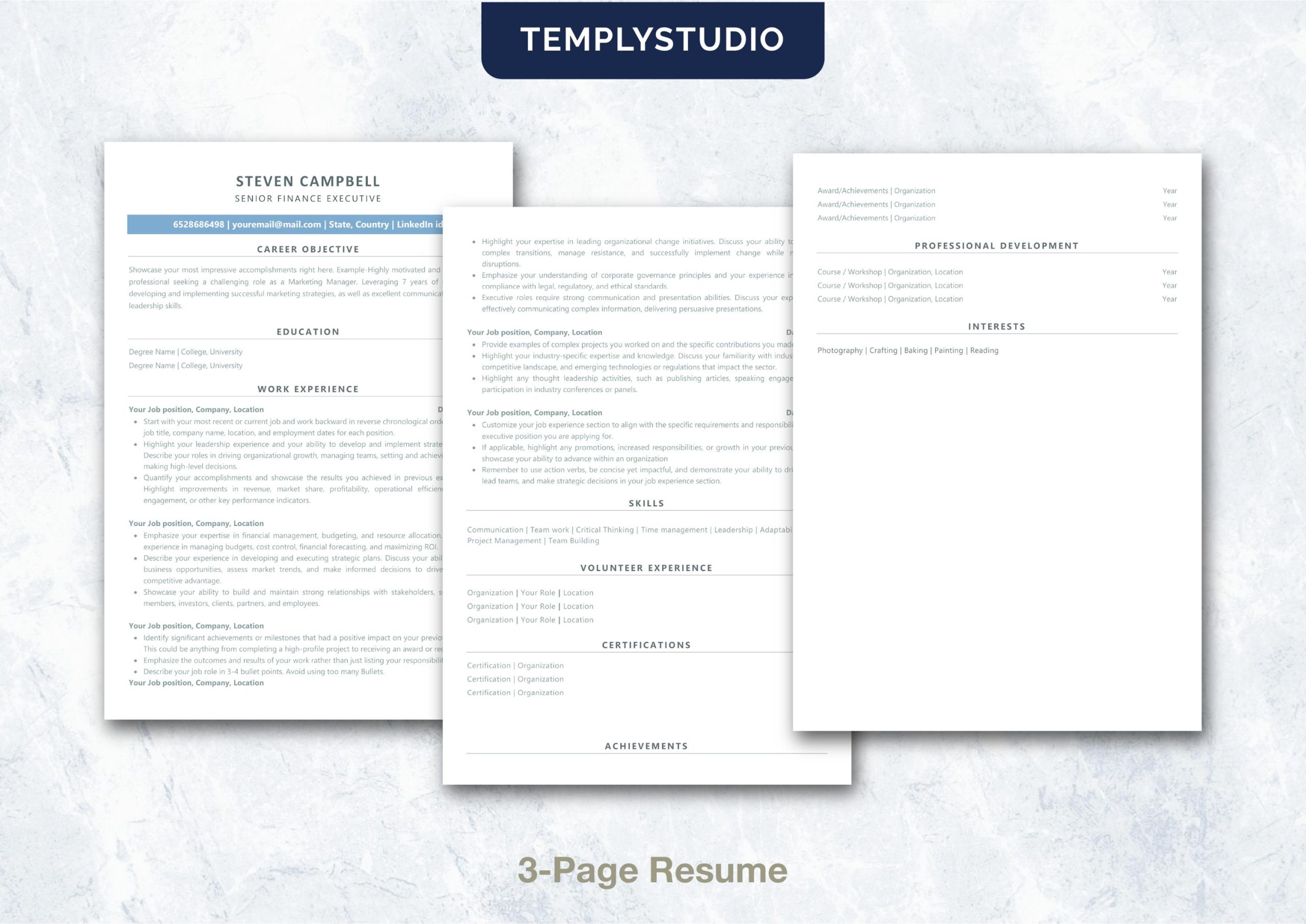
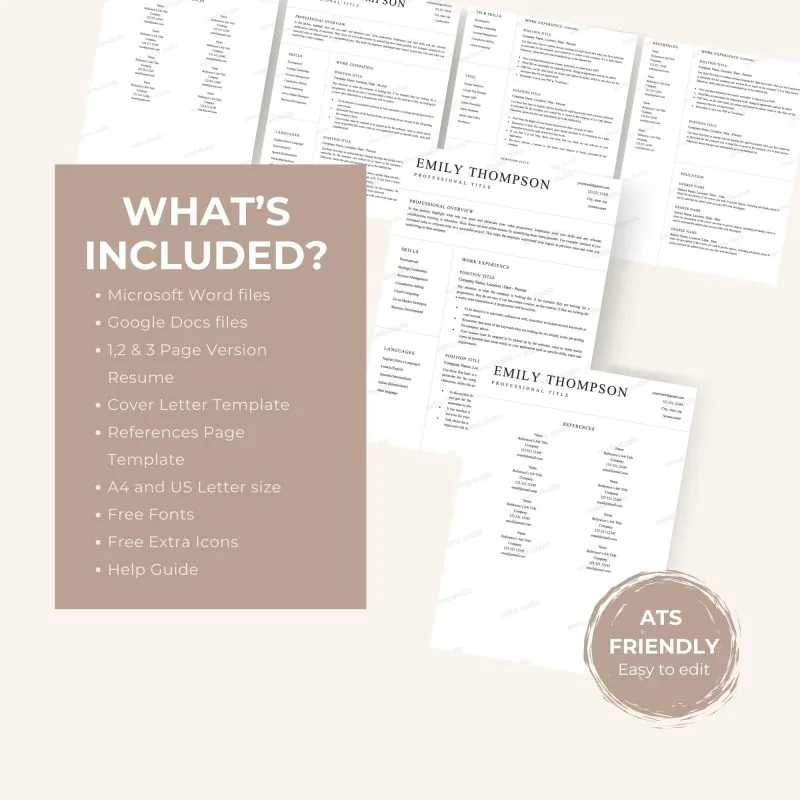
- A4 resume templates in 1-page, 2-page, and 3-page DOCX versions
- US Letter resume templates in 1-page, 2-page, and 3-page DOCX versions
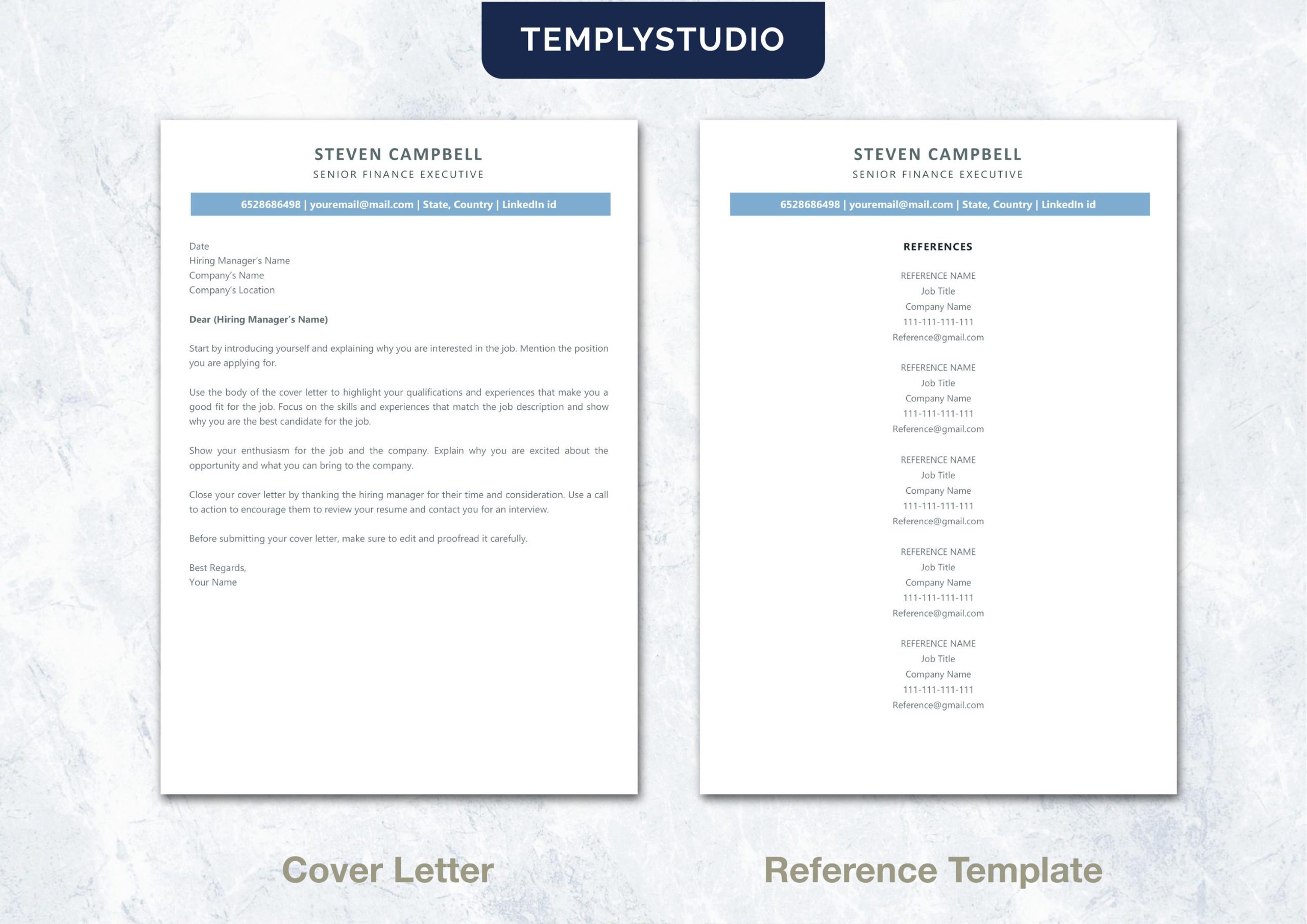
- A4 and US Letter cover letter DOCX templates
- A4 and US Letter references DOCX templates
- Resume Guide & Action Verbs PDF
- Tutorials Link PDF
- Walkthrough video file
- Font files and a PNG/SVG icon library
File and Software Details
Everything arrives as a single ZIP archive for instant download. The primary editable format is Microsoft Word DOCX, and supporting files include PDF, video, font, PNG, and SVG assets. When you open this single-column ATS resume template in Microsoft Word — the verified editor for these files — your formatting stays exactly where you put it, with no shifting columns or broken margins. No verified Canva template or Canva access link is included, so what you see in the previews is exactly what you get in Word.
How to Use This Single-Column ATS Resume Template
Getting started takes minutes, even if you have never edited a resume template before:
- Download and unzip the package after purchase.
- Choose the A4 or US Letter folder and the resume length that fits your experience.
- Open the DOCX file in Microsoft Word and replace the sample content with accurate information.
- Customize your summary, skills, and experience for the target role, adding keywords from the job posting where they truthfully apply.
- Review the final layout and export in the file type requested by the employer — usually PDF or DOCX.
ATS and Application Notes
No template can guarantee ATS parsing, recruiter selection, interviews, or employment — applicant tracking systems vary, and the accuracy and relevance of your content always matter most. That said, using a single-column ATS resume template removes the most common formatting pitfalls. Use keywords only when they truthfully match your experience, avoid headers and footers for critical details, and inspect the final exported document before submission. These small habits, combined with this clean layout, give your application its best possible chance.
Best For
- Job seekers who prefer a straightforward single-column resume structure
- Corporate, professional, and remote job applications
- Career changers and experienced professionals
- Applicants who want multiple resume lengths in A4 and US Letter sizes
Important Product Notes
- This is a digital product; no physical item will be shipped.
- Microsoft Word is the verified editor for the included DOCX templates.
- Canva access is not included in the verified package.
Explore More Resume Resources
Browse our full collection of resume and CV templates to compare layouts and find the style that fits your industry. You may also like these related ATS-friendly options: ATS-Friendly CV for Microsoft Word and ATS-Friendly Resume for Word, Pages & Google Docs. Each one follows the same clean, single-column philosophy, so whether you choose this single-column ATS resume template or one of its siblings, your application stays consistent and readable wherever you apply.
Reviews
There are no reviews yet.