
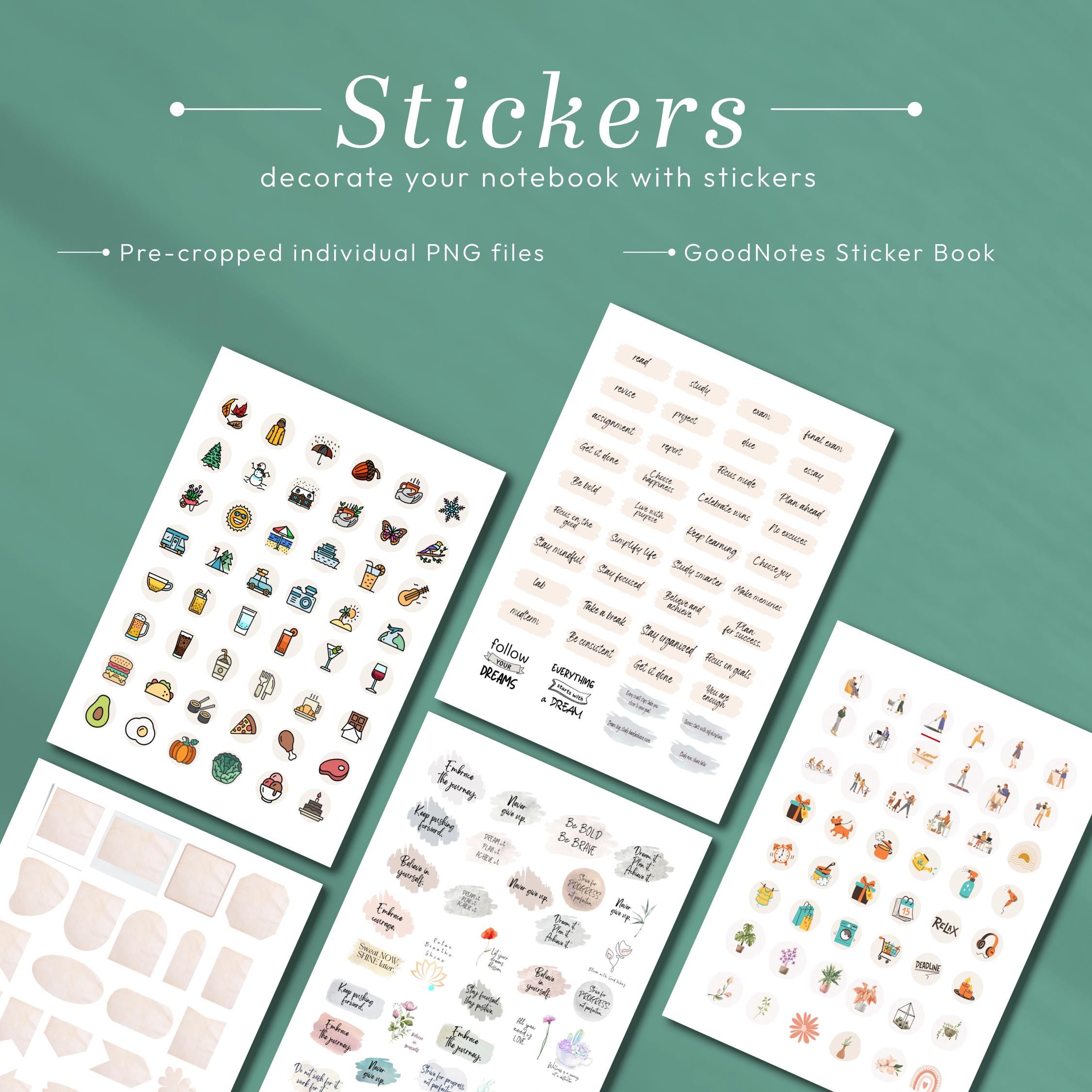
About this design
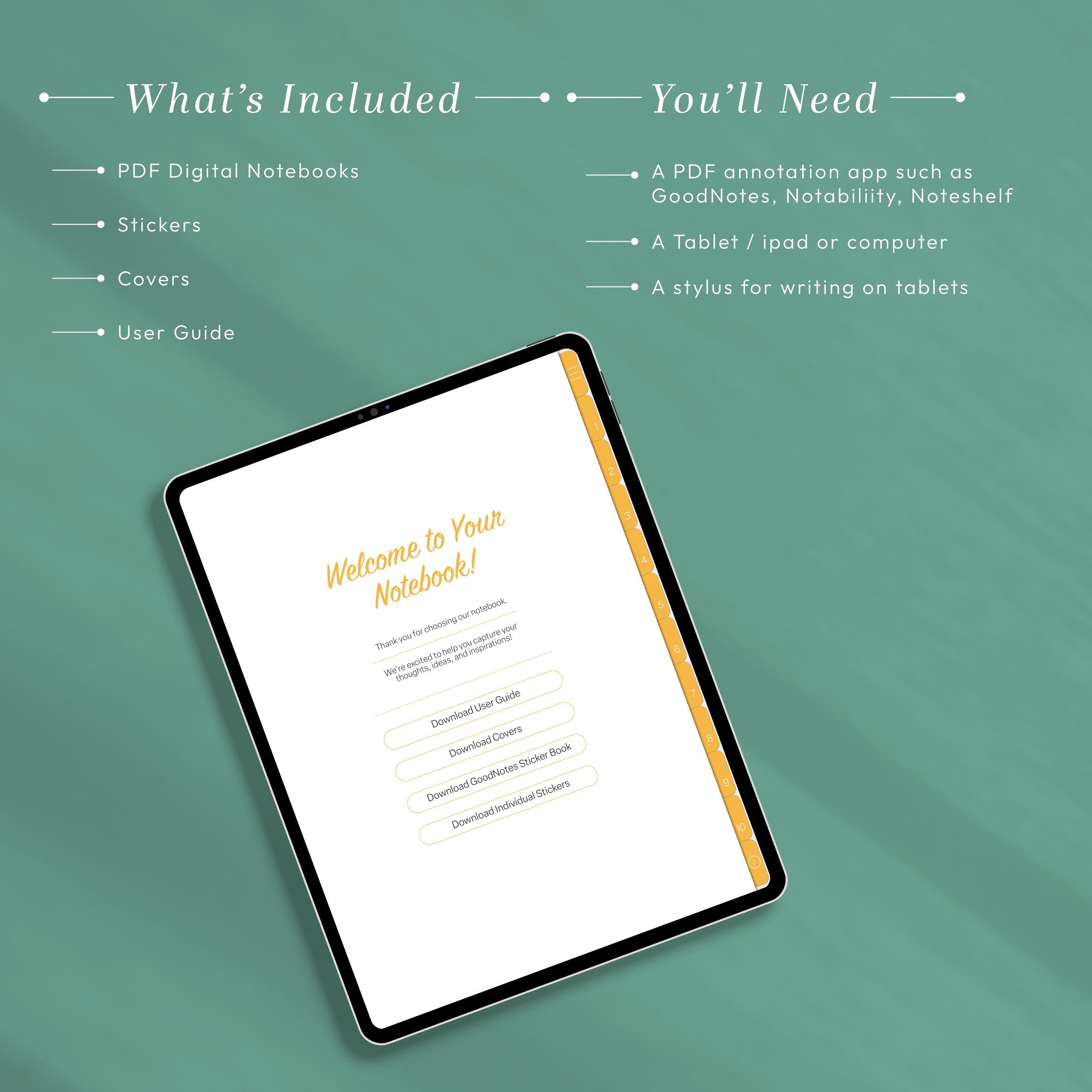
What’s inside
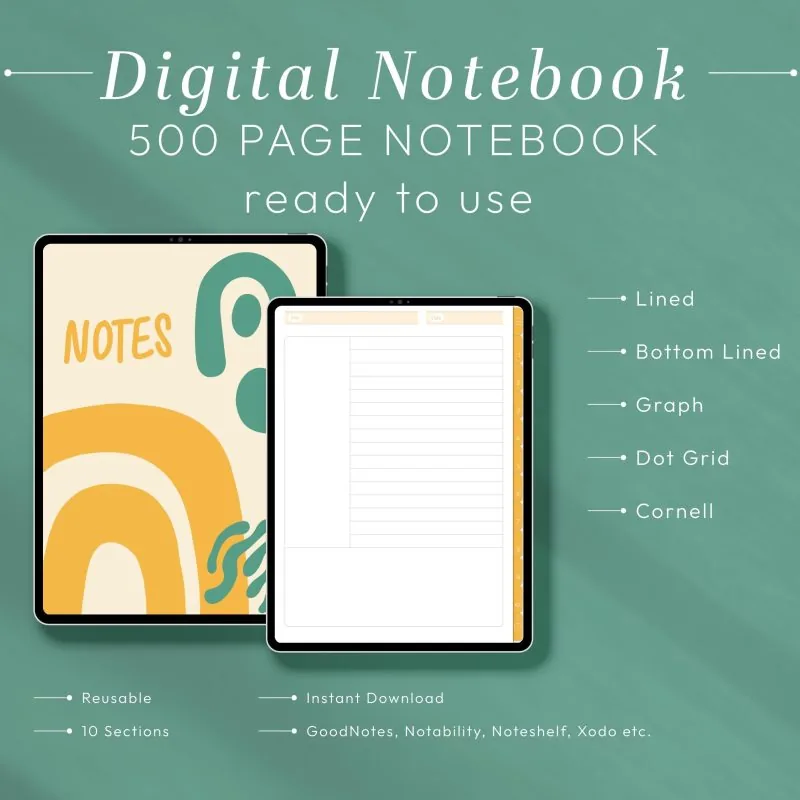
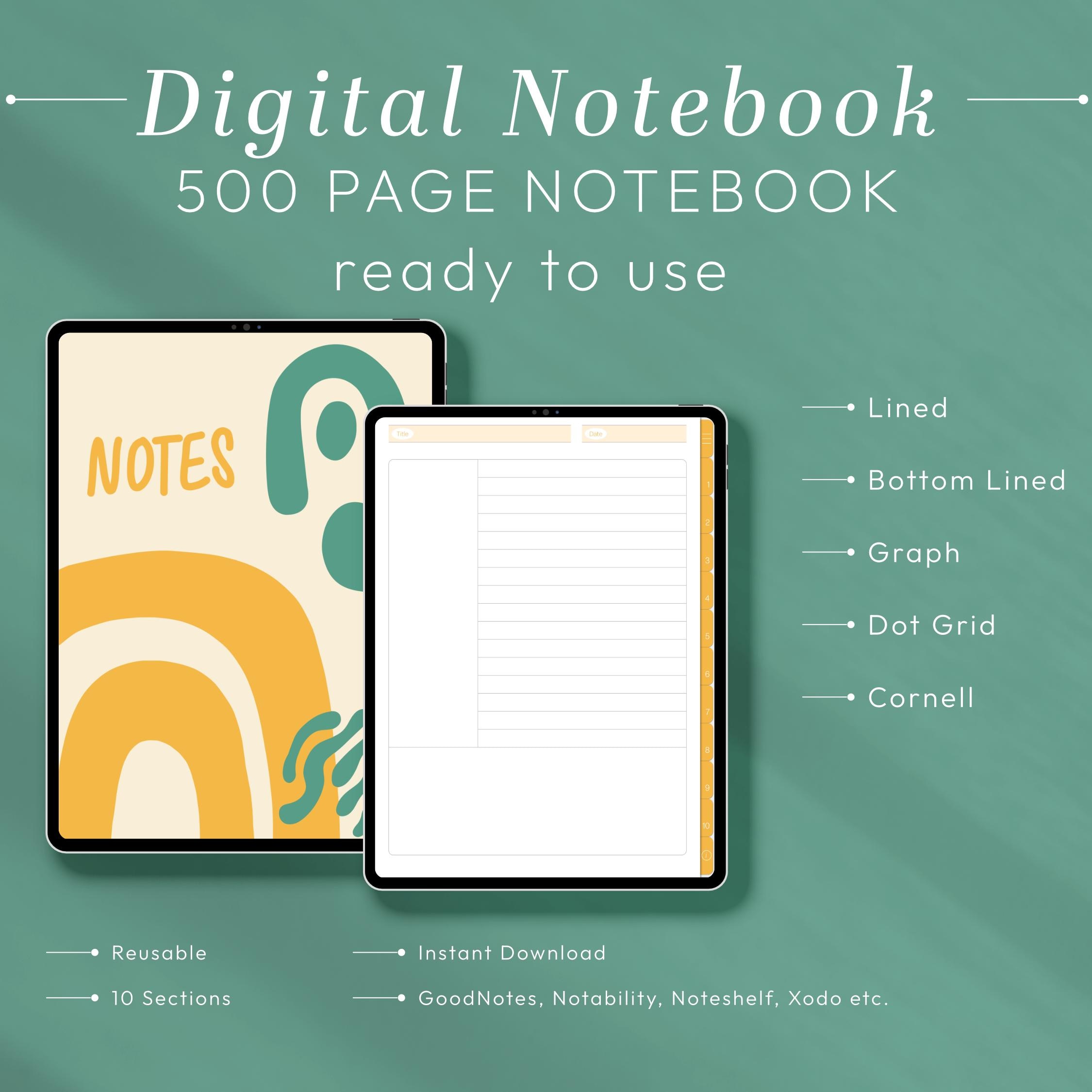
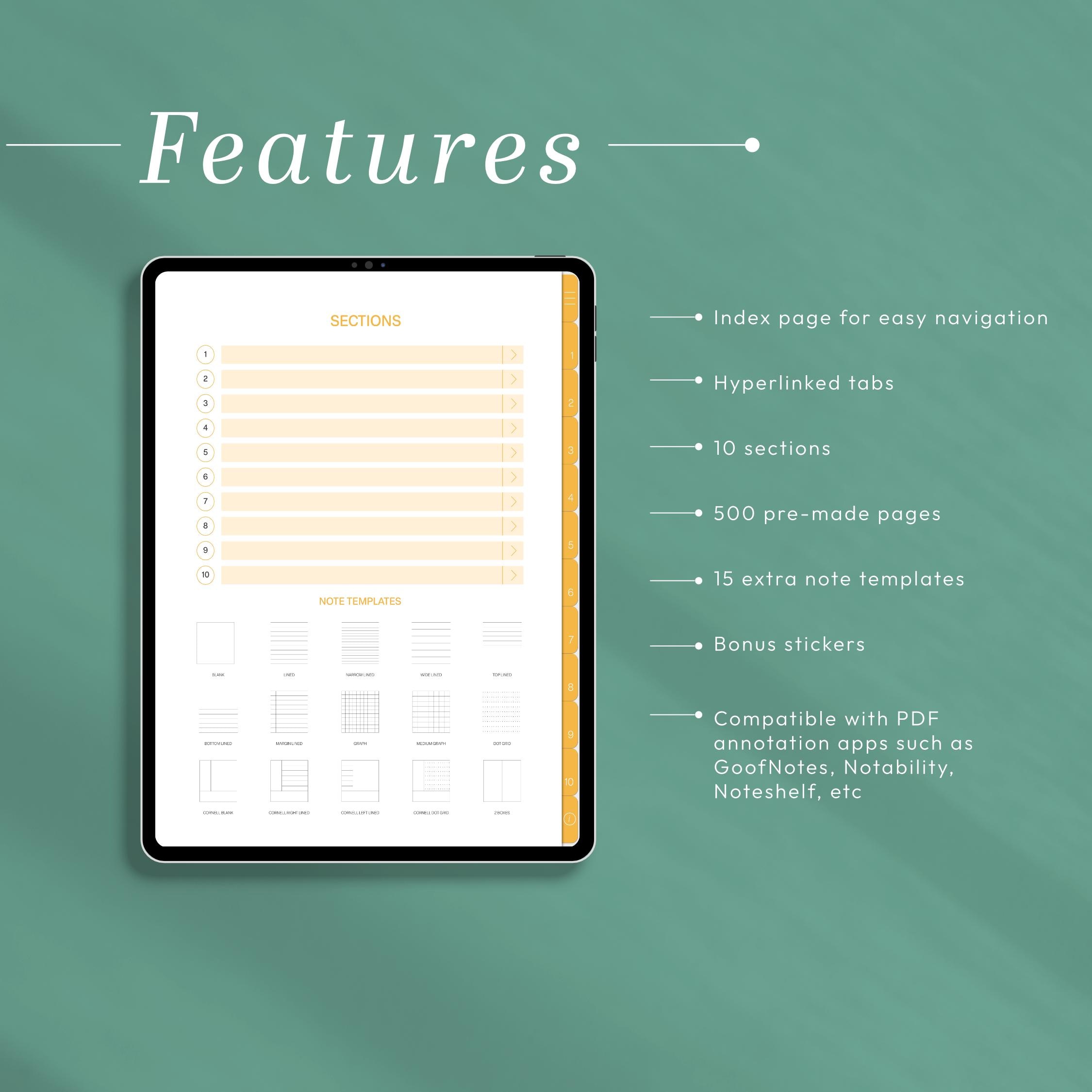
digital notebook for goodnotes is the fastest way to keep every class, project, and personal idea beautifully organized in one hyperlinked place. This minimalist 12-tab digital notebook for GoodNotes combines lined and grid pages with instant tab navigation, so you can jump between subjects, clients, or journaling sections with a single tap. Designed for natural iPad handwriting and fully compatible with leading PDF annotation apps, it delivers the premium feel of a paper notebook with the flexibility that only a digital notebook for GoodNotes can offer. Whether you are managing a busy semester, running a business, or simply capturing daily thoughts, this digital notebook for GoodNotes adapts to your workflow and keeps every page exactly where you left it.
Why Choose This digital notebook for goodnotes for Daily Planning
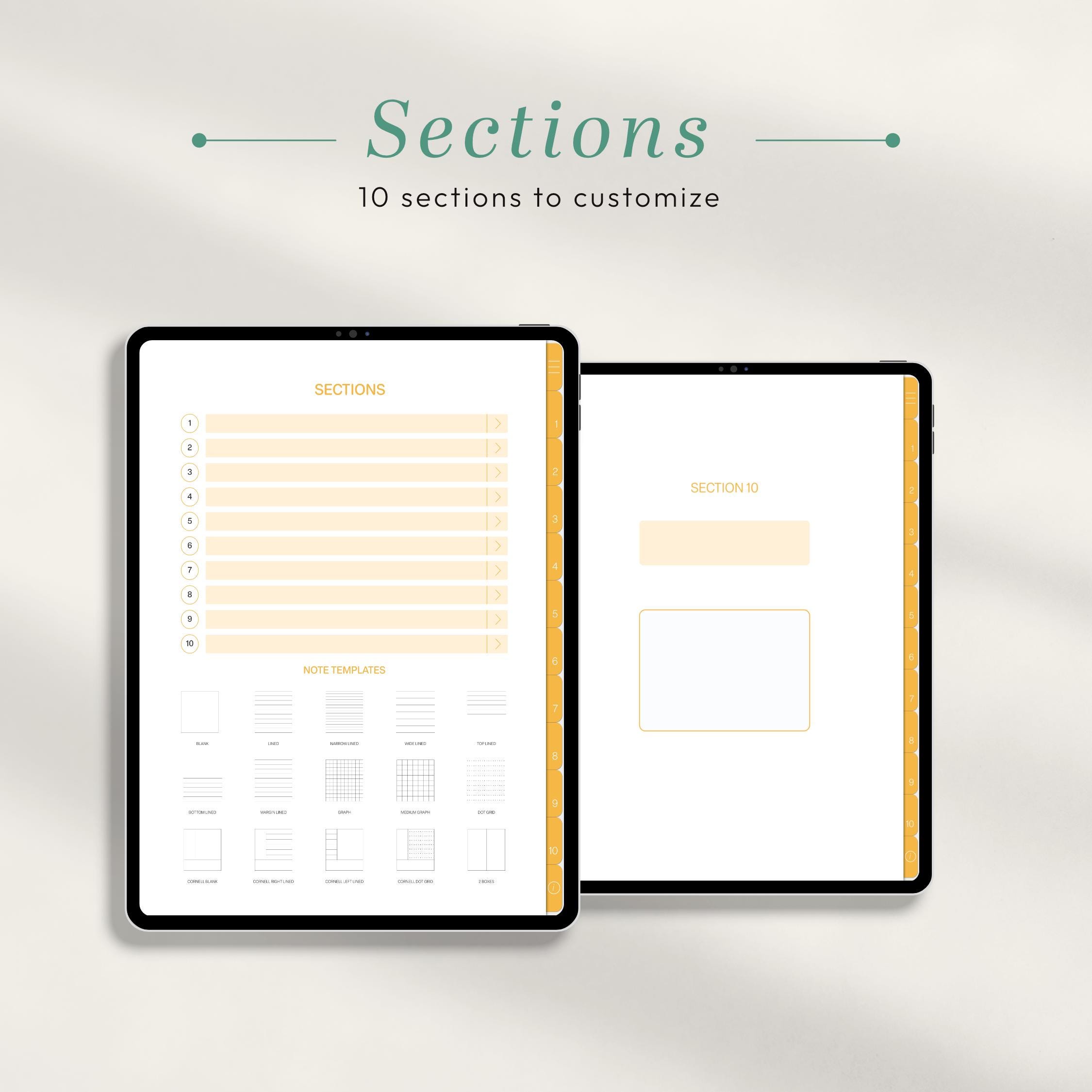
If you have ever lost an important note in a stack of paper notebooks or a messy folder of loose files, this digital notebook for GoodNotes solves that problem for good. Twelve clearly labeled, hyperlinked tabs divide your notebook into dedicated sections, so every subject, project, or meeting has its own home. Tap a tab to jump instantly to the right section, write with your stylus, and duplicate pages whenever you need more space. Because the notebook lives on your iPad, your entire note library travels with you, stays easy to search, and never runs out of pages.
Twelve Hyperlinked Tabs Keep Everything Separated
The heart of this digital notebook for GoodNotes is its set of twelve hyperlinked tabs. Each tab links directly to its own section, which means you can organize the notebook exactly the way your brain works: one tab per school subject, one tab per client, or one tab per life area such as health, finance, and creative projects. Navigation is instant and intuitive, and because the tabs are built into the PDF itself, they work in GoodNotes, Notability, Noteshelf, Xodo, and other annotation apps that support PDF links. No more flipping through hundreds of pages to find last week's meeting notes.
Lined and Grid Pages for Every Note-Taking Style
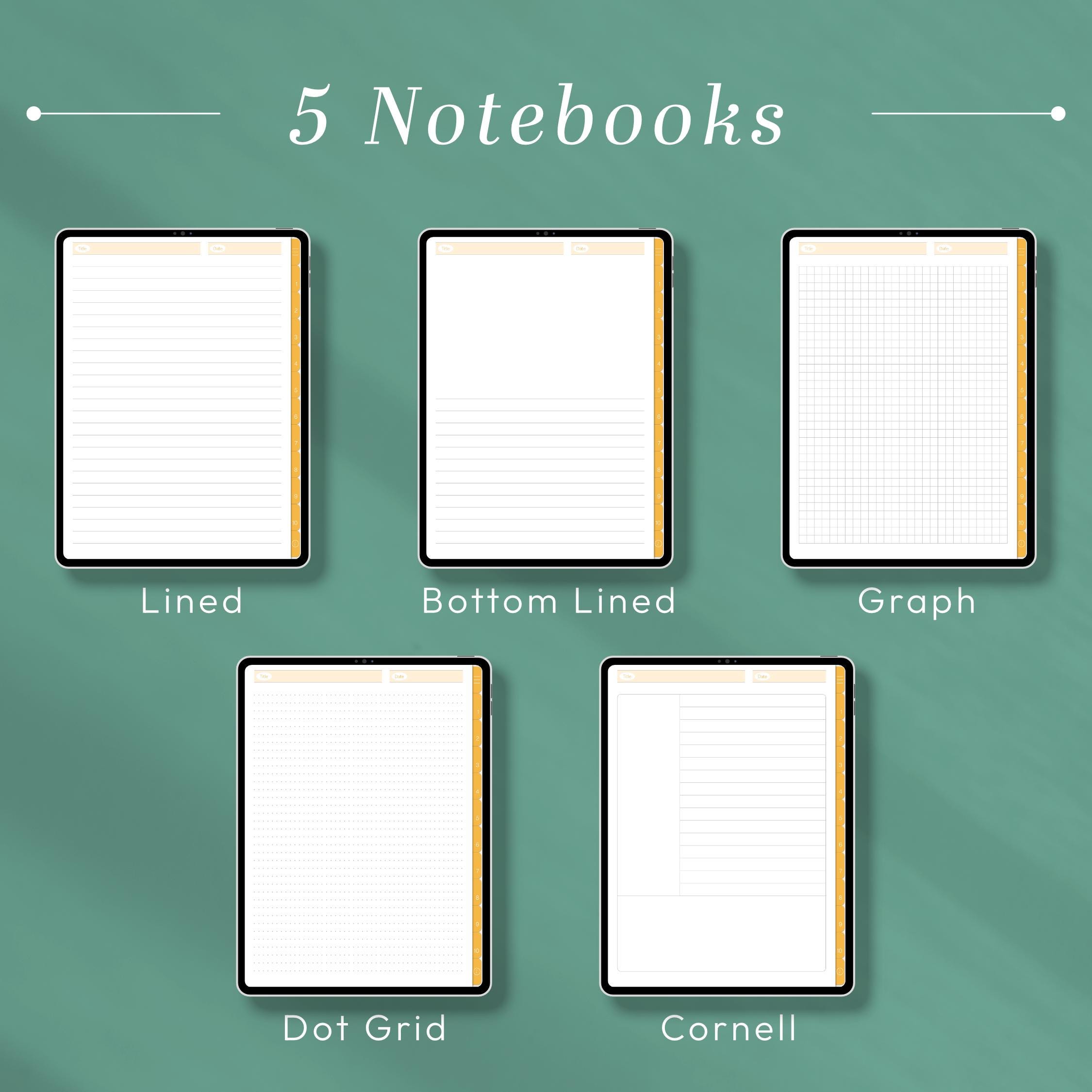
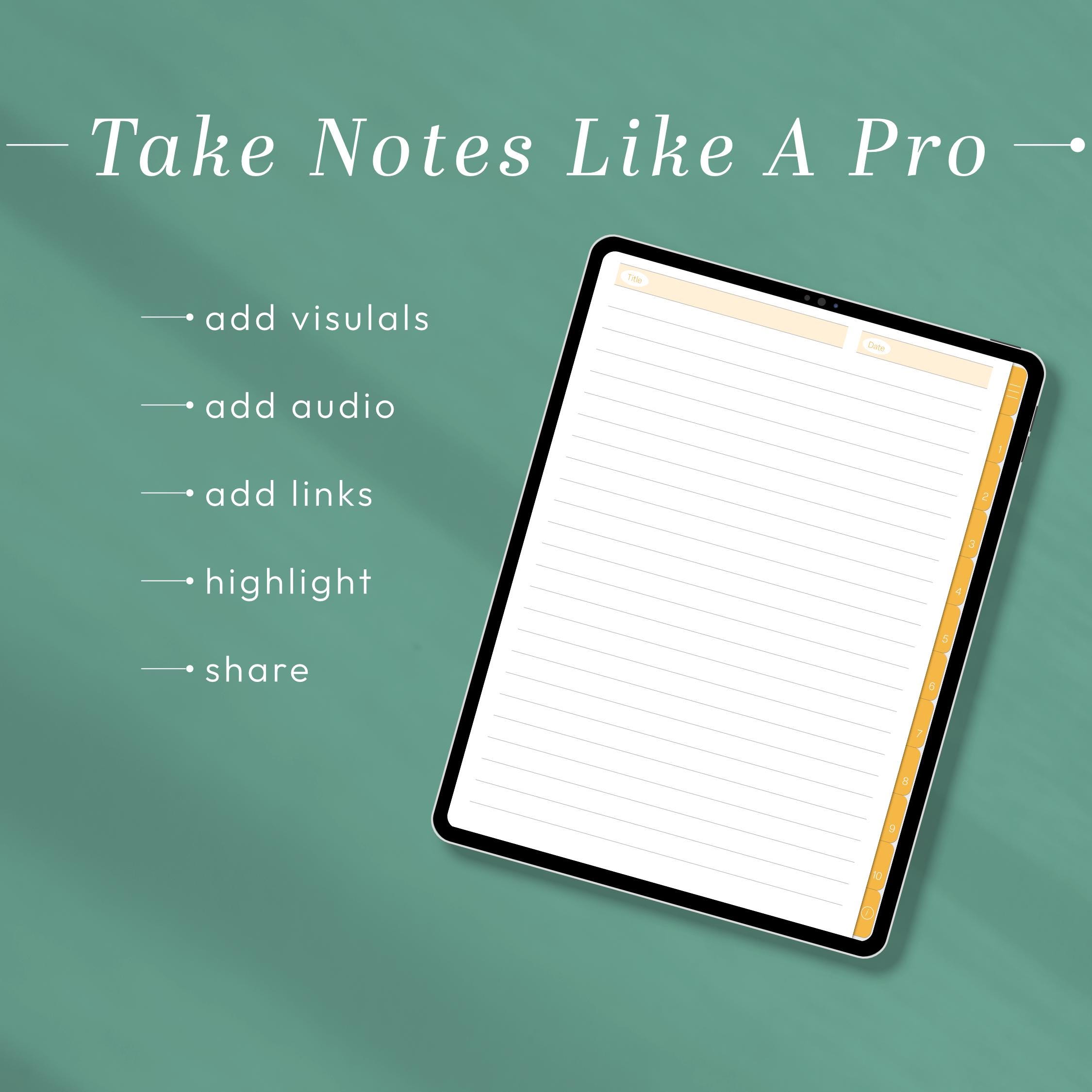
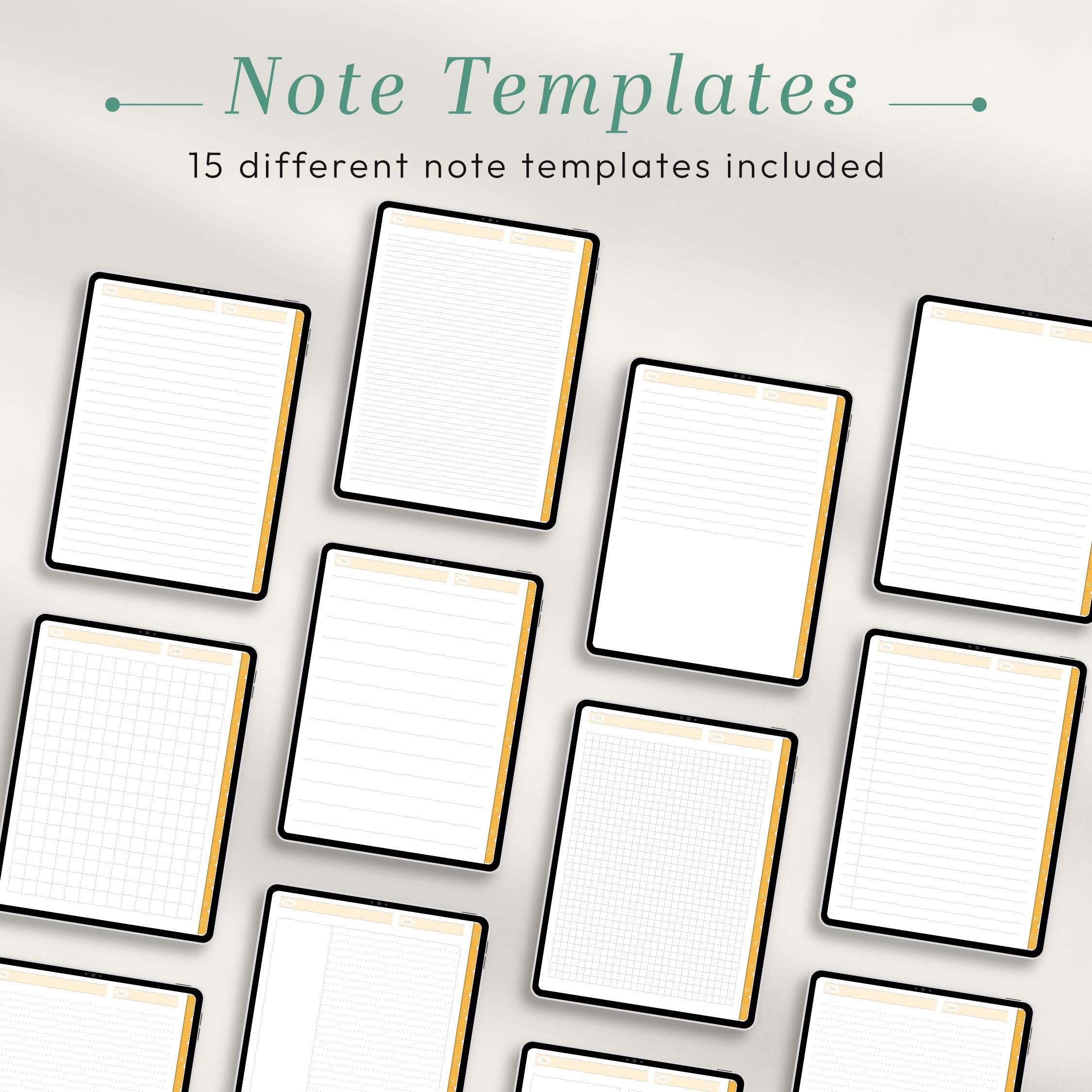
Great notes need the right paper. That is why this digital notebook for GoodNotes includes both lined and grid page styles. Lined pages are perfect for lecture notes, journaling, meeting minutes, and long-form writing, while grid pages shine for diagrams, mind maps, calculations, sketches, and structured planning layouts. The clean, minimalist design keeps the focus on your handwriting, and the generous writing space feels natural with any stylus. Mix and match page styles within each tab to build a notebook that fits the way you think and work.
How to Use Your digital notebook for goodnotes
- Download the high-resolution notebook PDF instantly after checkout.
- Import the file into GoodNotes, Notability, Noteshelf, Xodo, or your preferred PDF annotation app.
- Tap any of the 12 hyperlinked tabs to jump between sections.
- Duplicate lined or grid pages inside your app whenever you need extra space.
- Back up your annotated notebook regularly to keep your notes safe.
Who This digital notebook for goodnotes Is Perfect For
Students can dedicate tabs to each course and keep lecture notes, assignments, and revision pages together all semester. Professionals can separate clients, projects, and meeting notes in one searchable place. Creatives and journalers get a flexible canvas for brainstorming, sketching, and daily reflection. If you love the feeling of pen on paper but want the searchability, portability, and endless pages of digital, this notebook was made for you.
A Paperless System That Grows With You
Unlike a paper notebook that fills up and gets shelved, this notebook grows with you. Duplicate any page to create more lined or grid space, copy pages between tabs to reorganize your thinking, and use your app's search and bookmark tools to find anything in seconds. Your handwriting stays crisp at any zoom level, and cloud backup means your notes survive long after a paper notebook would have fallen apart. It is the last notebook you will ever need to buy, and the first one that truly keeps up with your ideas.
Compatible Apps and Devices
The notebook is designed for GoodNotes and also works beautifully in Notability, Noteshelf, Xodo, and other apps that support PDF annotation and hyperlinks. For the most natural handwriting experience, use a compatible tablet with a stylus. Please note that hyperlink behavior and page-duplication features may vary slightly between apps.
Instant Download and Simple License
This is a digital product; no physical notebook will be shipped. You will receive the PDF file as an instant download right after purchase. Please review the included license before sharing, reselling, or redistributing the original file.
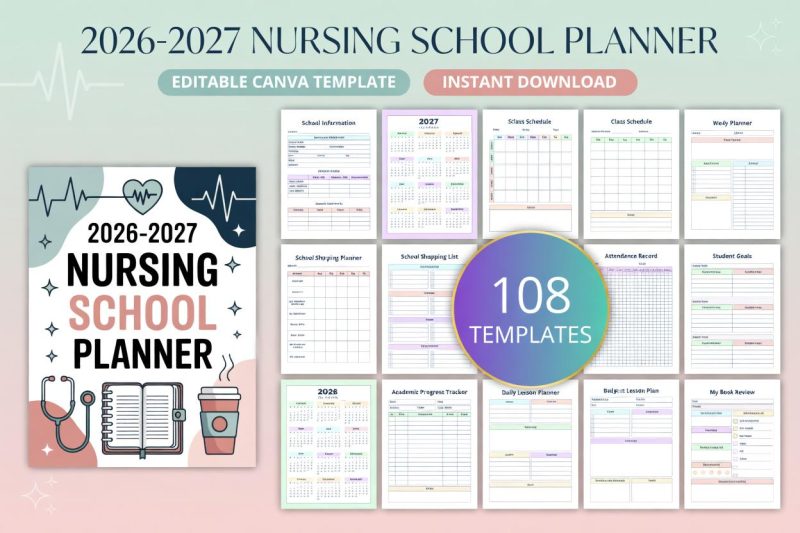
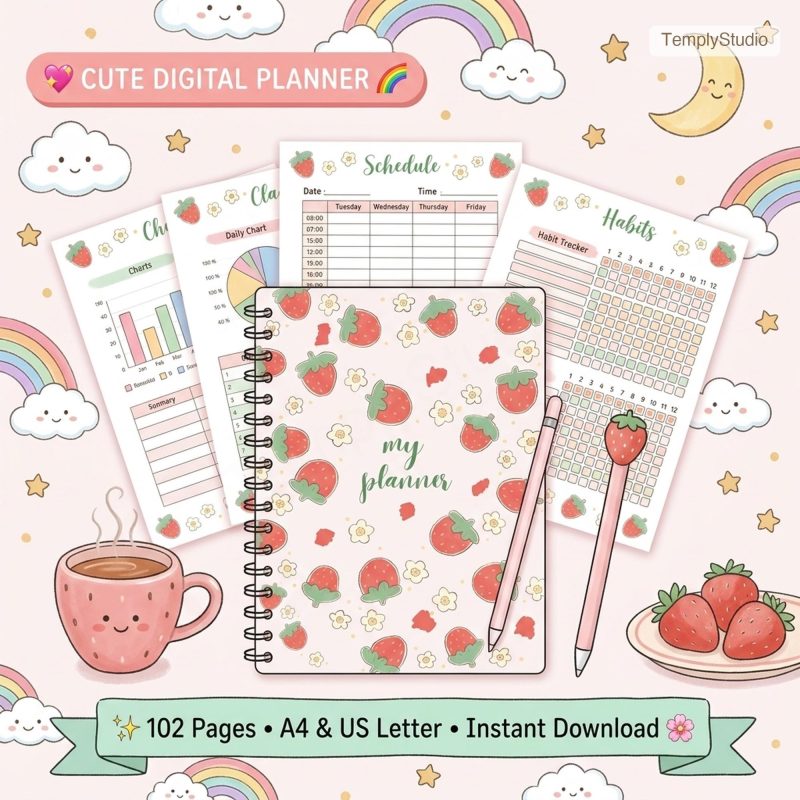
Explore more planning tools in the Digital Planner collection, including the Nursing School Planner 2027 and the Minimalist Daily Planner — the perfect companions to your new digital notebook for GoodNotes.
Reviews
There are no reviews yet.