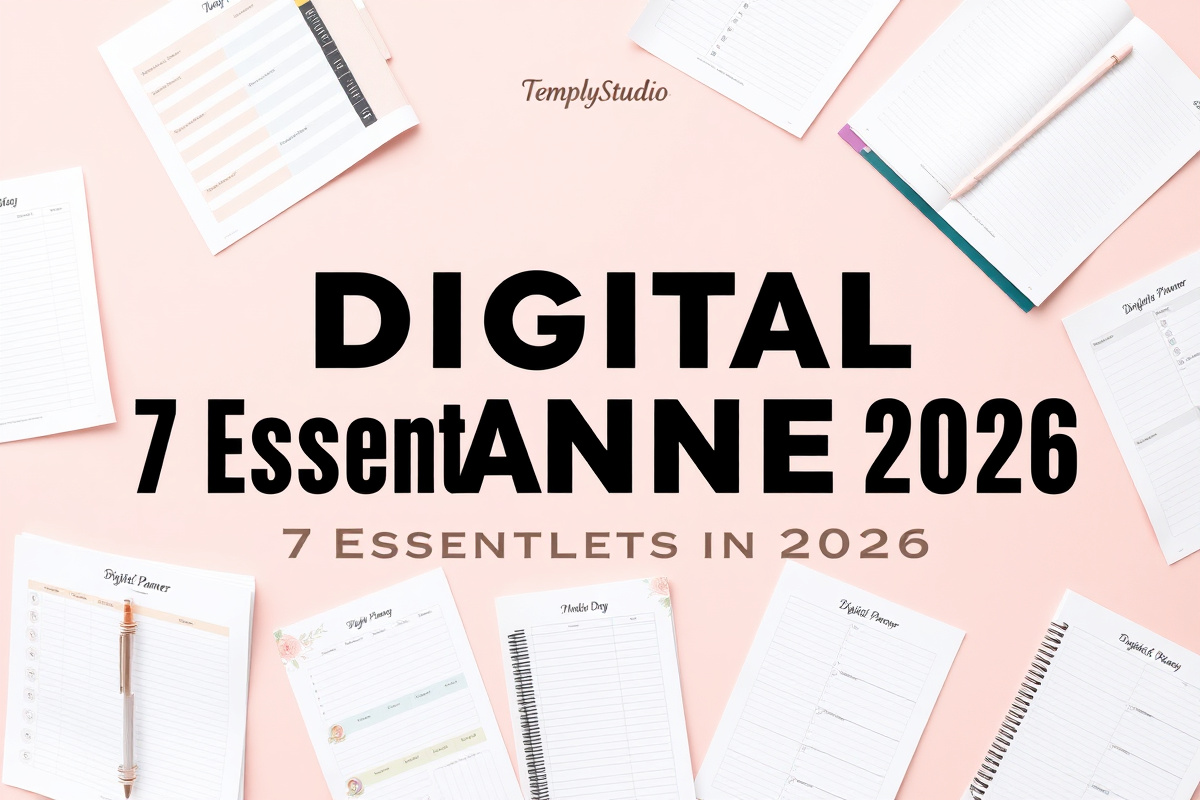
Gone are the days of lugging around a heavy binder and worrying about running out of pages. A digital planner is the modern solution for anyone who wants to merge the tactile satisfaction of planning with the limitless power of technology. It’s a customizable, portable, and dynamic system that lives on your tablet, phone, or computer, designed to adapt to your unique workflow and aesthetic.
What Exactly Is a Digital Planner?
At its core, a digital planner is a hyperlinked PDF or a template built within a dedicated app that replicates the experience of a traditional paper planner. However, it transcends its physical counterpart by being interactive, editable, and infinitely reusable. You can write with a stylus for that pen-to-paper feel, type notes for speed, insert images, move elements around, and link pages together for seamless navigation.
Think of it as a command center for your life — not just a calendar, but a journal, a goal tracker, a habit monitor, a project management board, and a creative outlet all in one. The best part? You never make a mistake you can’t undo.
The Anatomy of a Great Digital Planner
A well-designed digital planner is intuitive and comprehensive. It typically starts with a master index or dashboard, where every major section is just a tap away. From there, you’ll find yearly, monthly, weekly, and daily views — but the magic lies in the supplementary pages.
Hyperlinks are the backbone, allowing you to jump from a monthly calendar directly to a weekly spread, or from a task list to a dedicated project page. Customization is another key differentiator — with a digital planner, you’re not stuck with a pre-printed color scheme or layout.
7 Core Benefits of Switching to a Digital Planner
Moving your planning system into the digital realm offers tangible advantages that impact your efficiency, creativity, and even your wallet. Here are the 7 essential benefits that make the switch well worth it in 2026.
1. Unmatched Portability and Sync
Your entire planning system — every appointment, note, and list — is with you on all your devices. Update a meeting time on your phone during your commute and it’s instantly reflected on your tablet at home. For professionals, students, or parents juggling multiple responsibilities, this seamless access is a game-changer.
Furthermore, searchability transforms how you find information. Need to recall what you discussed in a meeting last March? Instead of sifting through twelve months of pages, use the text search function in your app. This turns your digital planner into a personal database.
2. Infinite Customization and Flexibility
A physical planner is static. A digital planner is a living document. Don’t like the default weekly layout? Duplicate a page from a different template. Need a specialized tracker for a 30-day challenge? Create it using simple shapes and text boxes. This flexibility allows your planner to evolve with your changing needs.
For creative minds, the aesthetic possibilities are endless. With a vast library of digital stickers, washi tapes, and fonts available online, you can decorate your pages without the bulk or permanence of physical supplies.
3. Cost-Effectiveness Over Time
The initial investment might include a tablet and a stylus like the Apple Pencil or Samsung S-Pen. However, once you have the hardware, the ongoing costs plummet. A high-quality digital planner PDF is often a one-time purchase of $15–$30 — unlike a $50+ physical planner you replace every single year.
You also save significantly on accessories. Digital stickers cost a fraction of physical ones, and you can reuse them infinitely. The long-term savings, especially for dedicated planners, are substantial.
4. Enhanced Productivity and Organization
The digital format introduces automation and efficiency that paper simply cannot. Duplicating recurring tasks takes seconds. You can link related information — for example, linking a project task to a folder containing relevant documents — creating a centralized hub for all your work.
This level of organization reduces cognitive load. When your system is reliable and all-encompassing, you free up mental energy for deep work and creativity instead of using it to remember where you wrote something down.
5. Eco-Friendly and Sustainable
By using one digital file year after year, you eliminate the need for annual purchases of physical planners, notebooks, and pens that eventually become waste. It’s a sustainable choice that aligns with a minimalist, intentional lifestyle — a priority for many modern consumers in 2026.
Consider the environmental impact: millions of paper planners are discarded globally each year. Switching to a digital planner is a small but meaningful step toward reducing your personal carbon footprint.
6. Creative Expression and Aesthetic Freedom
Your digital planner can be a minimalist, professional tool one day and a colorful, inspirational vision board the next. Many planners come with multiple cover options, various page templates, and compatible sticker packs. You can change your planner’s look with the seasons or your mood, keeping the planning process fresh and genuinely enjoyable throughout the year.
This creative engagement is not a luxury — it’s a powerful motivational tool. When you enjoy opening your planner each morning, you’re far more likely to stick to your planning habit long-term. For more on building consistent routines, see our guide to building sustainable productivity habits.
7. Future-Proof Planning with AI Integration
The evolution of digital planning is accelerating rapidly. We’re already seeing AI-powered scheduling suggestions within apps like Notion and Structured. In 2026 and beyond, expect AI to analyze your productivity patterns and automatically suggest optimal time blocks, flag overloaded days, and even generate weekly review summaries from your entries.
Augmented Reality (AR) could soon allow you to project your digital planner onto your physical desk. Cross-app automation will deepen further, with your planner pulling in deadlines from project management tools and logging fitness data automatically. Your digital planner will evolve alongside you.
Choosing the Right App for Your Digital Planner
Your experience is heavily influenced by the app you choose. The platform dictates how you interact with the file, the tools at your disposal, and the overall smoothness of your workflow. Here are the top contenders.
GoodNotes — Best for Handwriting
GoodNotes is arguably the most popular app for digital planning, especially on iPad. It is beloved for its realistic pen strokes, excellent eraser and highlighter tools, and intuitive folder organization. It treats imported PDFs like real notebooks, complete with clickable hyperlinks. Its strength lies in creating a very authentic, handwriting-focused experience with powerful handwritten text search.
Notion — Best for Power Users
Notion takes a different approach entirely. Instead of a PDF, you build your planner within Notion’s powerful database and block system. This offers unparalleled flexibility — your weekly plan can be a linked database that automatically filters tasks based on the date. While it has a steeper learning curve, it’s ideal for those who want a deeply interconnected, data-driven system that works across all platforms.
Other Excellent Options
Noteshelf and Nebo offer superb handwriting recognition. OneNote by Microsoft is free and excellent for those in the Microsoft ecosystem. For Android and Samsung tablet users, Penly and Samsung Notes are robust choices that support PDF annotation beautifully.
Common Pitfalls and How to Avoid Them
Transitioning to a new system comes with learning curves. Being aware of common issues can help you navigate them smoothly and avoid the frustration that causes most people to abandon their new system within the first month.
Over-Customization and Perfectionism
It’s easy to fall into the trap of spending more time decorating your planner than actually using it. Remember: it’s a tool, not an art project. Set a time limit for customization and start with a functional, simple layout. The goal is productivity and clarity, not perfection.
App Overload and Inconsistency
Jumping between too many apps defeats the purpose of a centralized planner. Commit to using your digital planner as your main hub for a solid 30 days. If a specific function is weak, find one complementary app to link to, but keep the master record in your planner.
Conclusion
Adopting a digital planner is more than a change of medium; it’s an upgrade to your entire operational system. The 7 benefits — portability, customization, cost savings, productivity, sustainability, creative freedom, and AI-readiness — make a compelling case for the switch. As we move through 2026, these tools will only become more intelligent and integrated. Whether you choose the handwritten authenticity of GoodNotes or the database power of Notion, the right digital planner can transform chaos into clarity.
Frequently Asked Questions (FAQ)
Do I need an iPad to use a digital planner?
No. While an iPad with Apple Pencil offers a premium experience, you can use a digital planner on any tablet that supports a stylus and a PDF annotation app — including Samsung Galaxy tablets, Microsoft Surface devices, or even laptops. You can also use typing functions in apps like Adobe Acrobat or Notion on any computer.
Is there a steep learning curve?
There’s an initial learning period, but it’s generally short. If you’re familiar with using a tablet and a basic note-taking app, you’ll pick it up quickly. Most planner sellers provide short tutorial videos. Start with the core tools — writing, erasing, navigating with hyperlinks, and adding text — then learn advanced customization over time.
How do I back up my digital planner?
This is crucial. Most apps like GoodNotes and Notion have automatic cloud sync to iCloud, Google Drive, or their own servers. Ensure this sync is enabled. For extra security, periodically export a full backup PDF of your planner file and save it to Dropbox or an external hard drive.
Temply Studio
Stop chasing your goals with sticky notes and scattered notebooks. Our premium digital planners and Canva templates are designed to help you plan with intention, stay consistent, and actually enjoy the process.

Reviews
There are no reviews yet.